




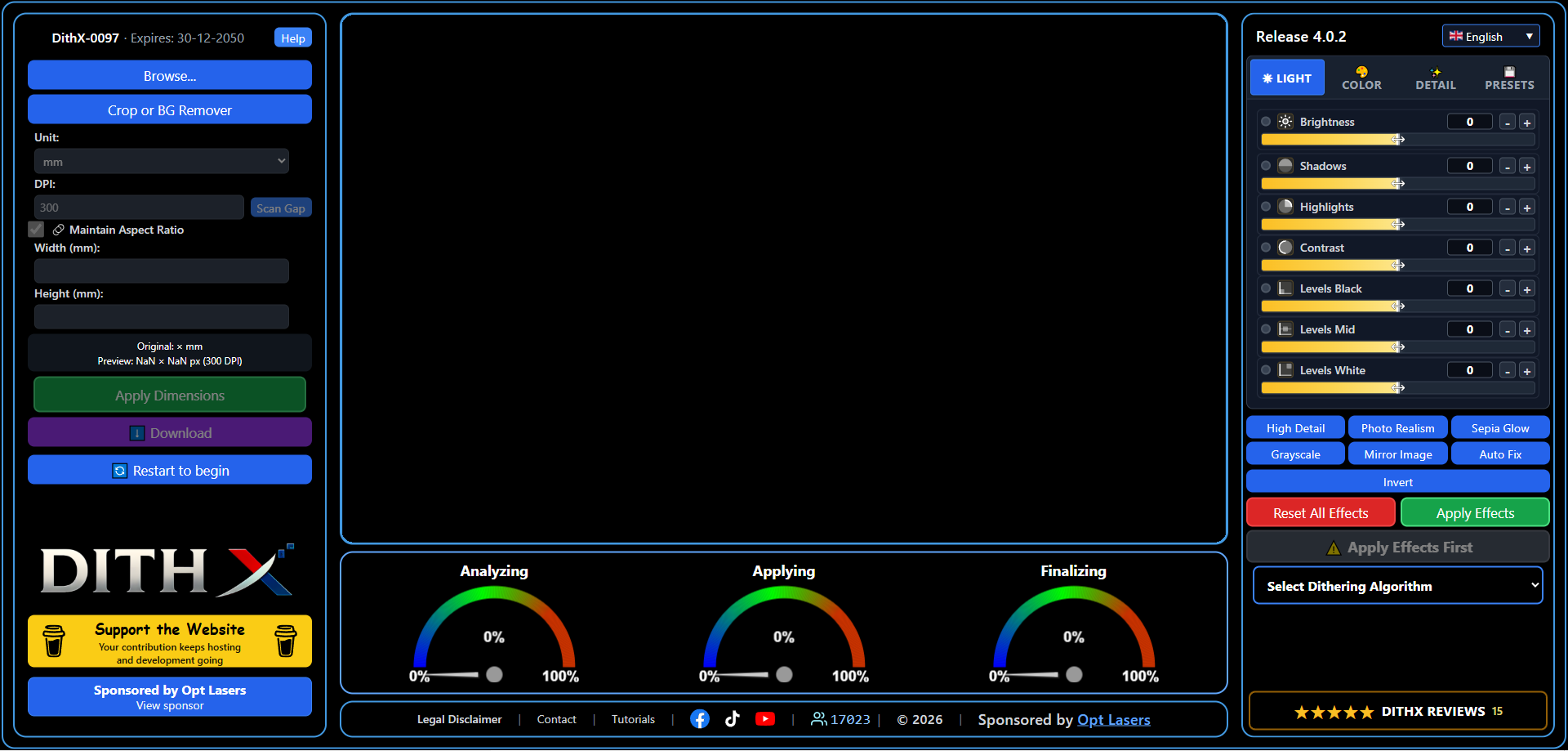





















The DithX Process
1. Upload & Info
Upload PNG, JPEG/JPG, WebP, or BMP (about 25 MB). DithX reads pixel size and DPI when available and opens the image in the editor.
2. Pro Cropping
Crop with Square, Rectangle, Circle, or Freehand. Inline Crop, Corner Radius (0–100%) on square/rectangle, then Apply and Confirm.
3. Background Tools
AI Background Remover with Erase, Restore, and Fill brushes (1–200 px), Undo/Redo, zoom 1x–20x. New background: Transparent, Solid Color, or Image. DithX PR (Precision Reconstruction).
4. Precise Dimensions
Set width, height, and DPI in mm, inch, or pixels. Keep aspect ratio optional. Apply Dimensions locks size for the full workflow (default DPI 300).
5. Effects & Text Editor
Light, Color, and Detail effects with live split preview and presets (High Detail, Photo Realism, Auto Fix, and more). Multi-layer Text Editor with fonts, stroke, curve/bend, glow, and blend modes.
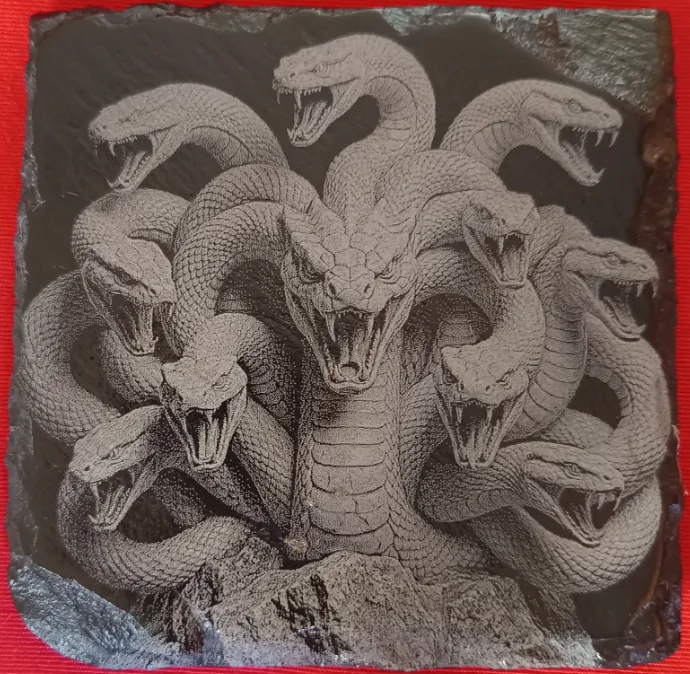
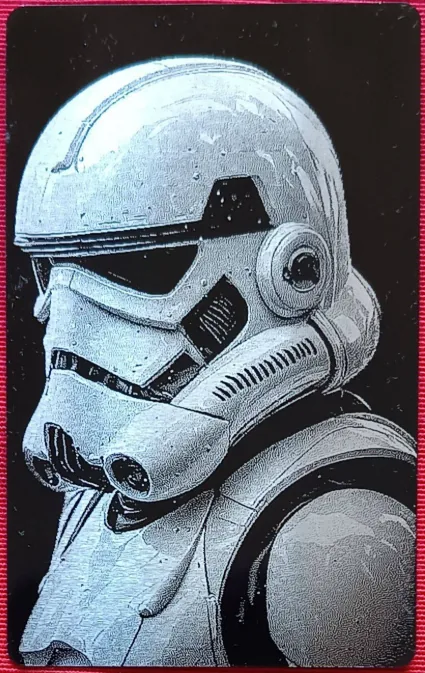
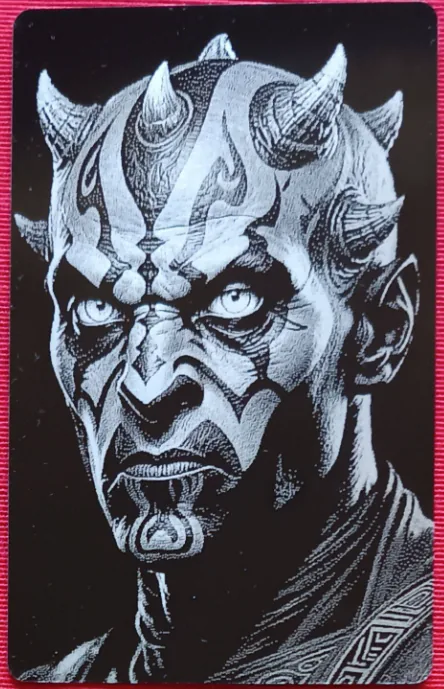
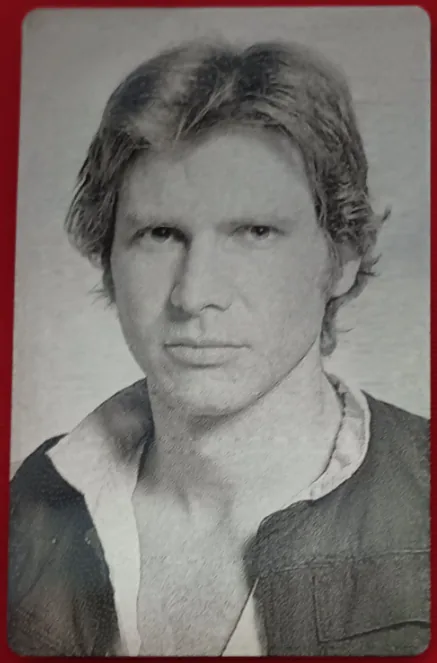
6. Dithering
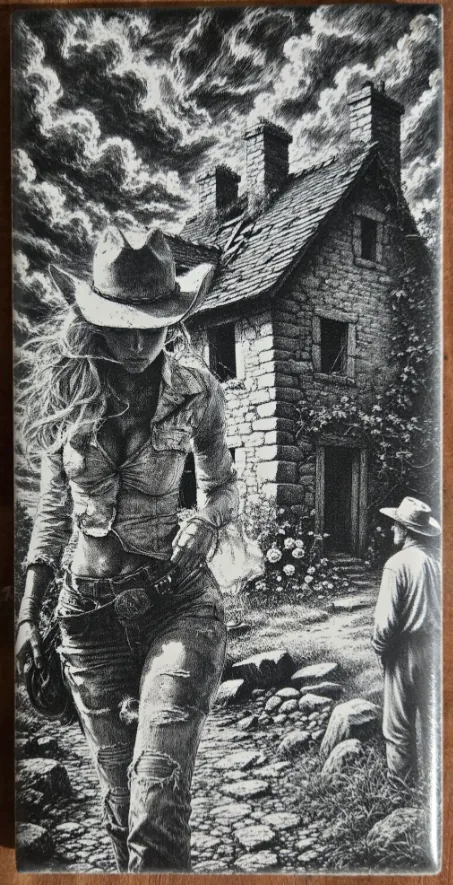
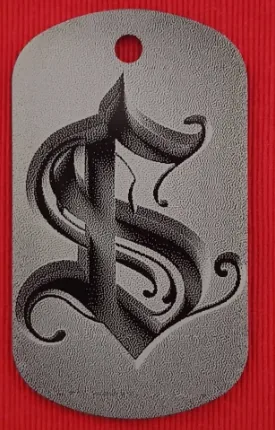
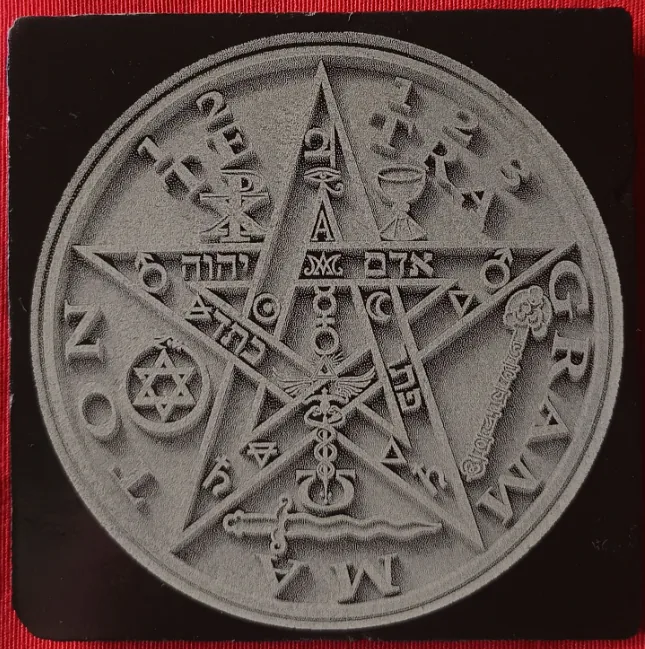
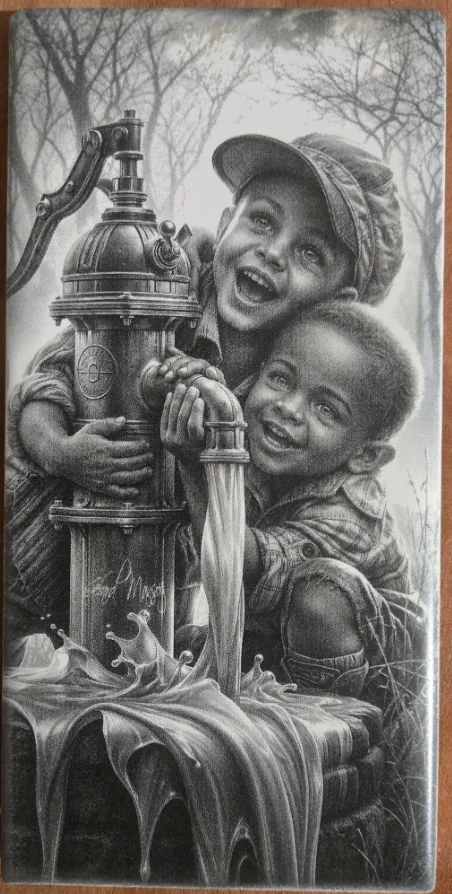
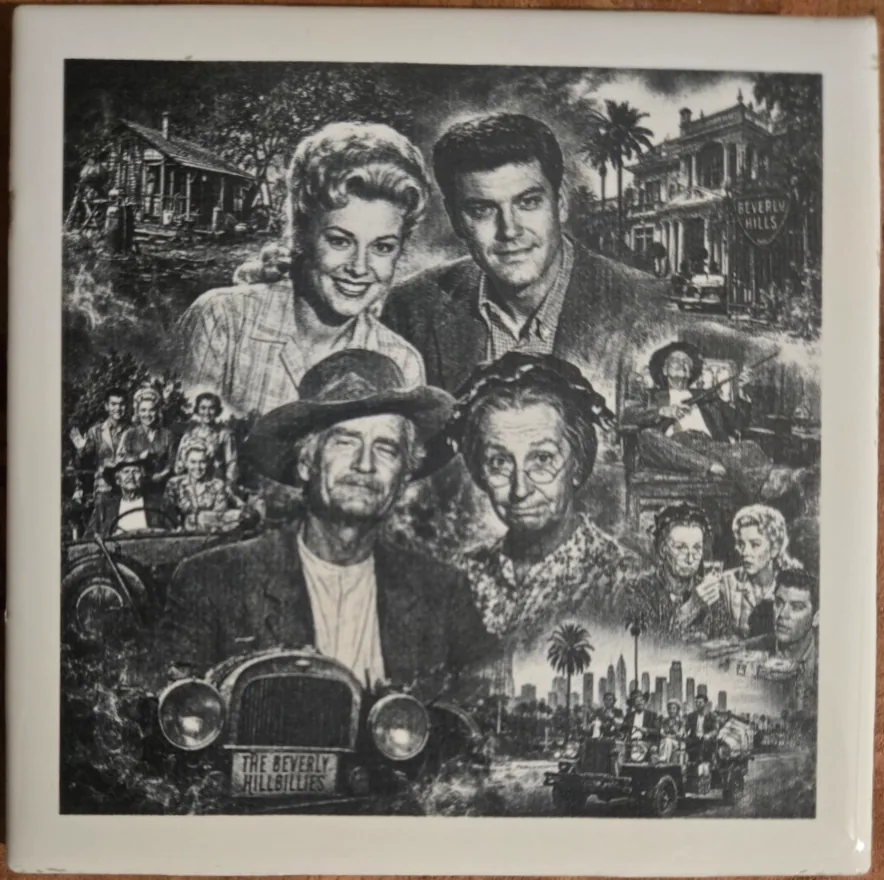
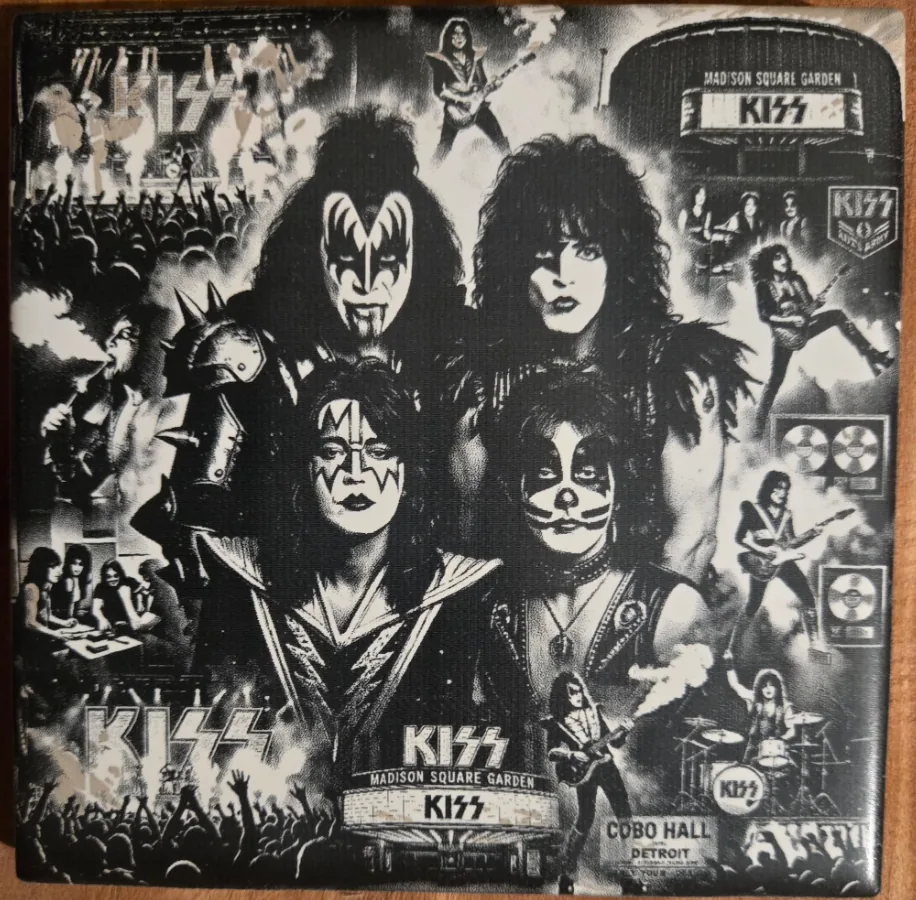
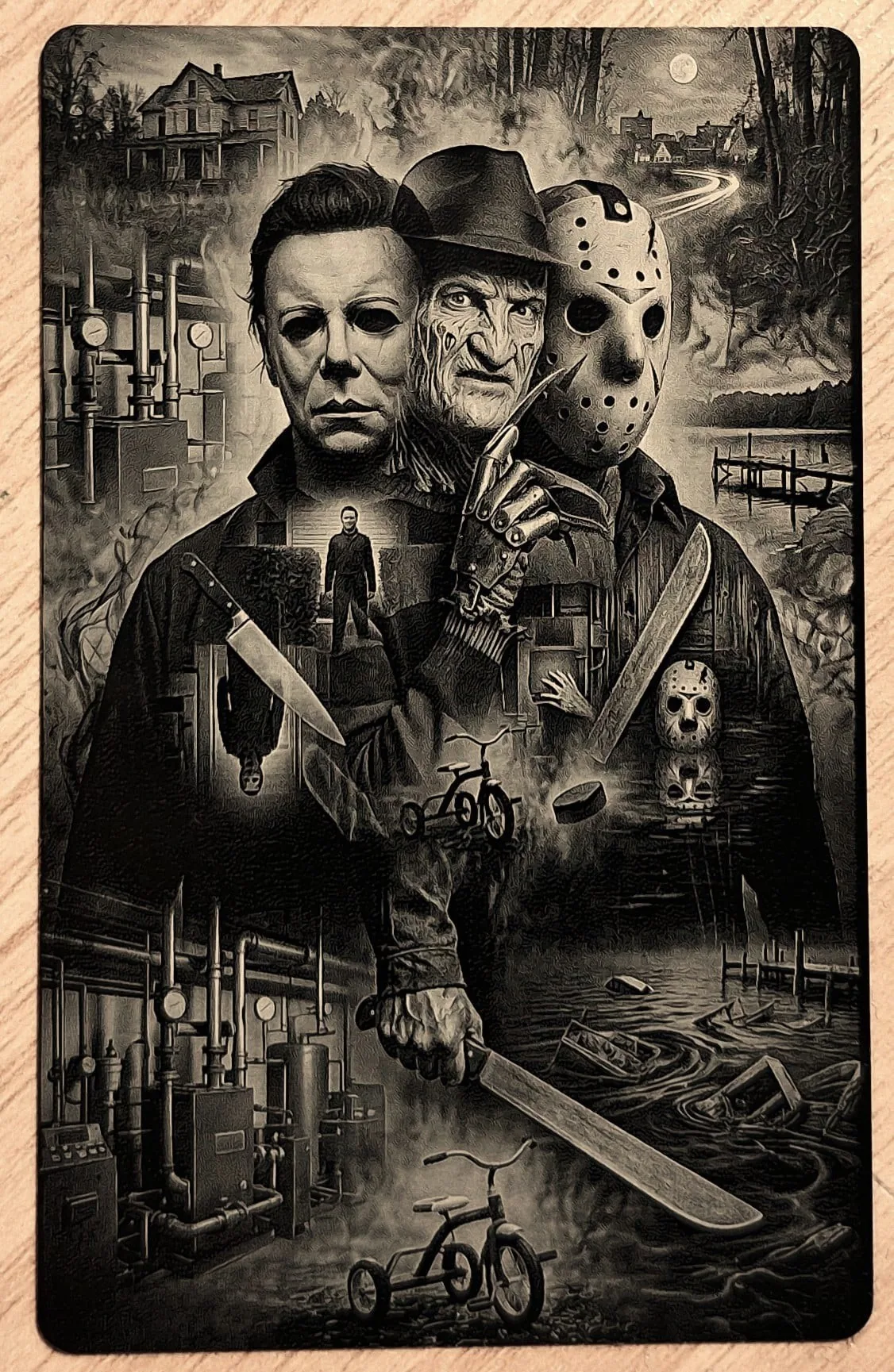
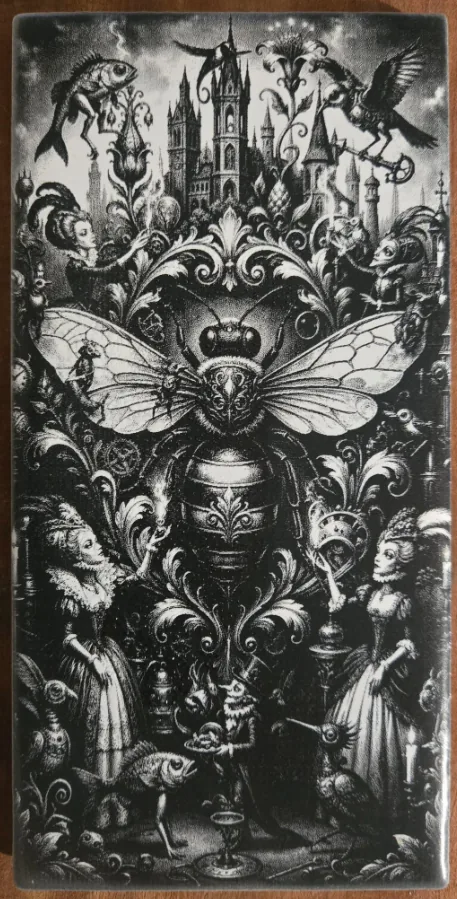
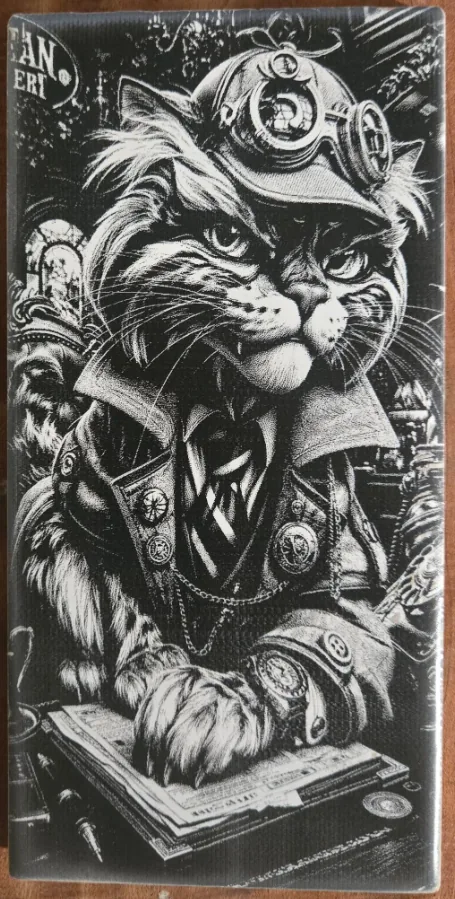
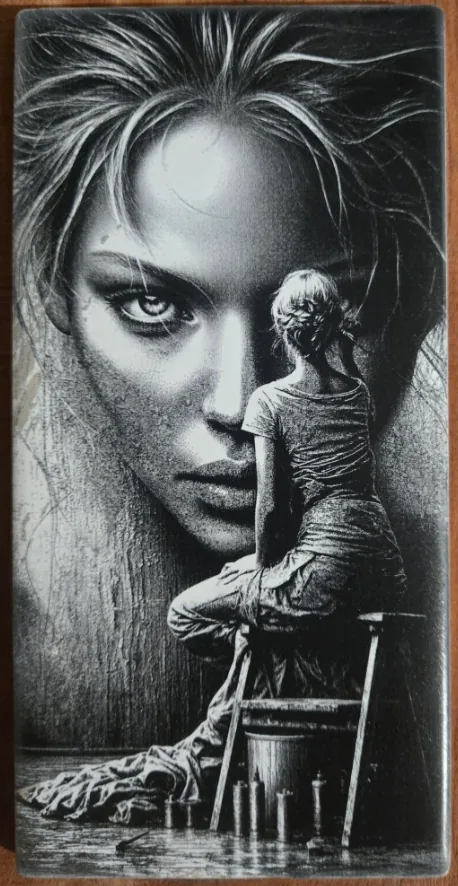
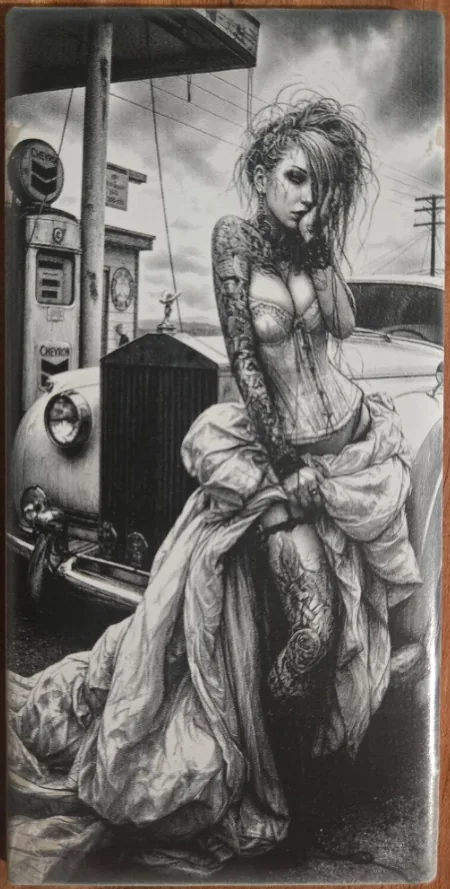
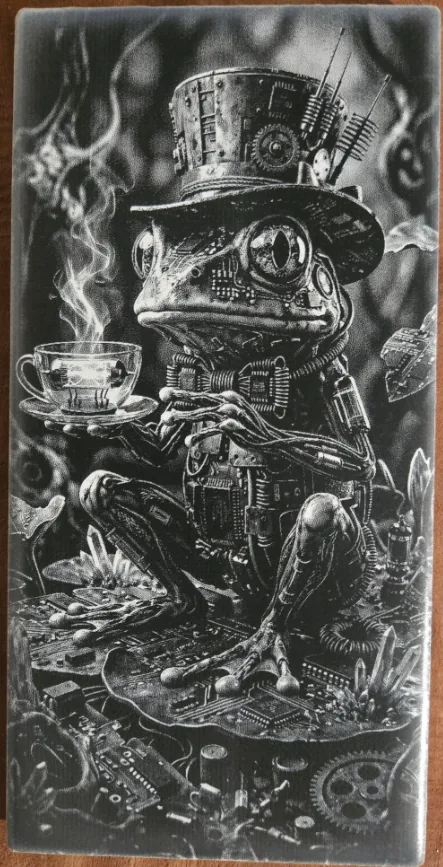
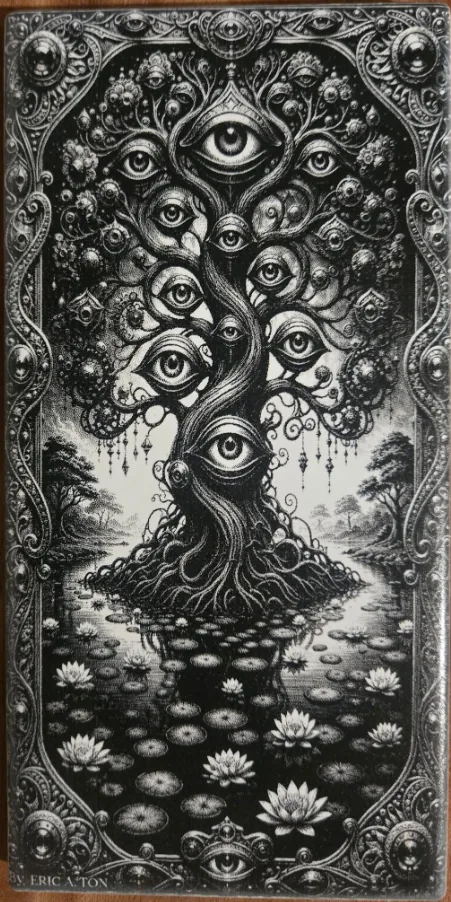
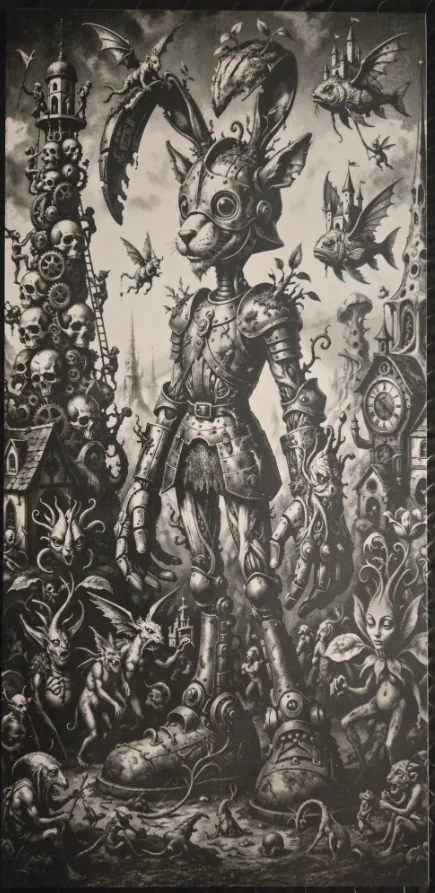
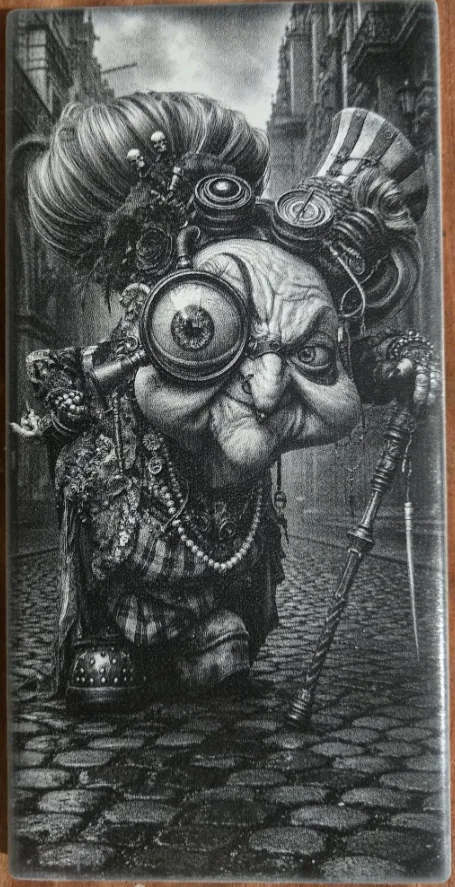
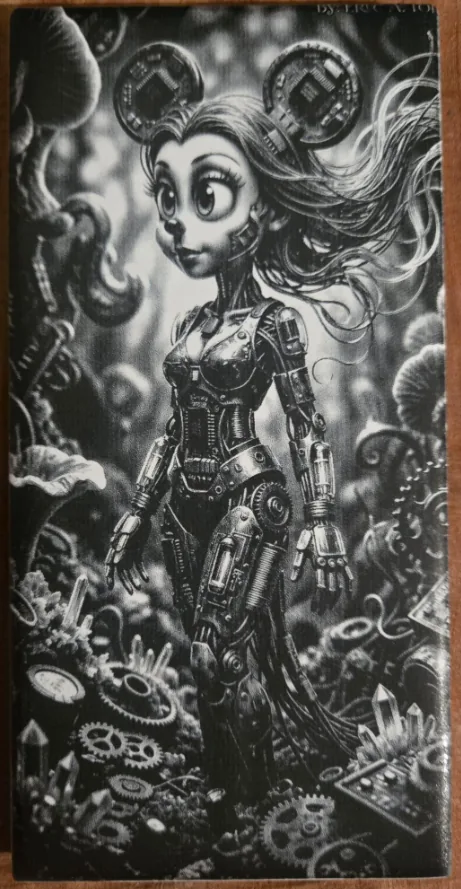
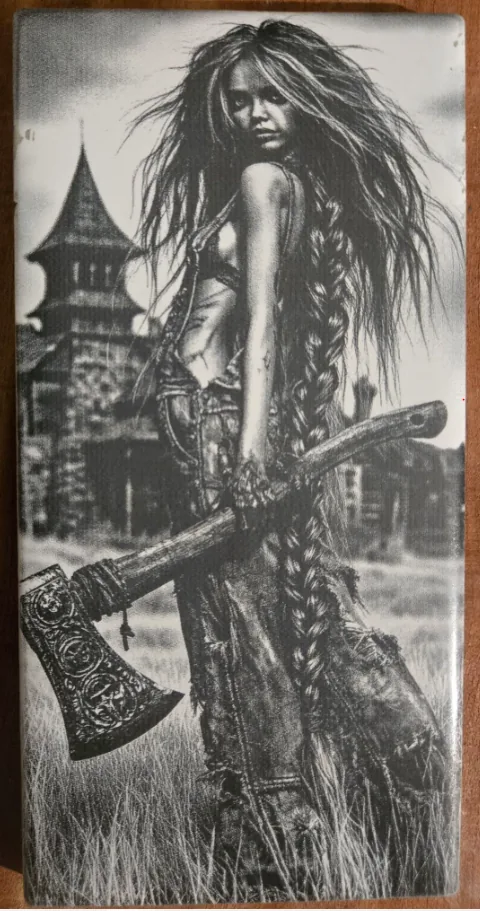
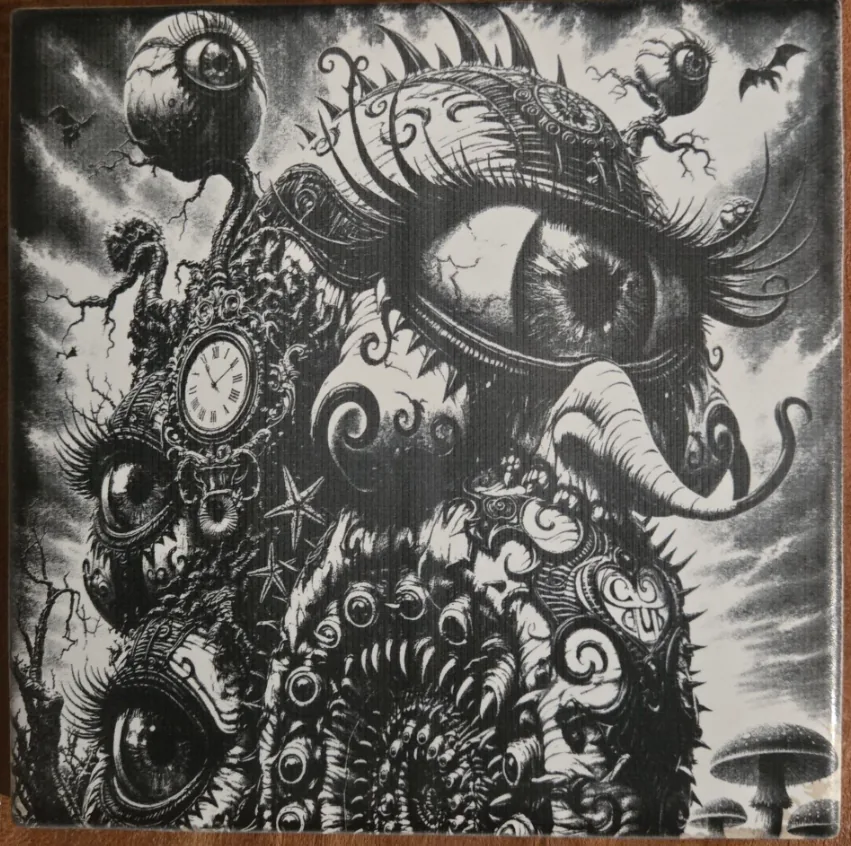
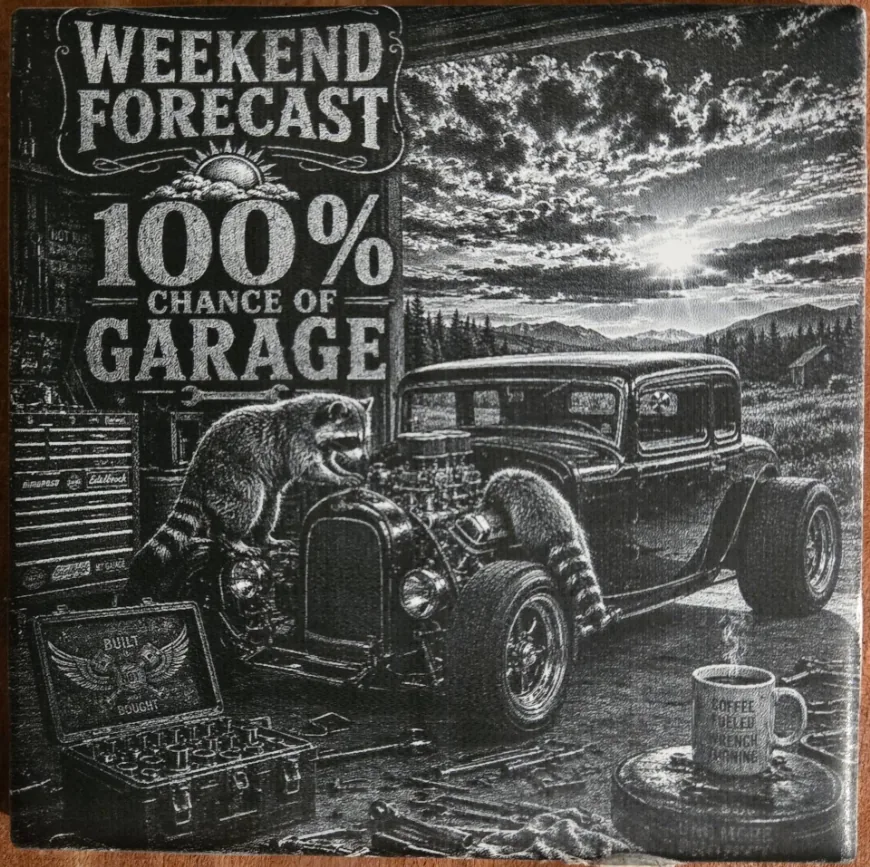
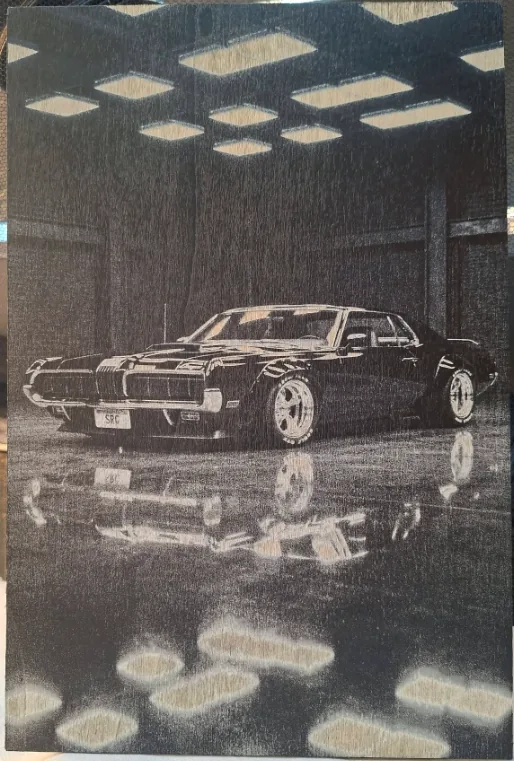
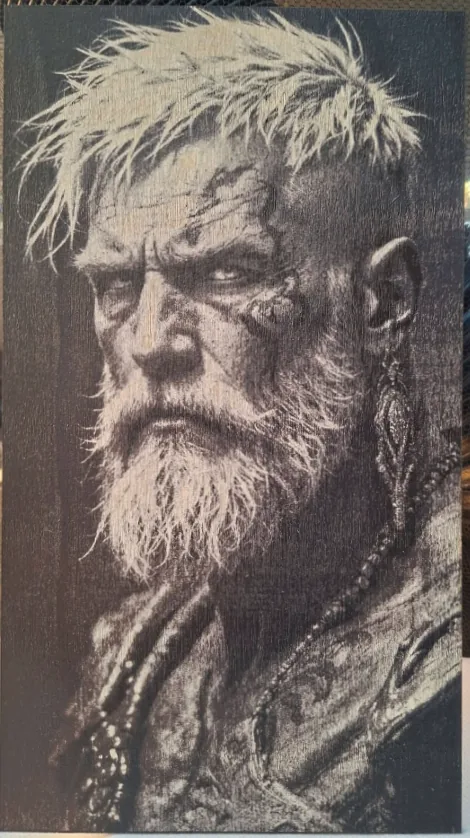
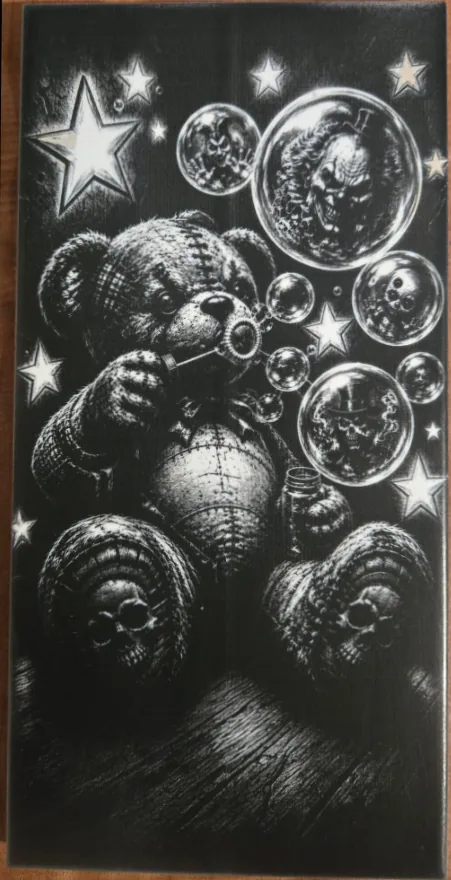
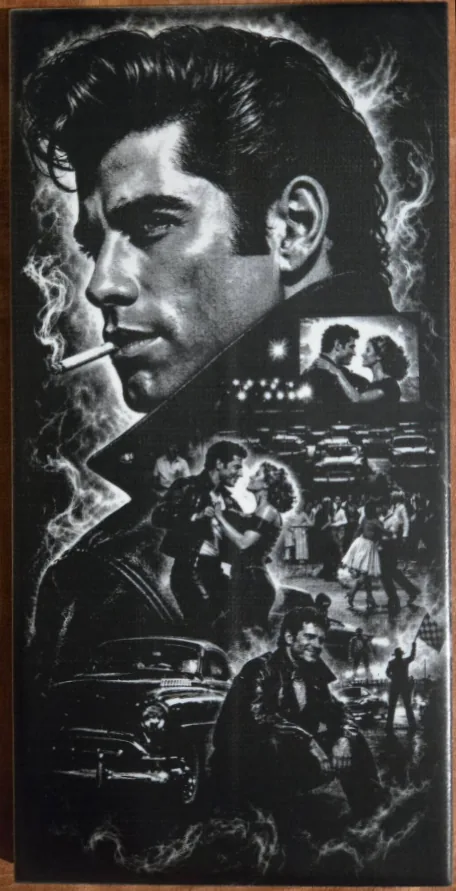
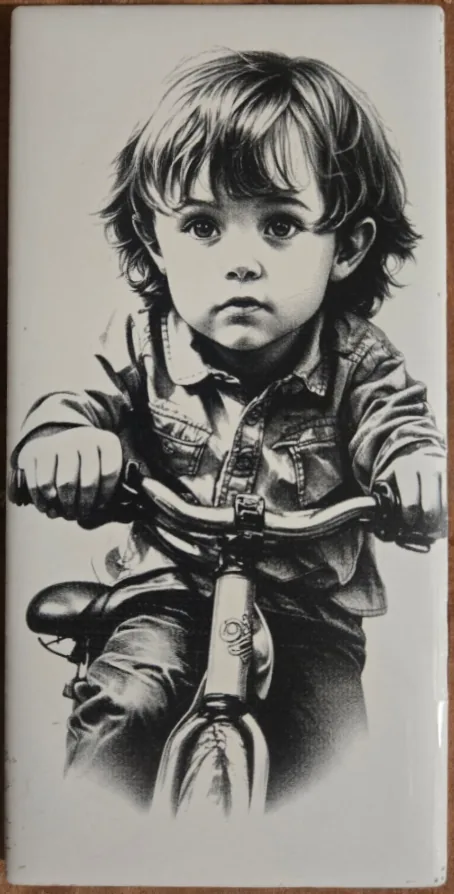
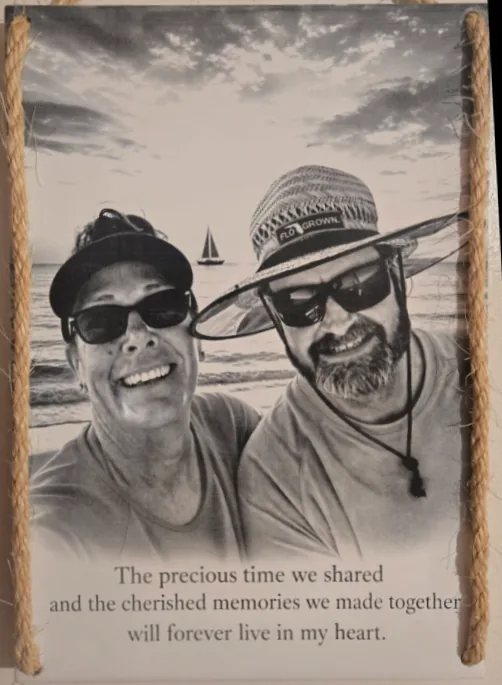
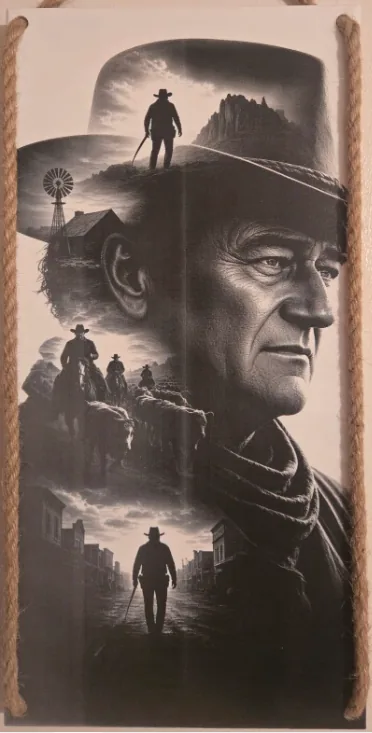
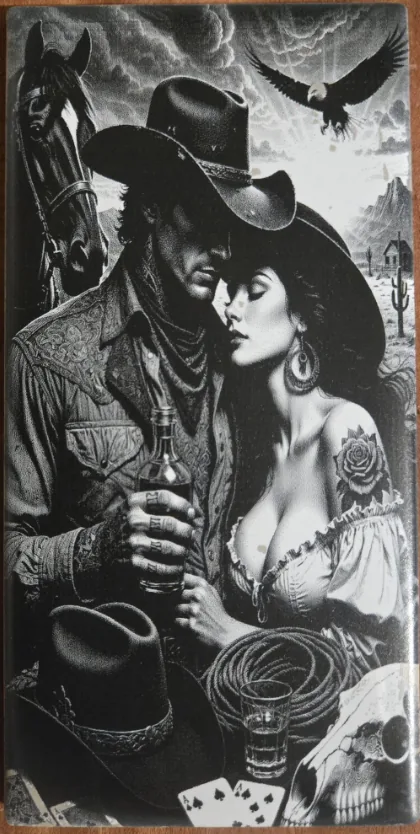
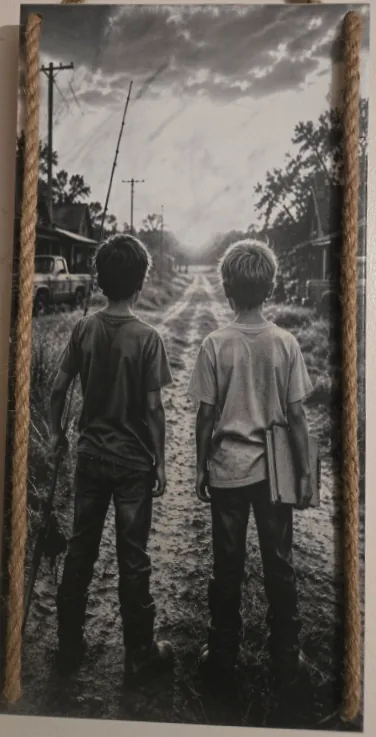
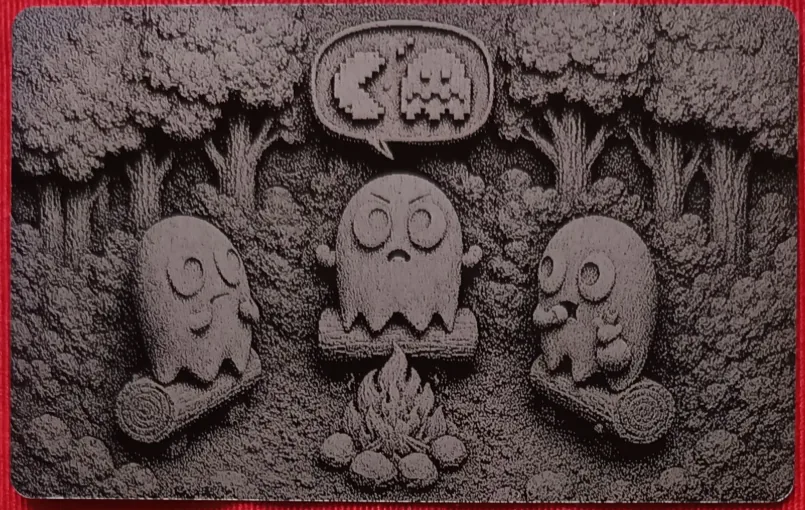
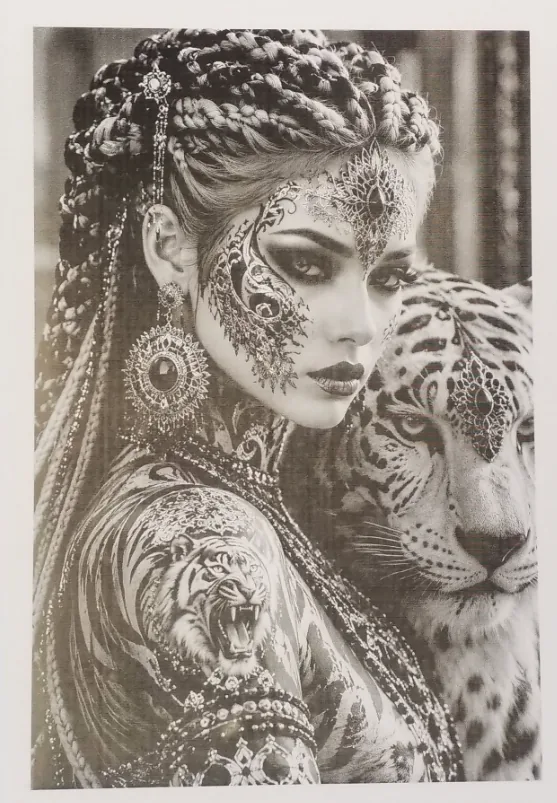
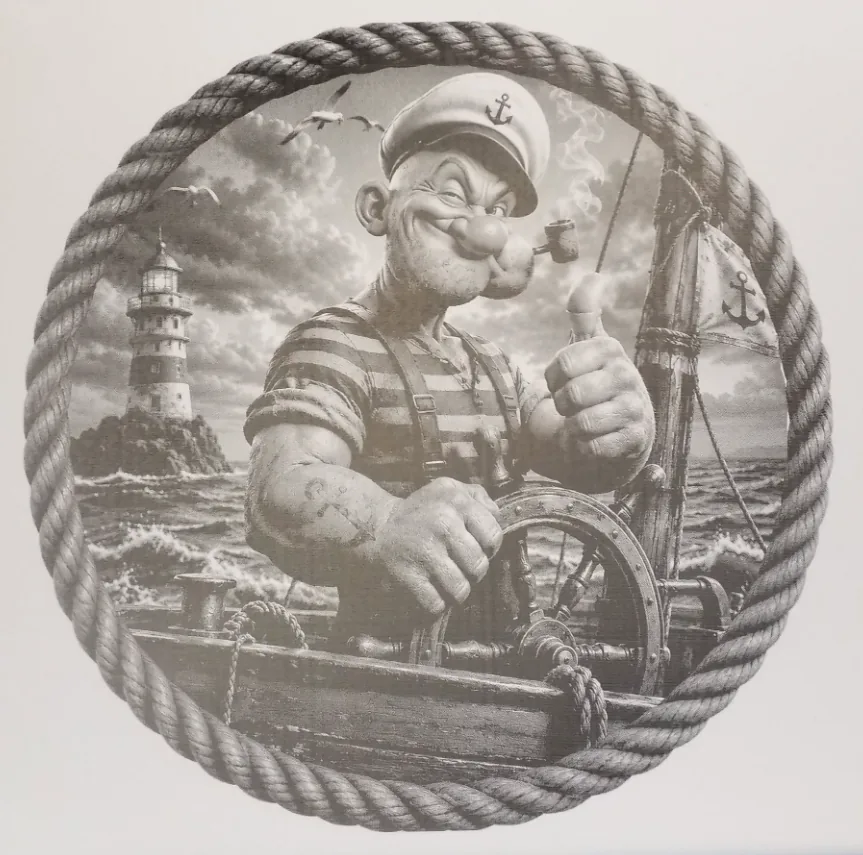
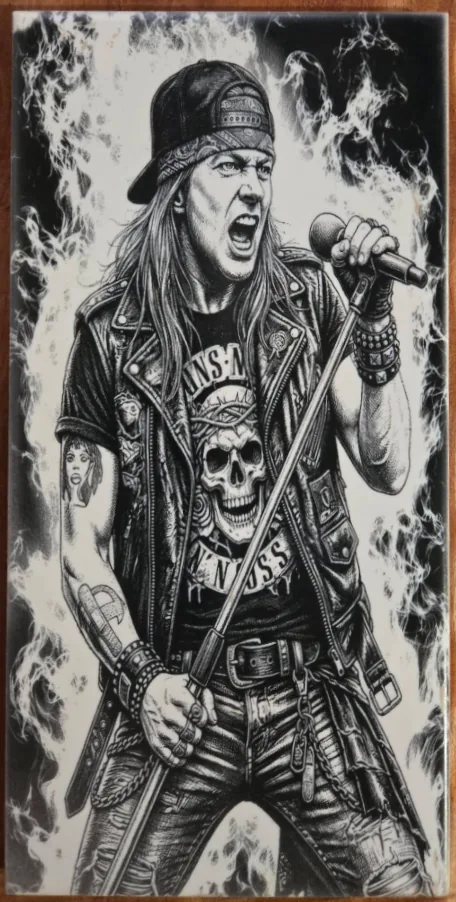
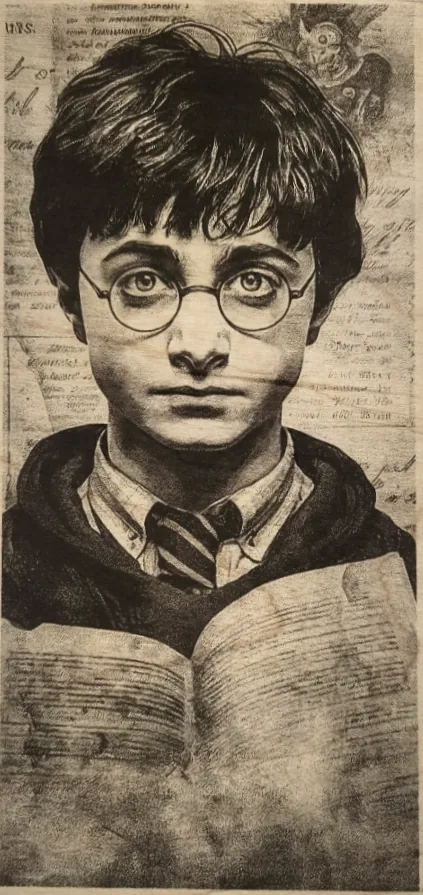
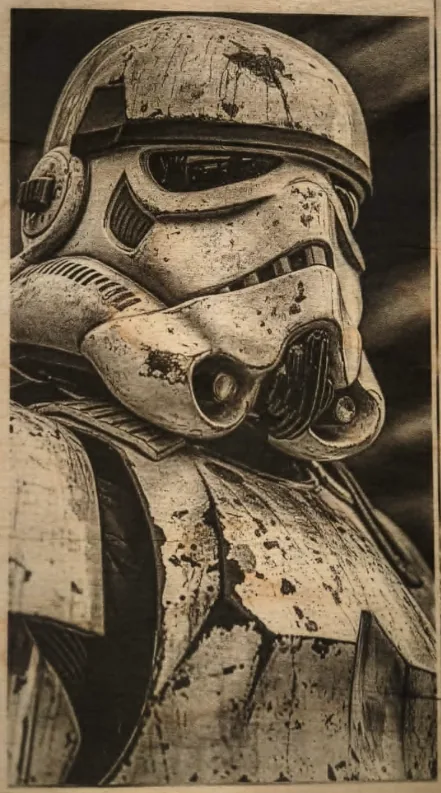
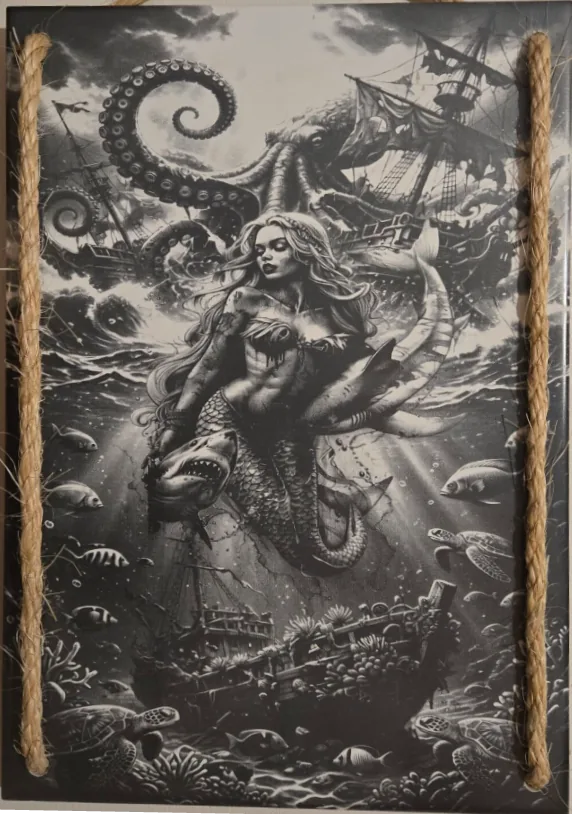
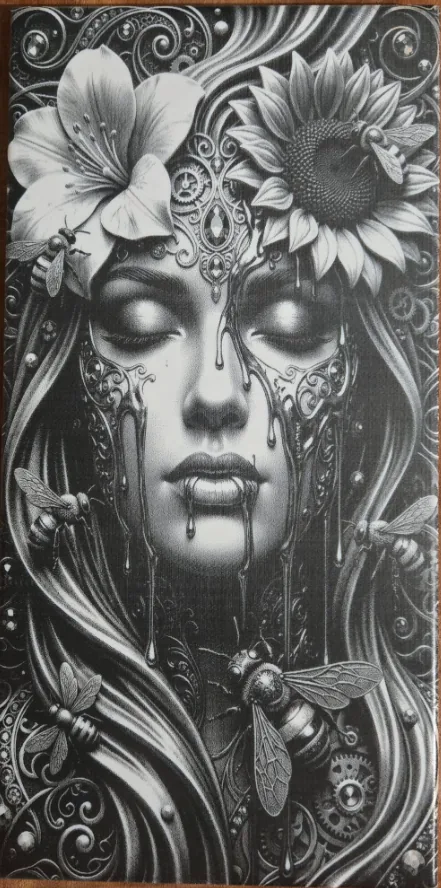
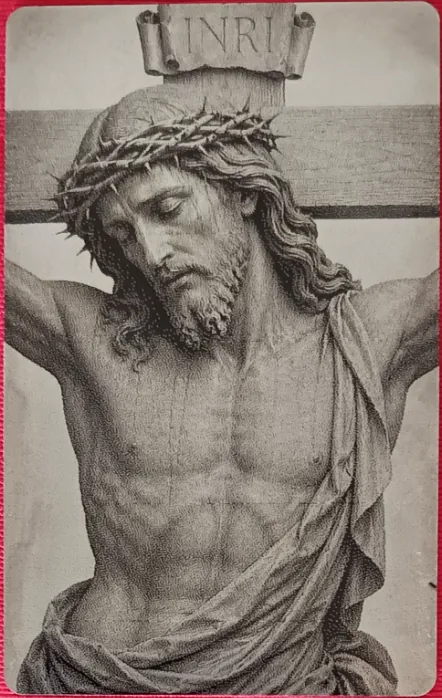
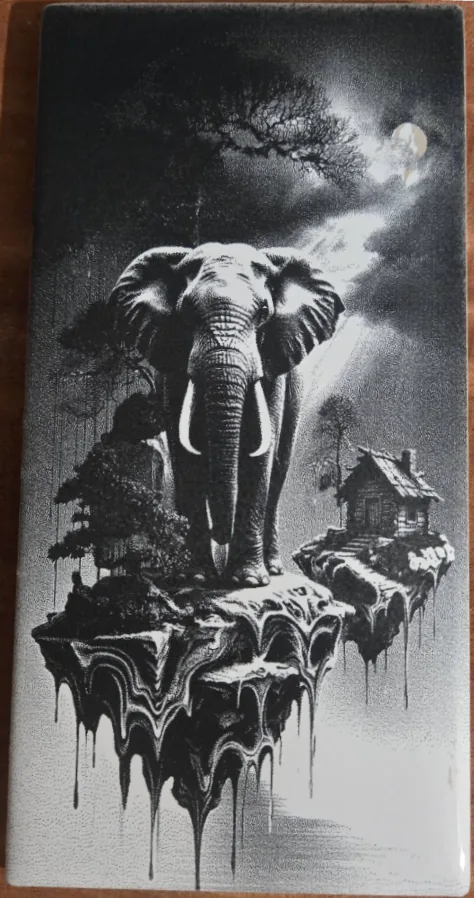
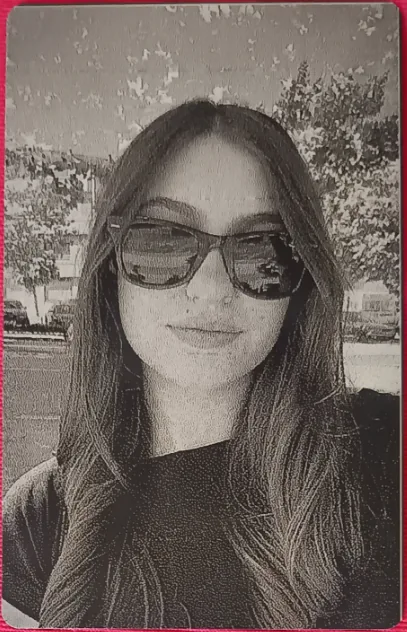
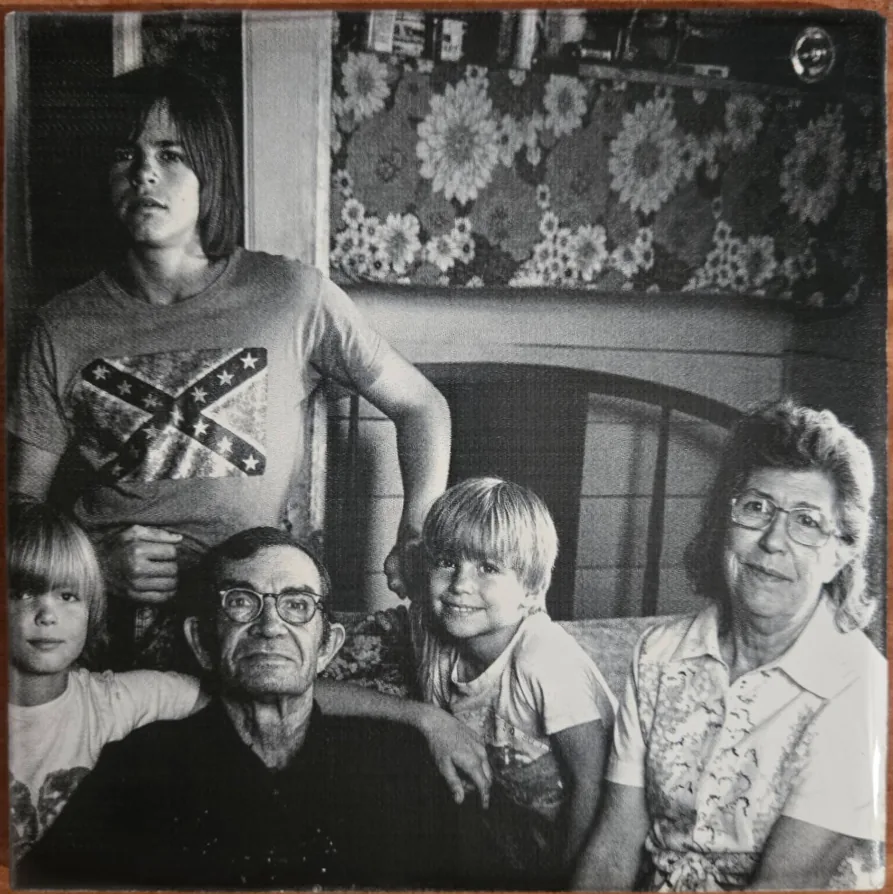
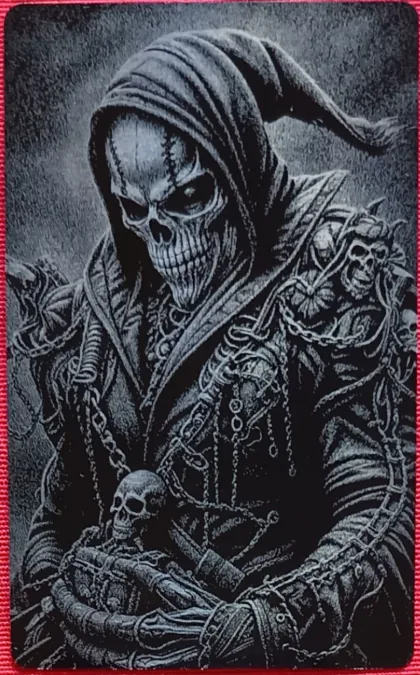
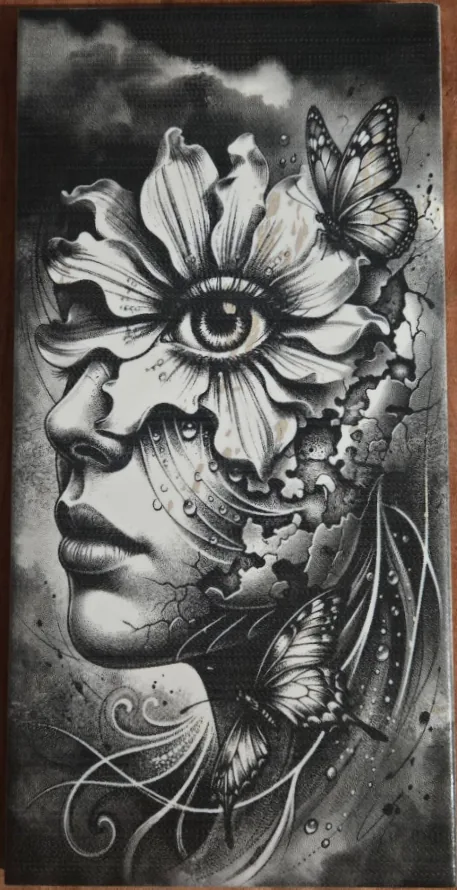
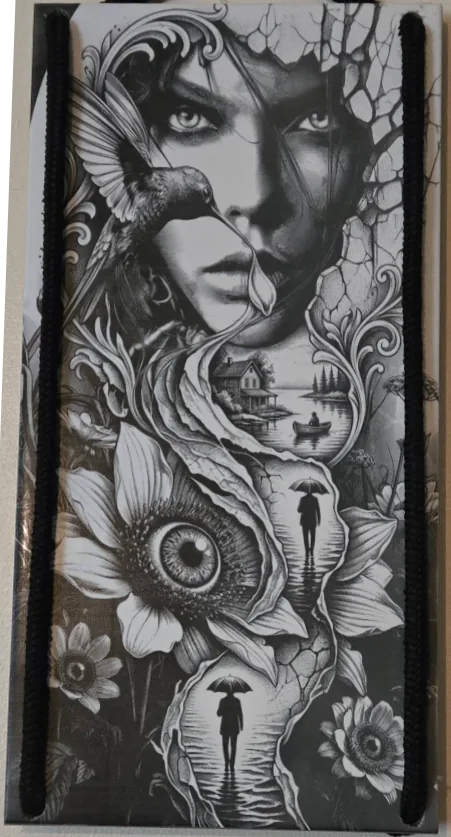
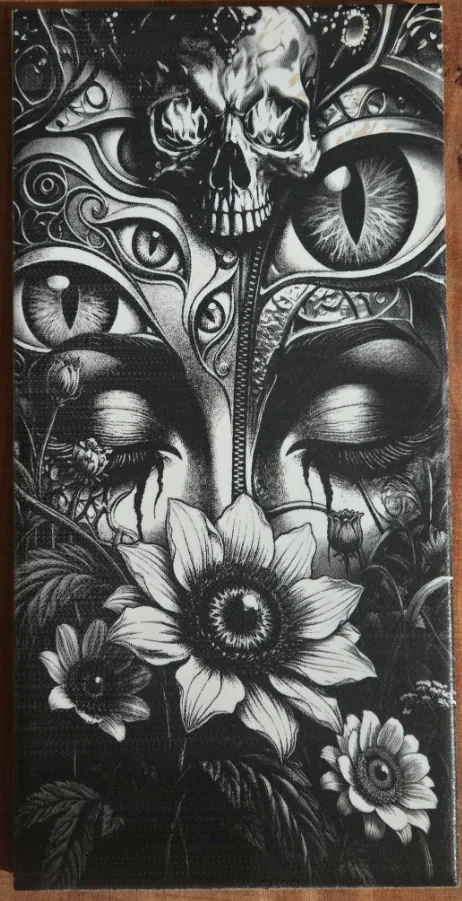
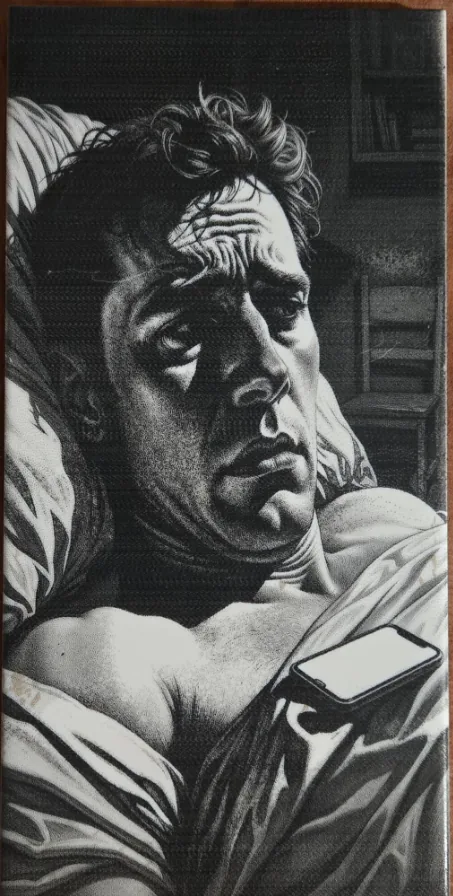
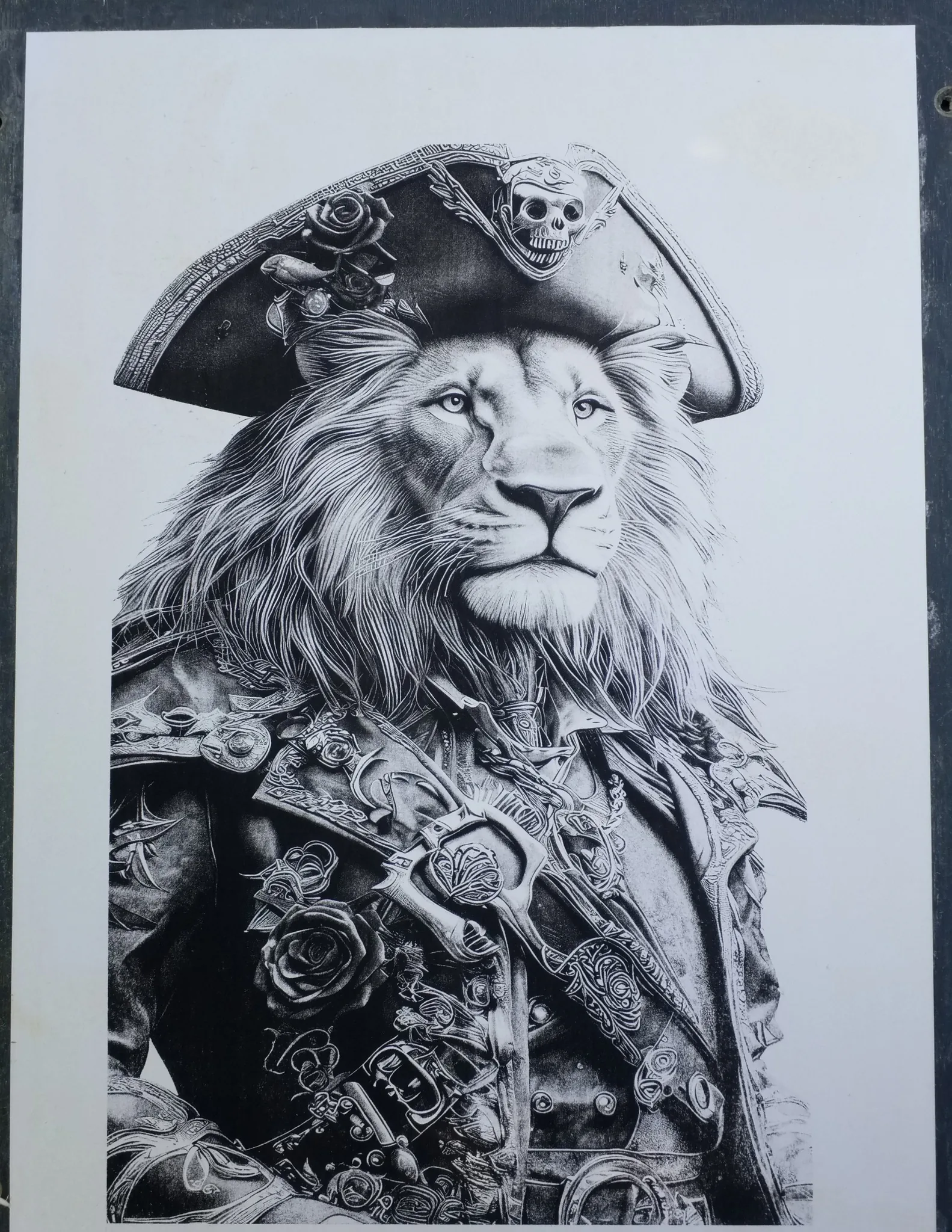
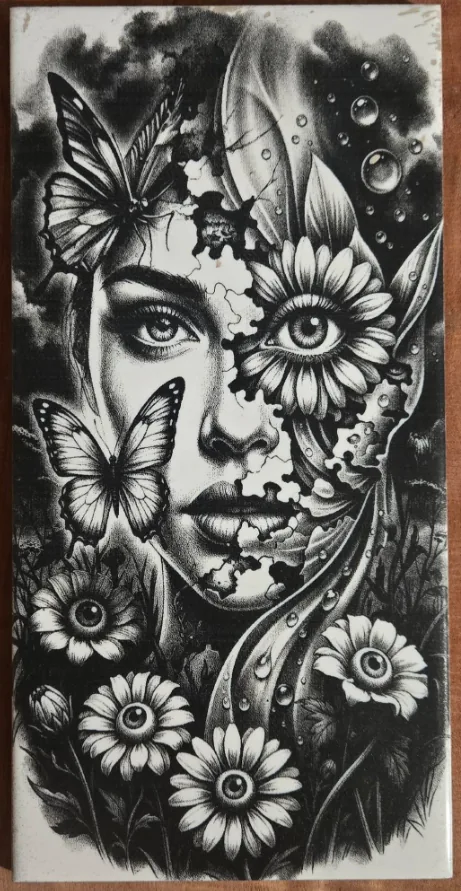
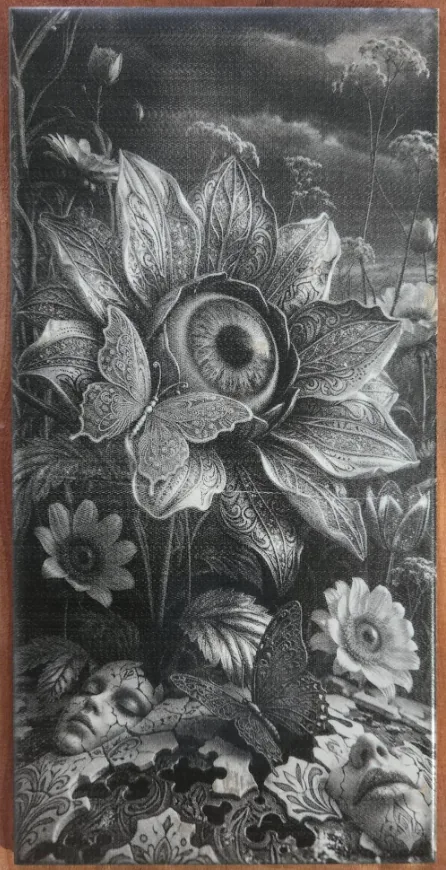
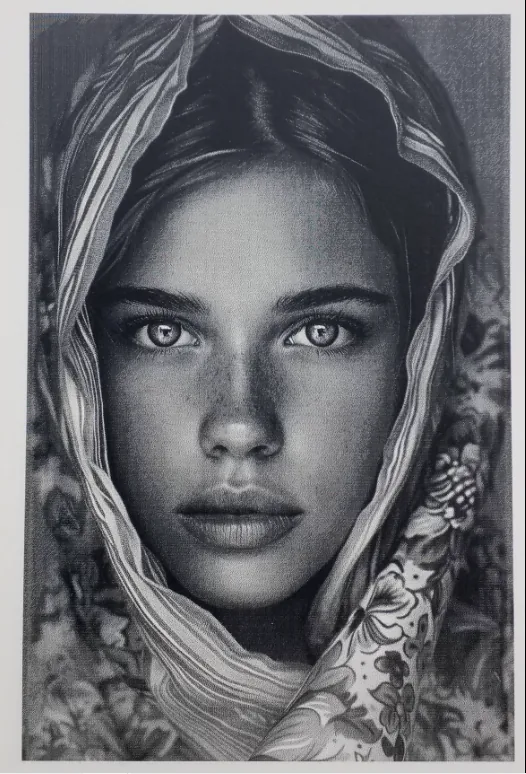
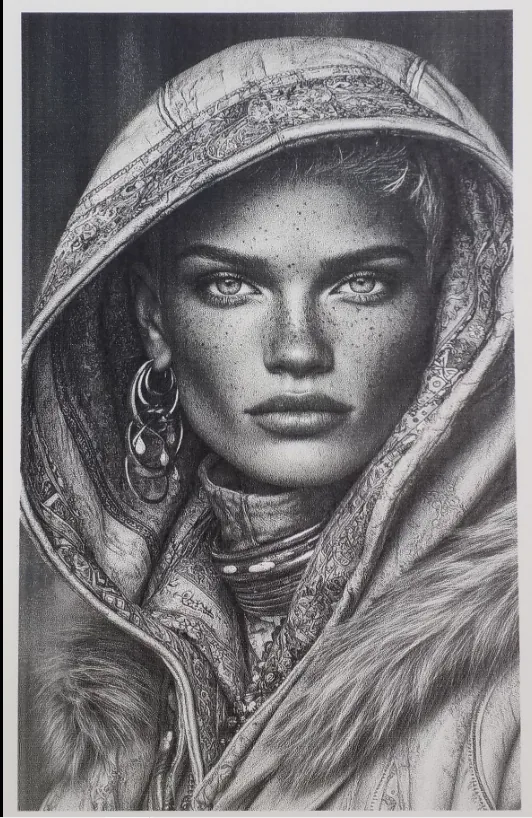
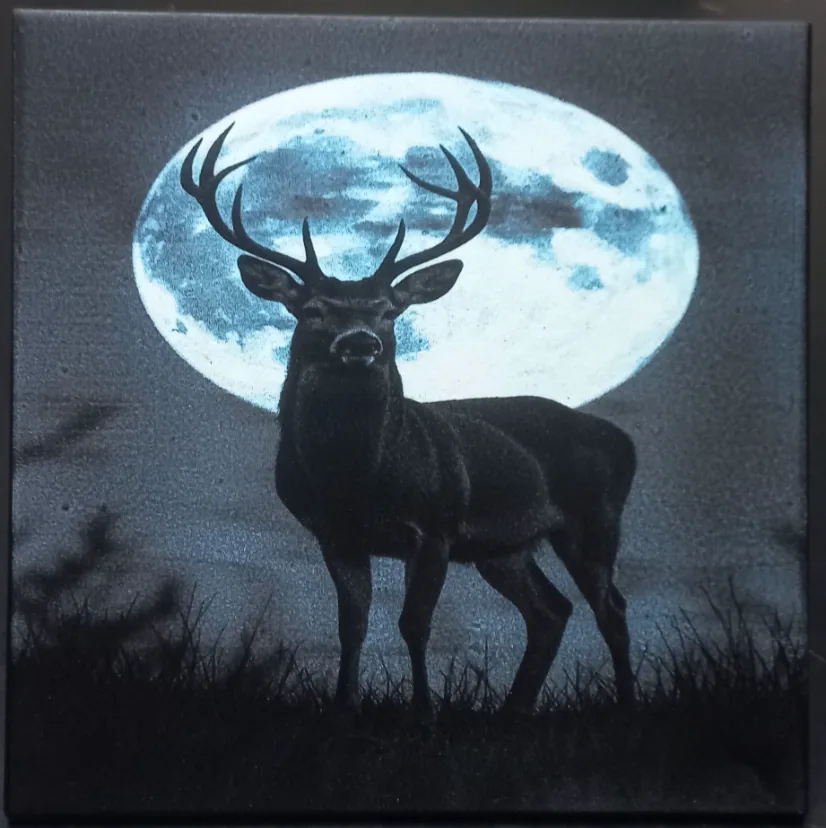
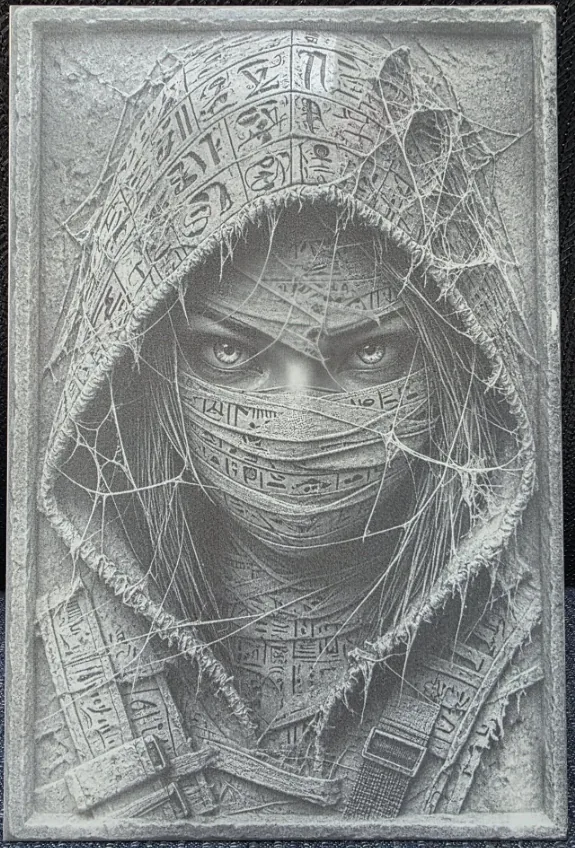
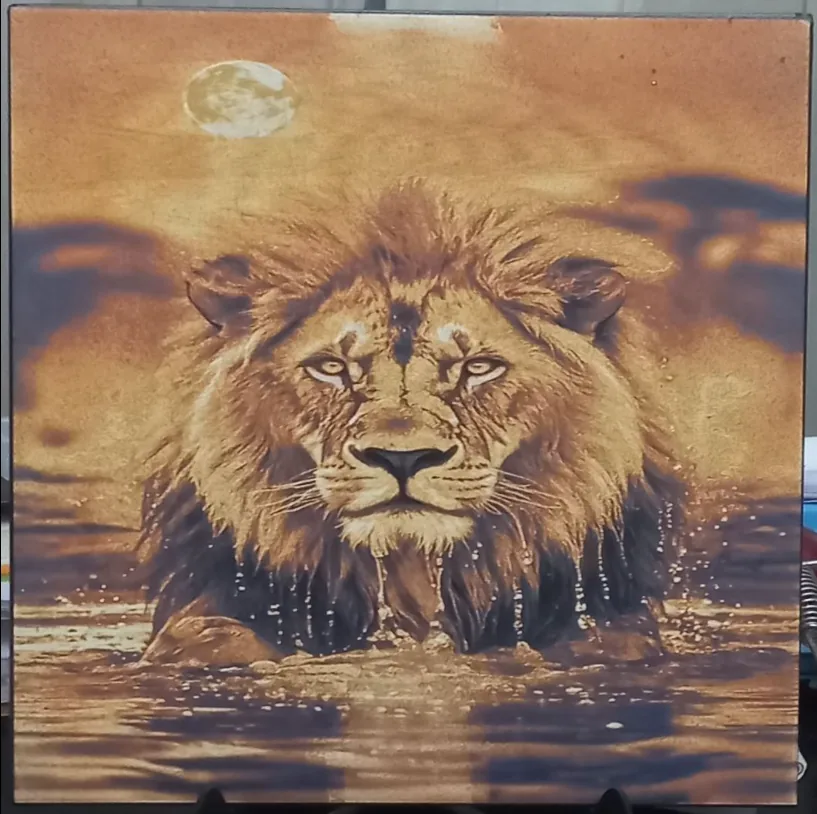
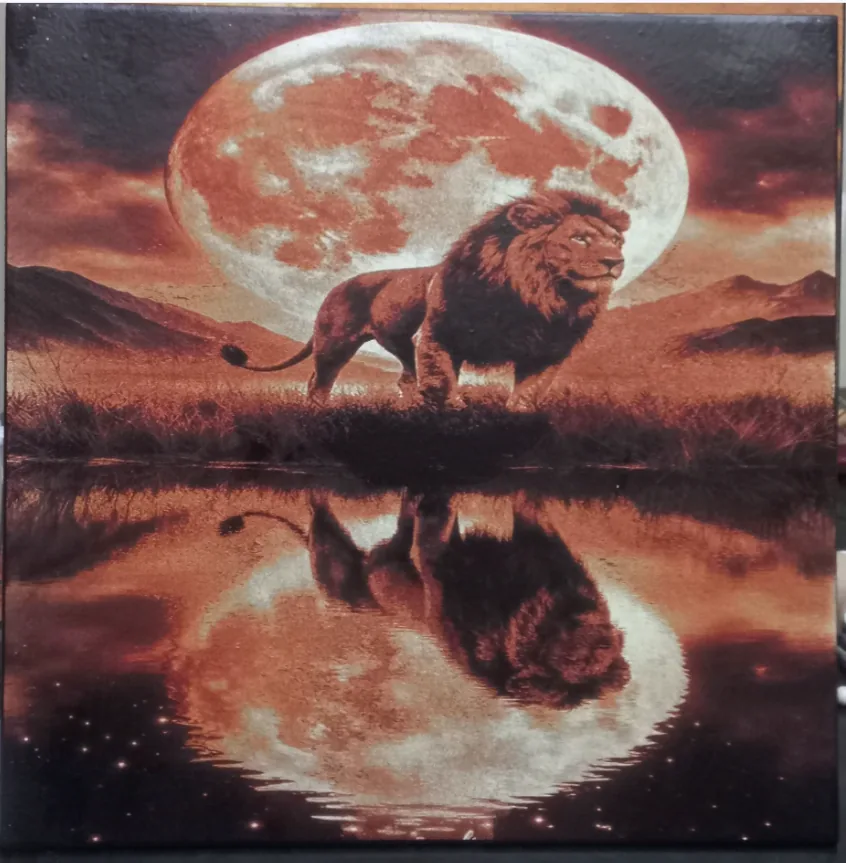
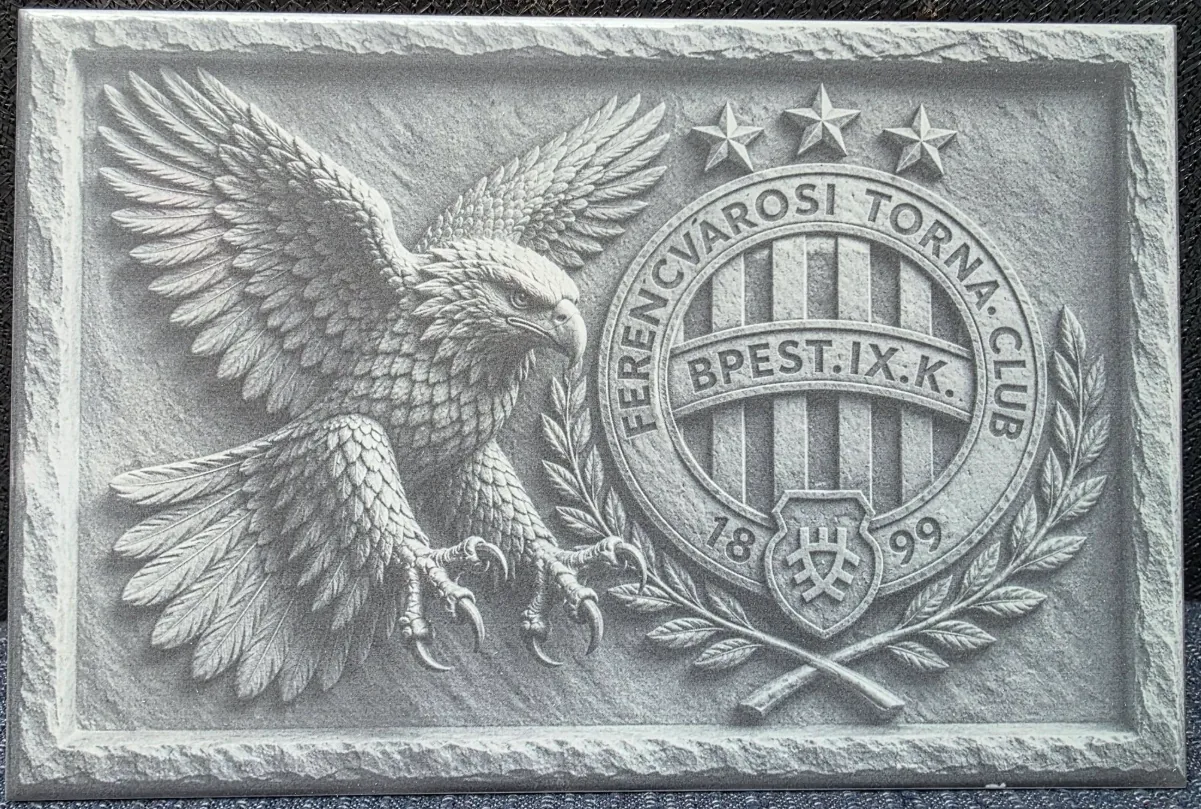
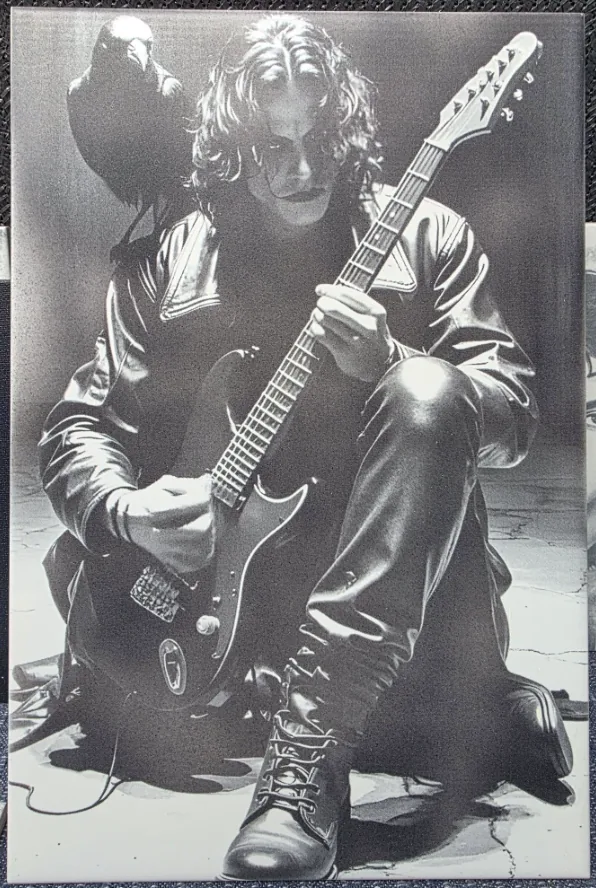
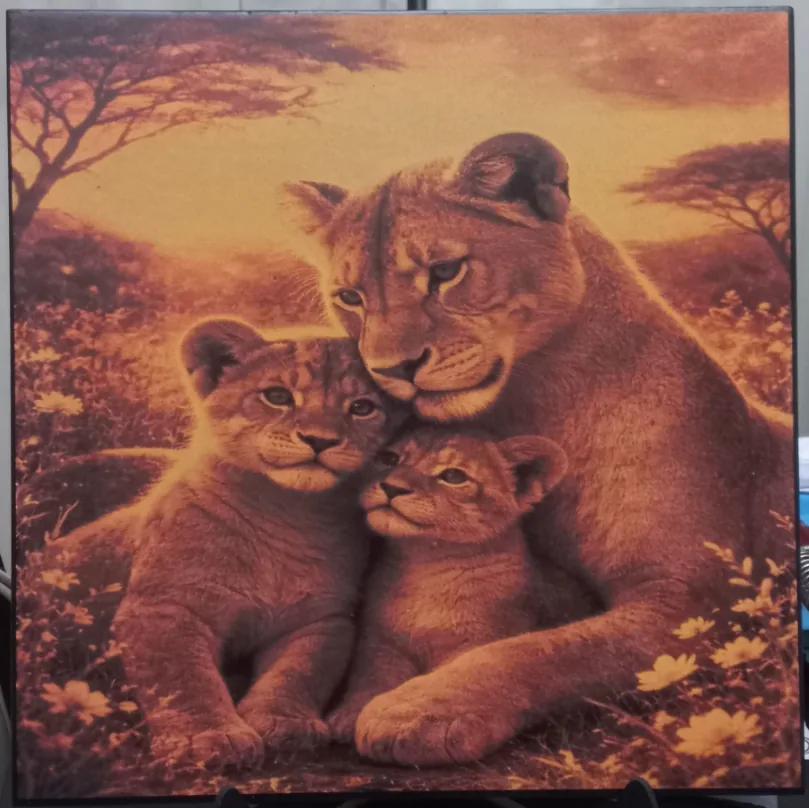
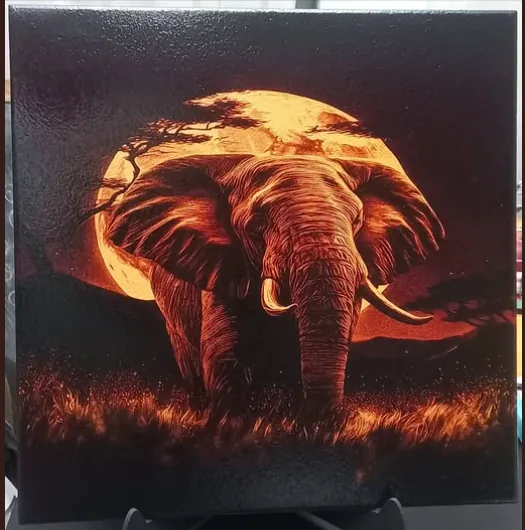
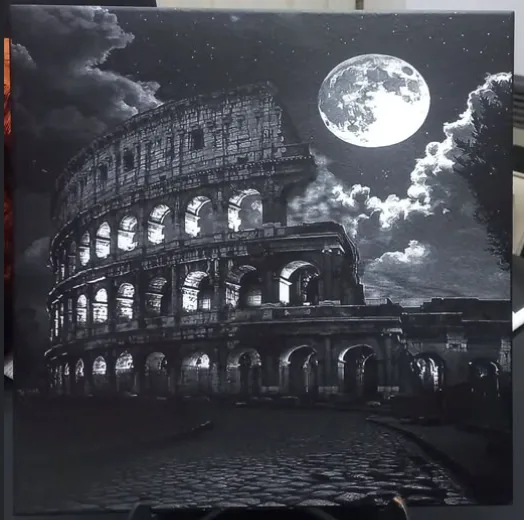
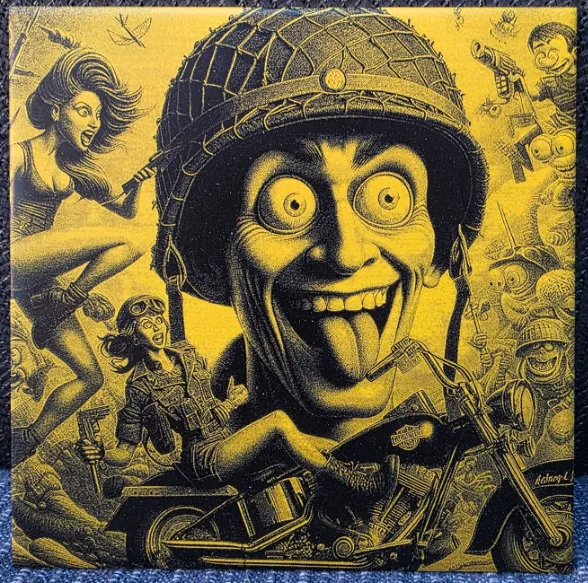
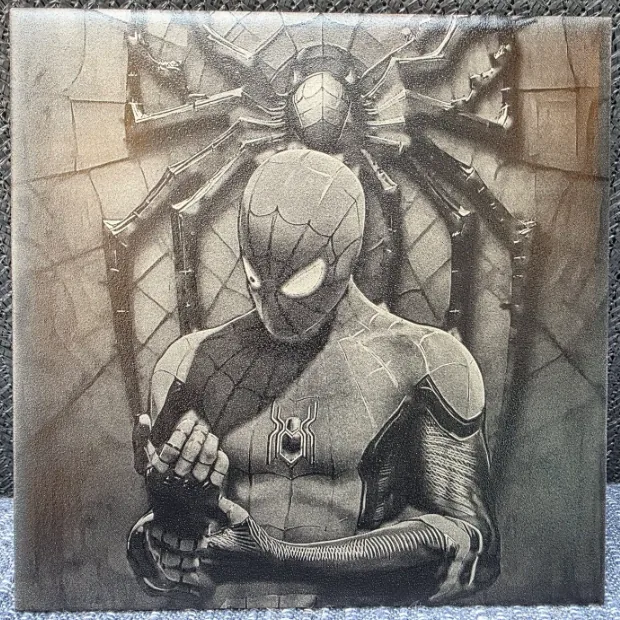
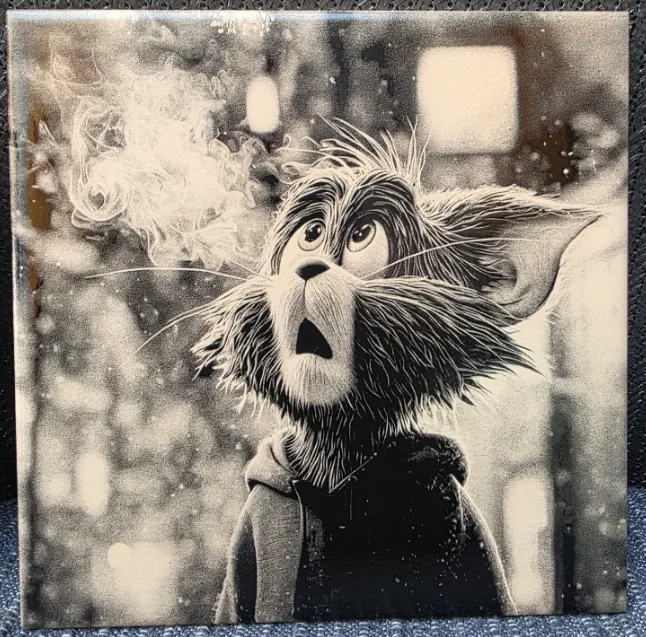
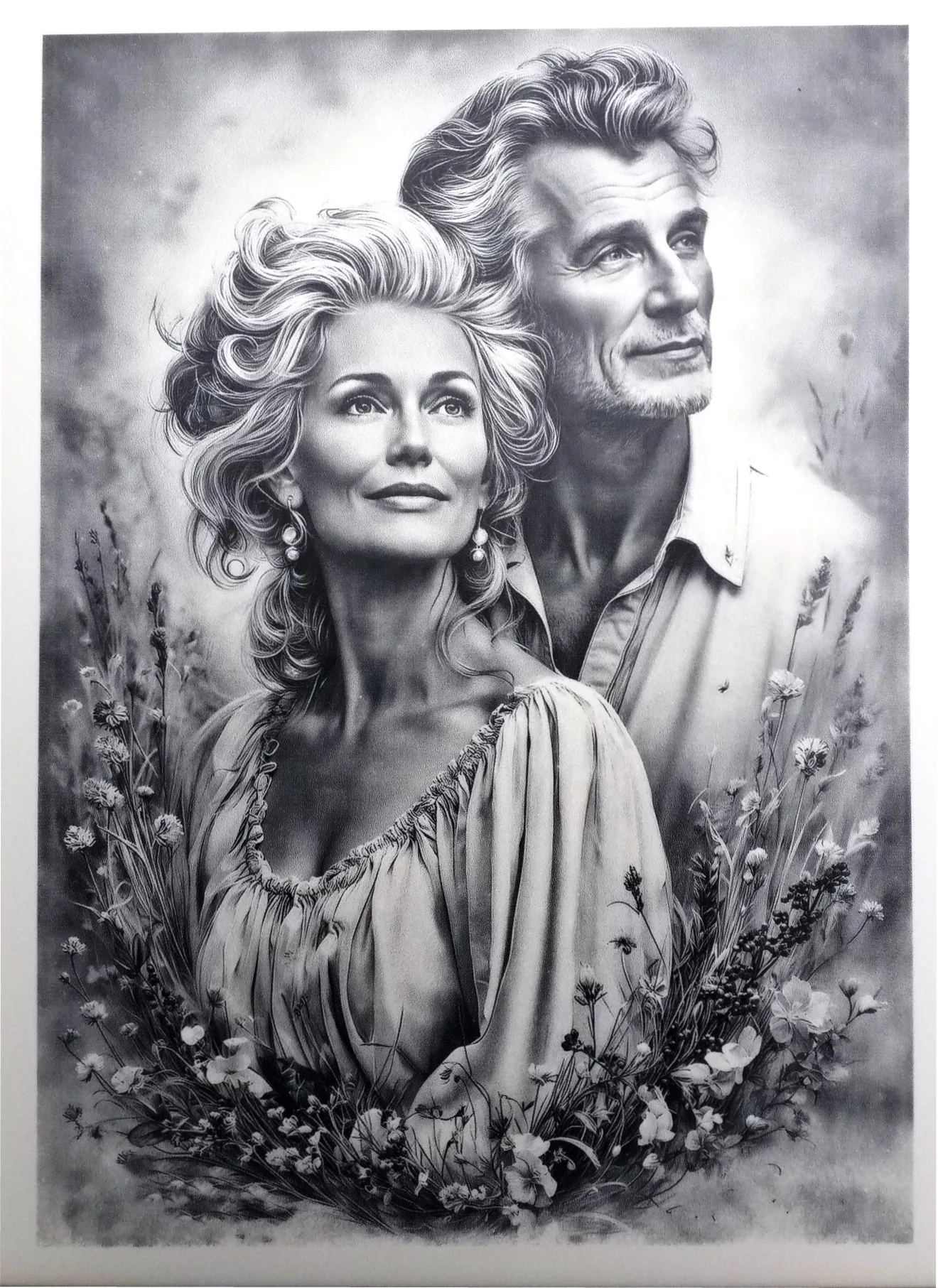
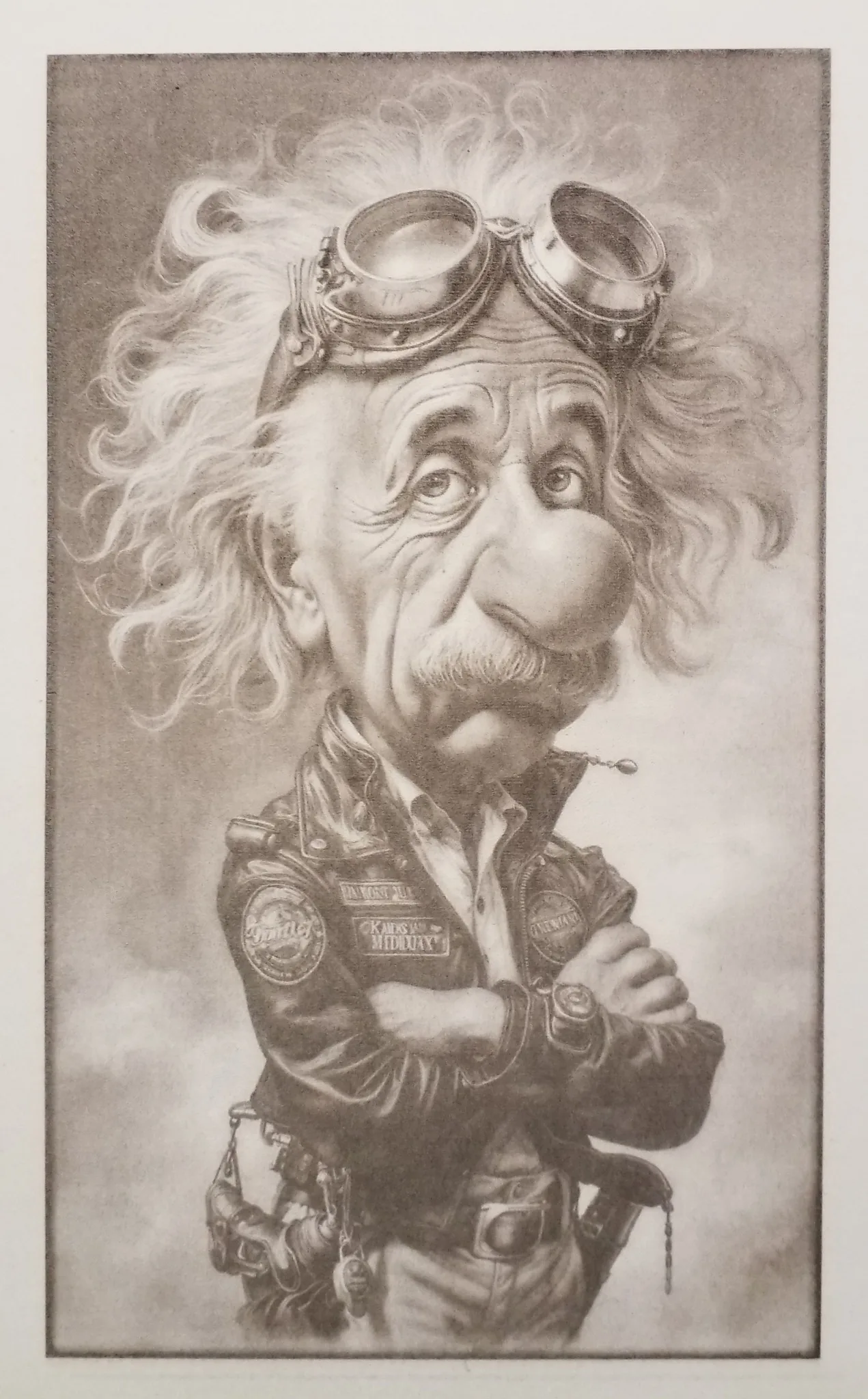
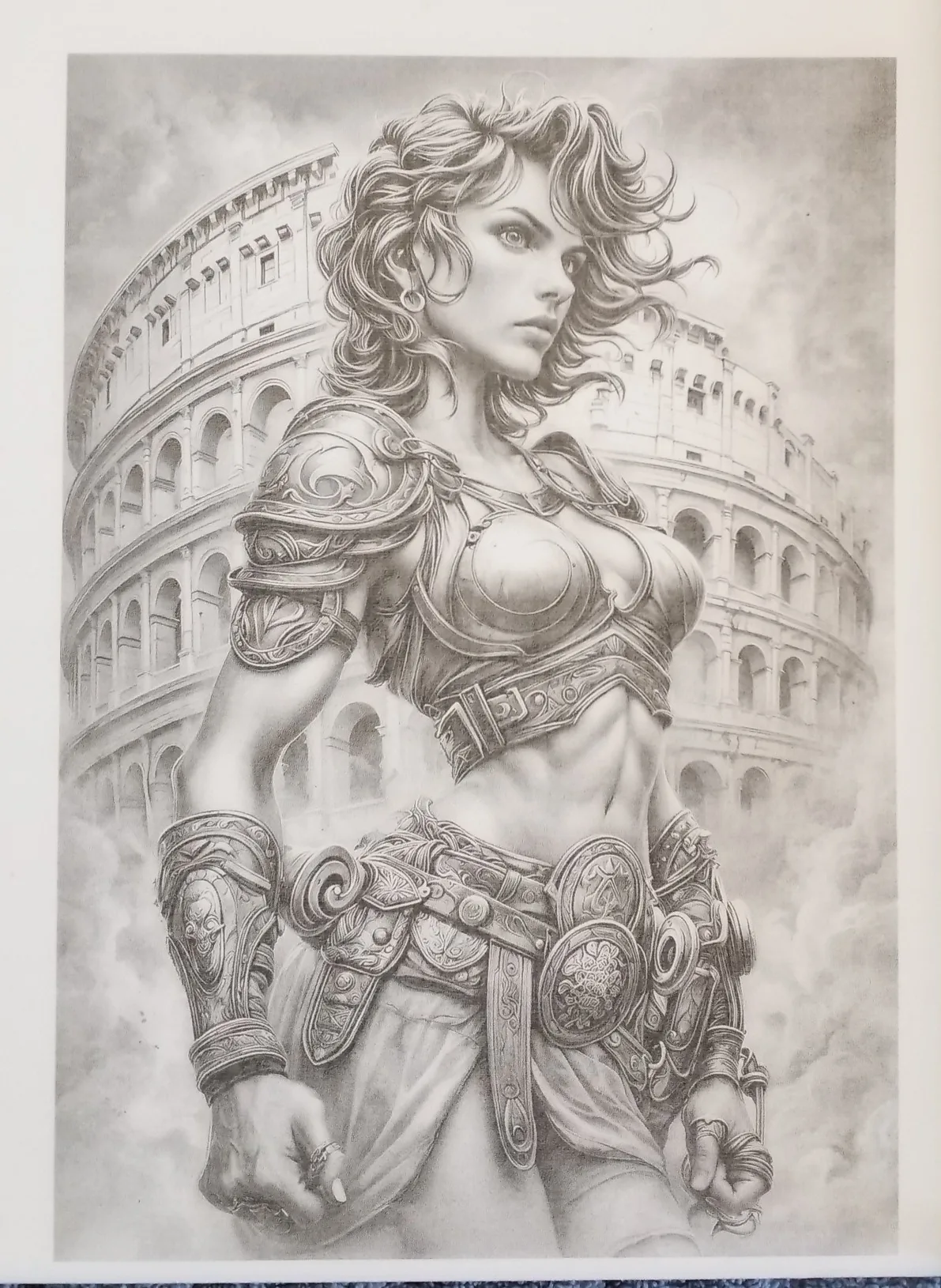
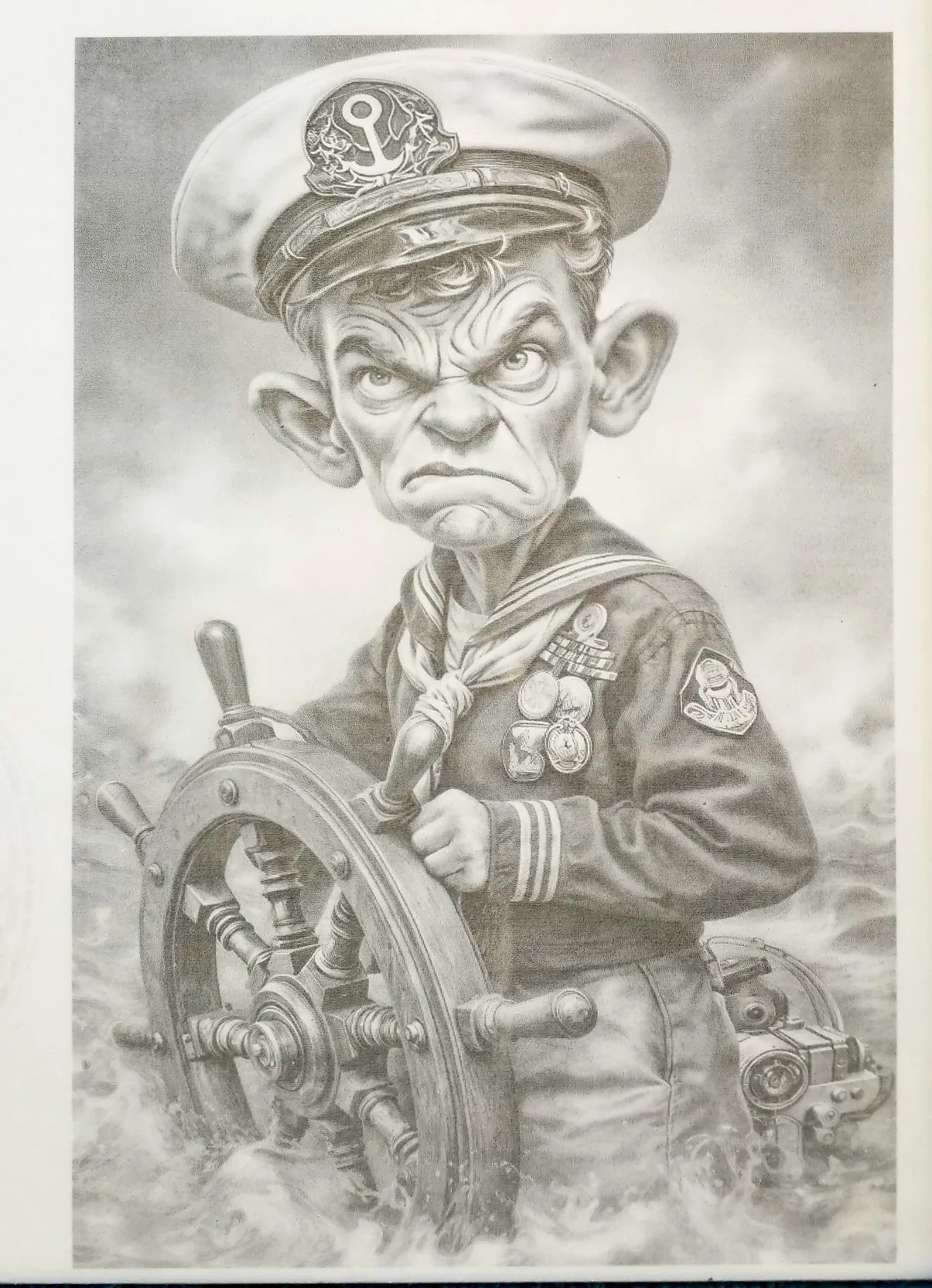
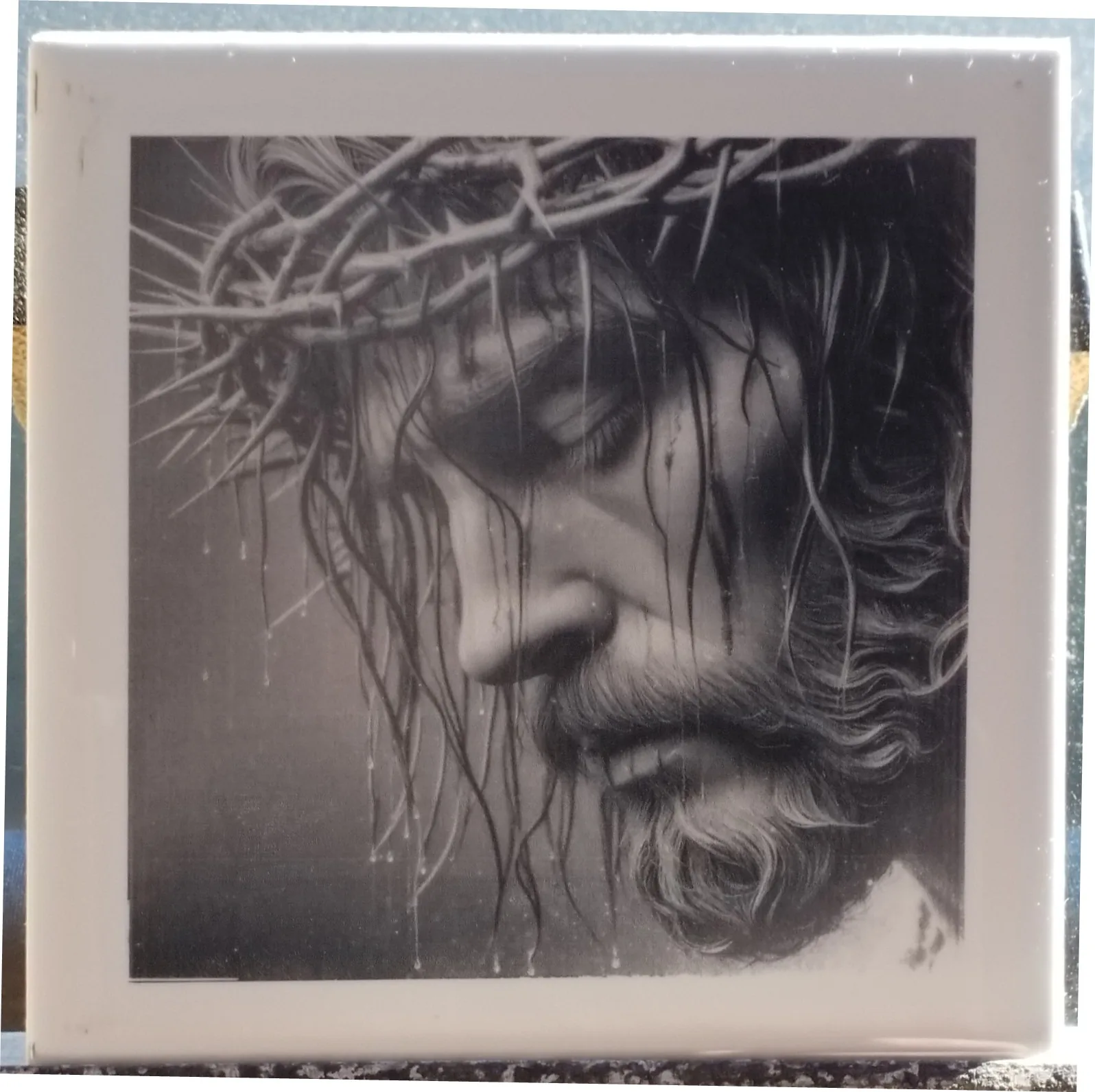
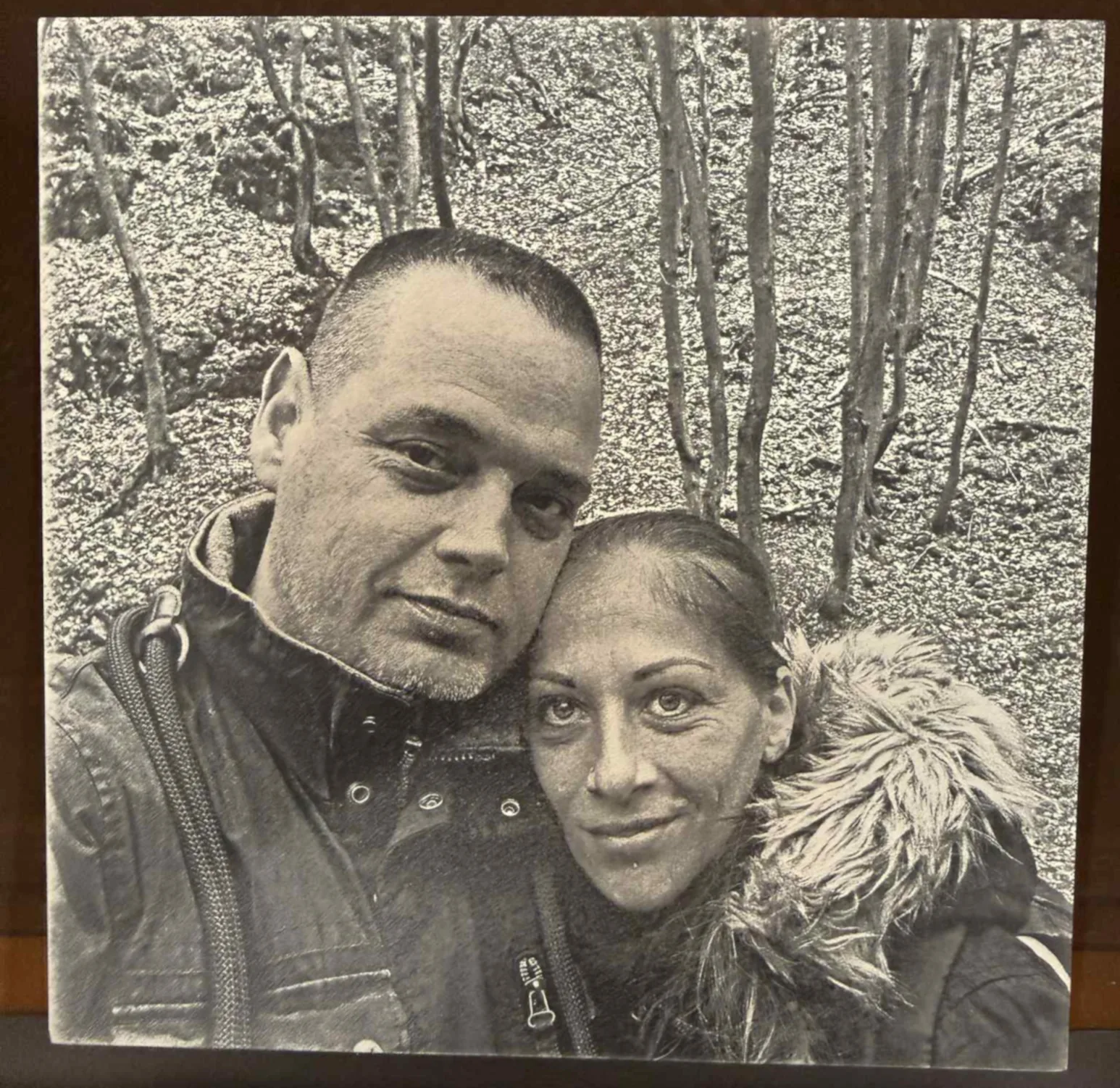
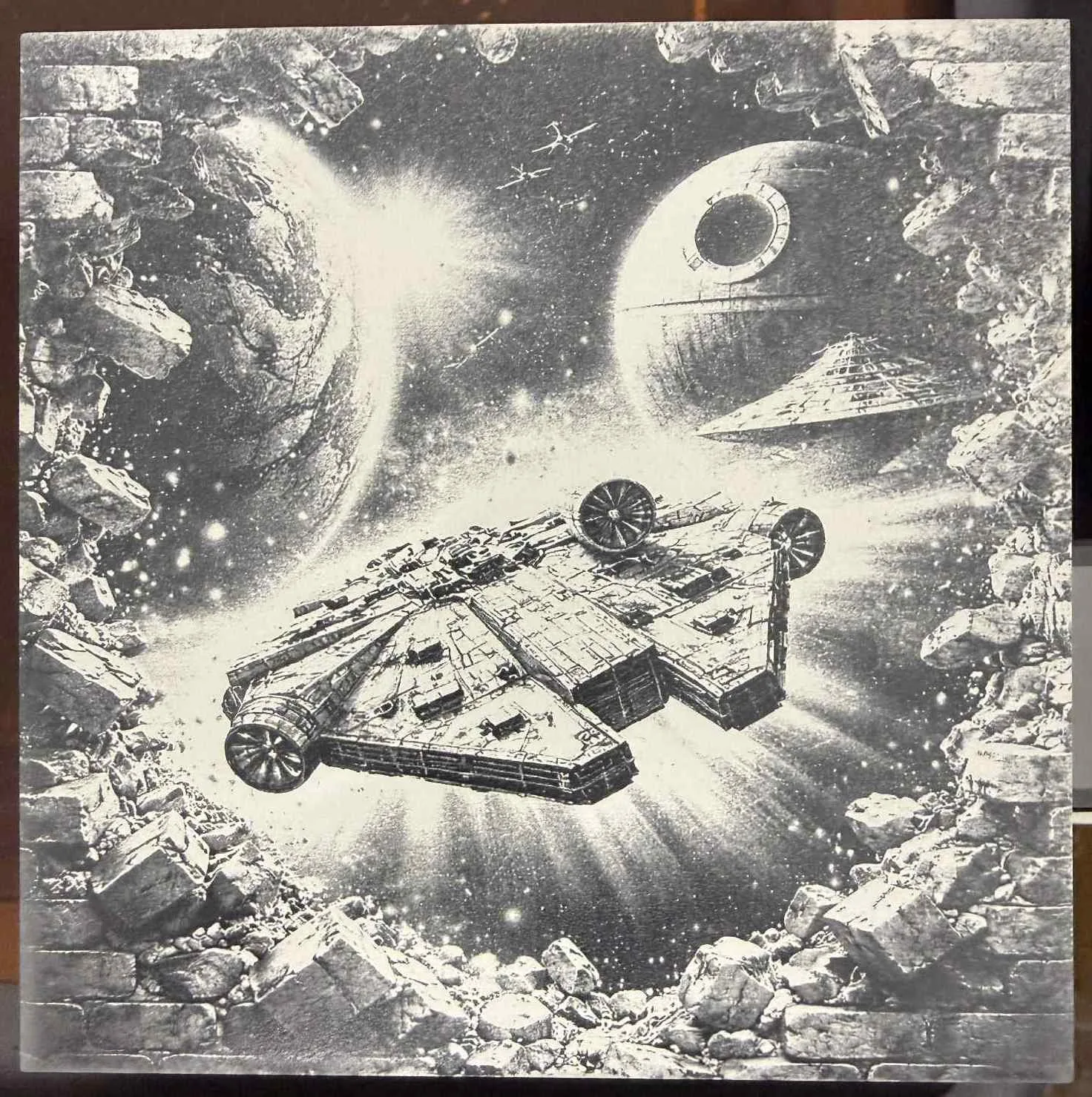
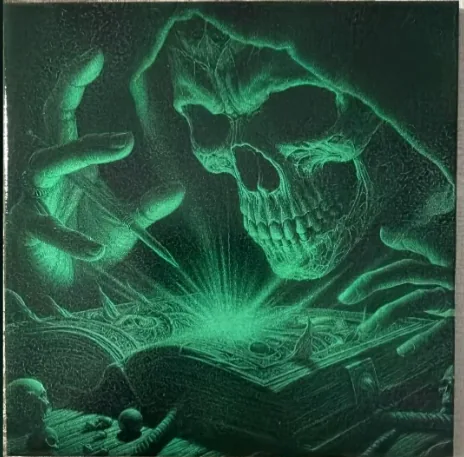
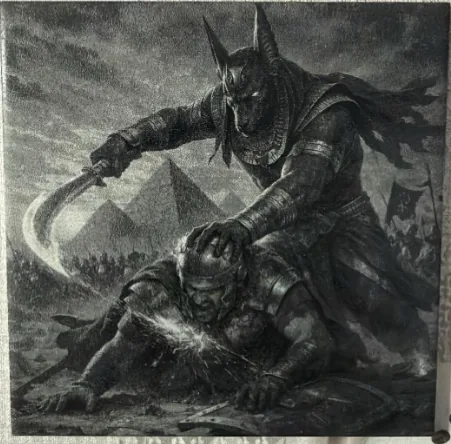
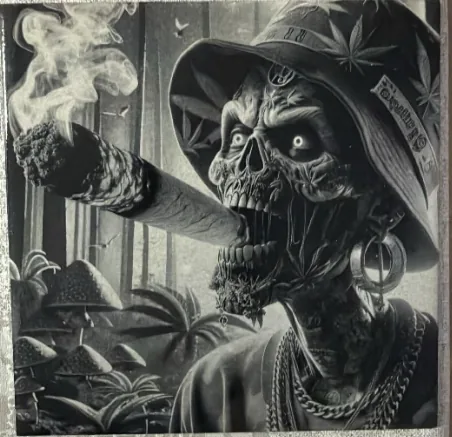
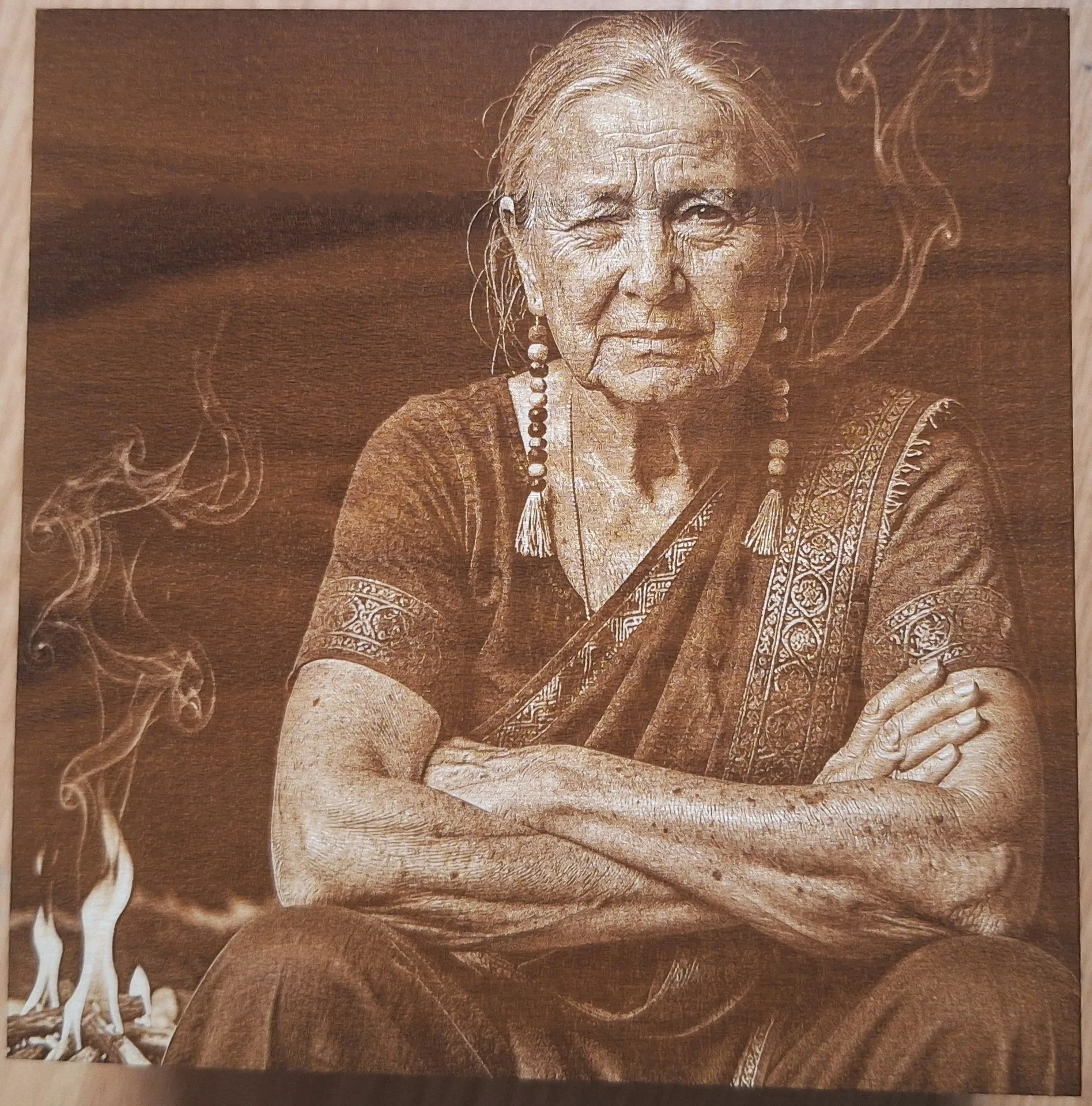
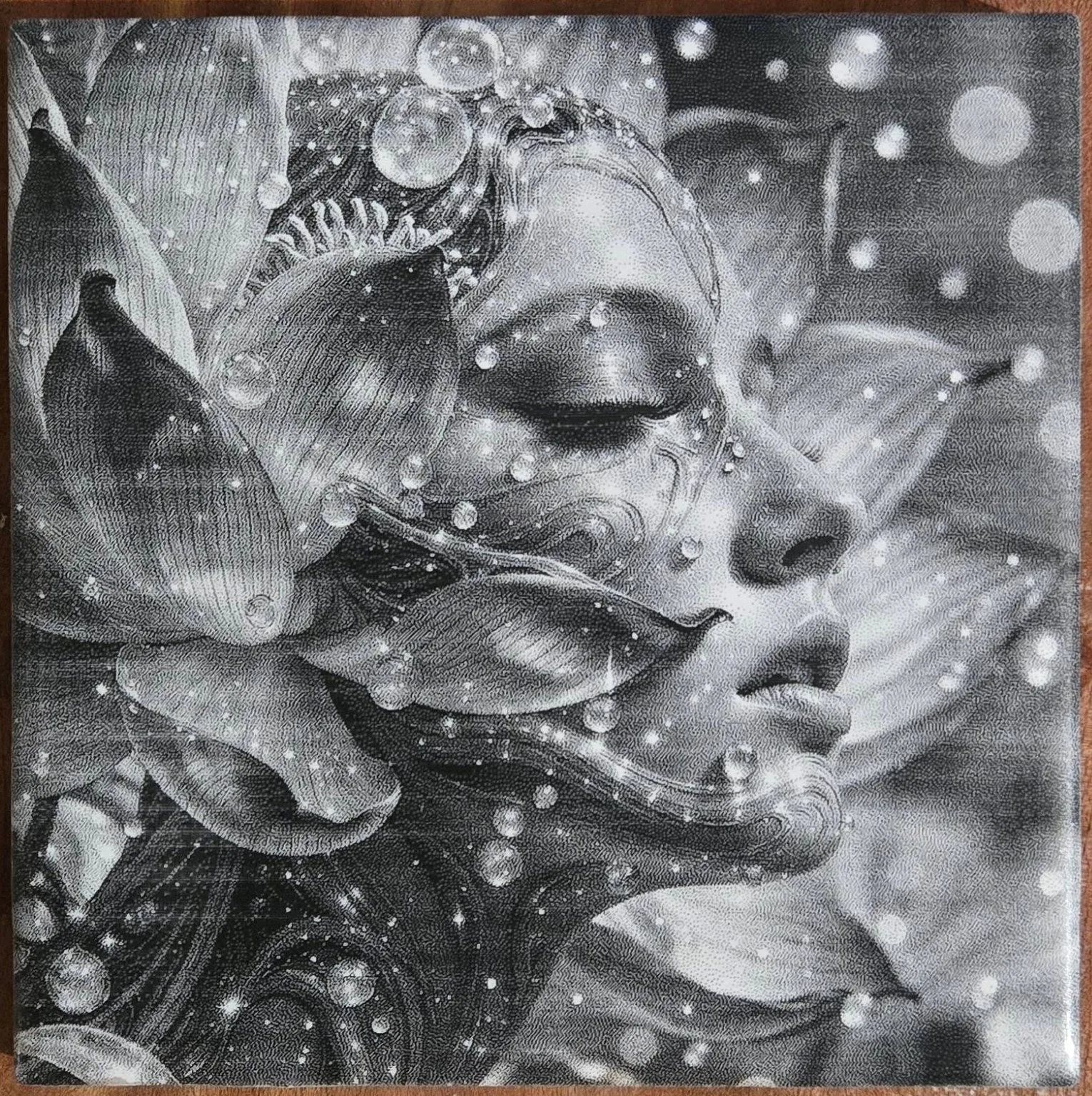
Choose from 27 dithering algorithms (error diffusion, ordered, blue noise, adaptive, custom). Live split preview, zoom, then optional Fine Tune before PNG export with DPI.
7. Slicing & Tiles
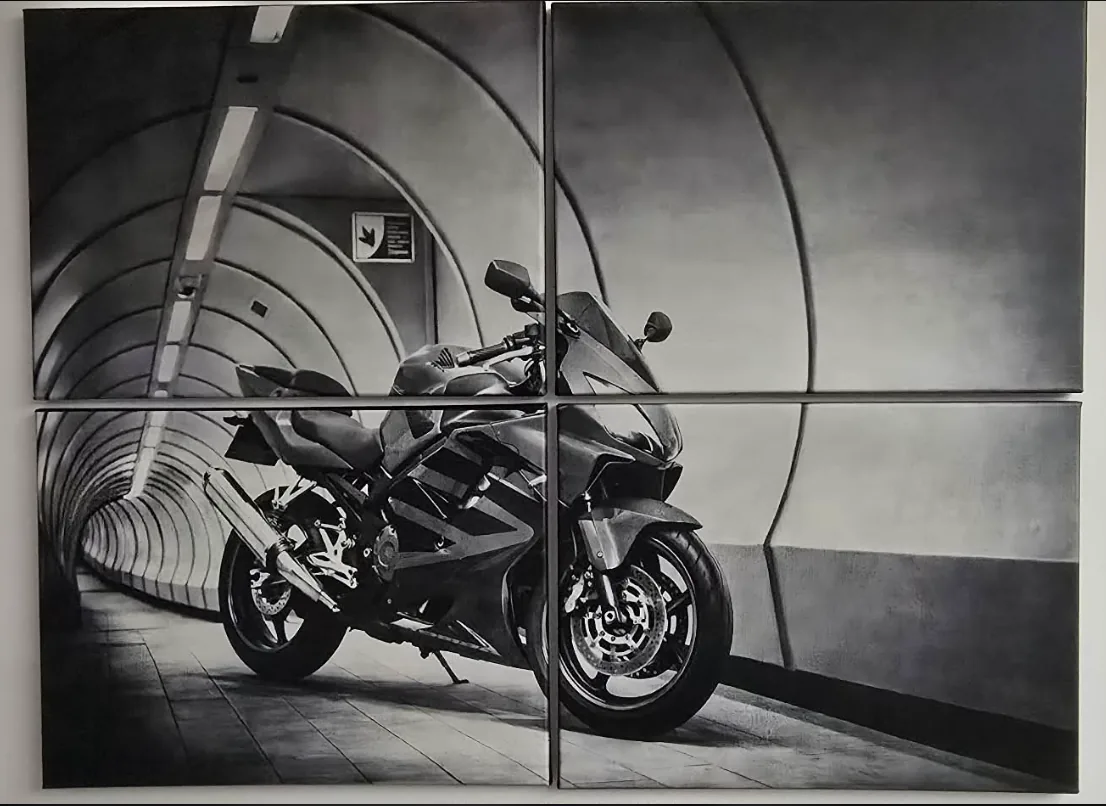
Slicer Tool splits large jobs into tiles (Automatic or Manual, mm/inch, columns/rows). Preview the grid and download a ZIP (DithX_Sliced-Tiles.zip) with DPI on tiles when possible.
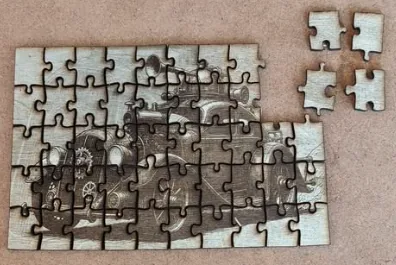
8. Jigsaw Puzzles
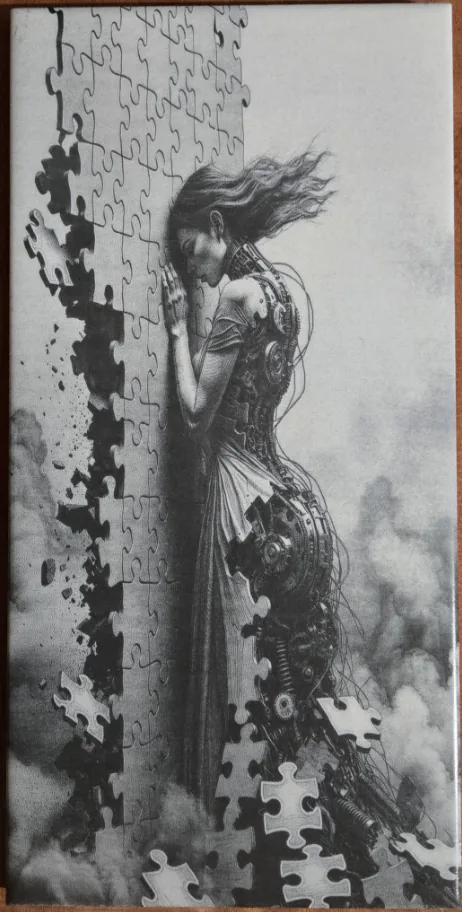
Jigsaw Puzzle Generator builds reproducible SVG puzzle layouts with Seed, Tab Size, Jitter, Complexity, Asymmetry, Pieces X/Y, and Radius — ready for cutting or engraving.
9. Contour Tracing
Contour Trace converts edges and transparent shapes into SVG vector paths. Set Brightness Threshold (0–255) and Vector Quality (0.5–15), preview live, then download SVG with physical size and DPI.
27 DithX Algorithms
Floyd–Steinberg
The best all-rounder.
Atkinson
High contrast, clean look.
Stucki
Sharp, detailed look.
Burkes
Fast and sharp.
Sierra
Smooth, high quality.
Sierra Lite
Fast Sierra variant.
Sierra Two-Row
Balanced diffusion.
Jarvis–Judice–Ninke
Aggressive, sharp diffusion.
Stevenson–Arce
Hexagonal distribution.
Ostromoukhov
Artistic, natural look.
Zigzag Floyd–Steinberg
Serpentine scan reduces worms.
Shiau–Fan
Optimized to reduce worms.
Filter Lite
Minimal computation mode.
Knoll
Artistic stipple texture.
Custom
User-defined parameters.
Custom Diffusion
Edit kernel weights.
Zuderhoff
Unique diffusion texture.
Nova
High-frequency modern diffusion.
Helix
Spiral-path diffusion.
Bayer (Ordered)
Classic cross-hatch matrix.
Blue Noise
Organic, film-grain look.
NeoMatrix
Complex ordered matrix.
DeltaGrid
Triangular grid pattern.
Zircon
Crystalline ordered texture.
Adaptive
Content-aware sharpening.
Dot Diffusion
Knuth's mezzotint-like dither.
Grayscale
No dithering (Depth Map).
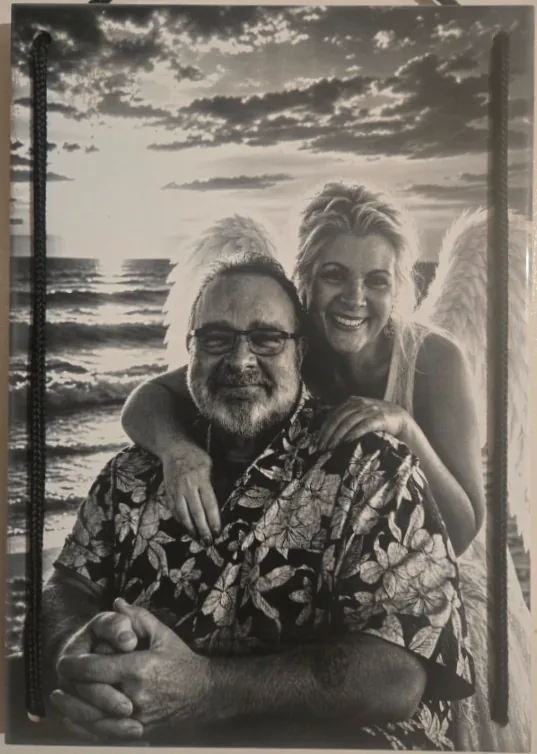
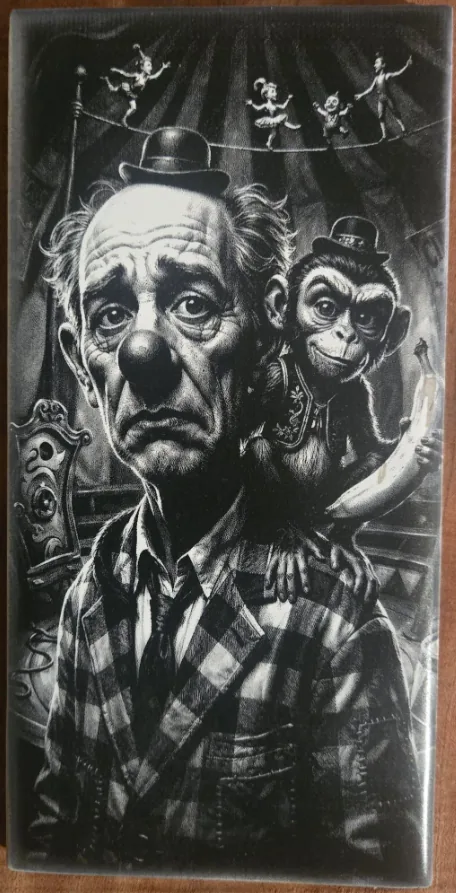
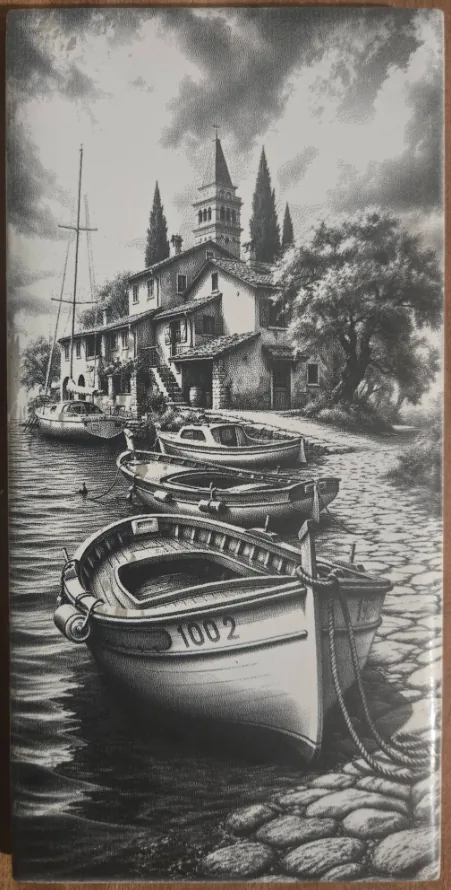
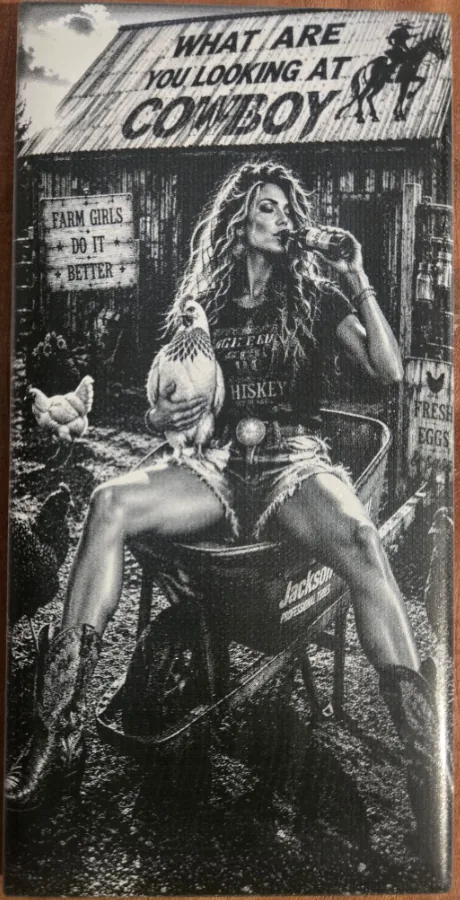
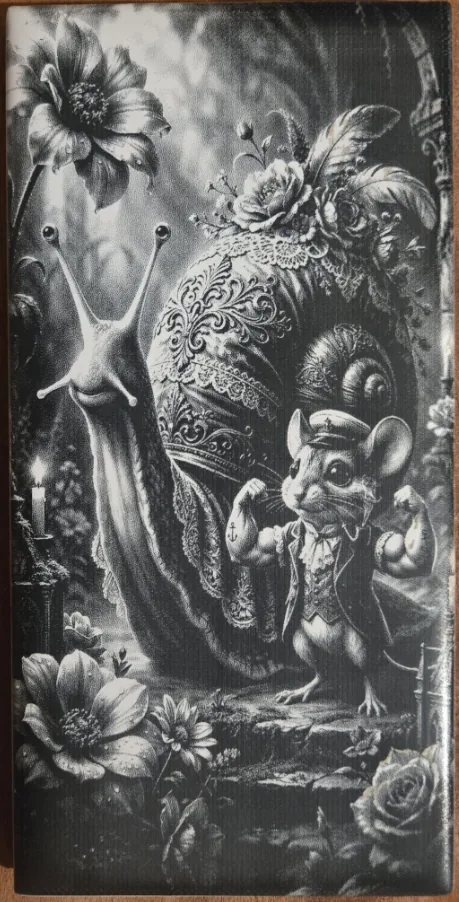
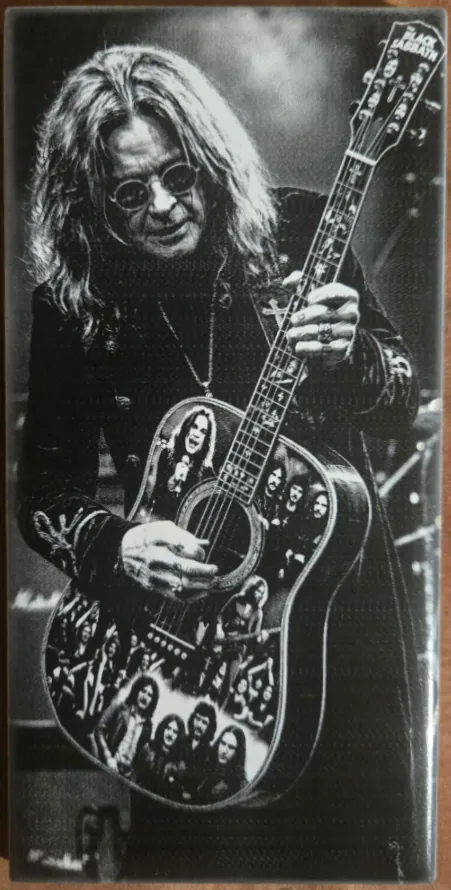
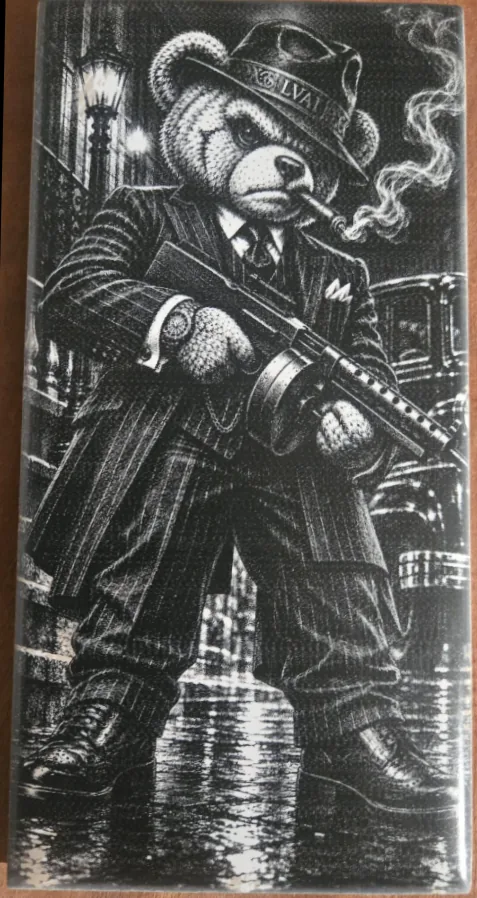
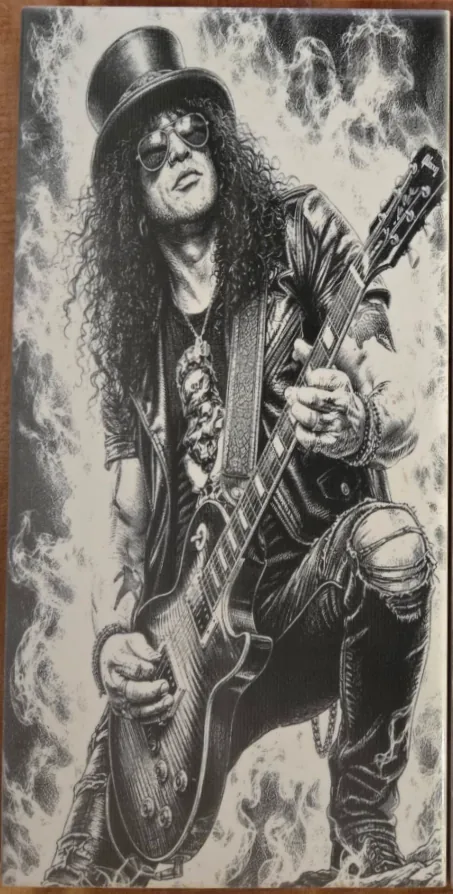
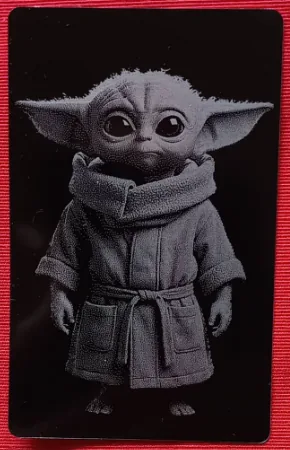
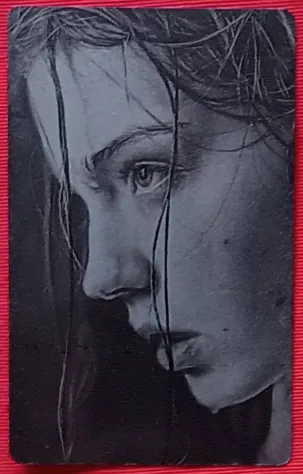
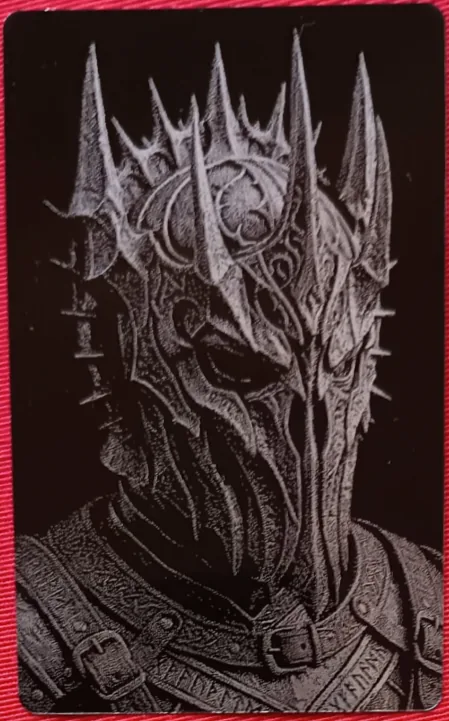
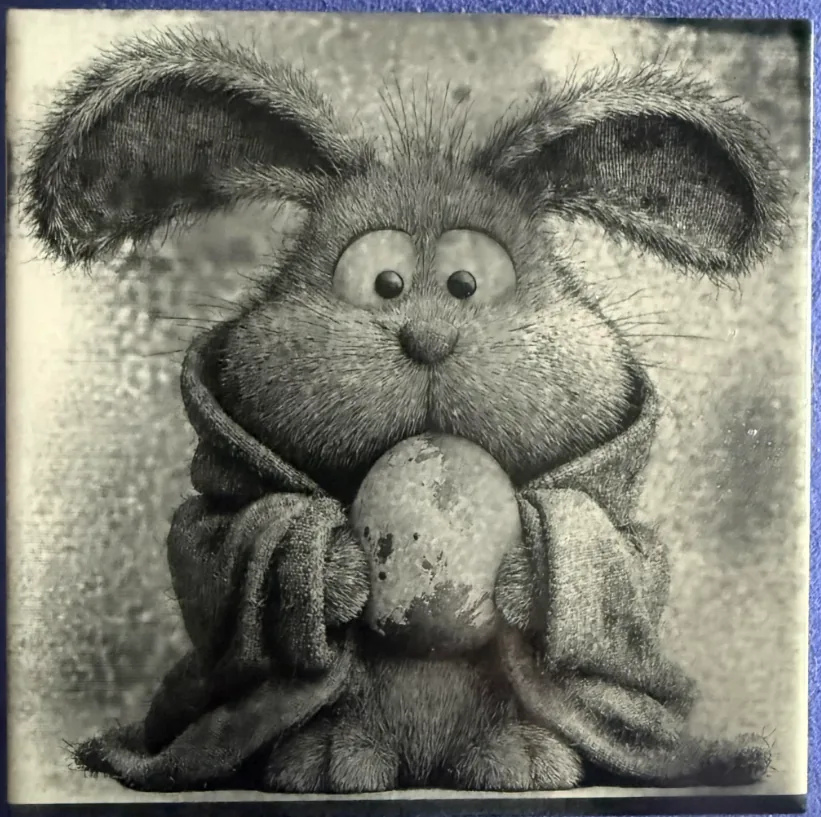
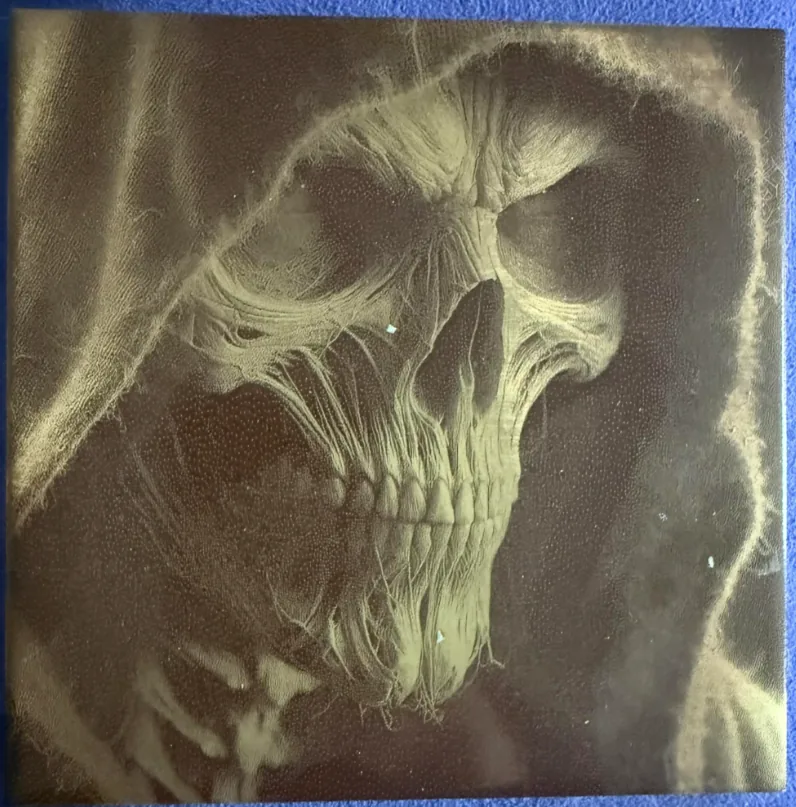
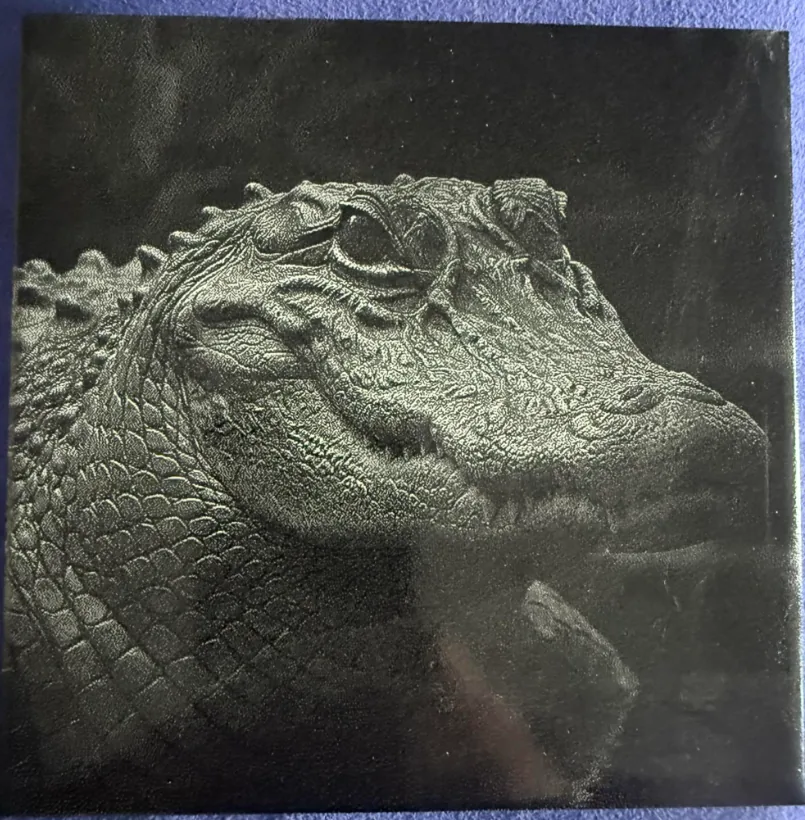
Gallery
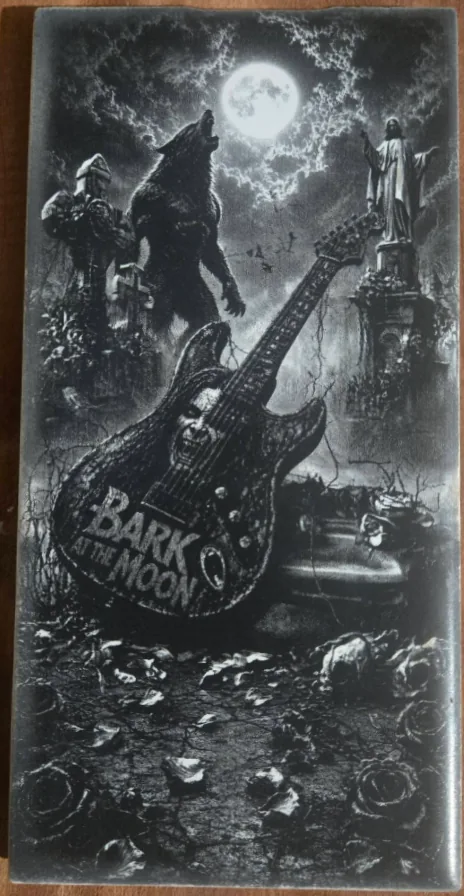
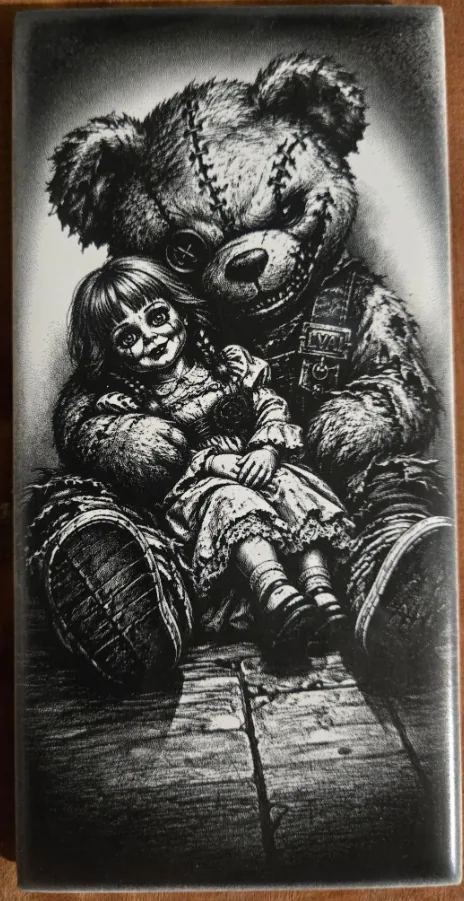
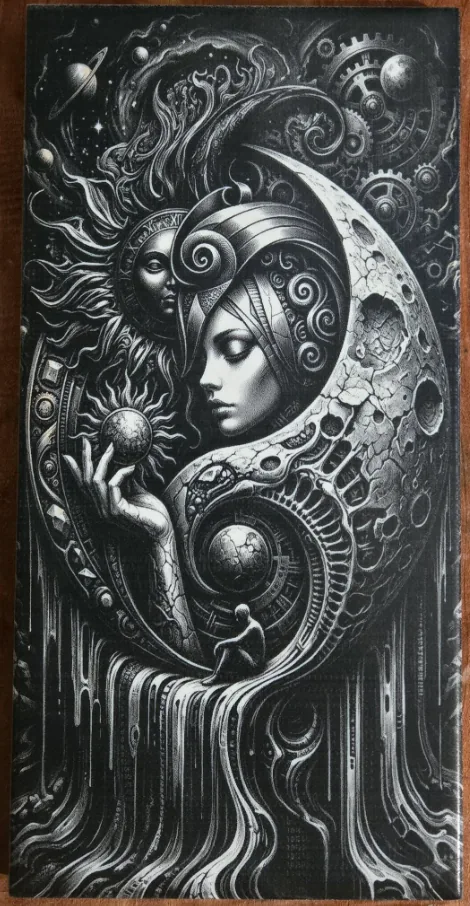
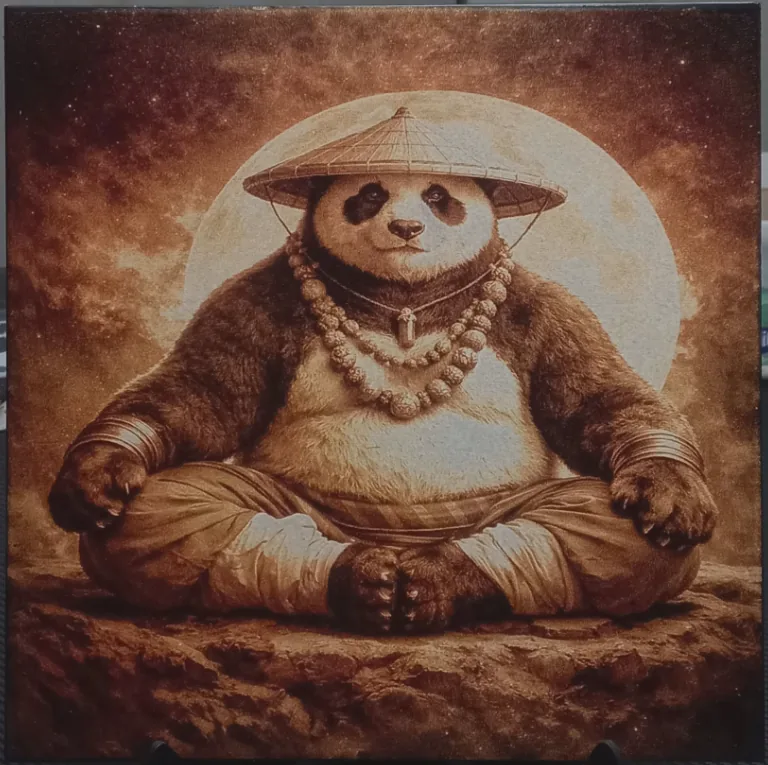
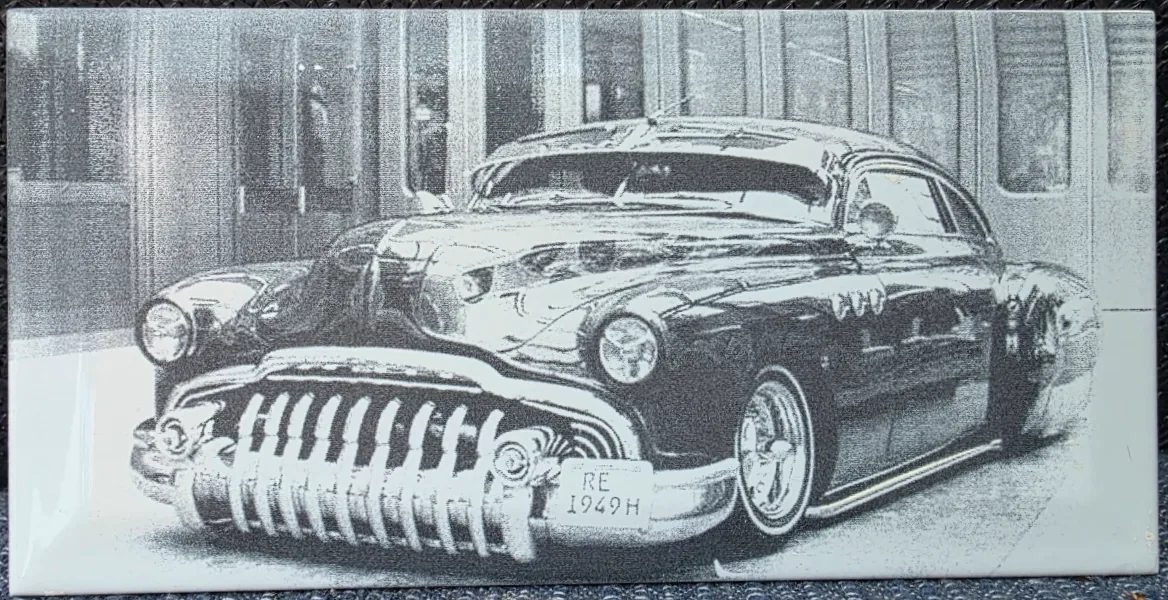
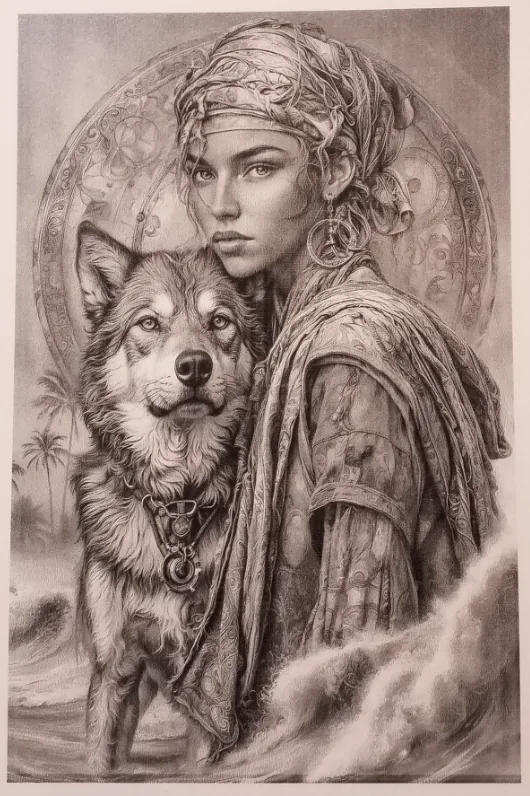
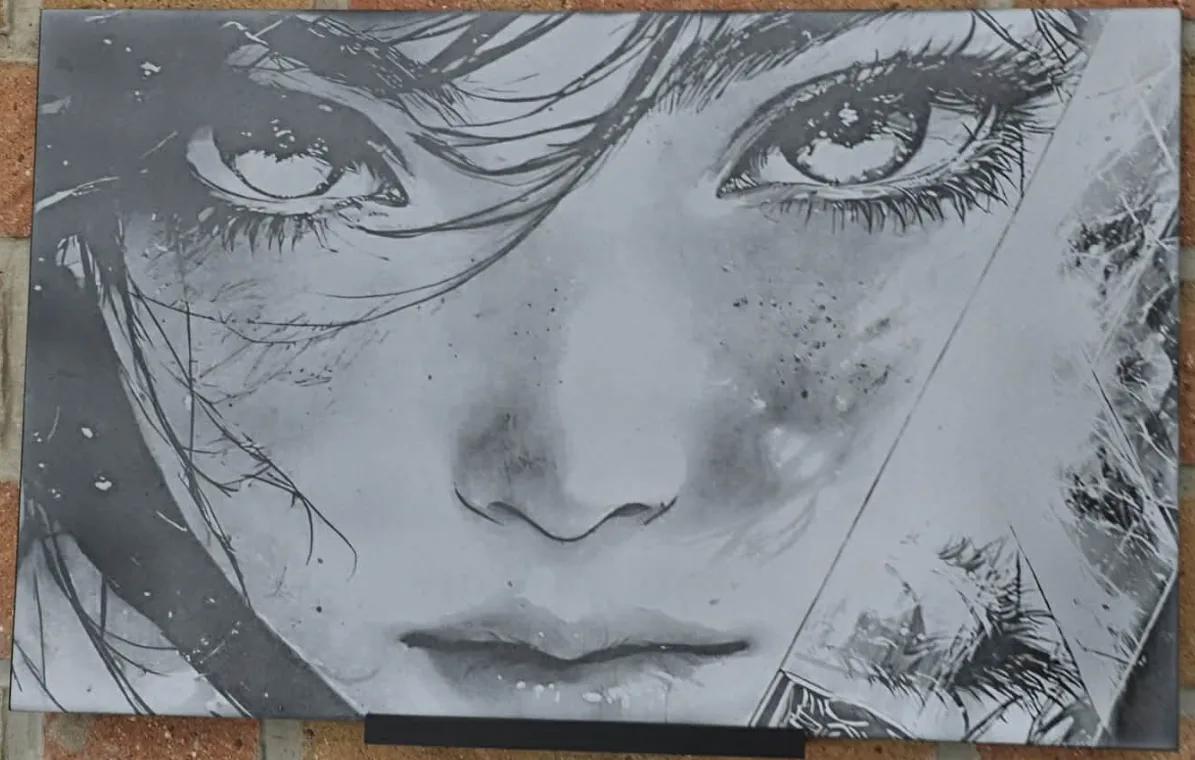
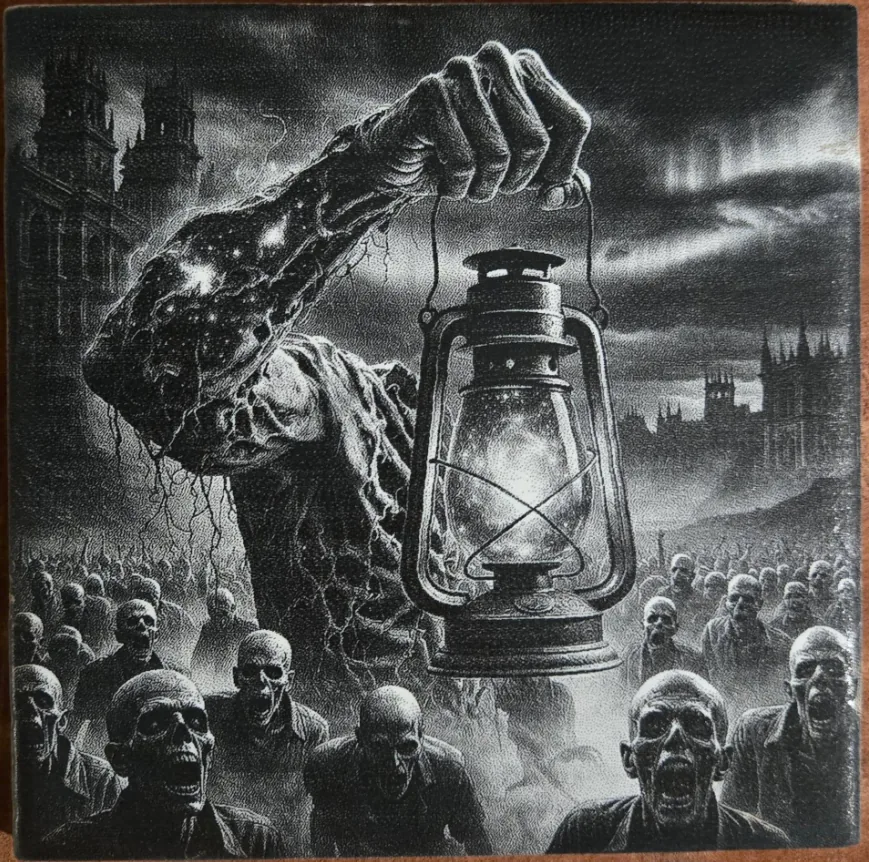
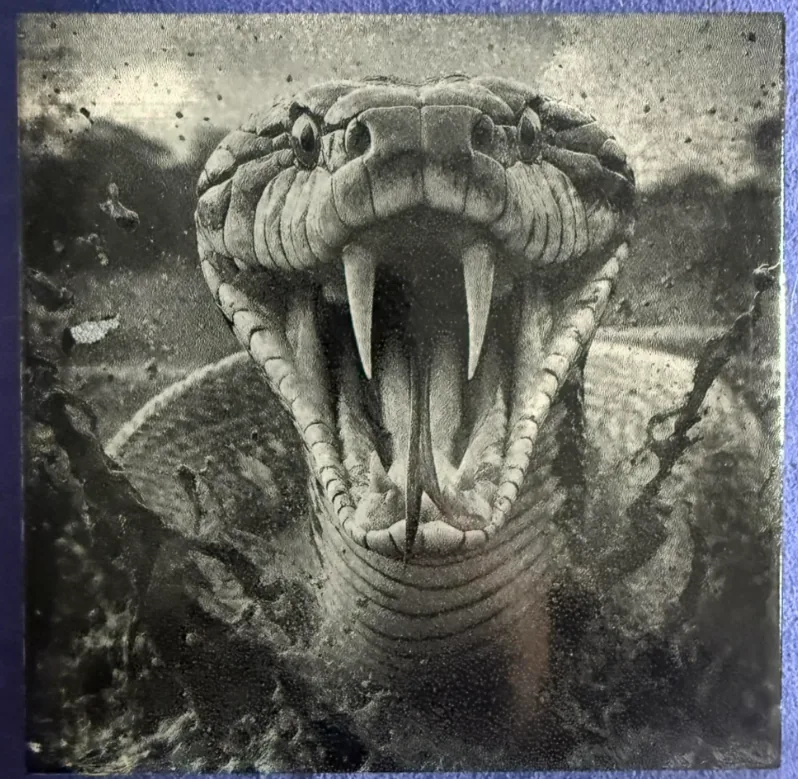
DithX (Stucki)
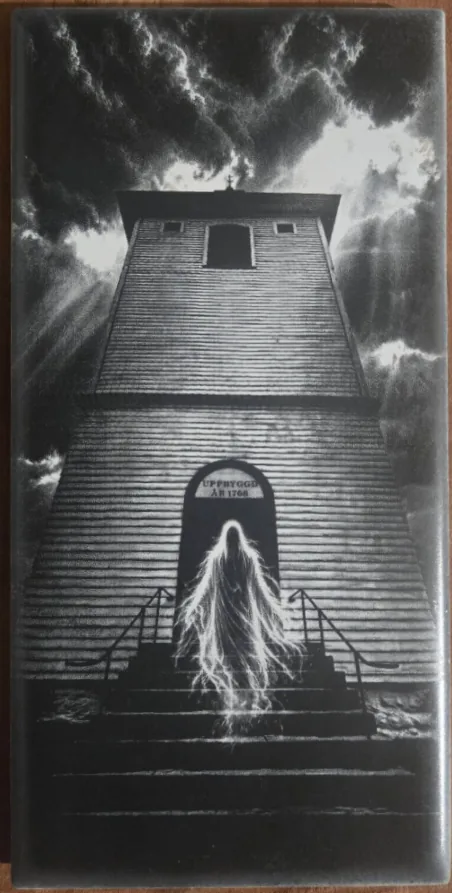
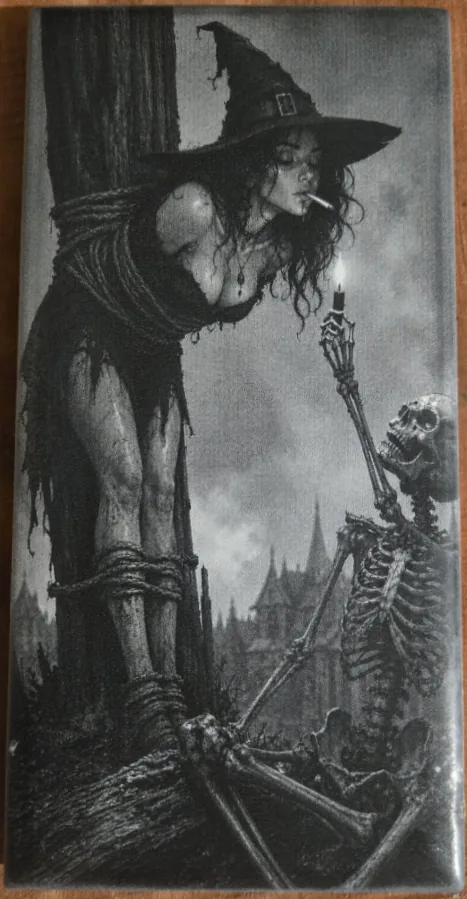
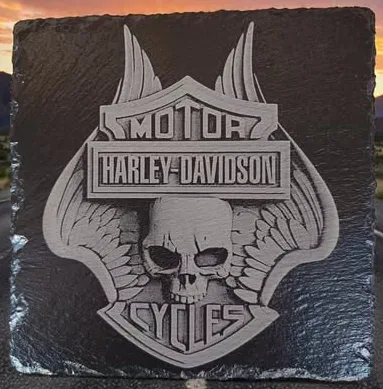
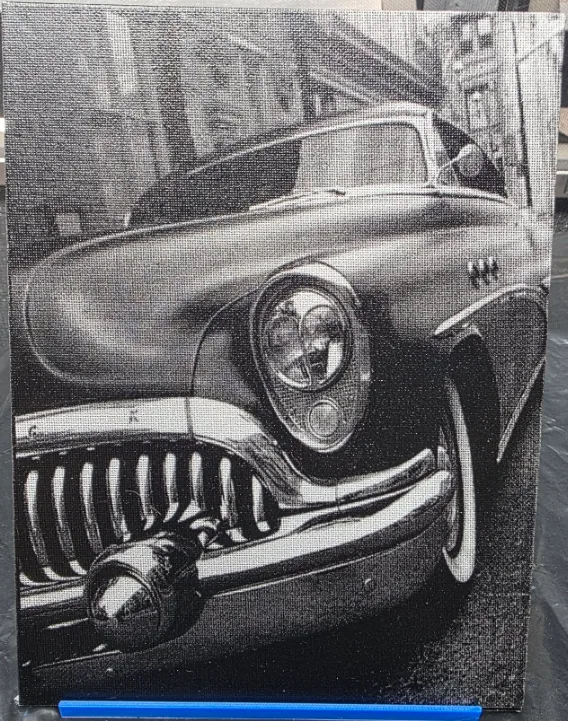
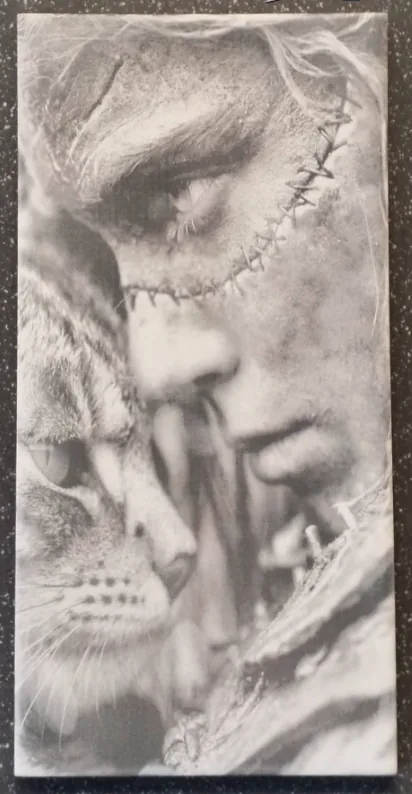
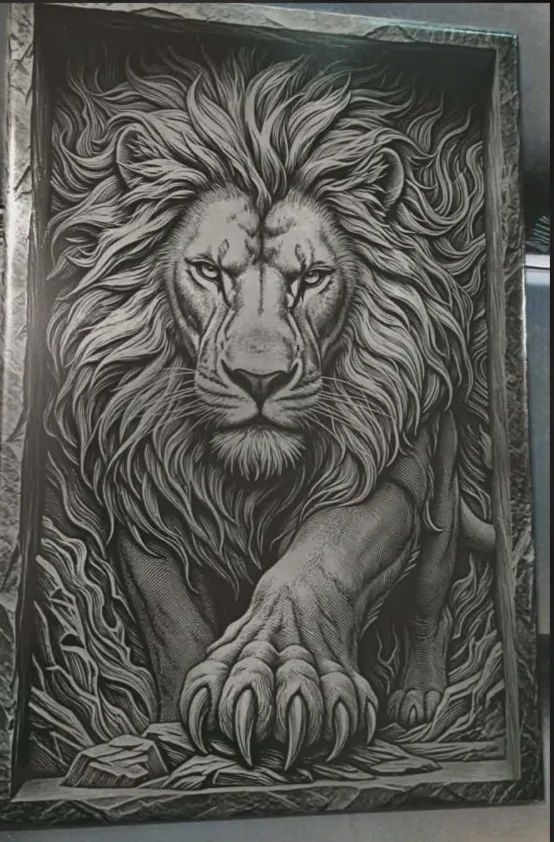
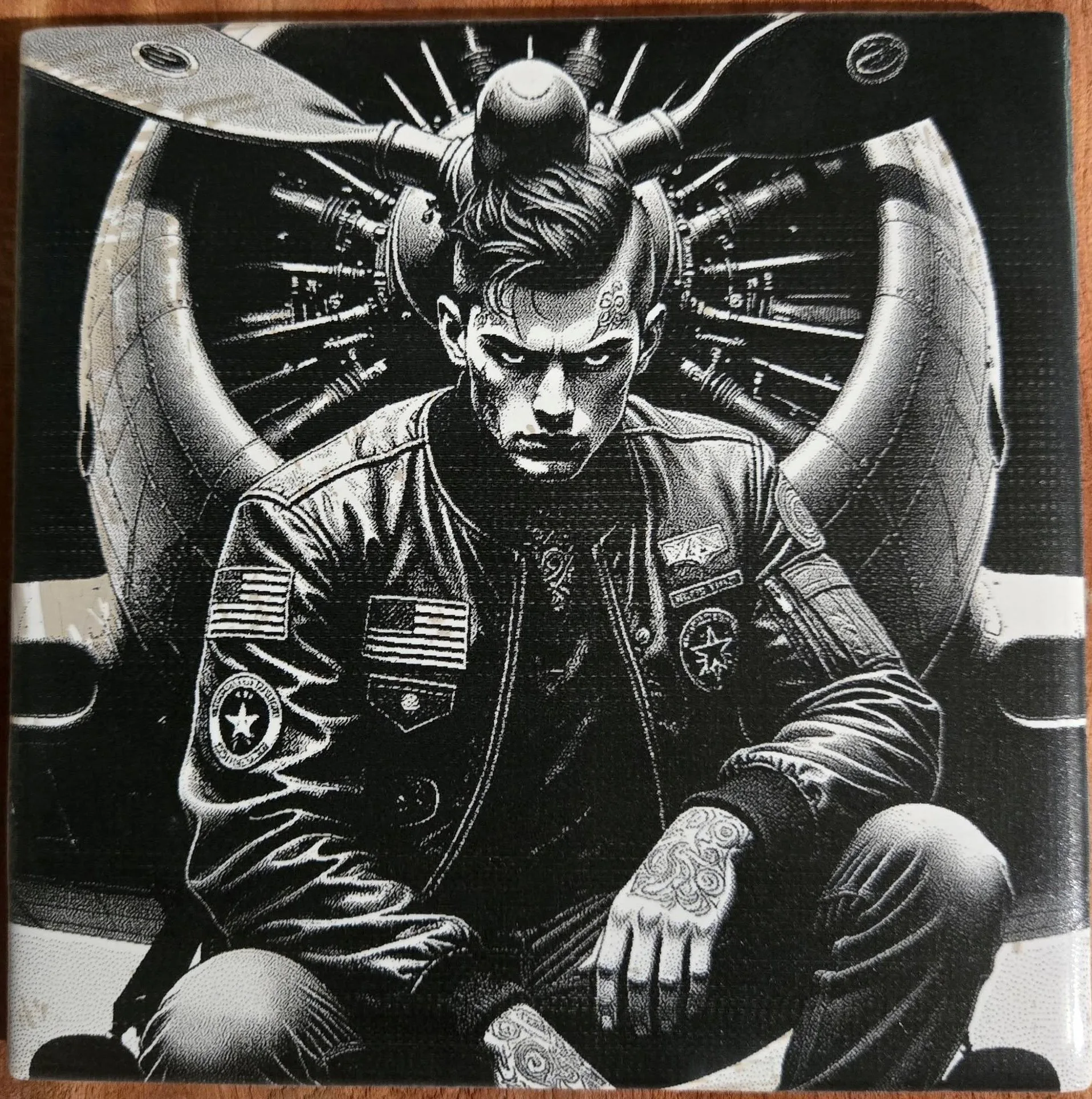
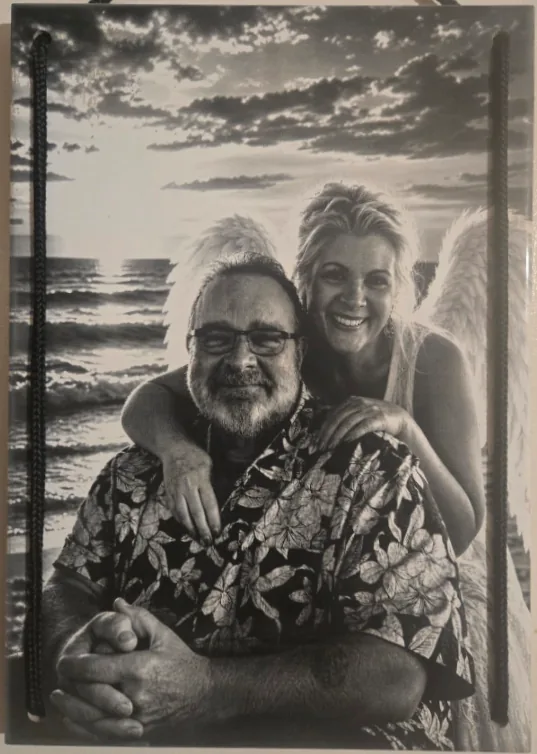
DithX (Stucki)
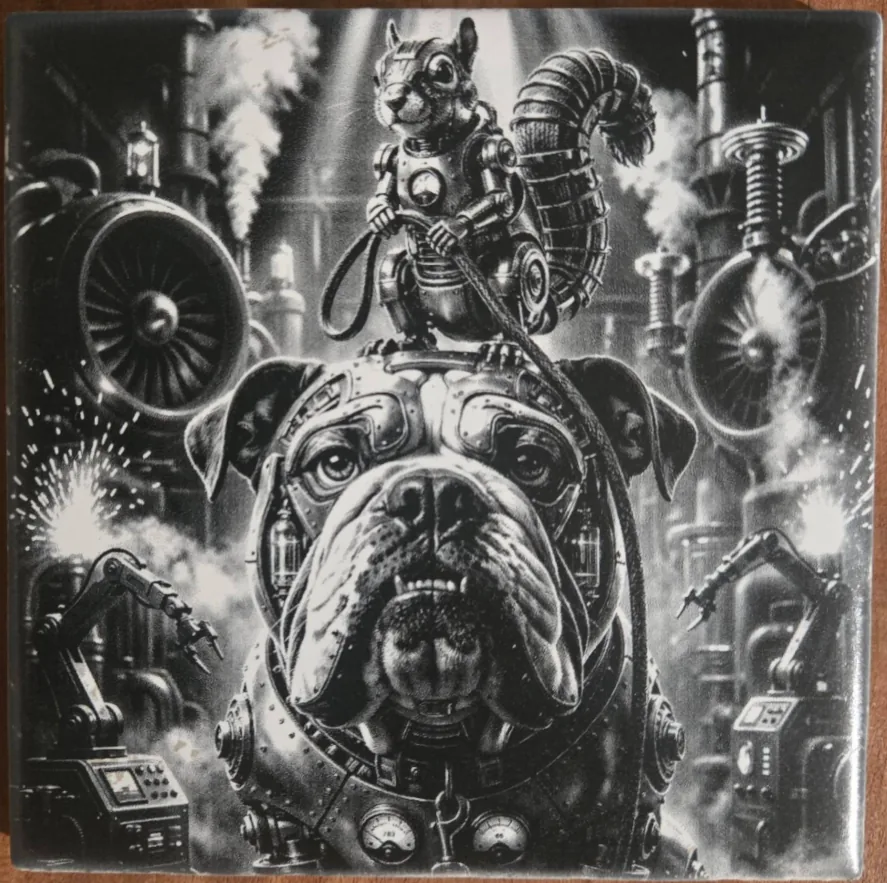
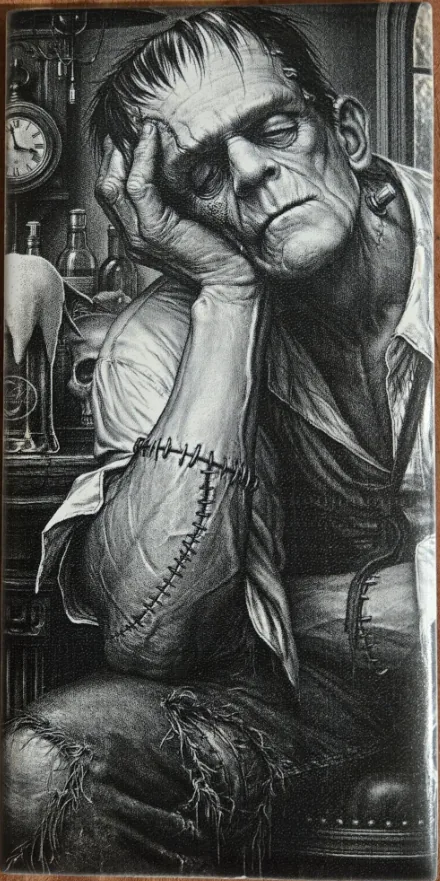
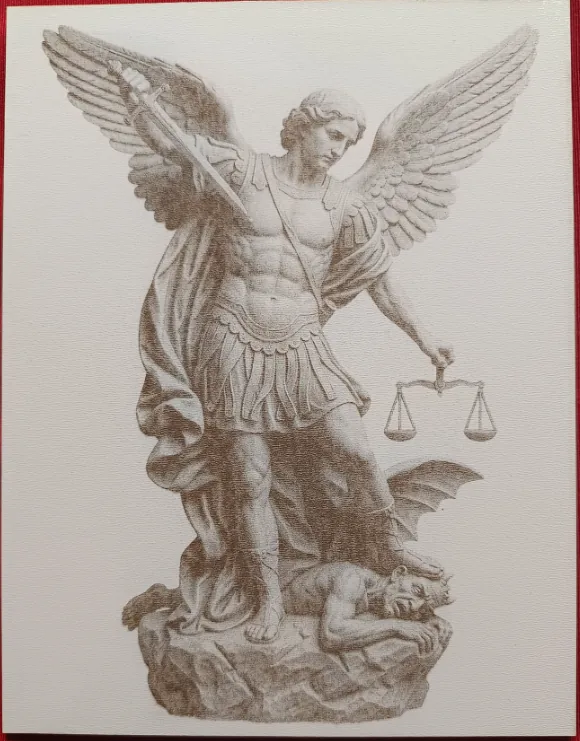
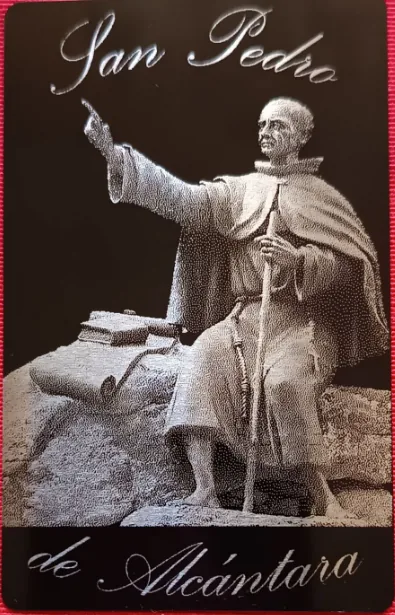
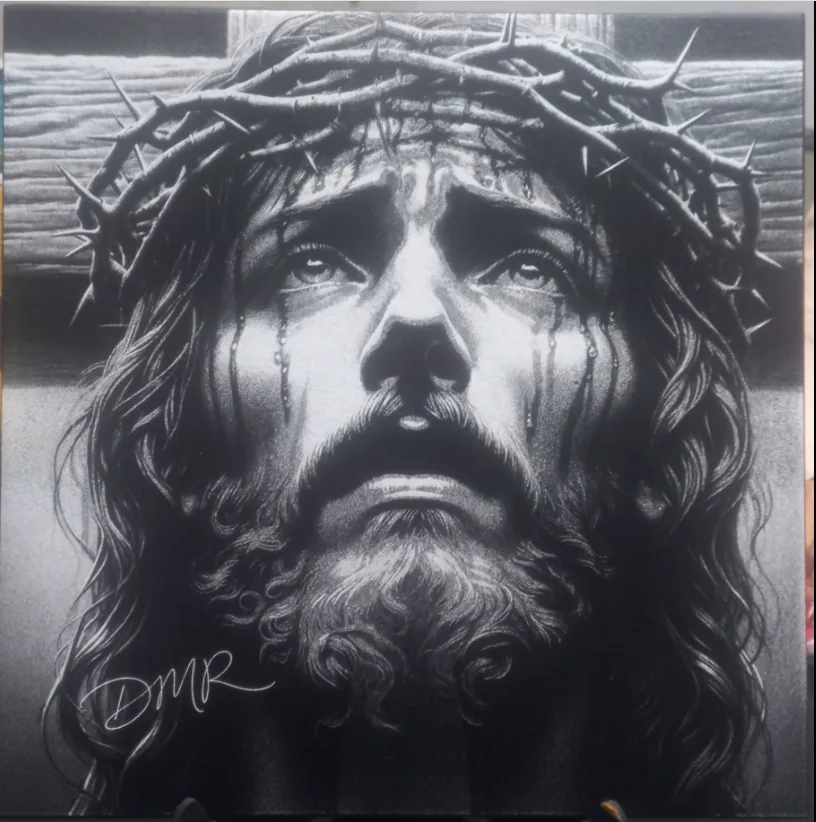
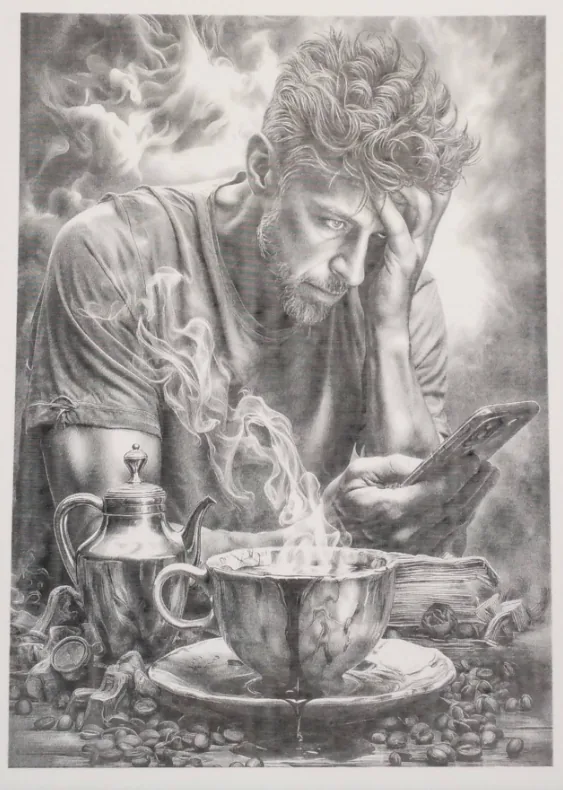
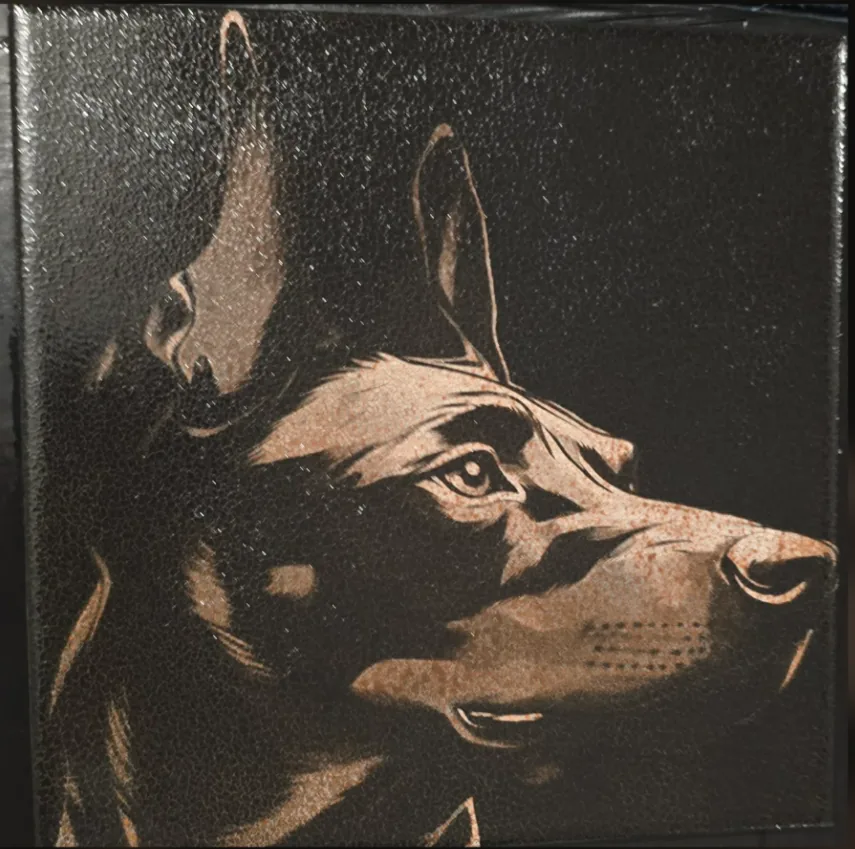
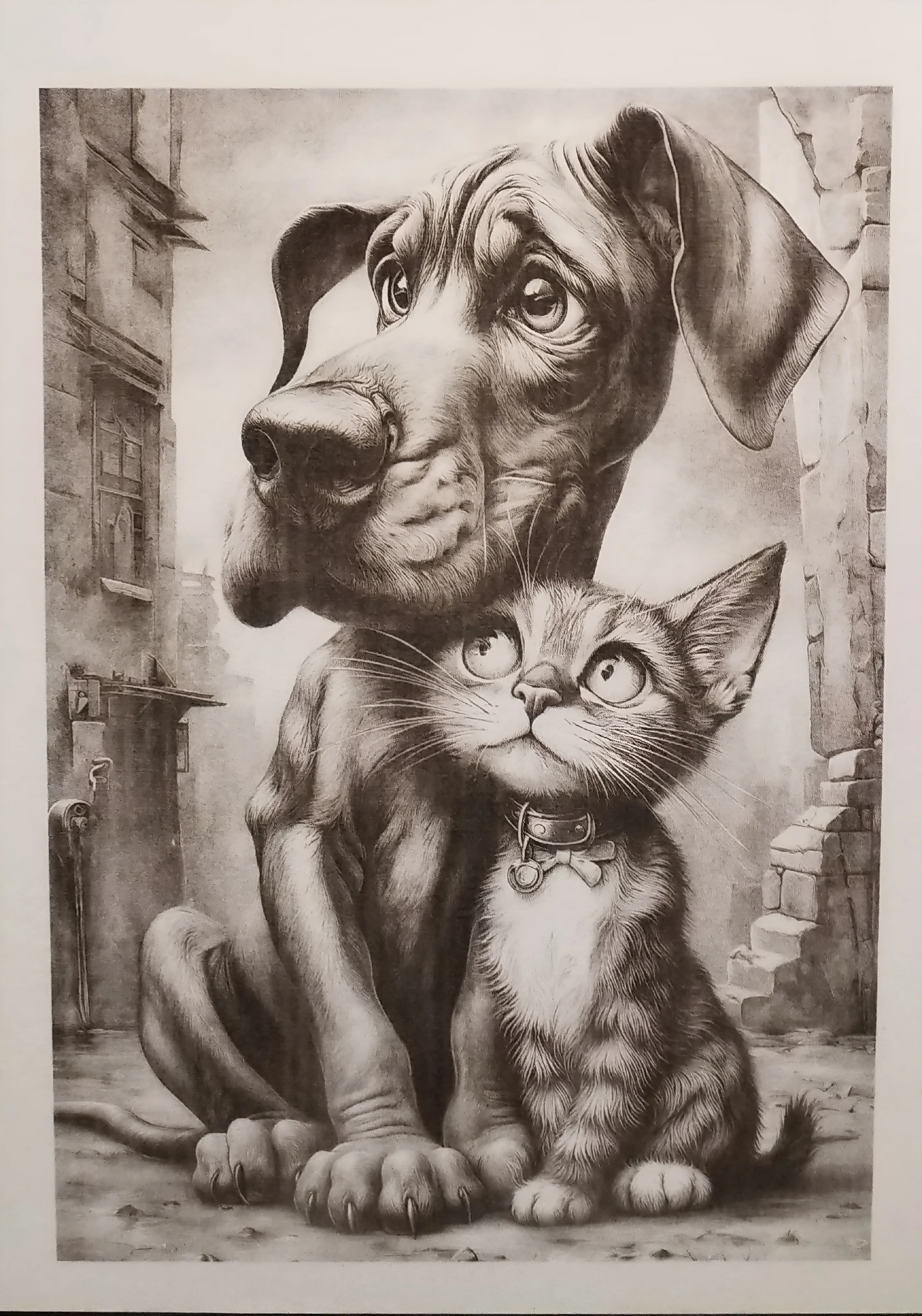
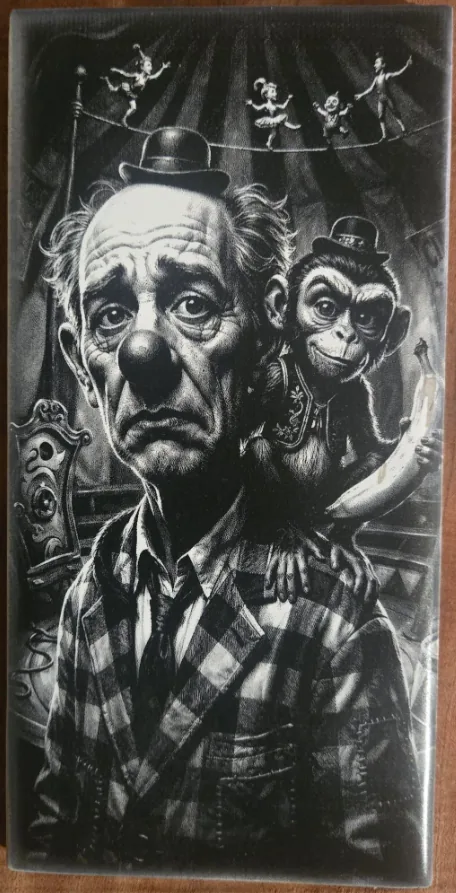
DithX (Stucki)
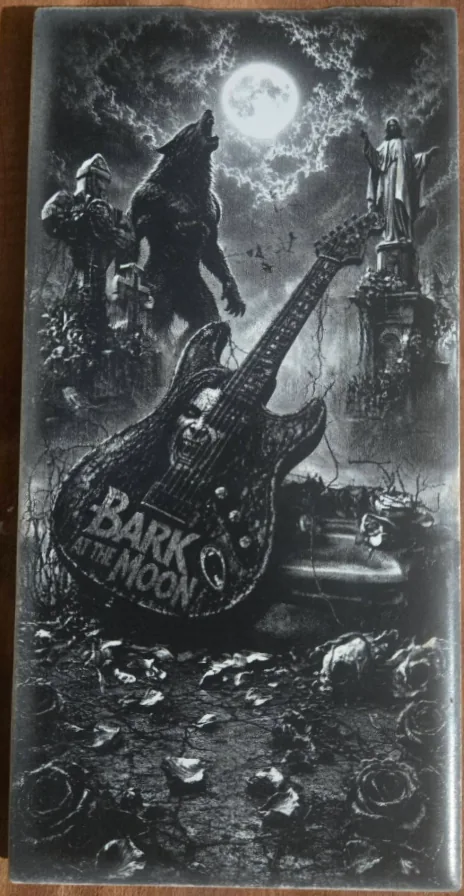
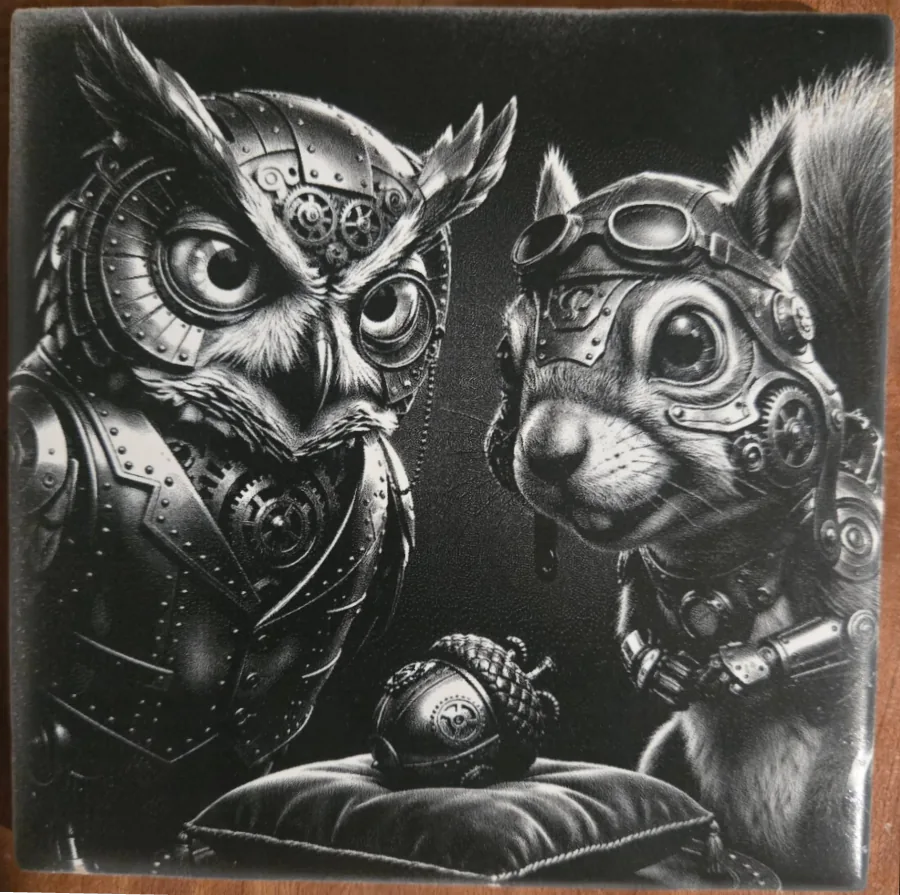
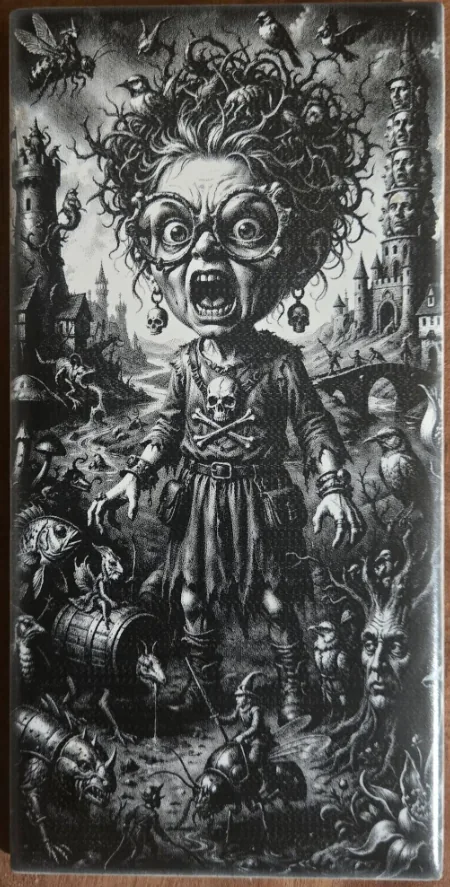
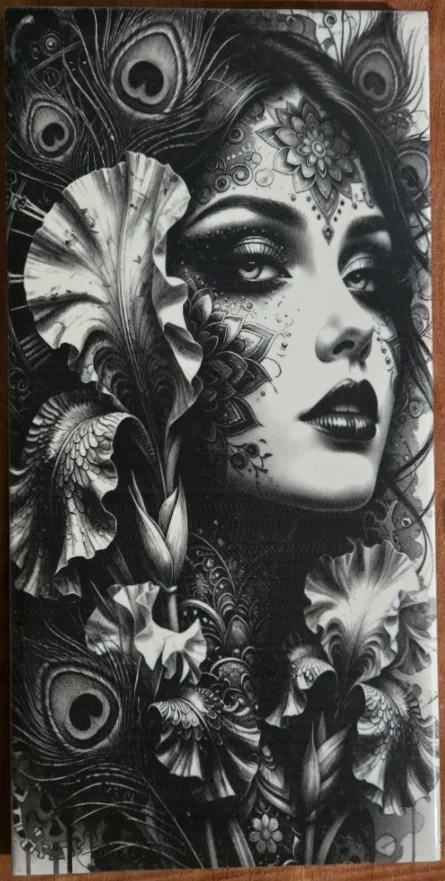
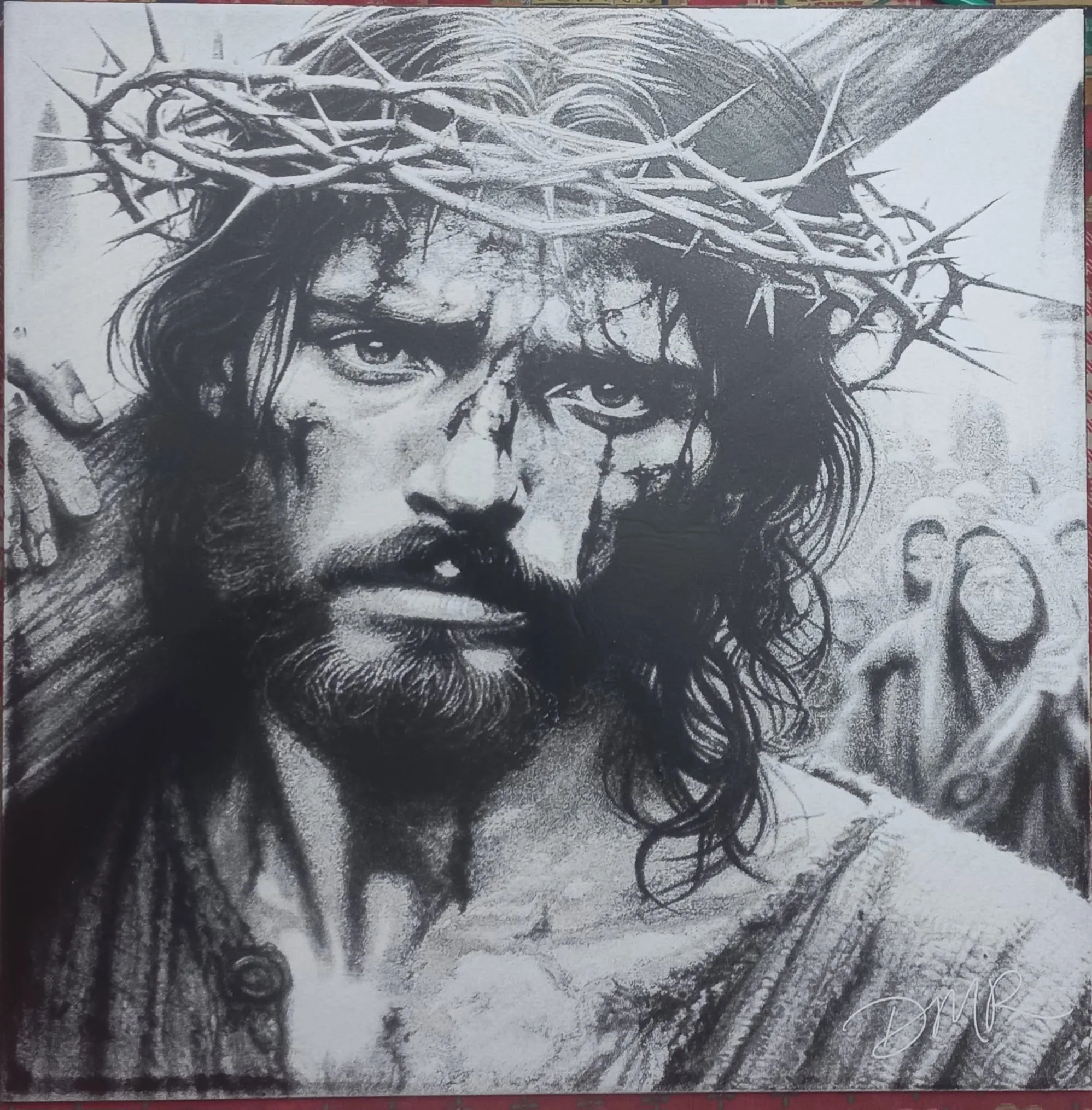
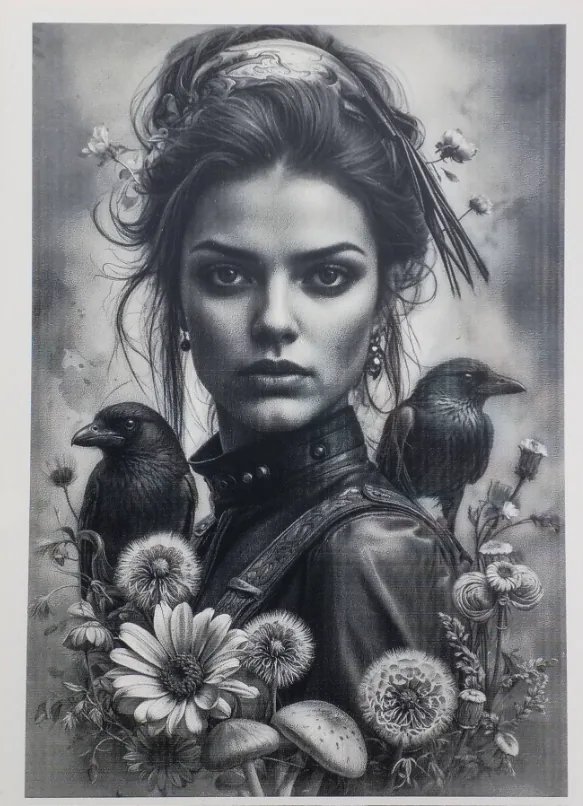
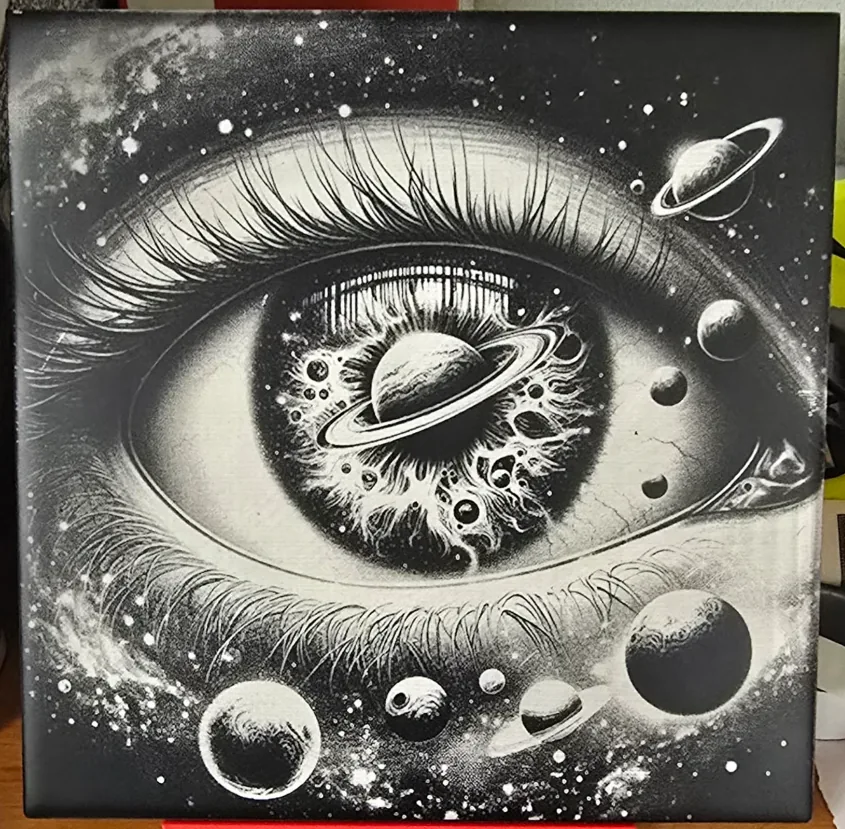
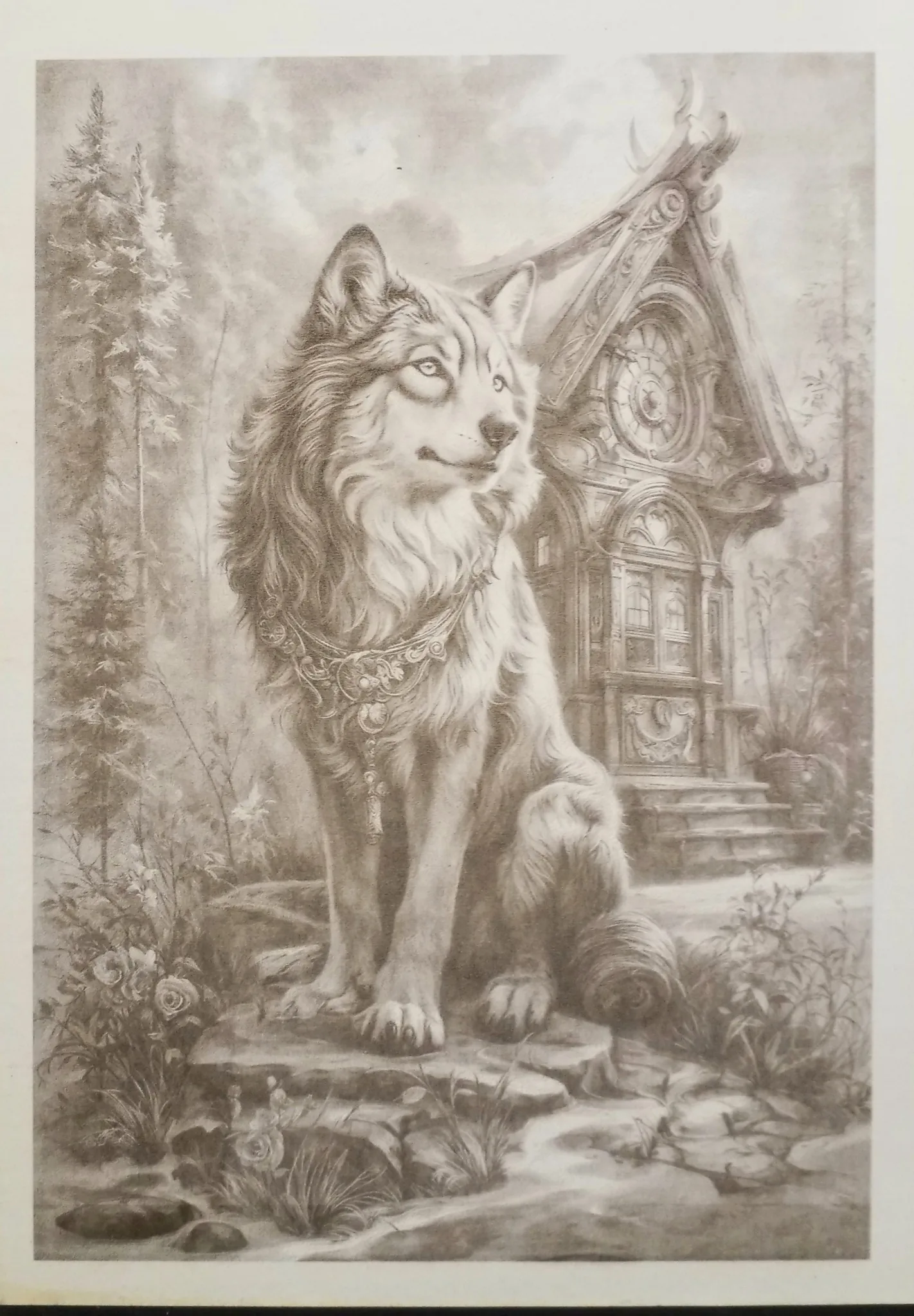
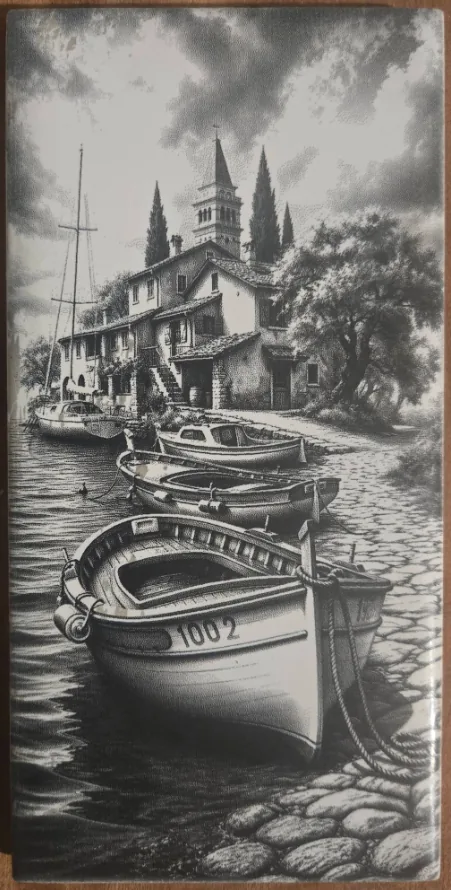
DithX (Stucki)
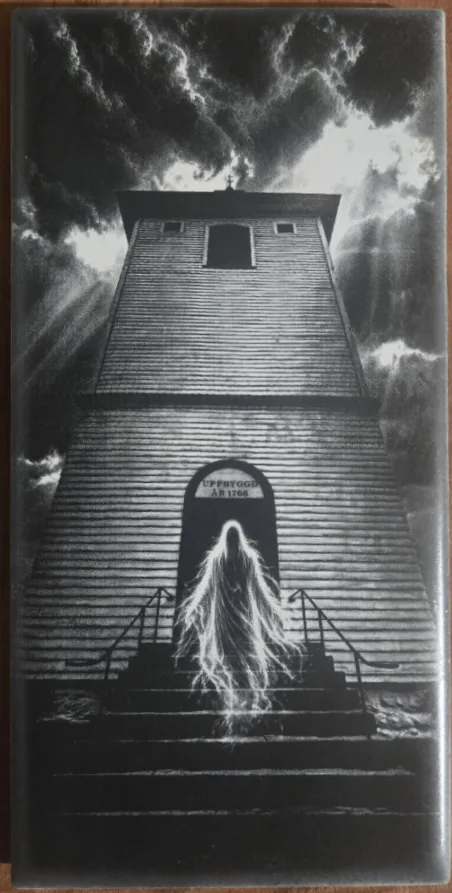
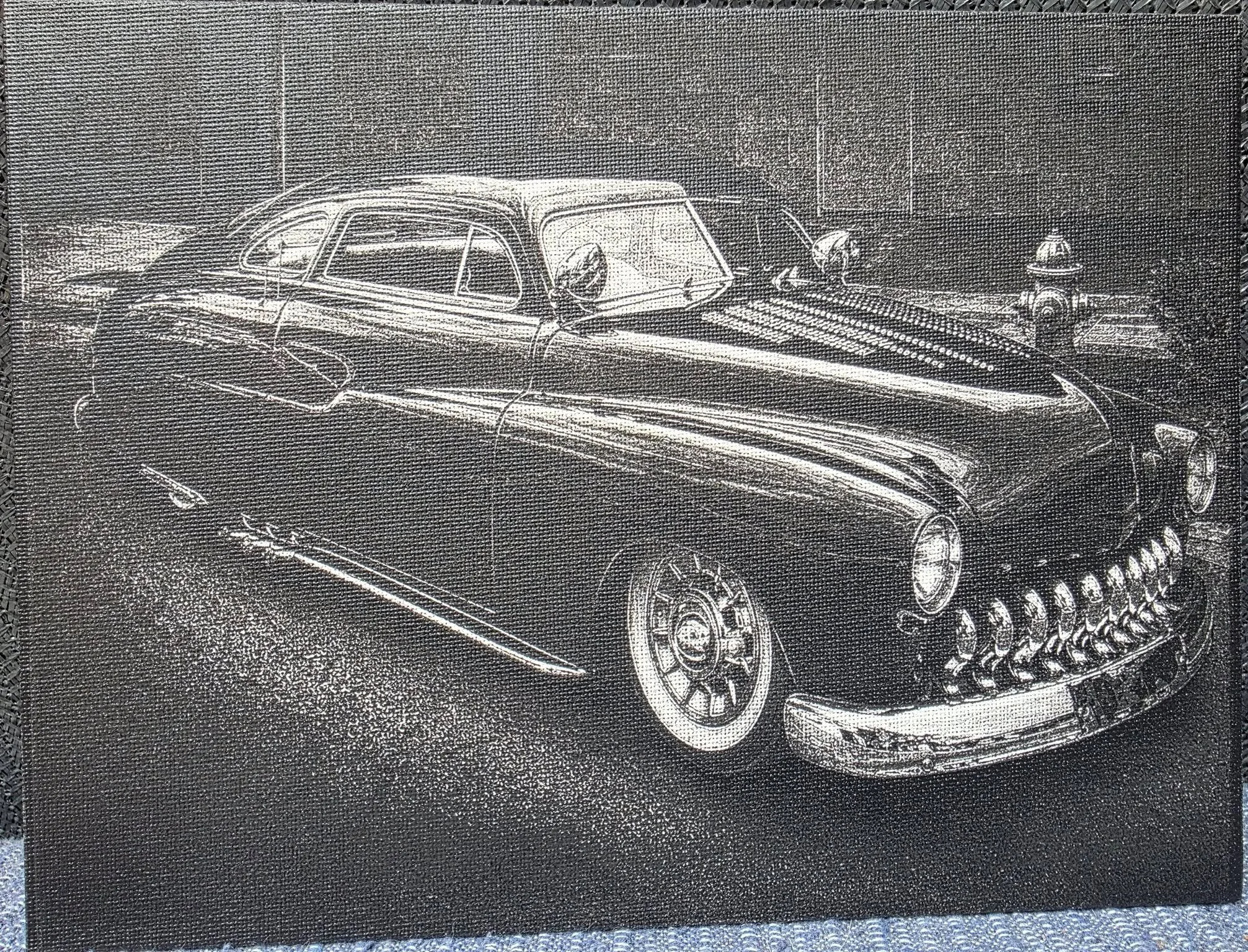
DithX (Stucki)
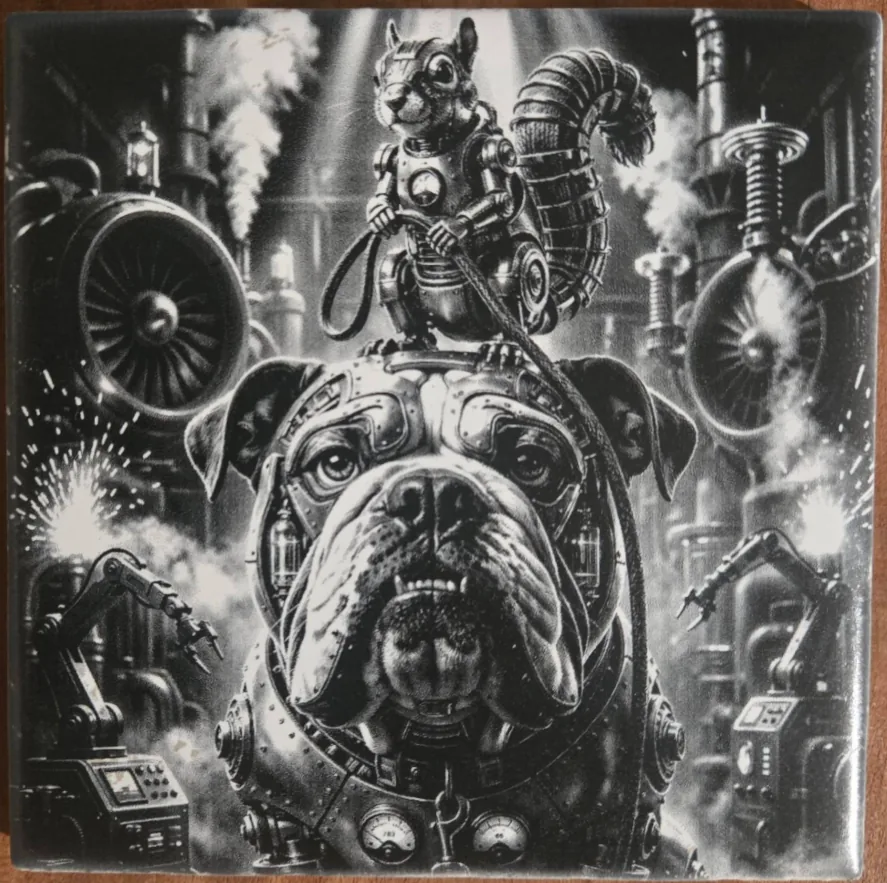
DithX (Stucki)
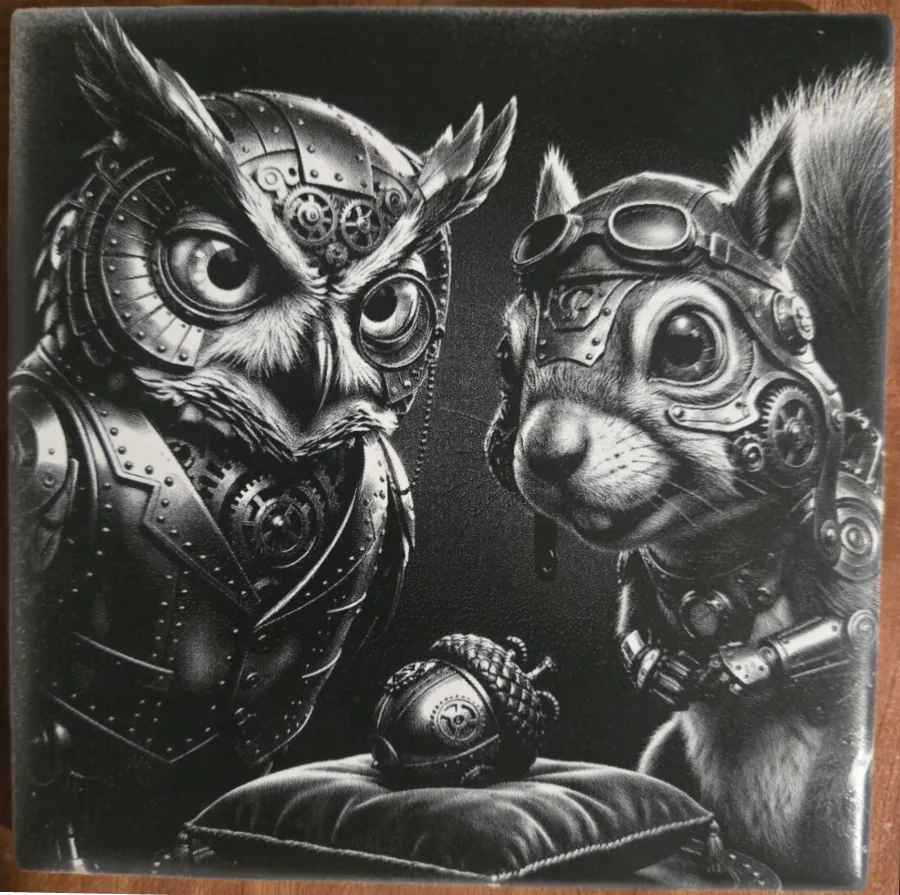
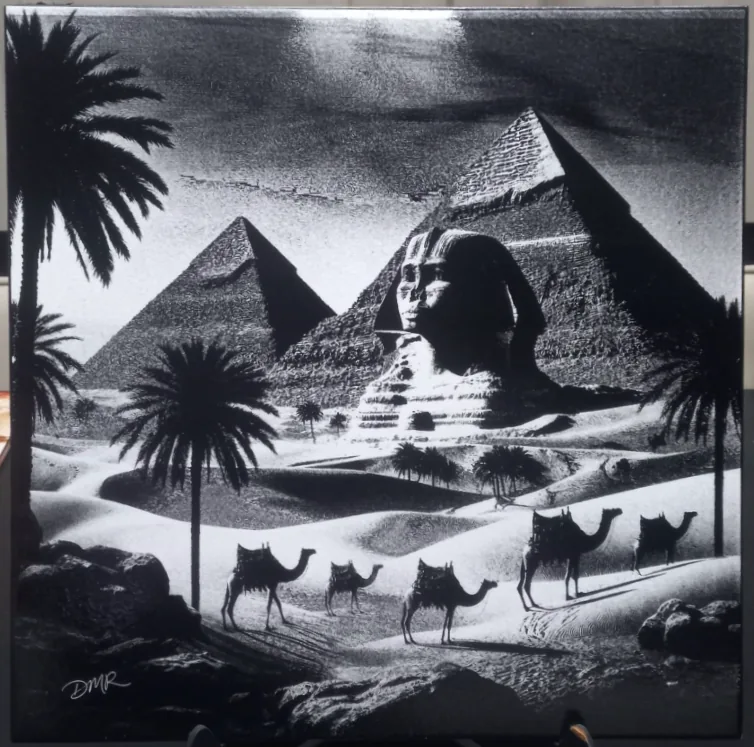
DithX (Stucki)
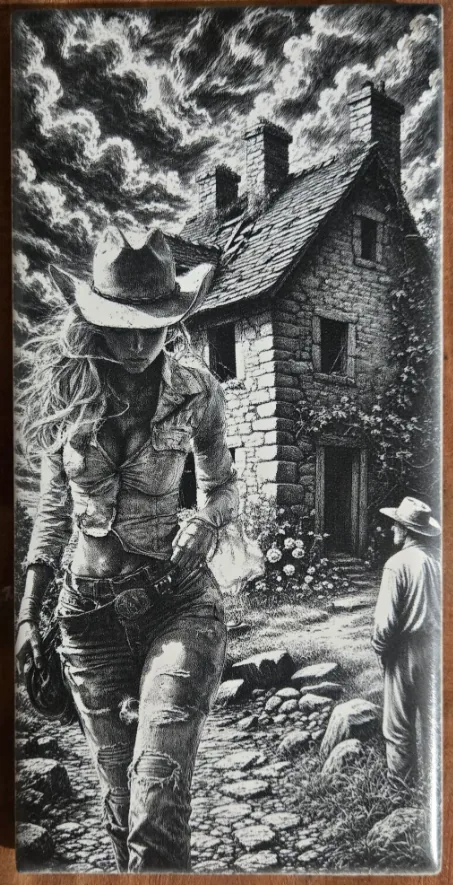
DithX (Stucki)
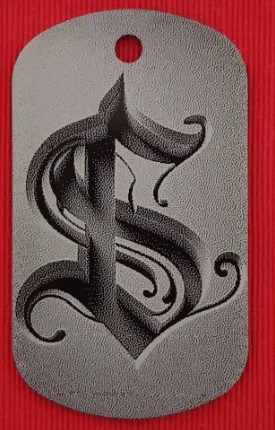
Hernandez Lozano
DithX (Jarvis)
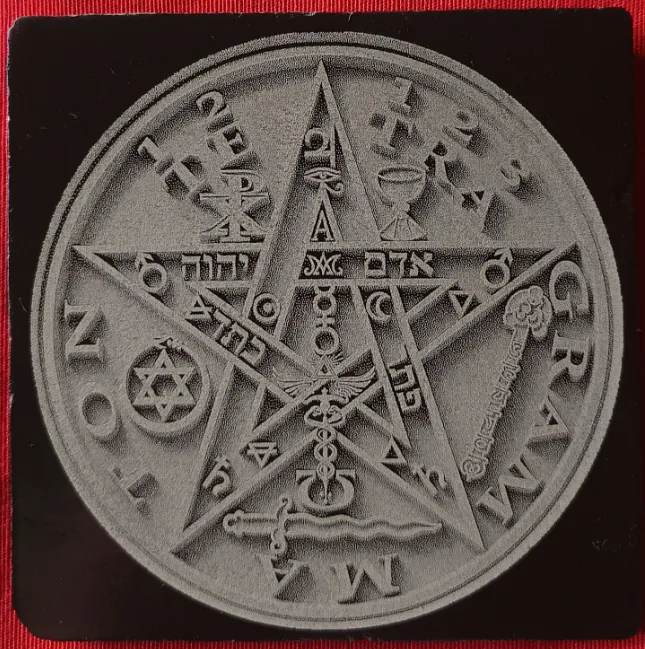
Hernandez Lozano
DithX (Jarvis)
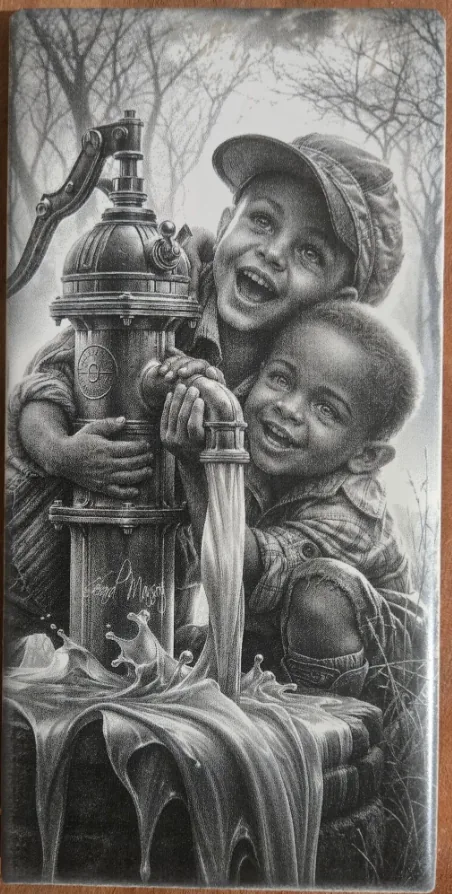
DithX (Stucki)
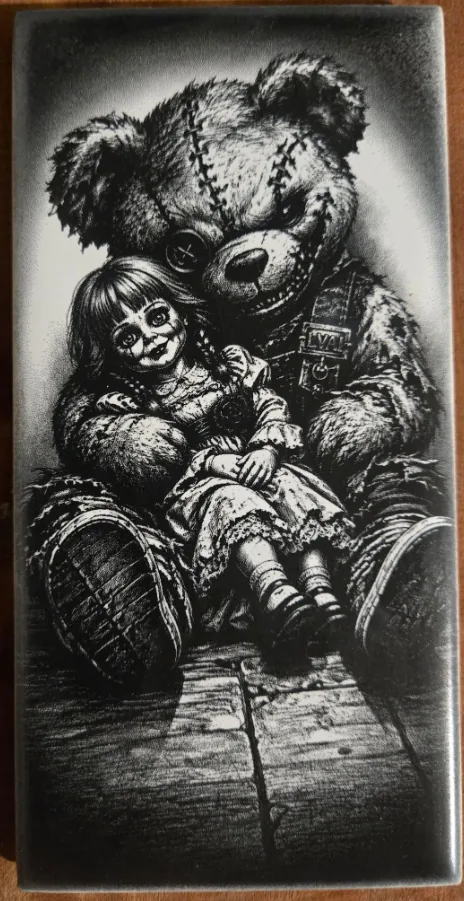
DithX (Stucki)

DithX (Stucki)
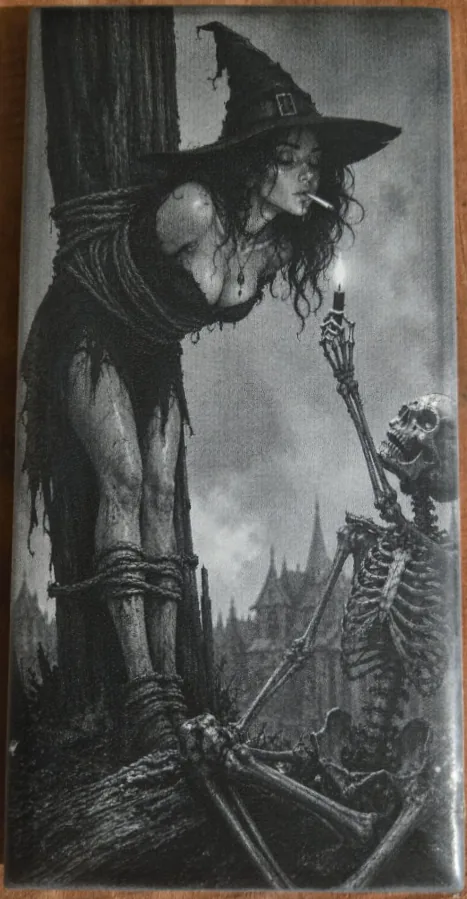
DithX (Stucki)

Hernandez Lozano
DithX (Jarvis)

DithX (Stucki)
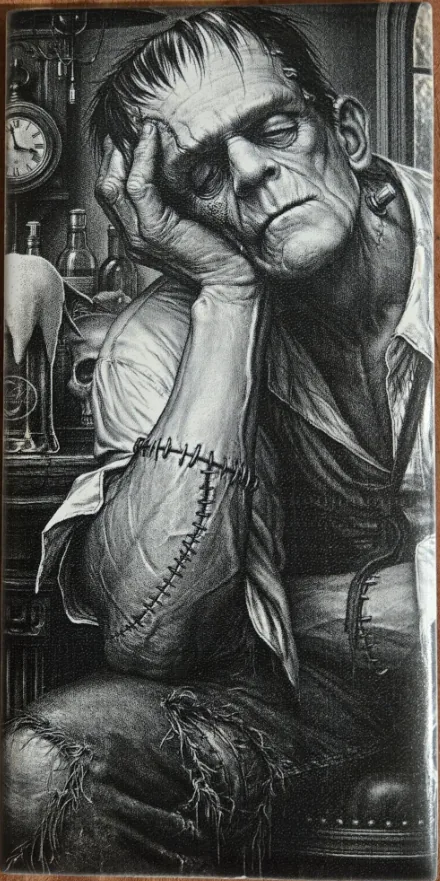
DithX (Stucki)
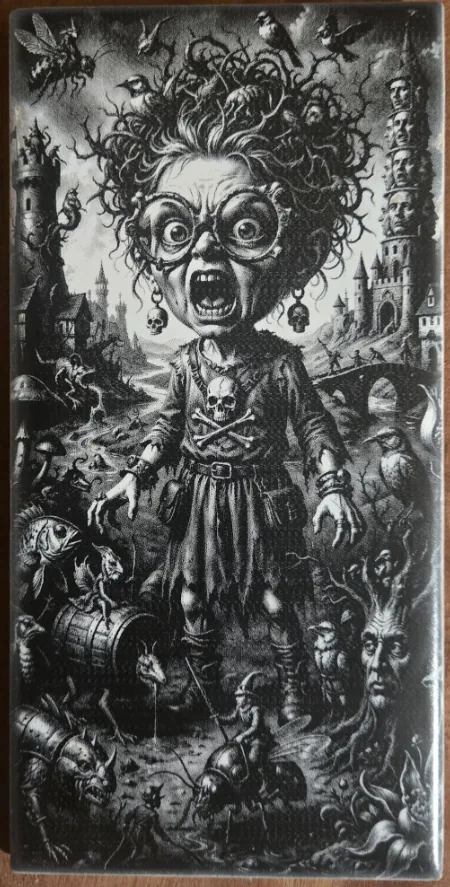
DithX (Stucki)
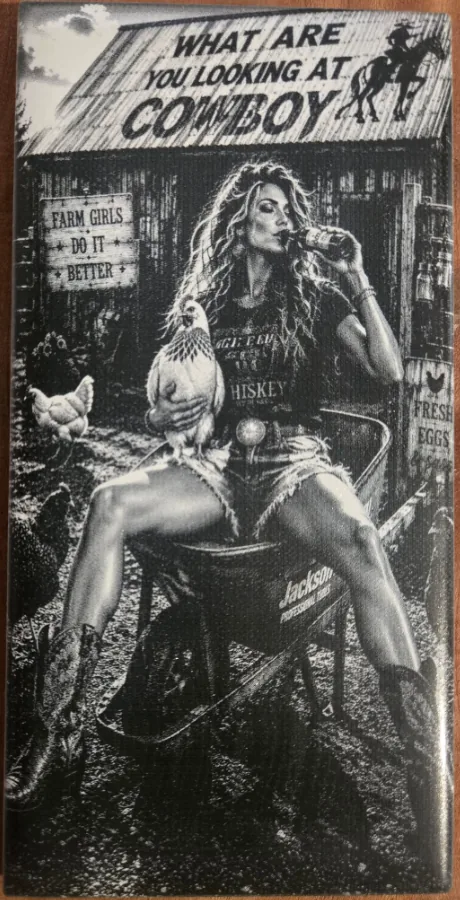
DithX
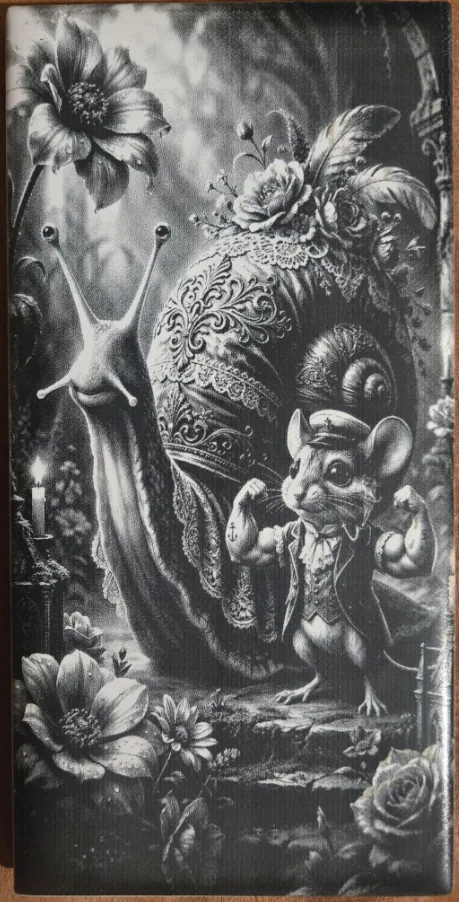
DithX (Stucki)
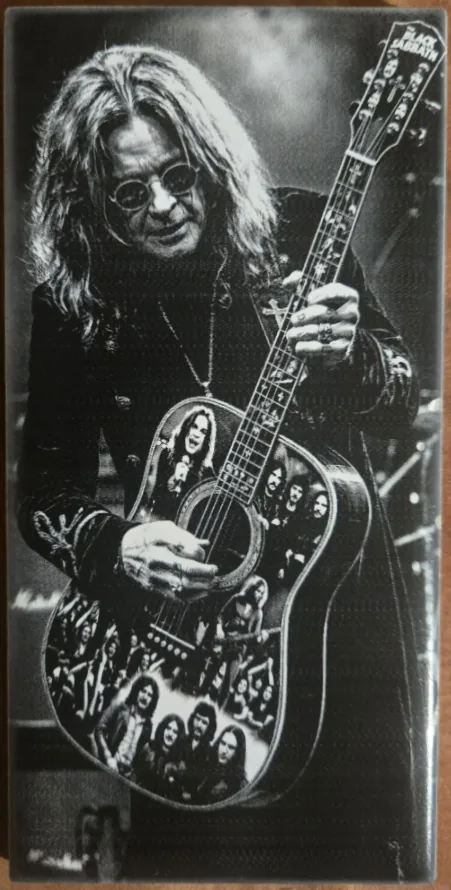
DithX (Stucki)
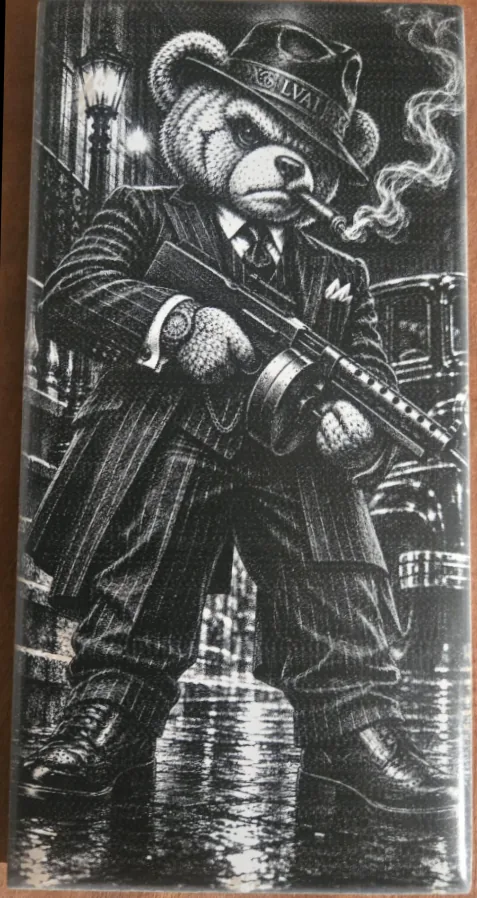
DithX (Stucki)
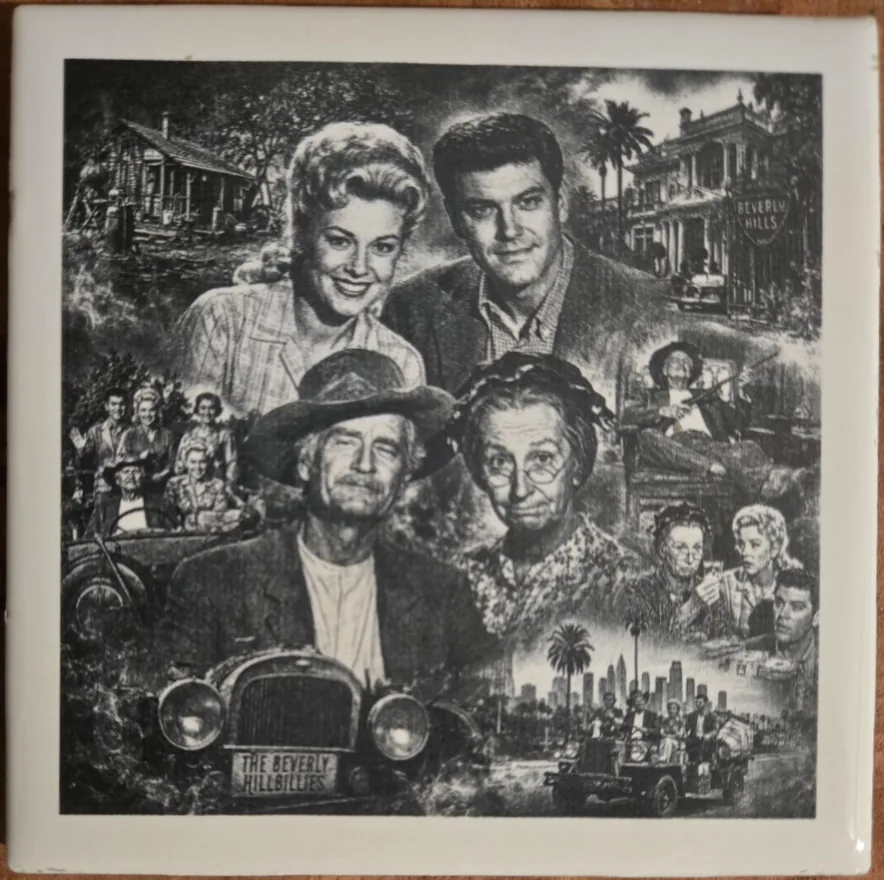
DithX (Stucki)
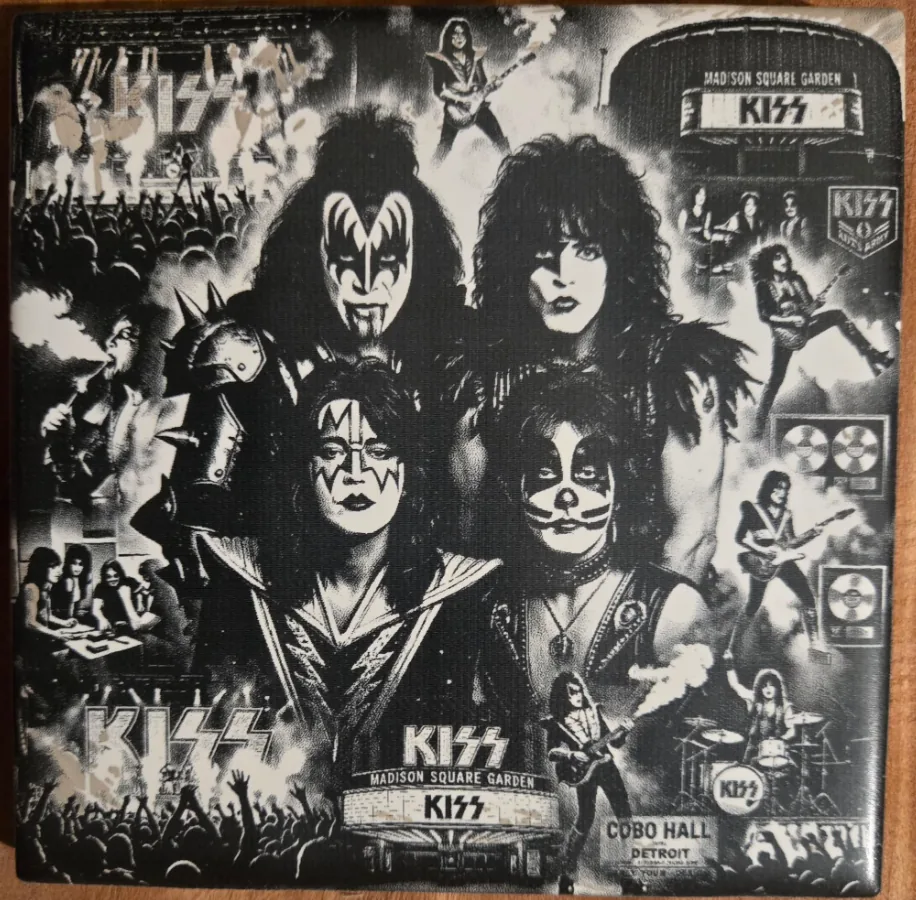
DithX (JARVIS)

DithX (Stucki)
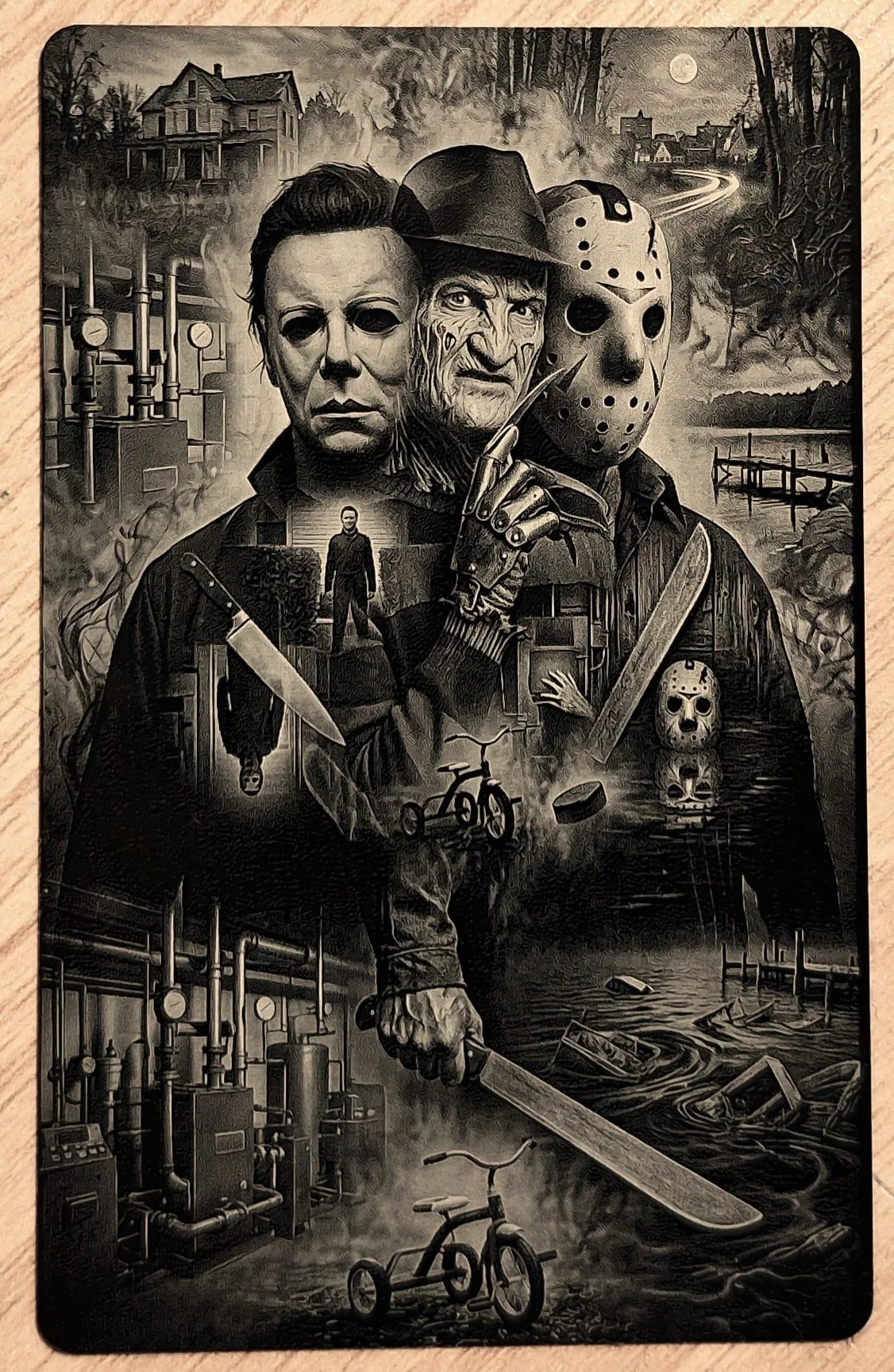
DithX (Stucki)
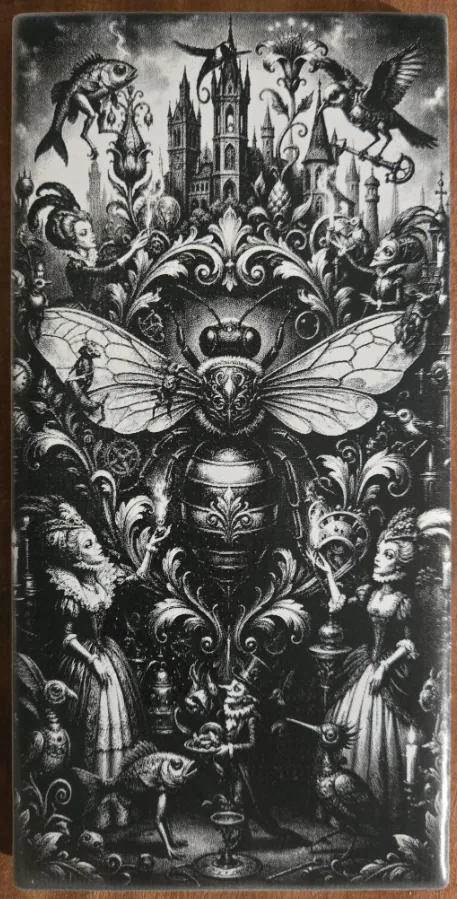
DithX (Stucki)
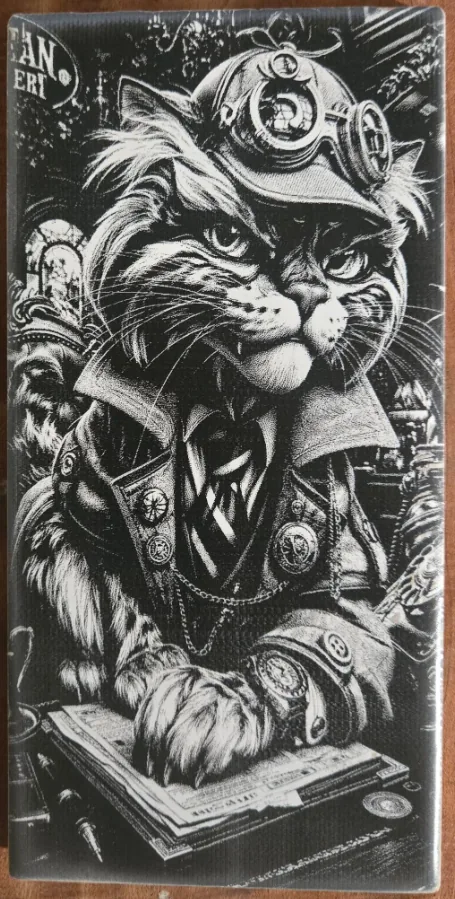
DithX (Stucki)
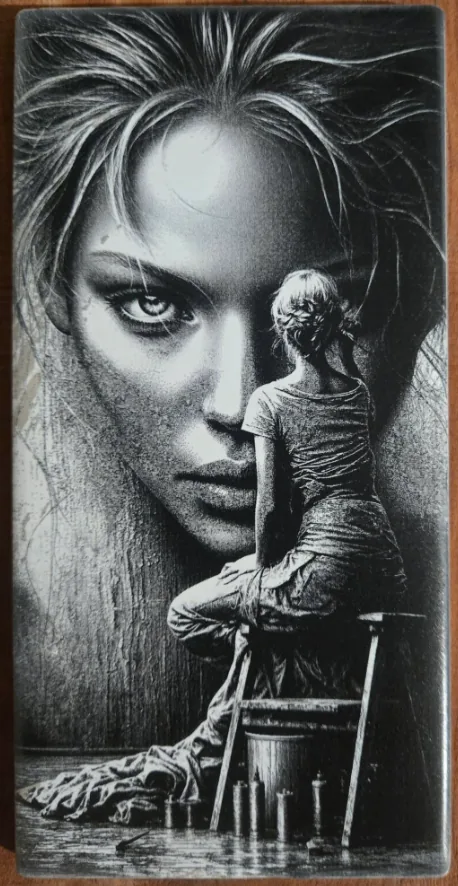
DithX (Stucki)
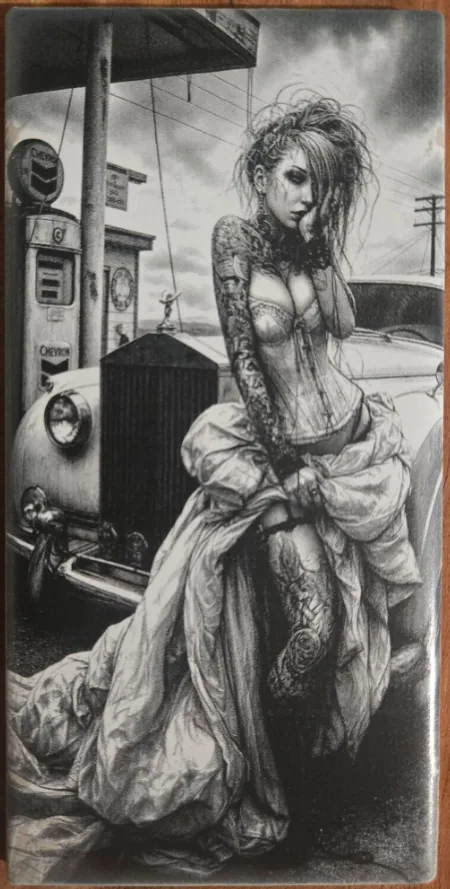
DithX (Stucki)
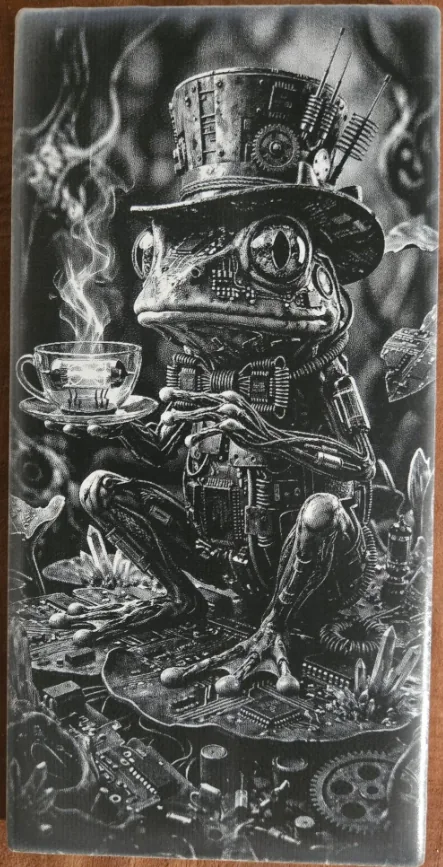
DithX (Jarvis)
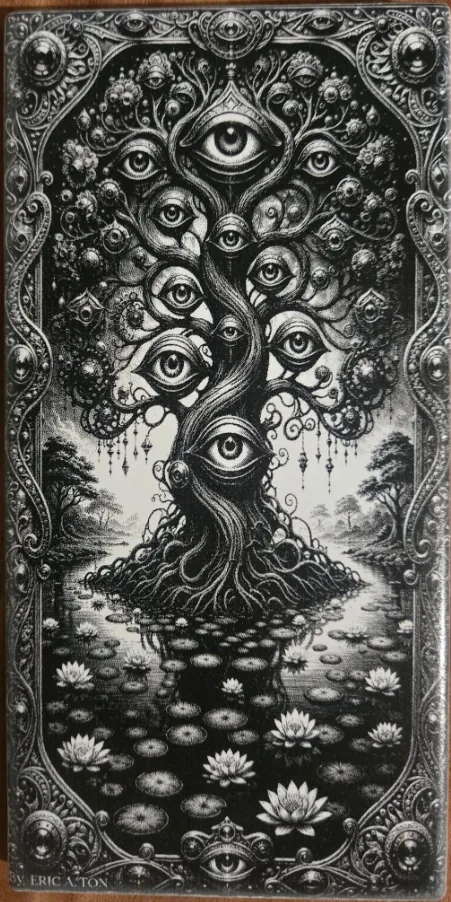
DithX (Jarvis)
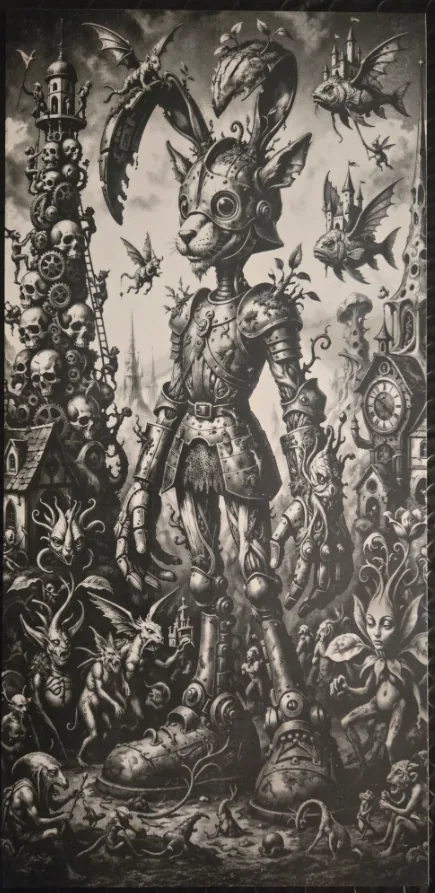
DithX (Jarvis)
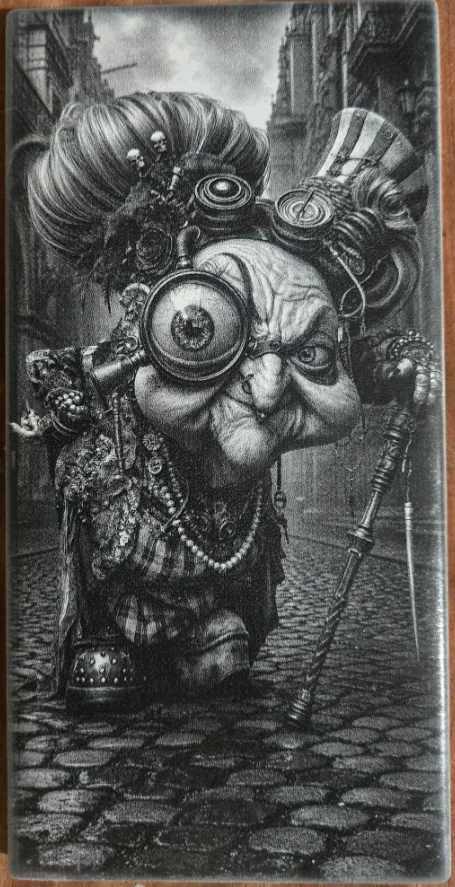
DithX (Jarvis)
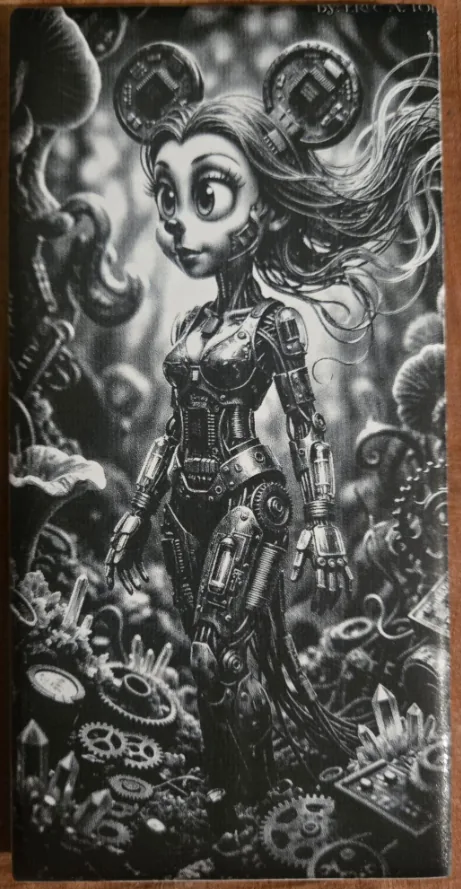
DithX (Jarvis)

DithX (Jarvis)
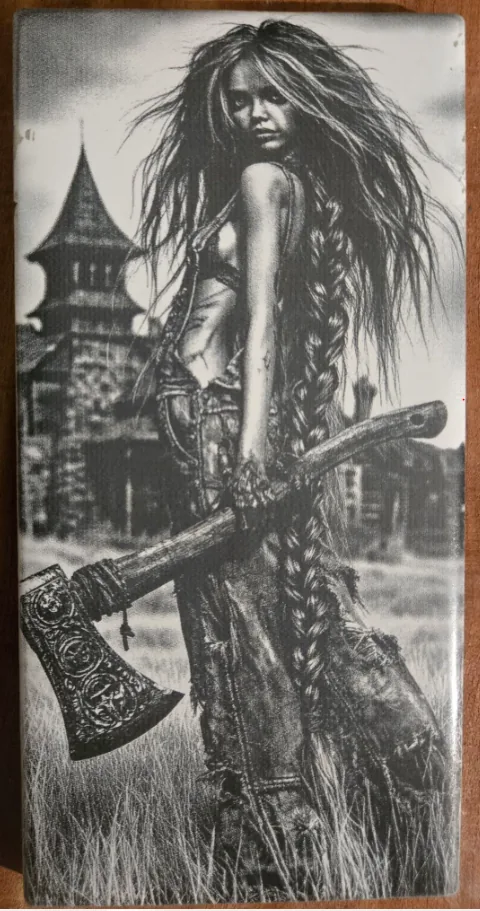
DithX (Jarvis)
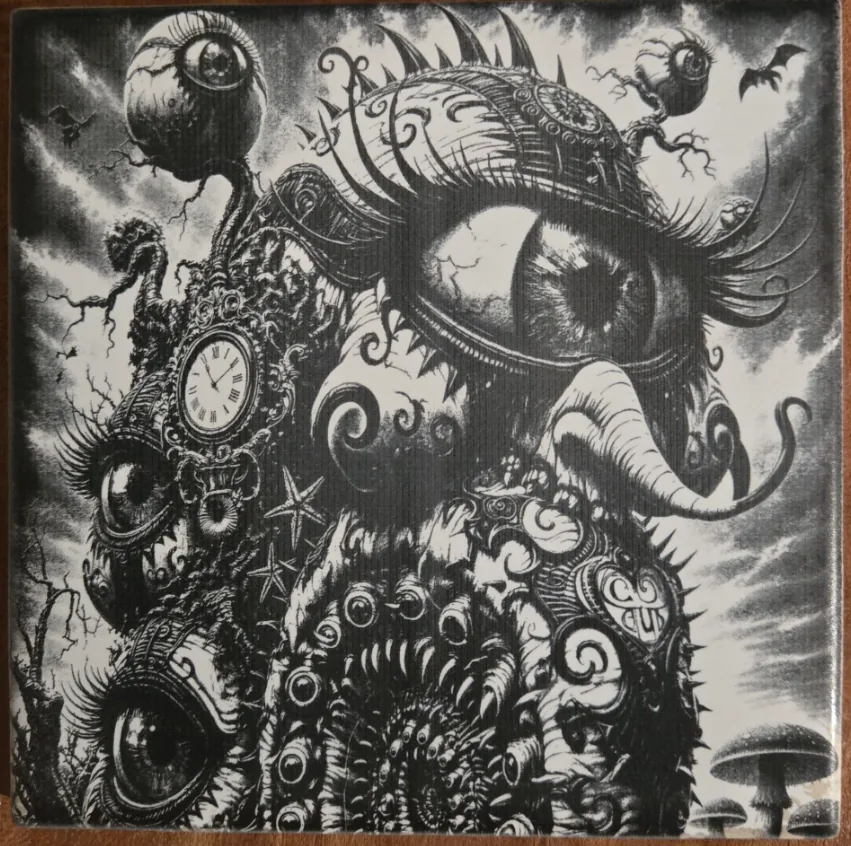
DithX (Jarvis)
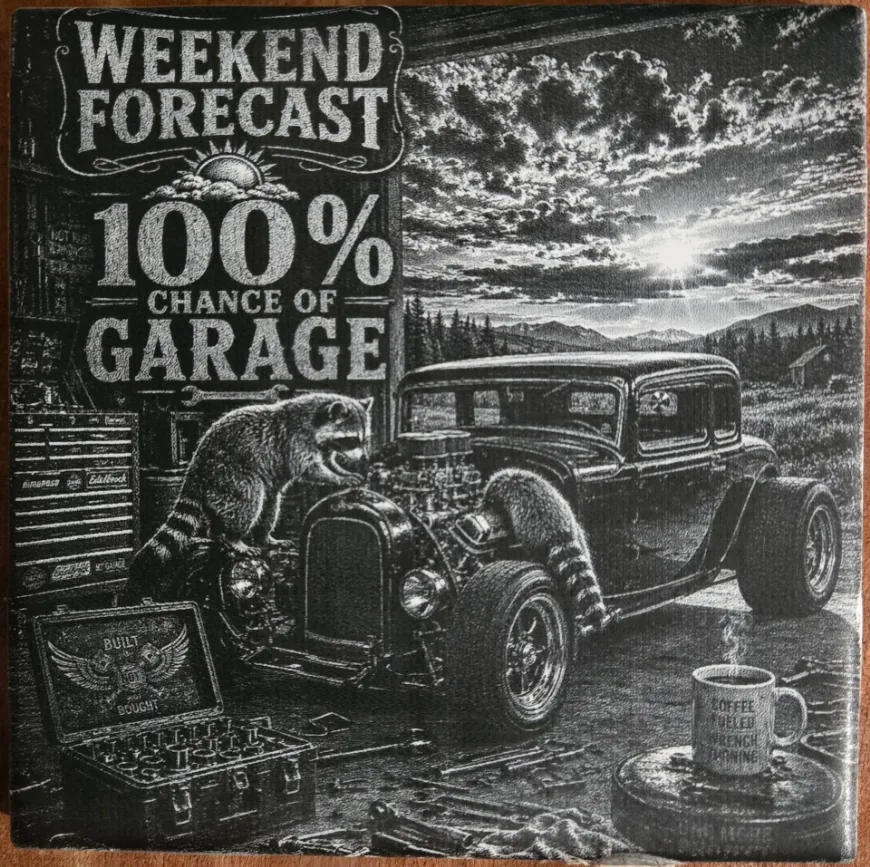
DithX (Jarvis)

DithX (Jarvis)

Hernandez Lozano
DithX (Jarvis)
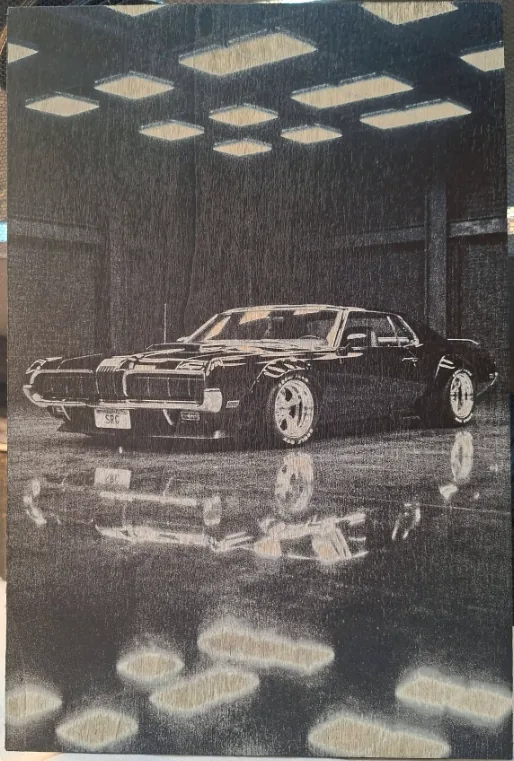
DithX (Jarvis)
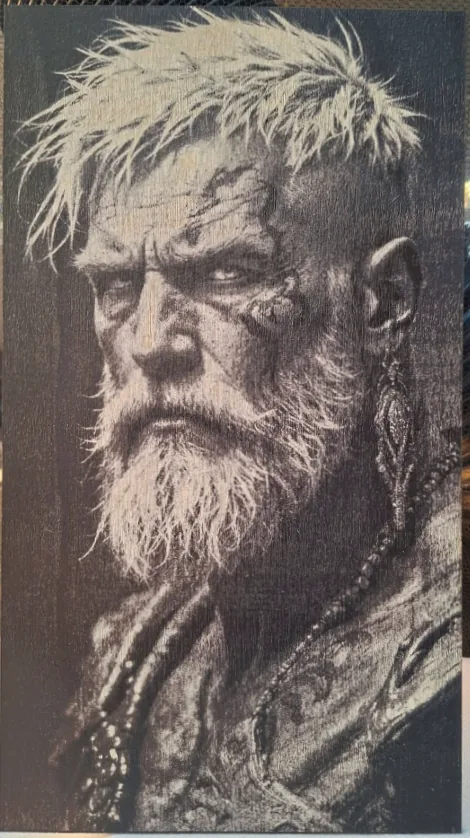
DithX (Jarvis)
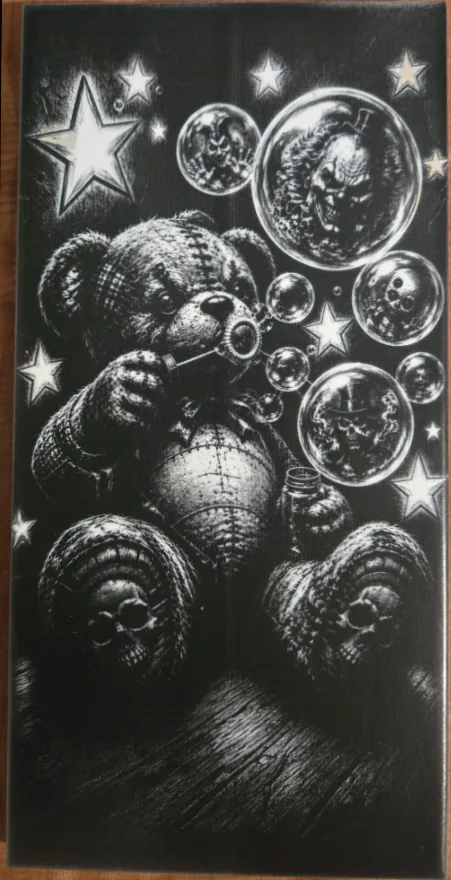
DithX (Jarvis)
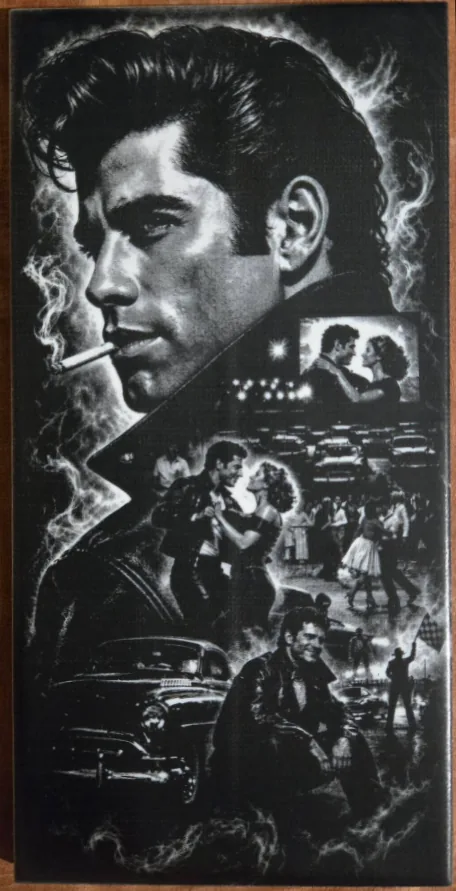
DithX (Jarvis)
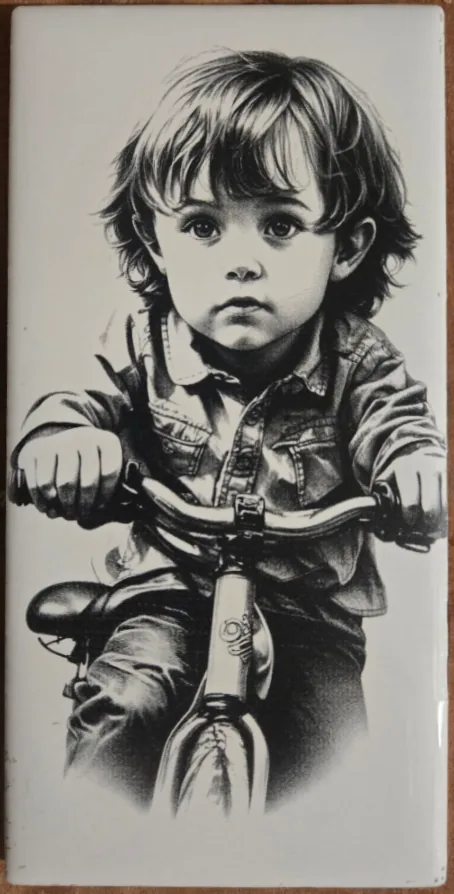
DithX (Jarvis)
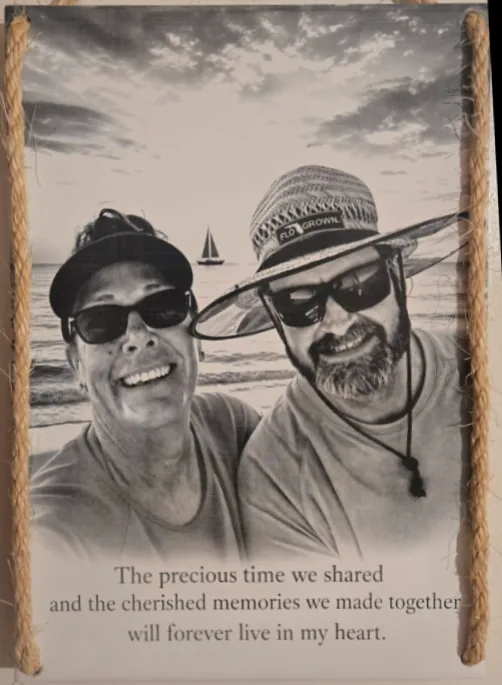
DithX (Jarvis)
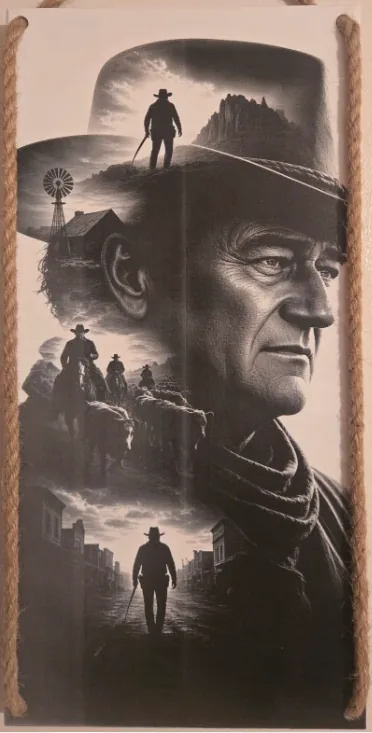
DithX (Jarvis)
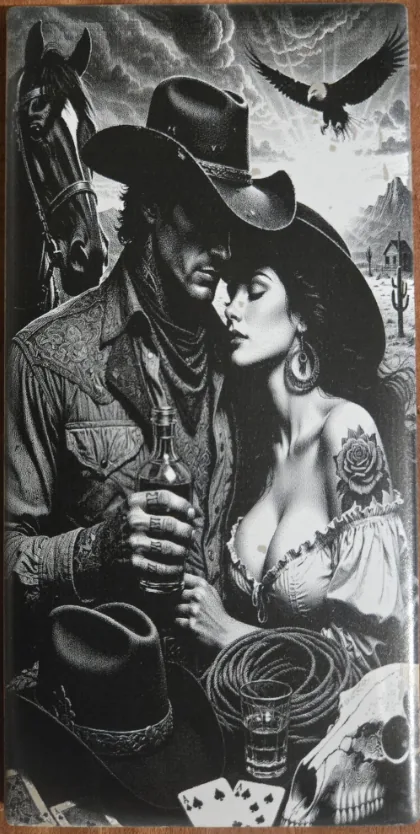
DithX (Jarvis)
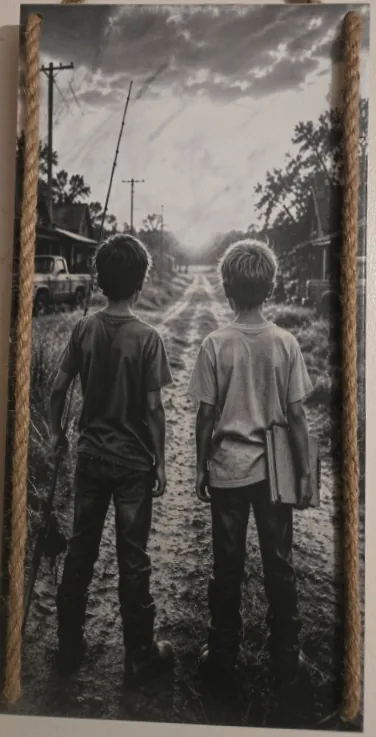
DithX (Jarvis)
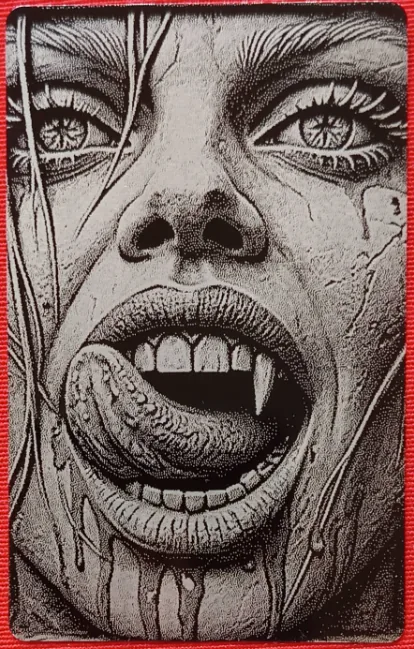
Hernandez Lozano
DithX (Jarvis)
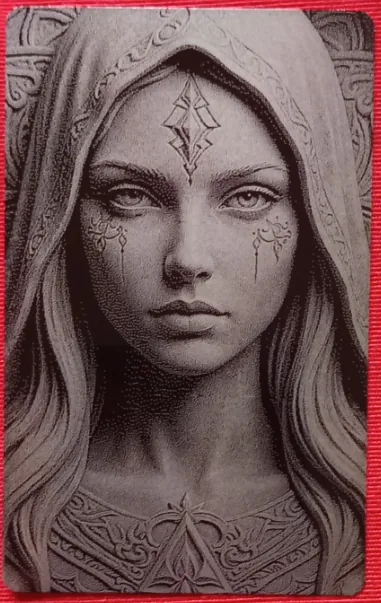
Hernandez Lozano
DithX (Jarvis)

Hernandez Lozano
DithX (Jarvis)
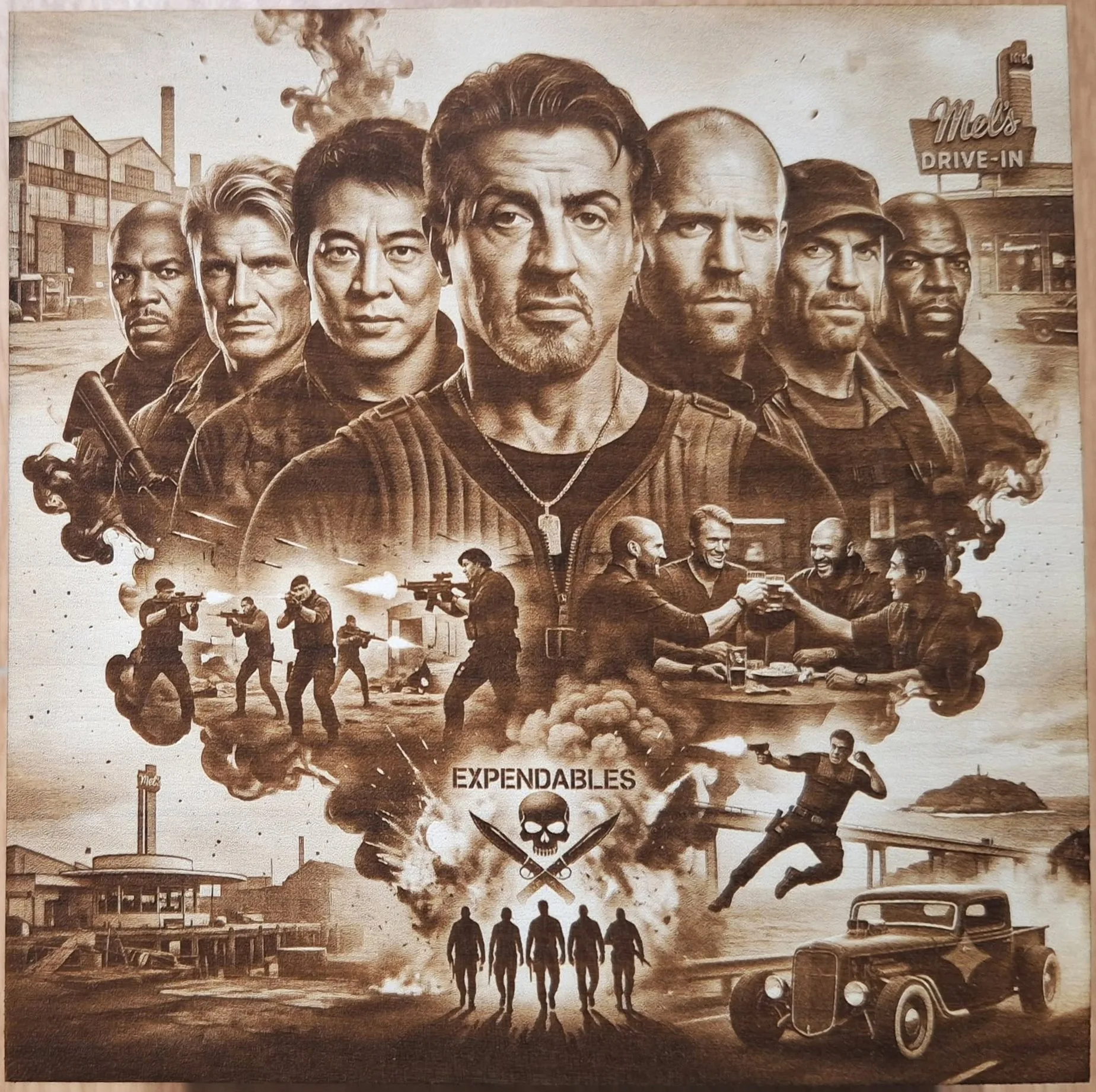
DithX (Stucki)
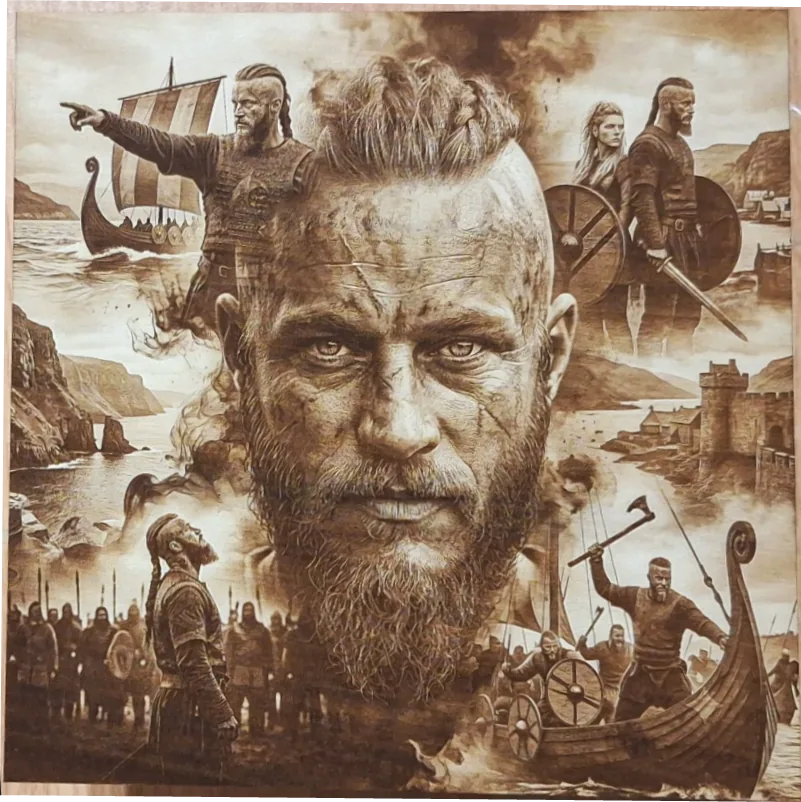
DithX (Stucki)
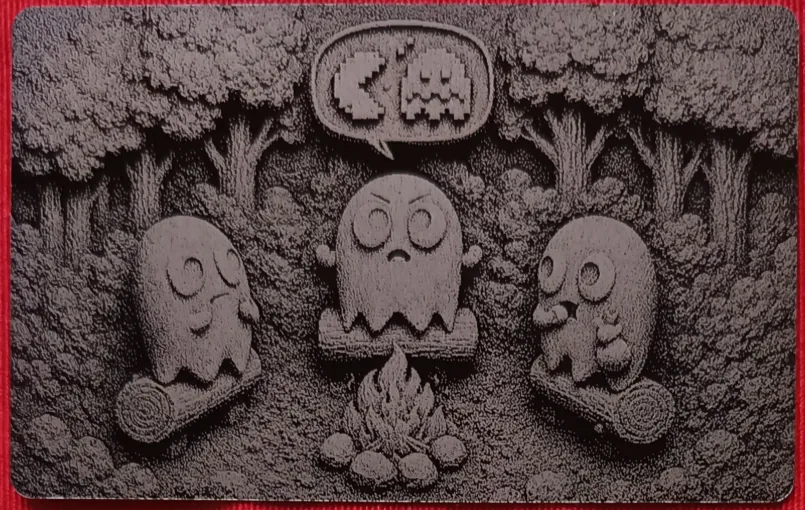
Hernandez Lozano
DithX (Jarvis)
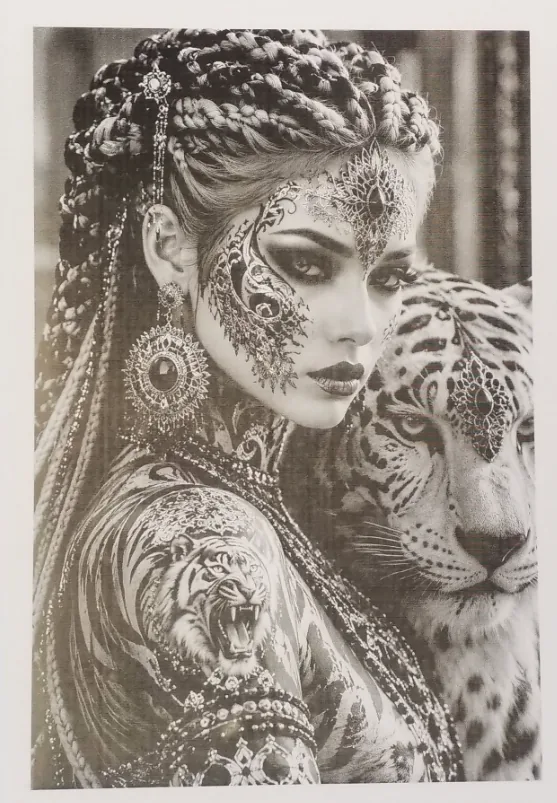
DithX (Sierra)
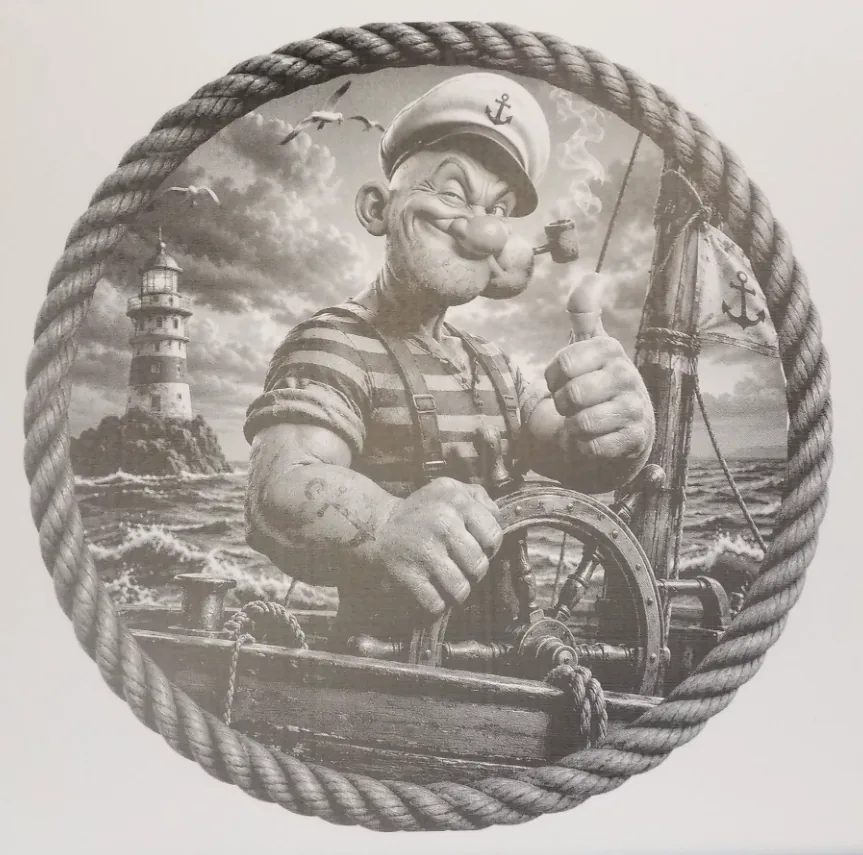
DithX (Atkinson)

DithX (Stevenson Arce)
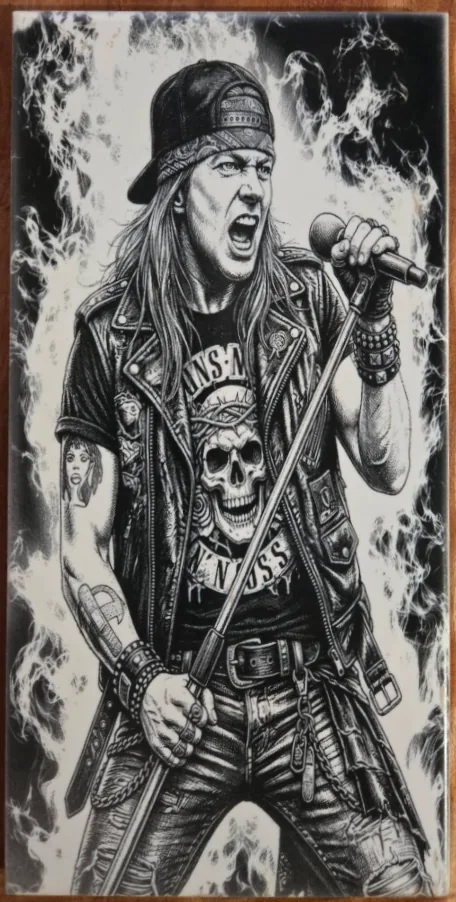
DithX (Jarvis)
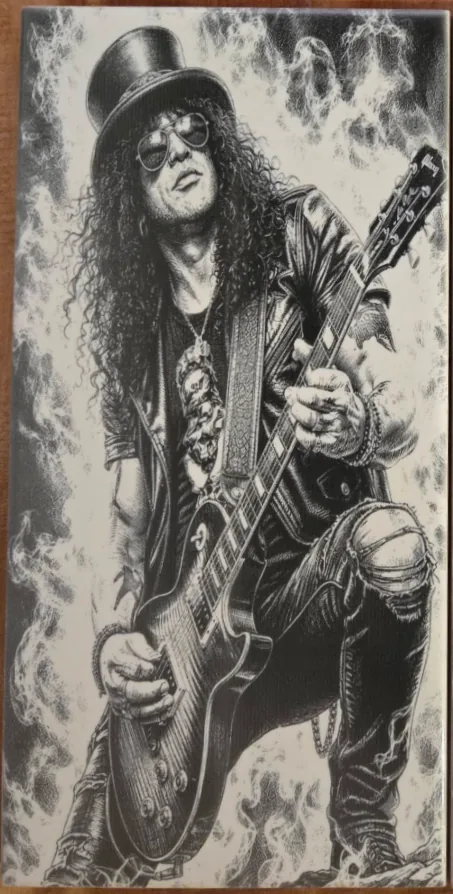
DithX (Jarvis)
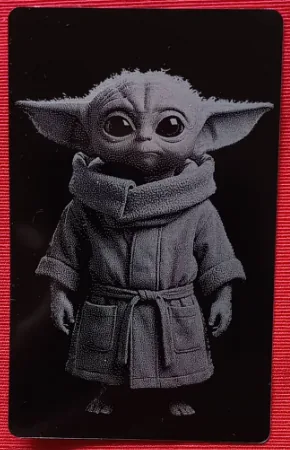
Hernandez Lozano
DithX (Jarvis)
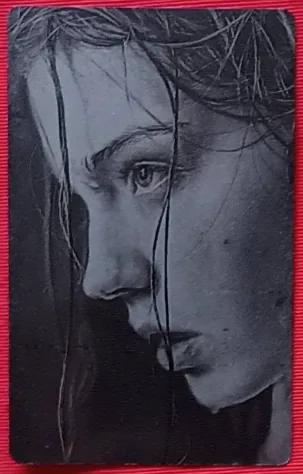
Hernandez Lozano
DithX (Jarvis)
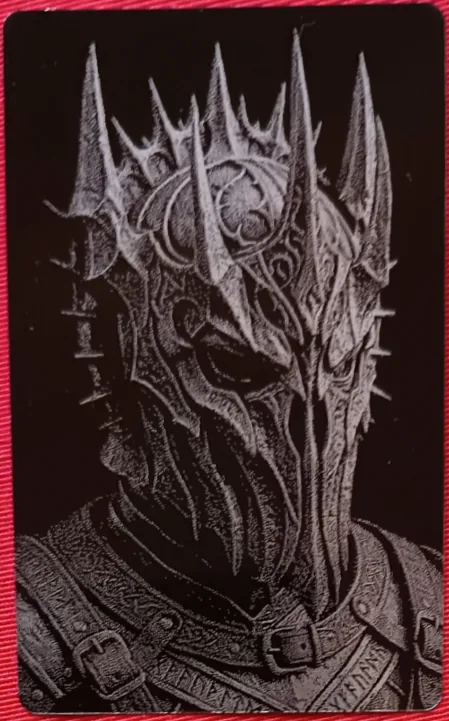
Hernandez Lozano
DithX (Jarvis)
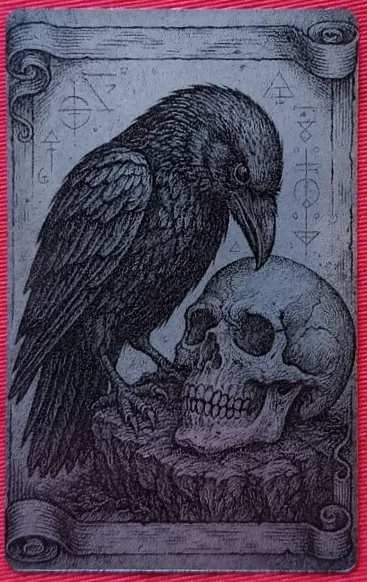
Hernandez Lozano
DithX (Jarvis)
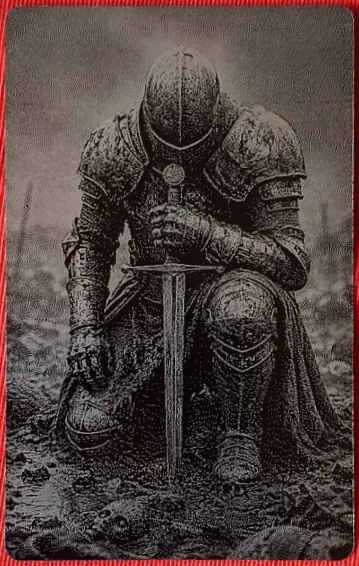
Hernandez Lozano
DithX (Jarvis)

Hernandez Lozano
DithX (Jarvis)
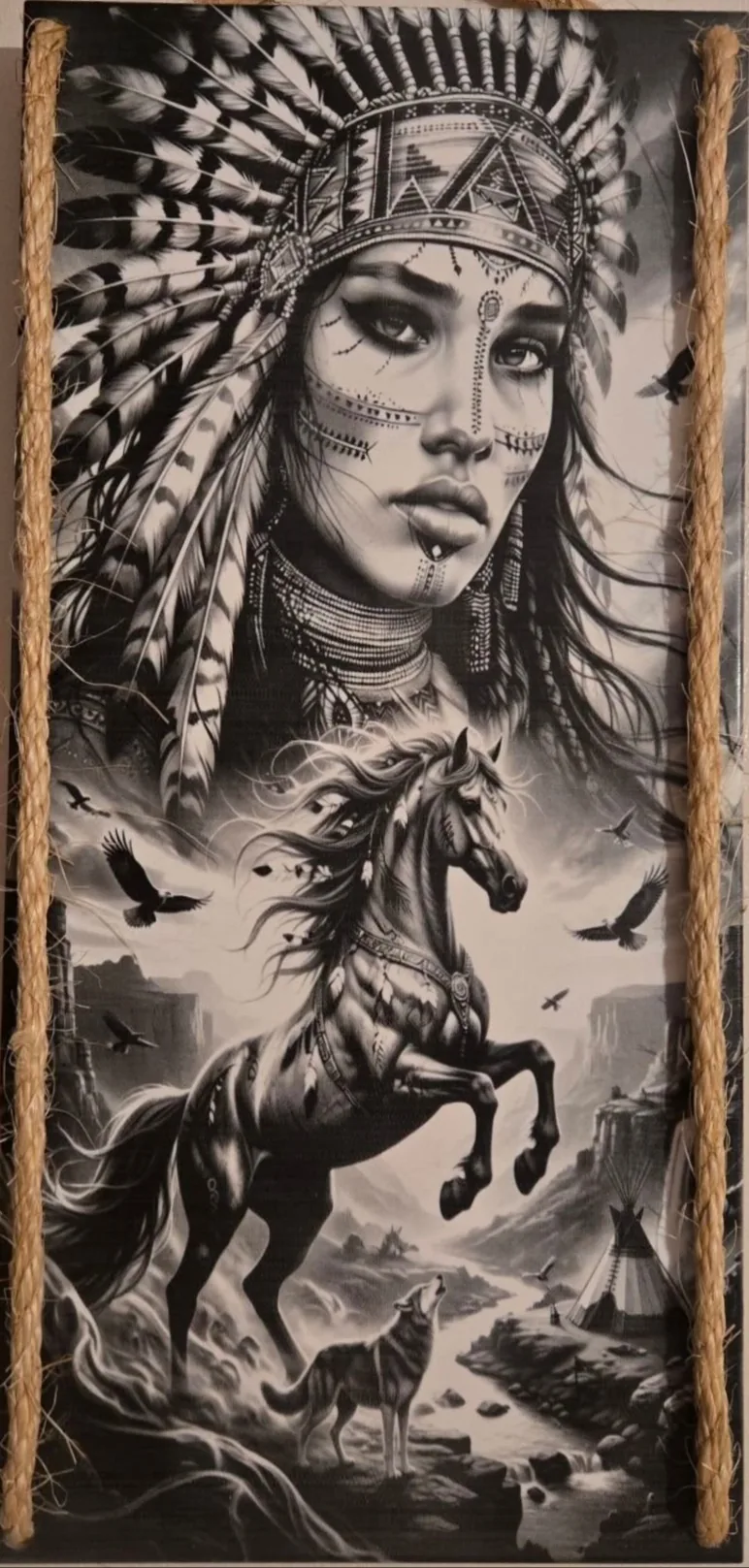
DithX (Jarvis)
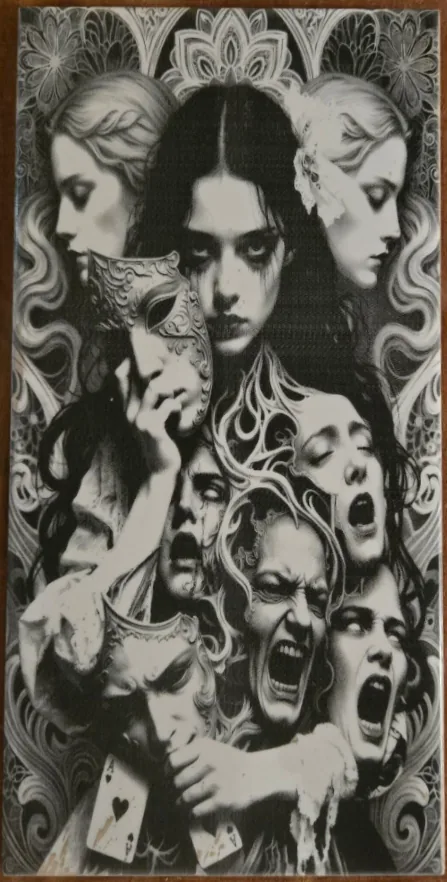
DithX (Jarvis)
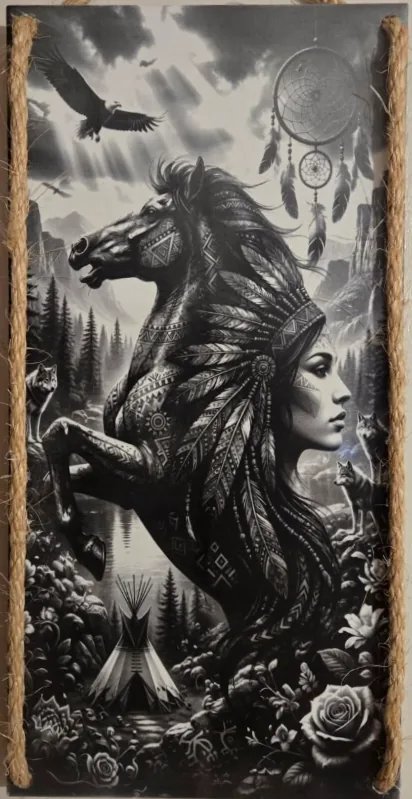
DithX (Jarvis)
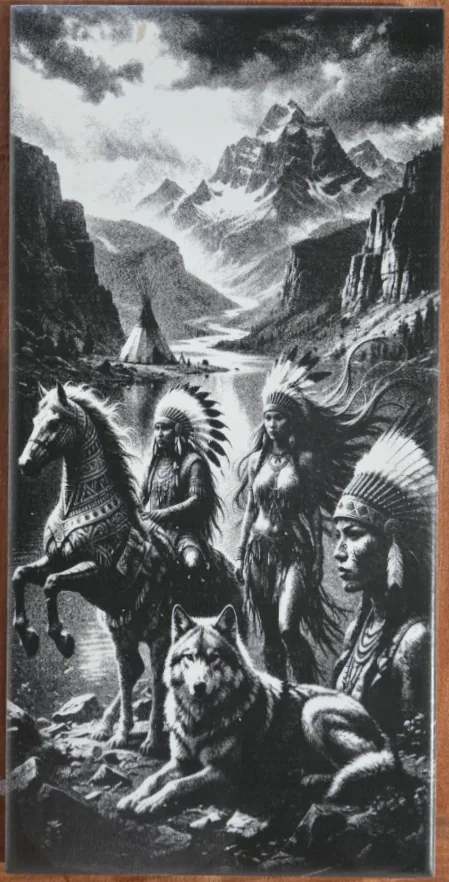
DithX (Jarvis)
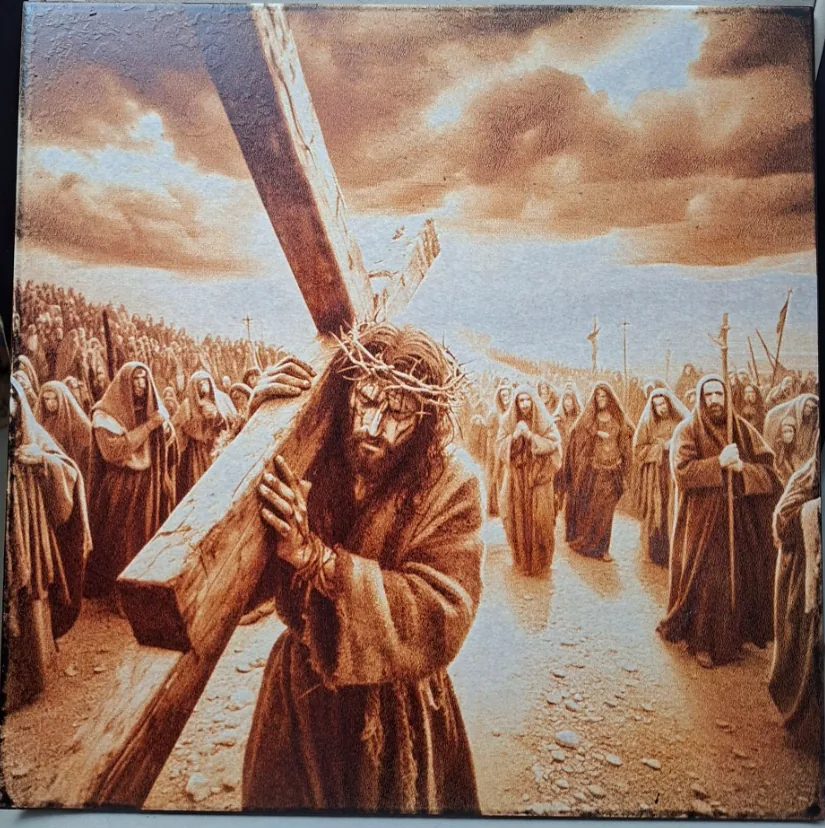
DithX (Stucki)
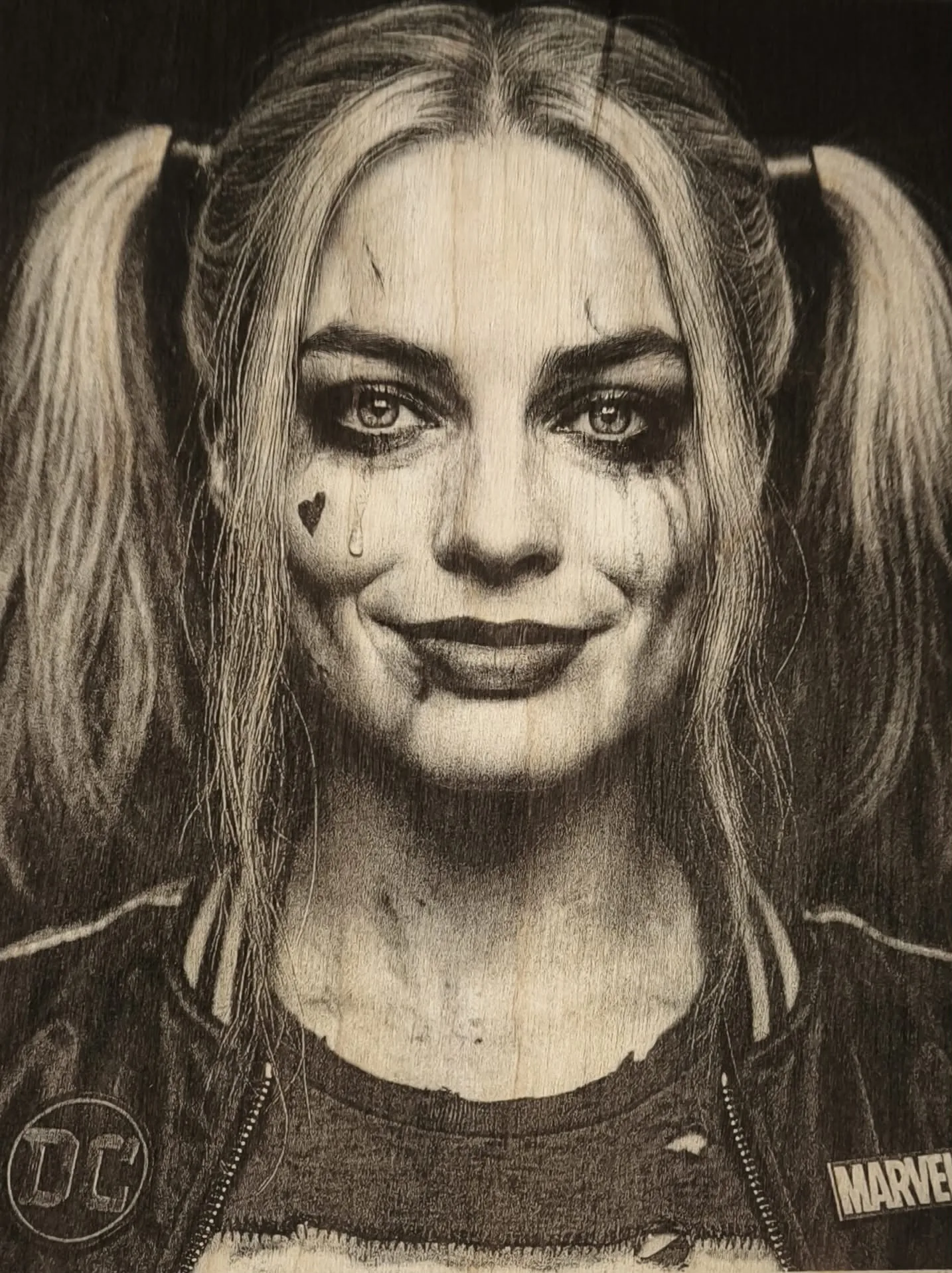
DithX (Zuderhoff)
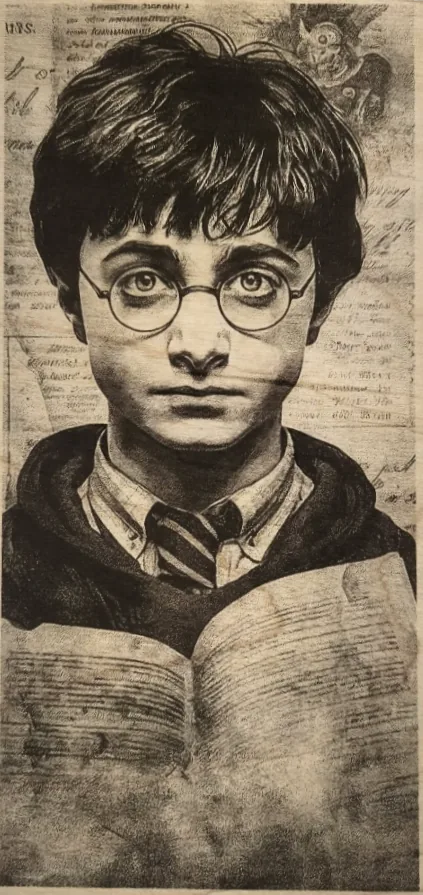
DithX (Zuderhoff)
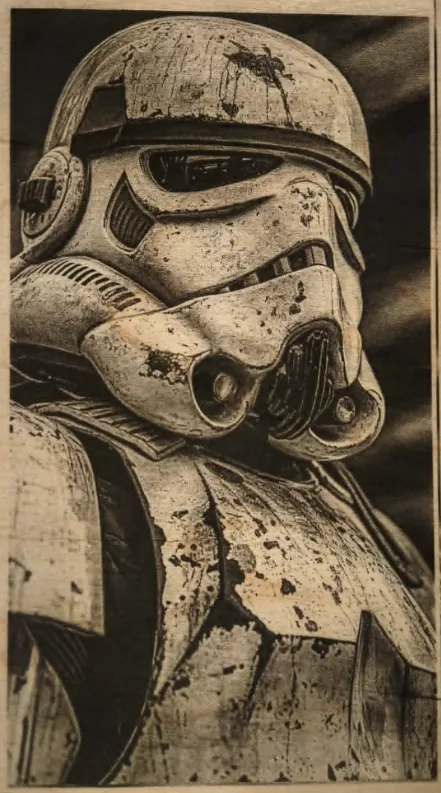
DithX (Zuderhoff)
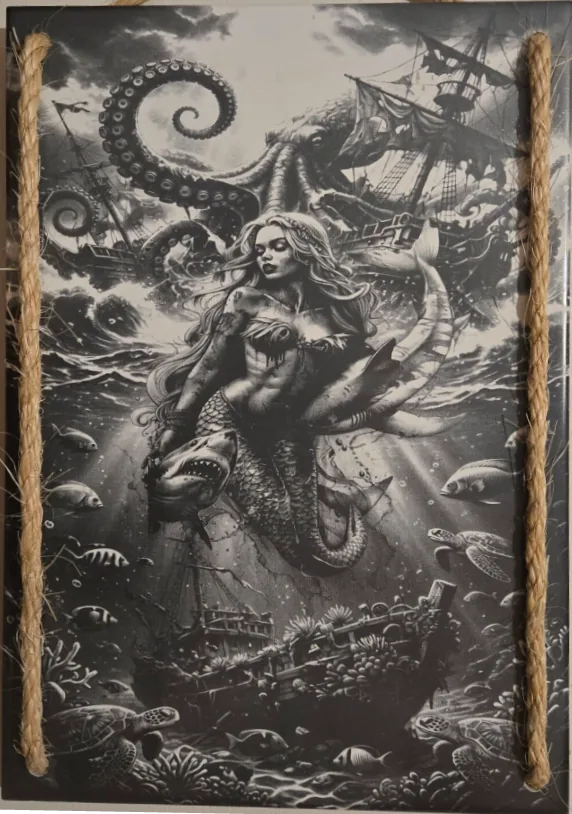
DithX (Jarvis)
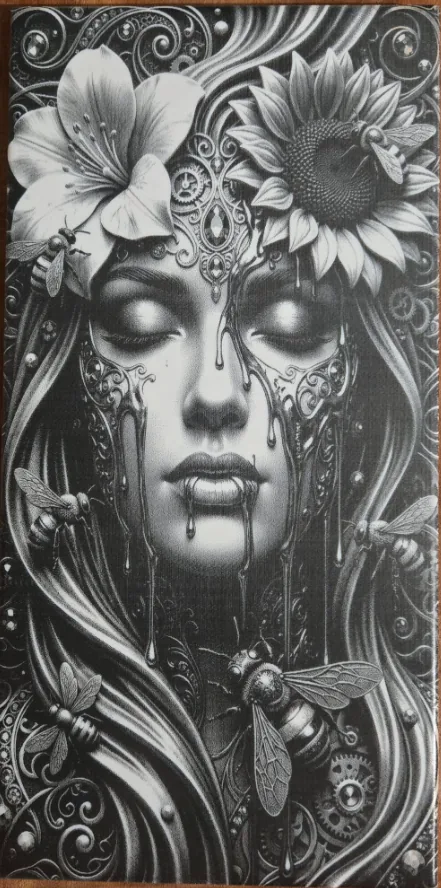
DithX (Jarvis)

Hernandez Lozano
DithX (Jarvis)
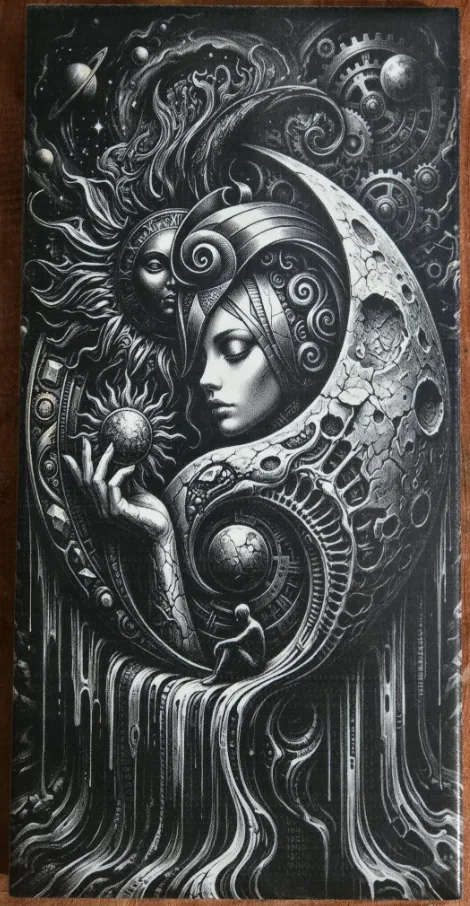
DithX (Jarvis)
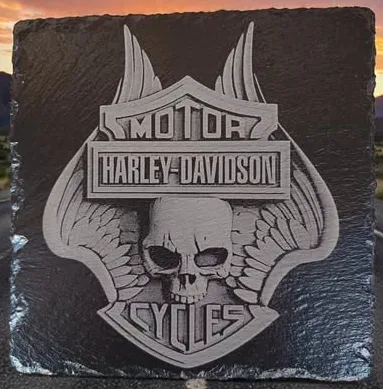
Hernandez Lozano
DithX (Jarvis)
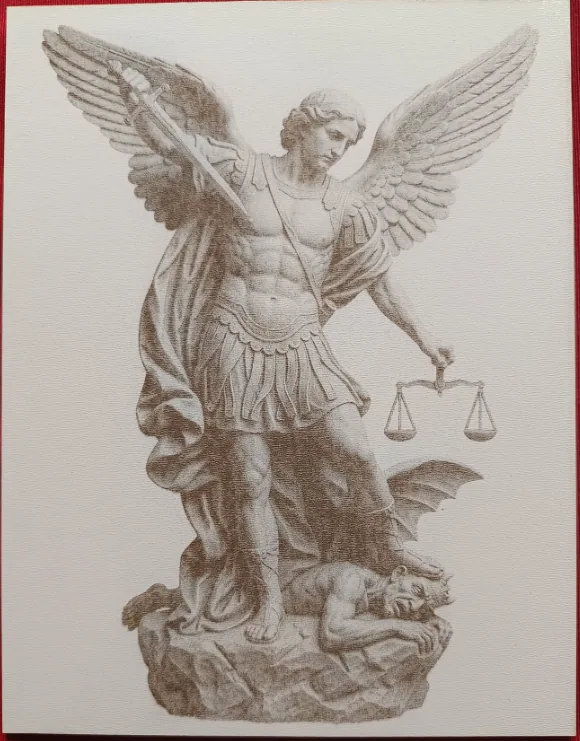
Hernandez Lozano
DithX (Jarvis)

DithX (Jarvis)
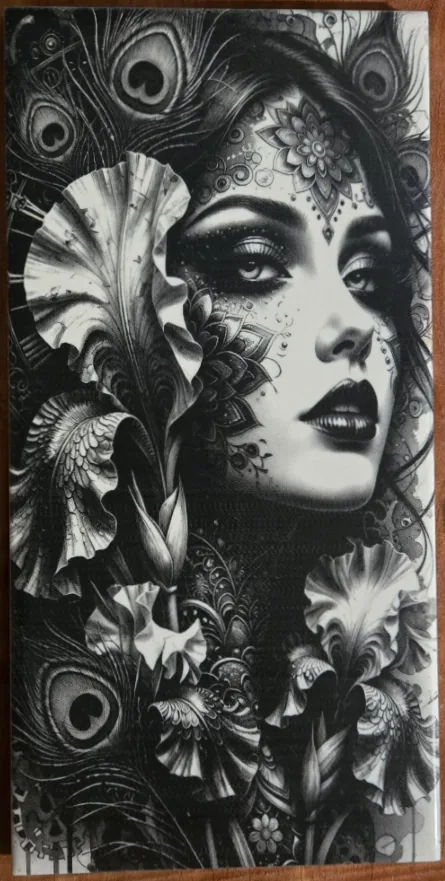
DithX (Jarvis)
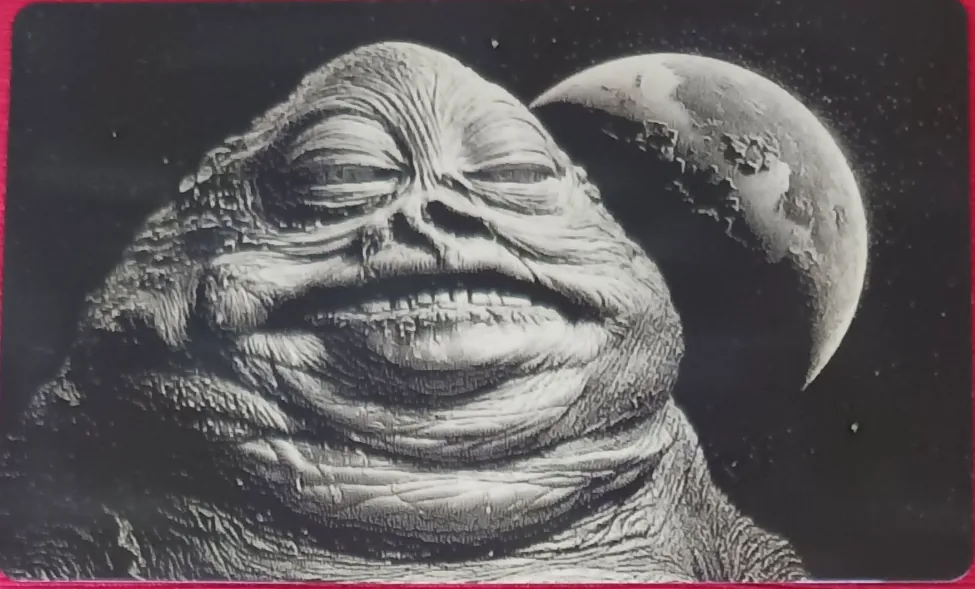
Hernandez Lozano
DithX (Jarvis)
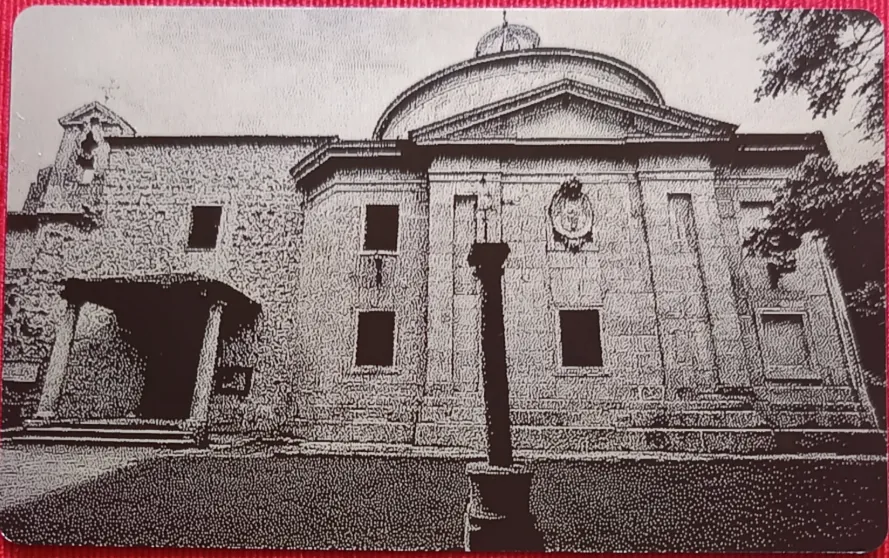
Hernandez Lozano
DithX (Jarvis)
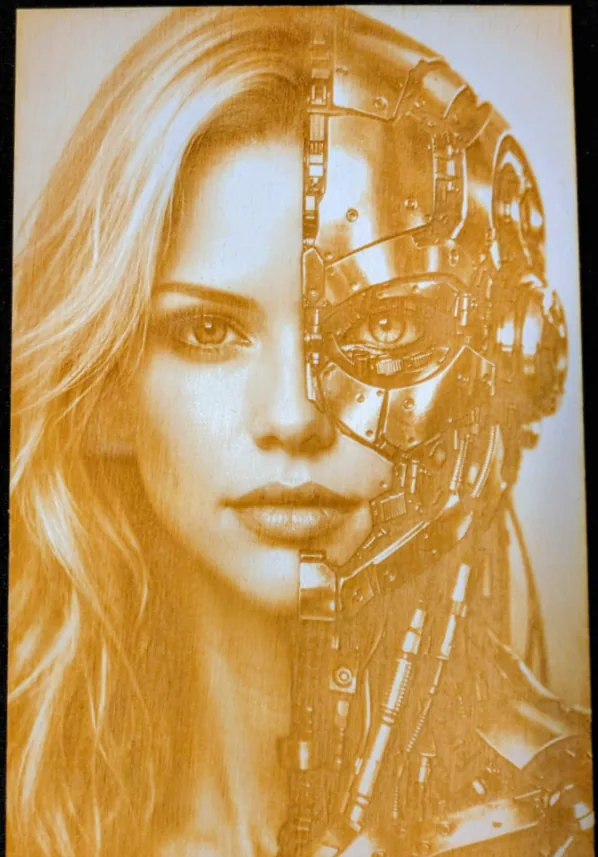
DithX (Jarvis)
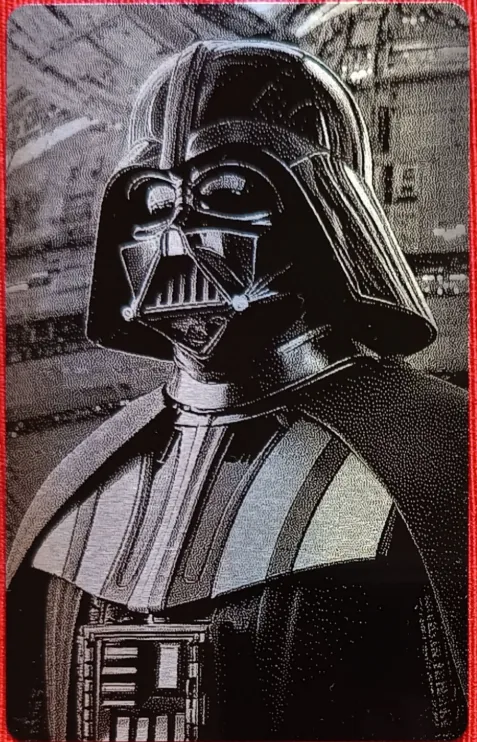
Hernandez Lozano
DithX (Jarvis)
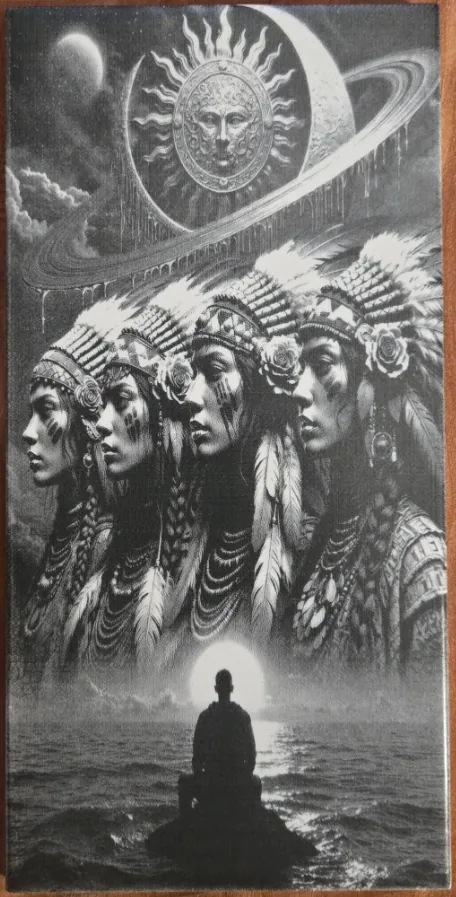
DithX (Jarvis)
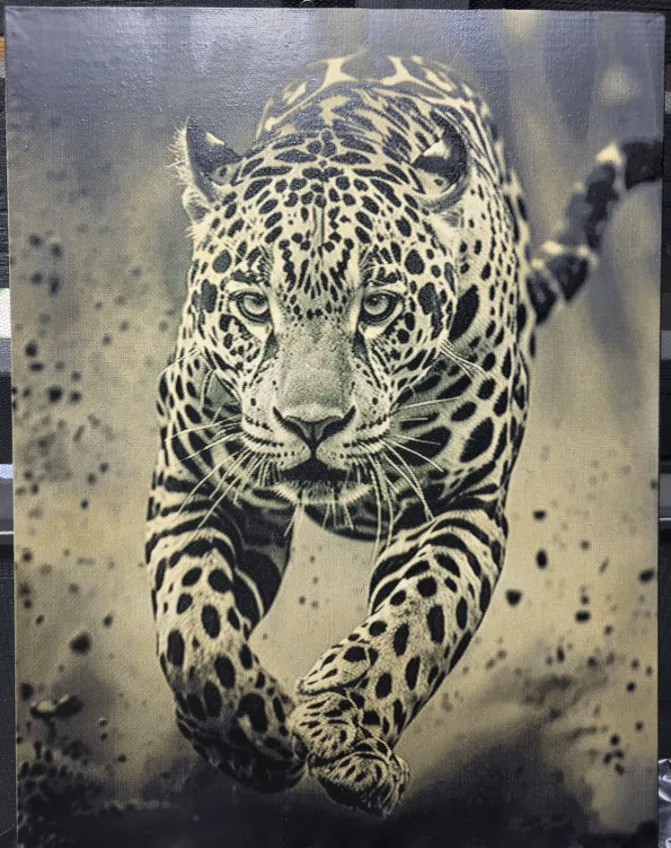
DithX (Jarvis)
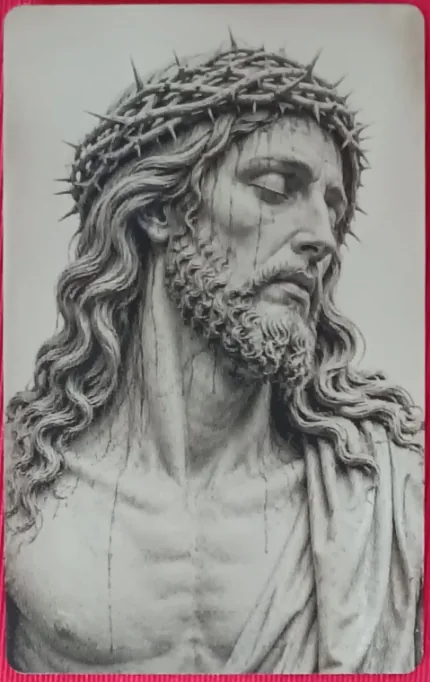
Hernandez Lozano
DithX (Jarvis)
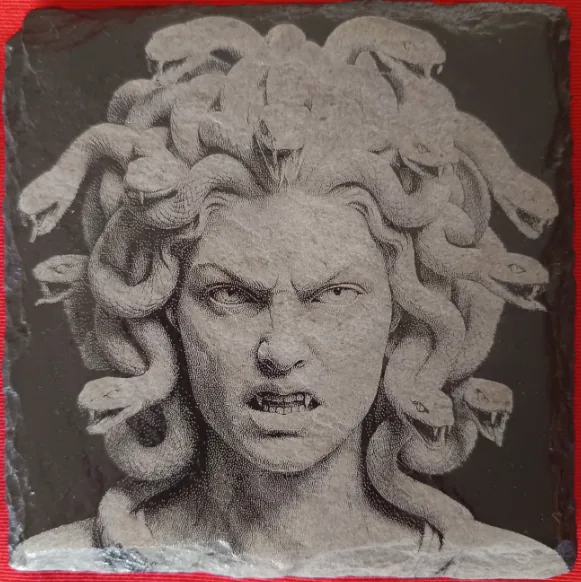
Hernandez Lozano
DithX (Jarvis)
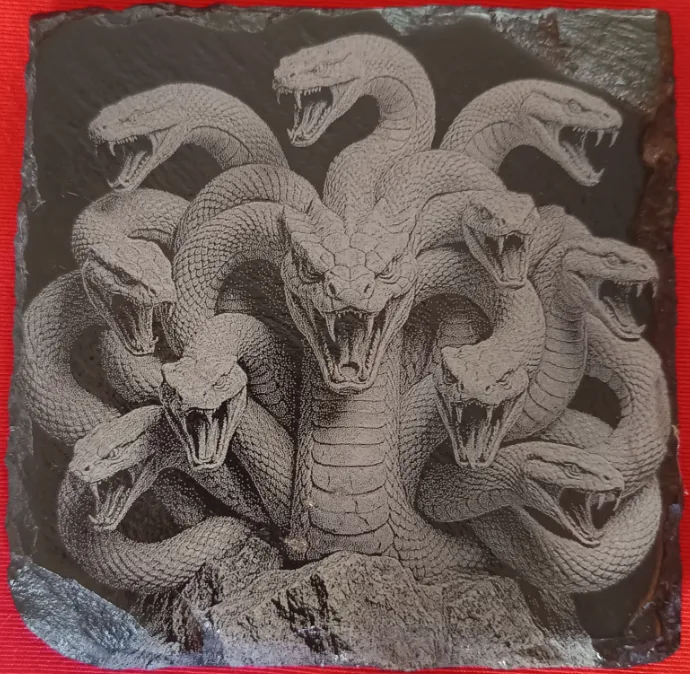
Hernandez Lozano
DithX (Jarvis)
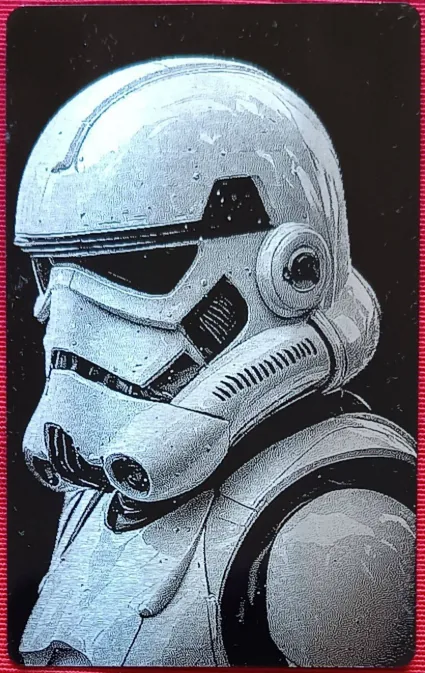
Hernandez Lozano
DithX (Jarvis)

Hernandez Lozano
DithX (Jarvis)
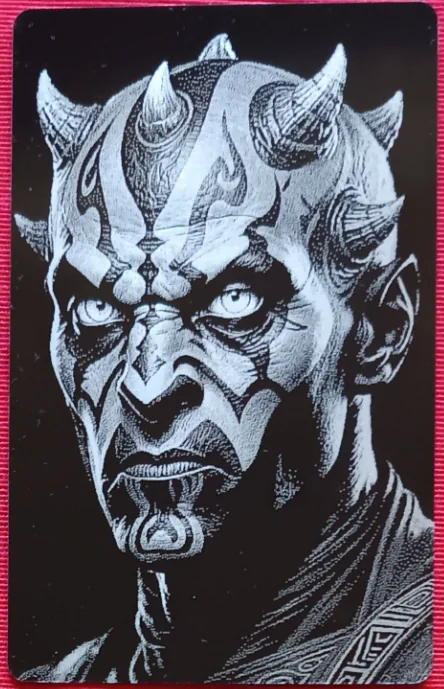
Hernandez Lozano
DithX (Jarvis)
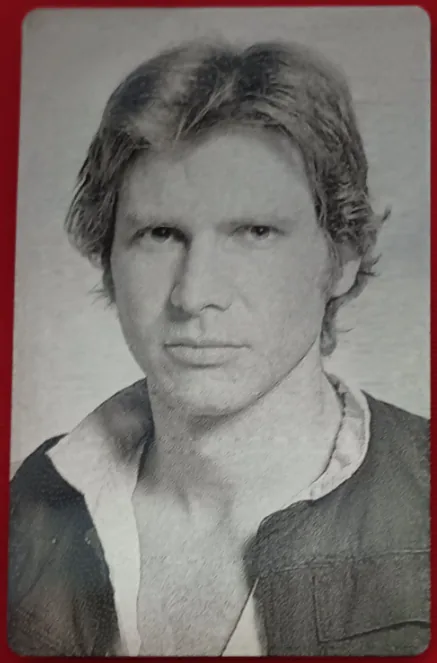
Hernandez Lozano
DithX (Jarvis)
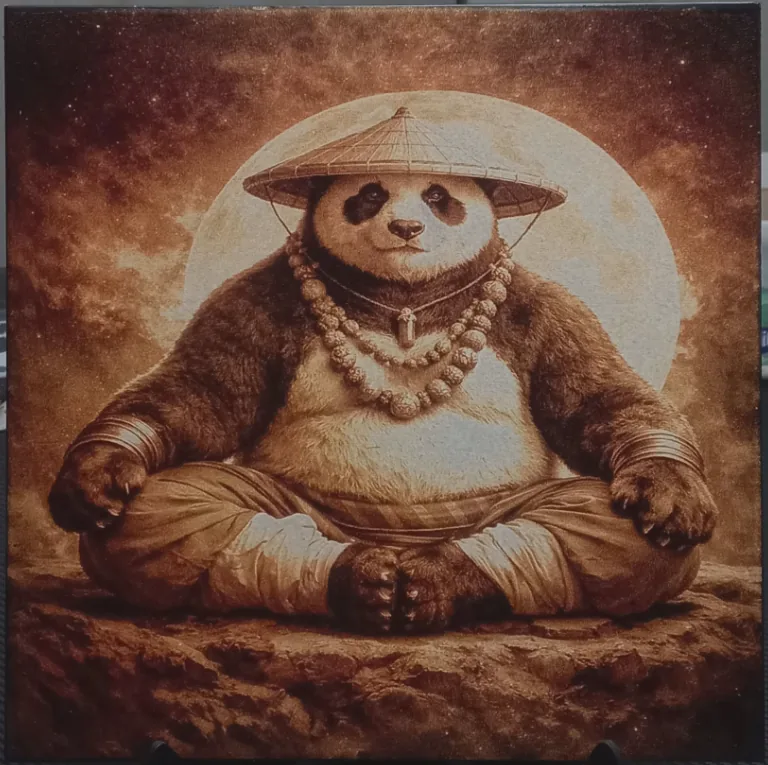
DithX (Stucki)
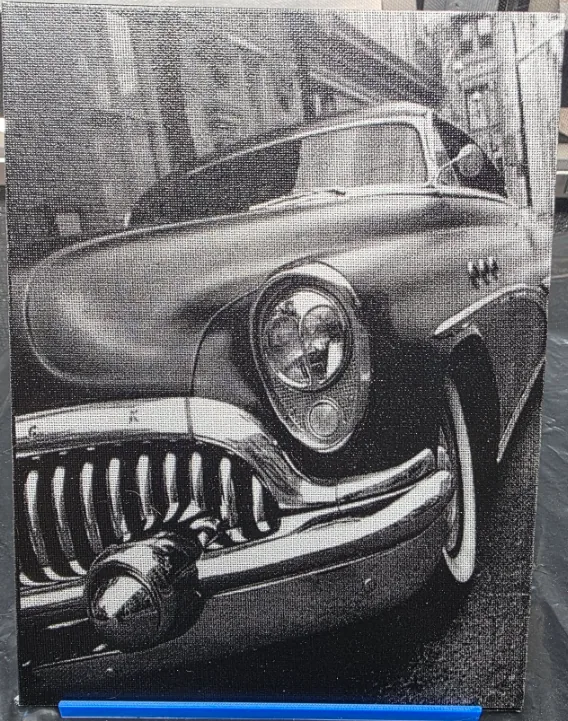
DithX (Jarvis)
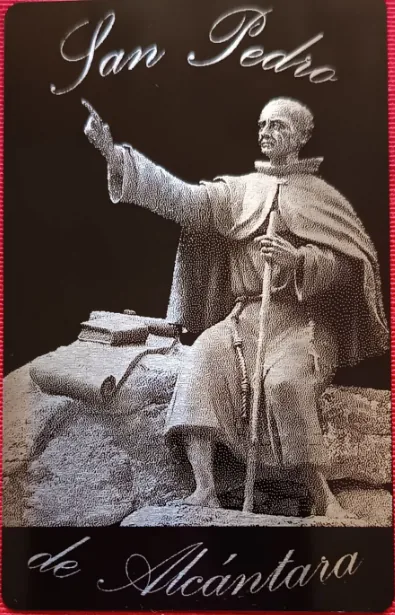
Hernandez Lozano
DithX (Jarvis)
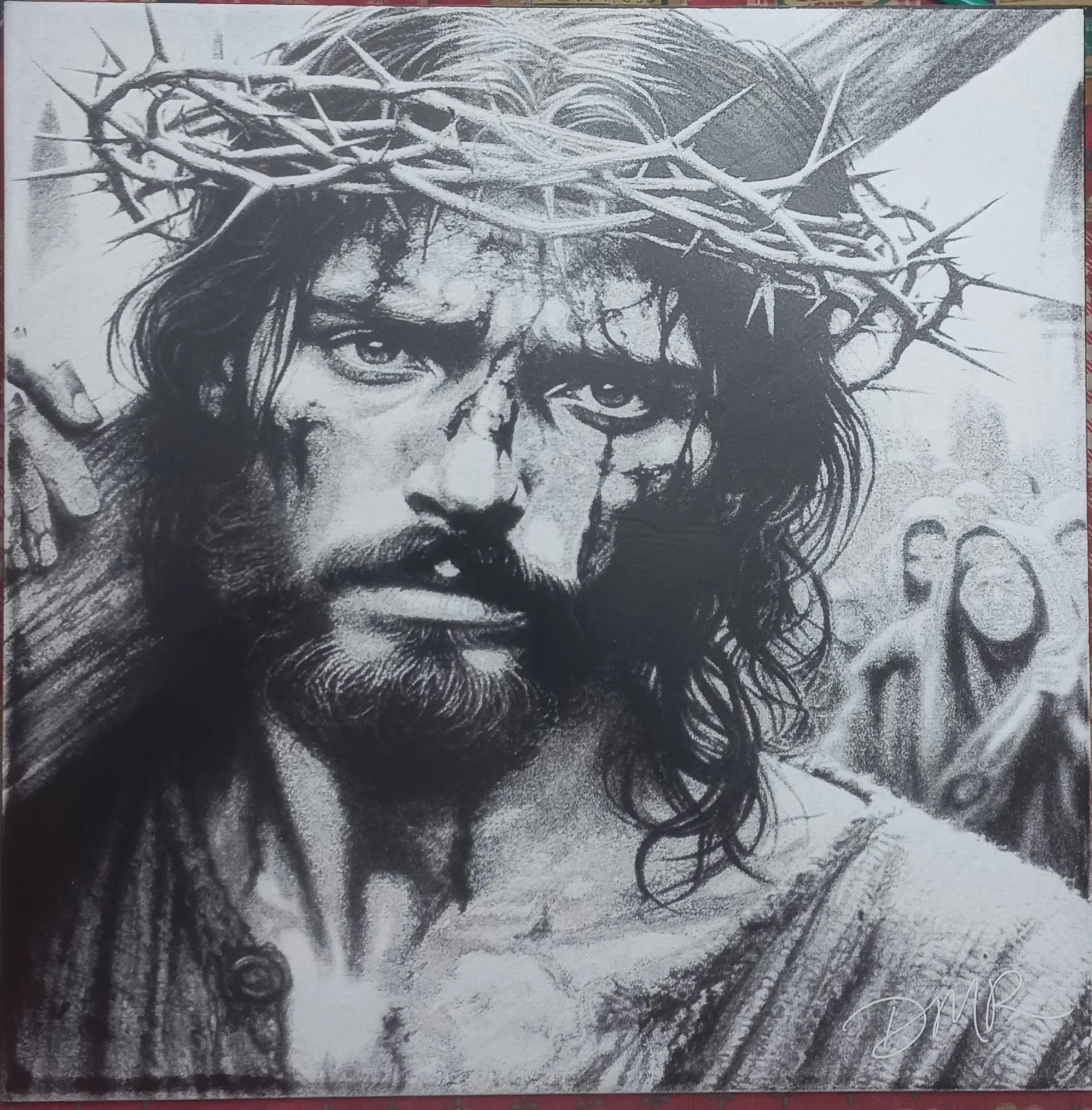
DithX (Stucki)
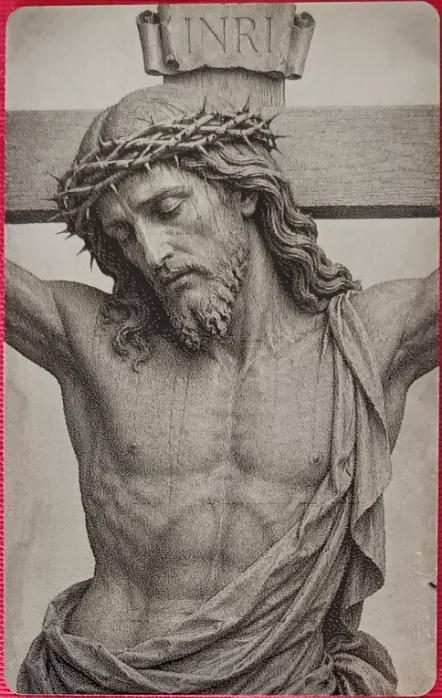
Hernandez Lozano
DithX (Jarvis)
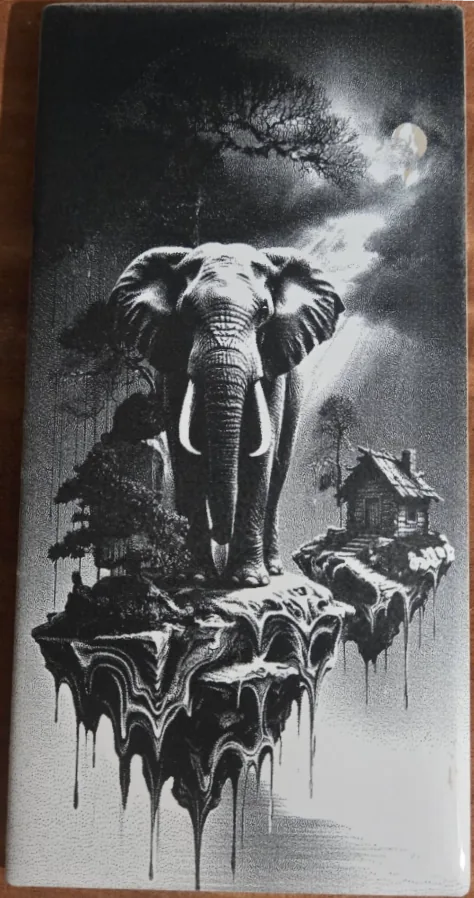
DithX (Jarvis)
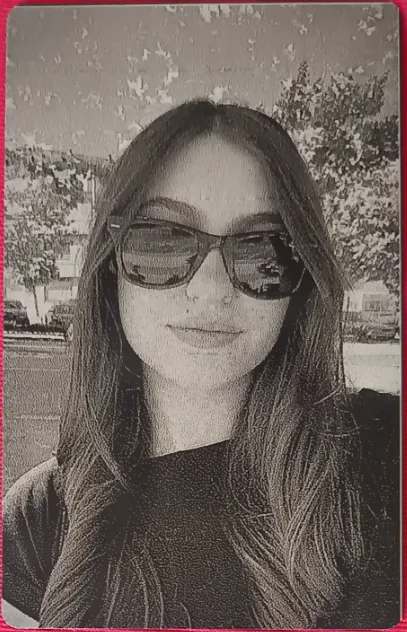
Hernandez Lozano
DithX (Jarvis)
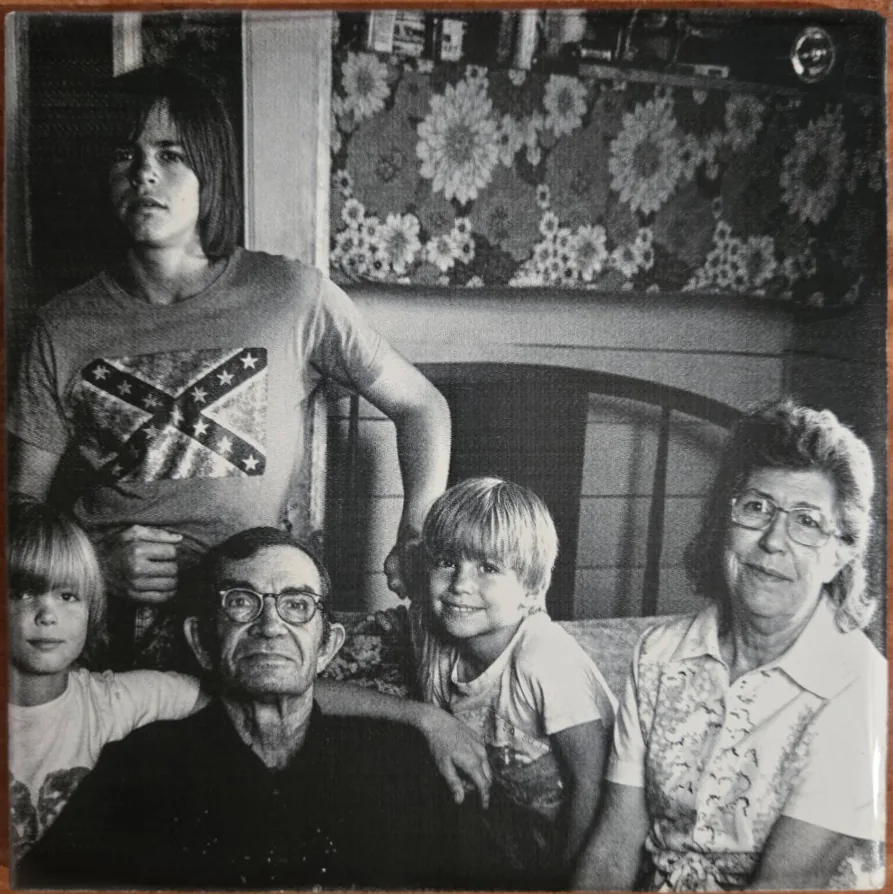
DithX (Jarvis)

DithX (Jarvis)
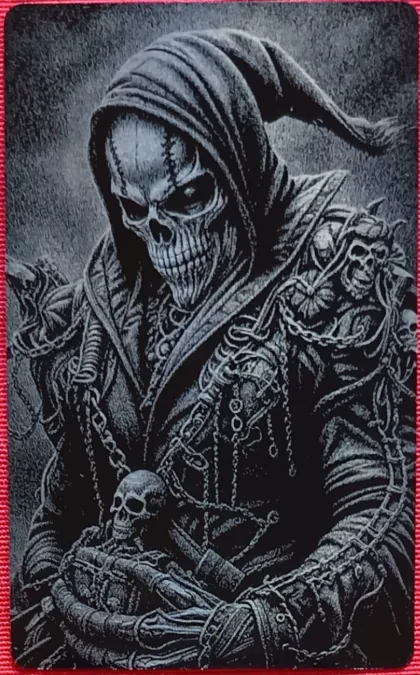
Hernandez Lozano
DithX (Jarvis)
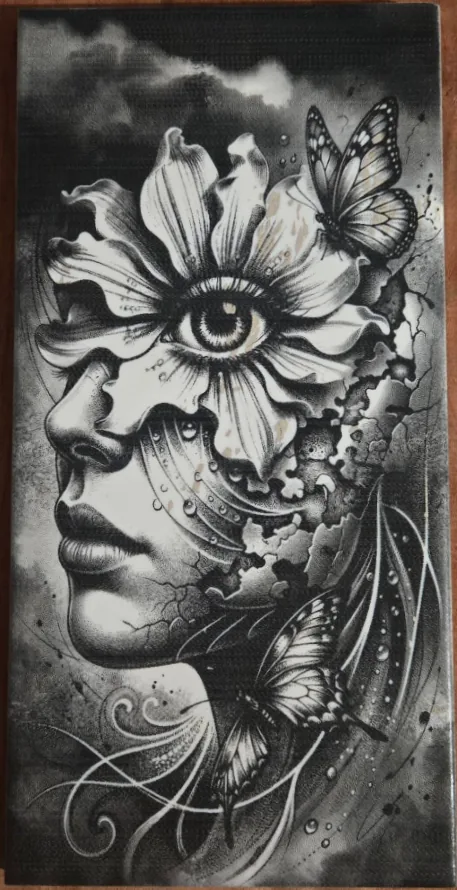
DithX (Jarvis)
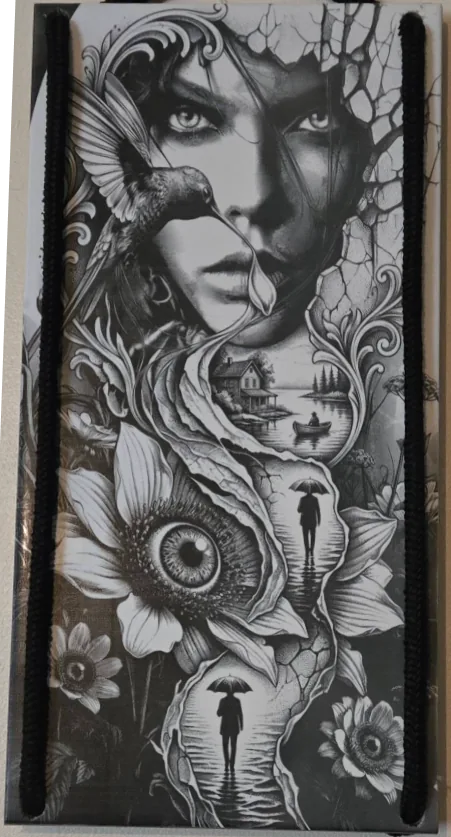
DithX (Jarvis)
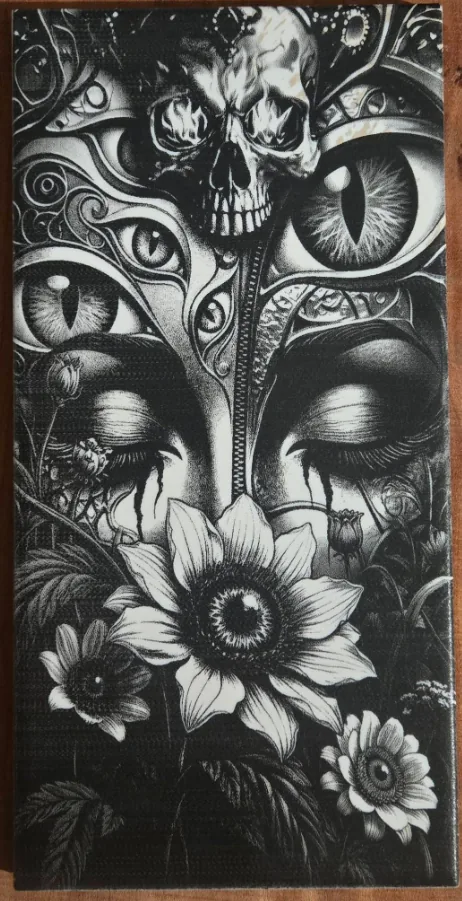
DithX (Jarvis)
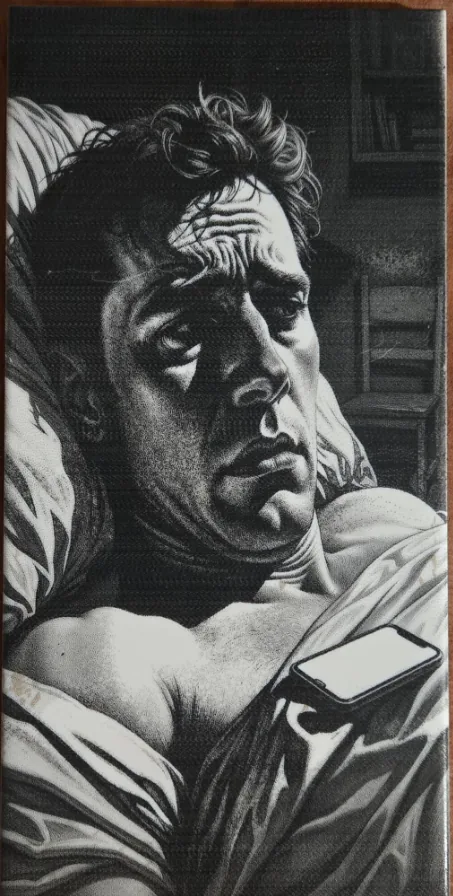
DithX (Jarvis)
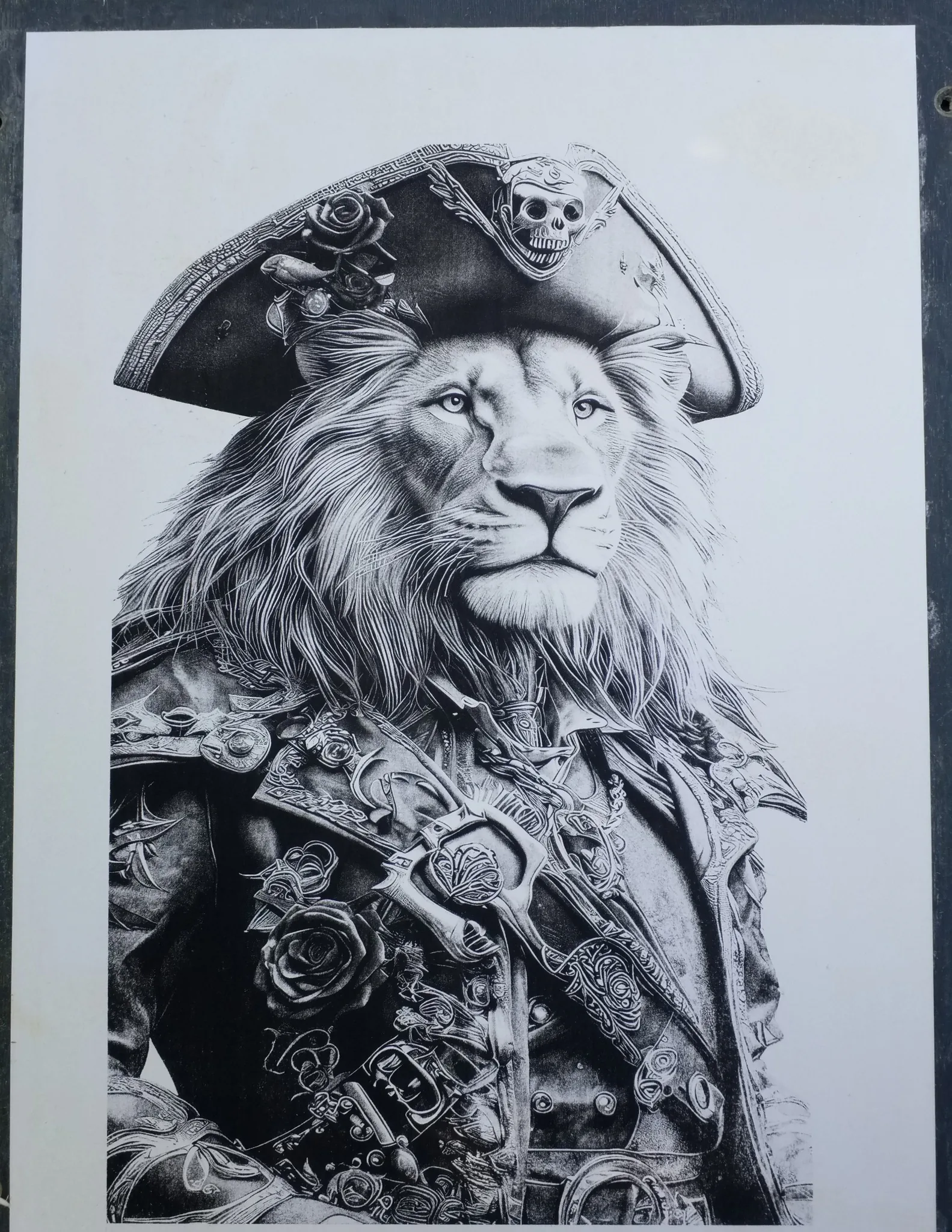
DithX (Ostromoukhov)
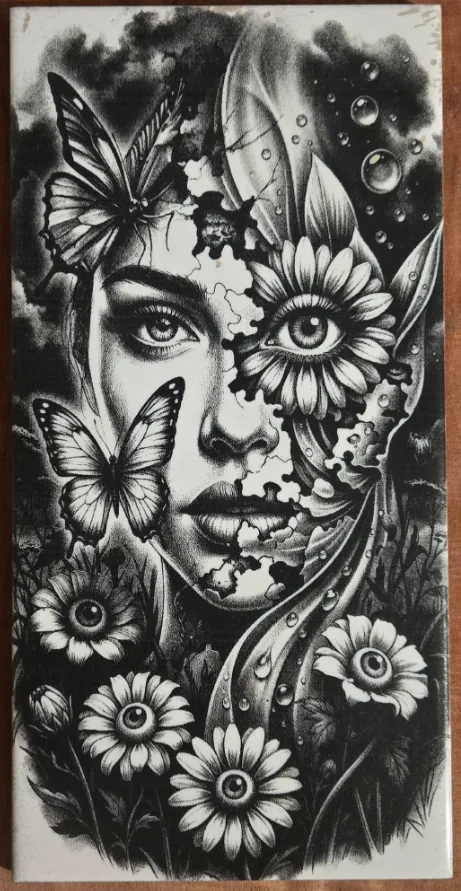
DithX (Jarvis)
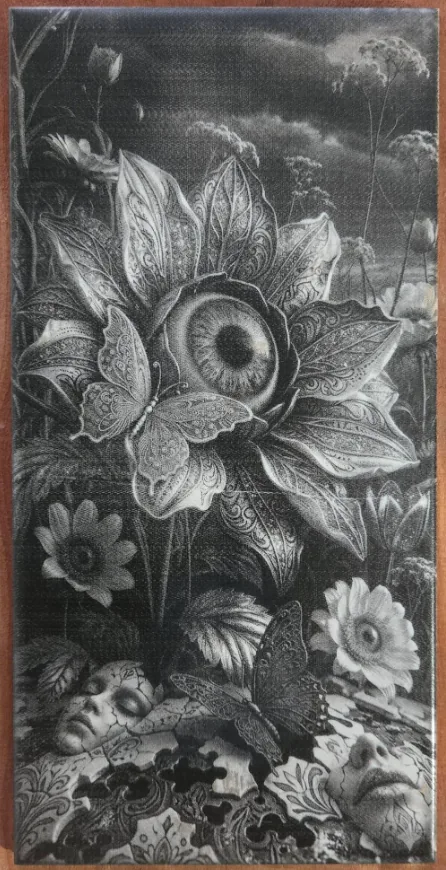
DithX (Jarvis)
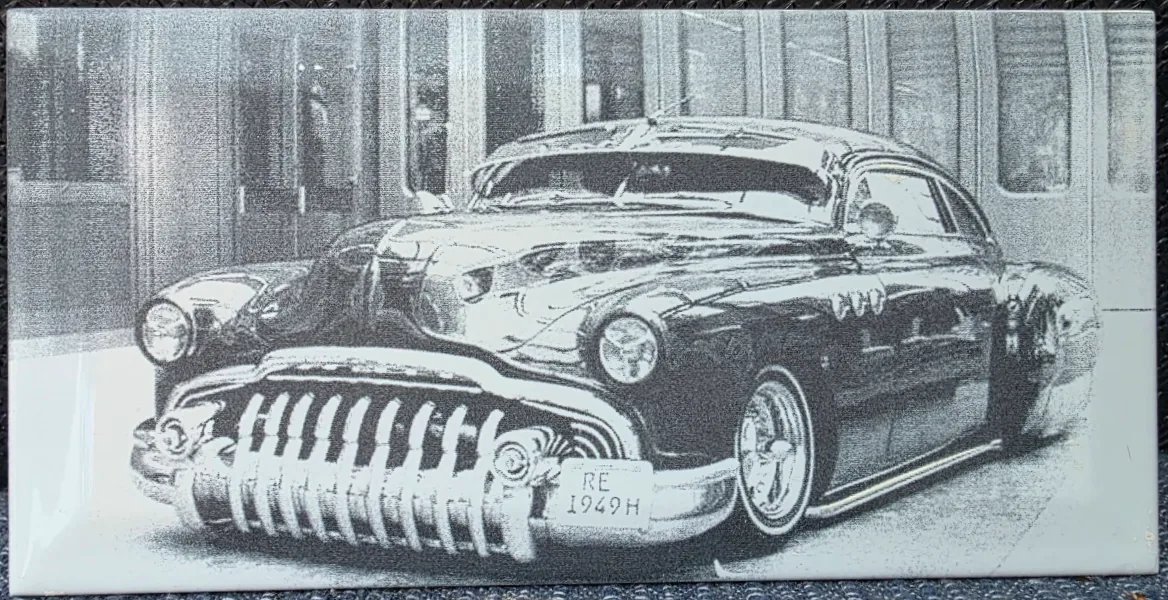
DithX (Jarvis)
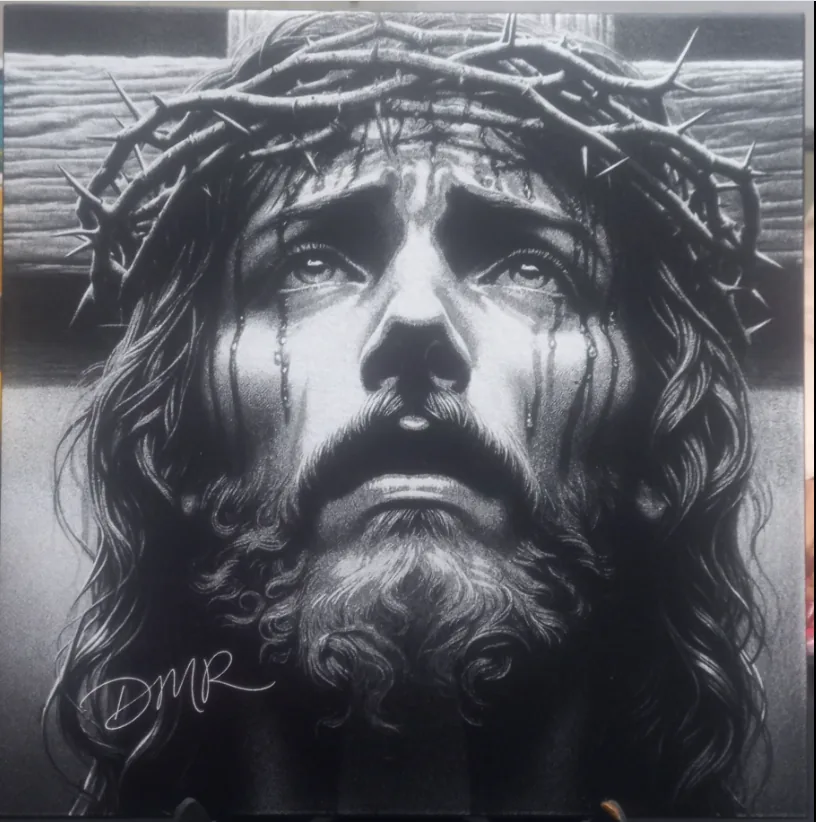
DithX (Stucki)

DithX (Jarvis)
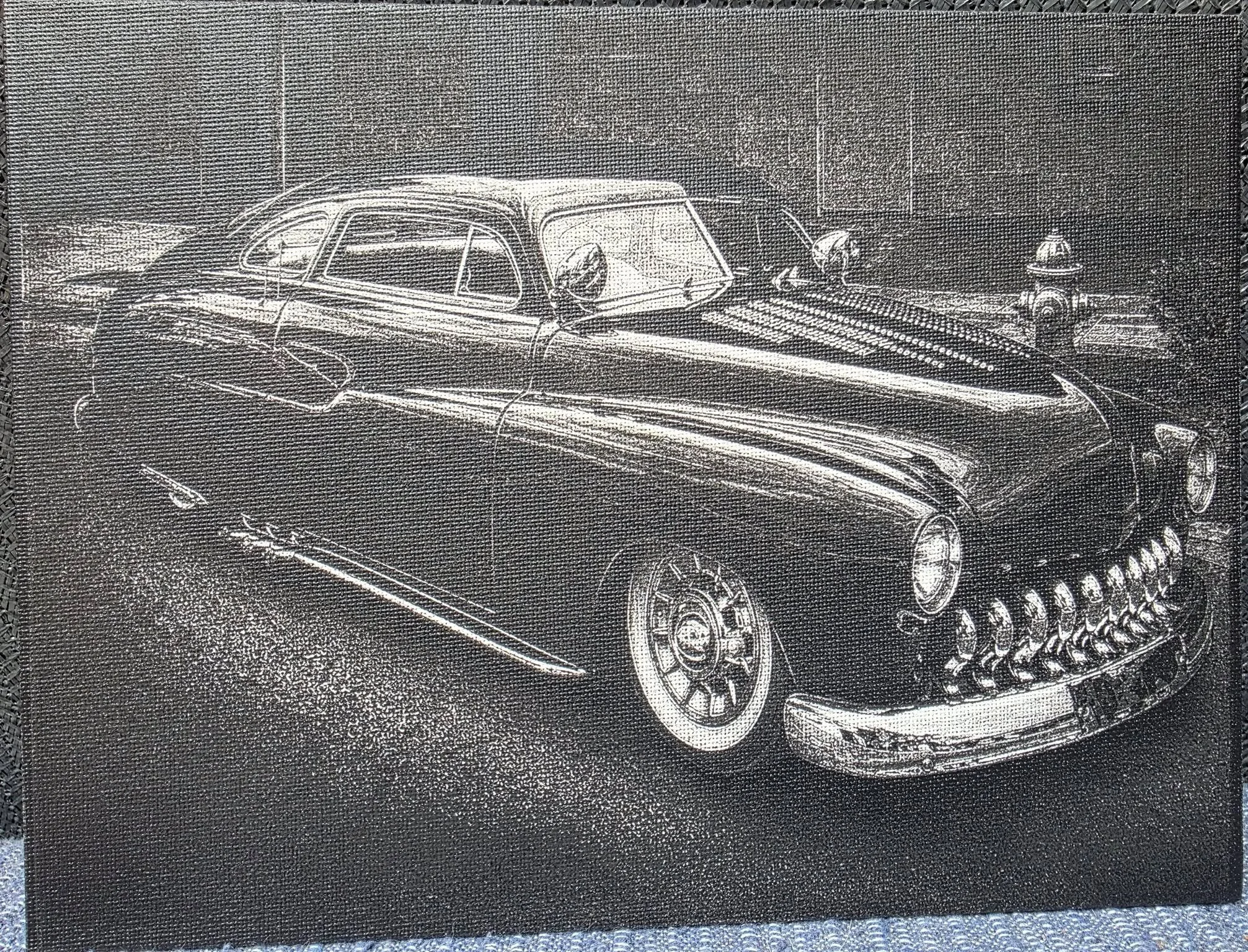
DithX (Jarvis)
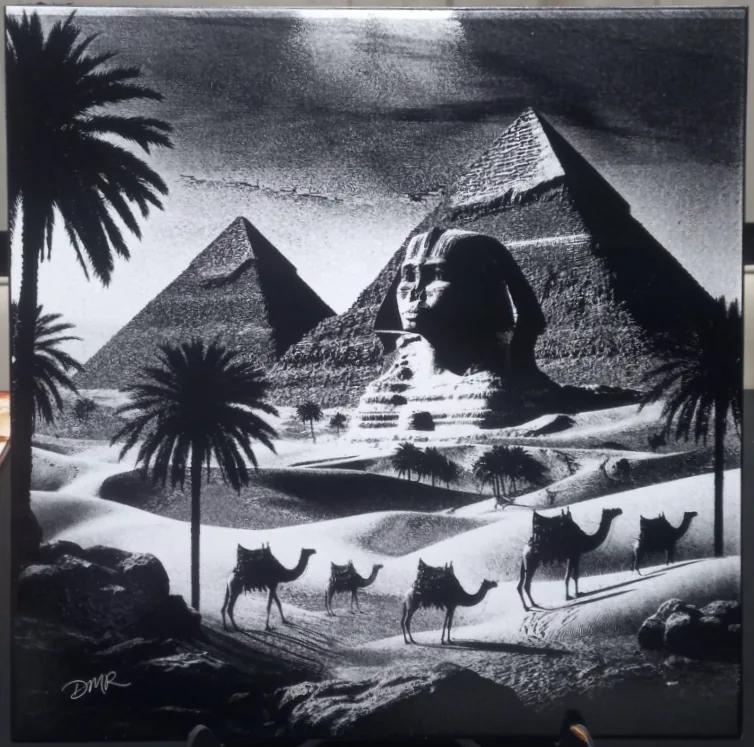
DithX (Stucki)
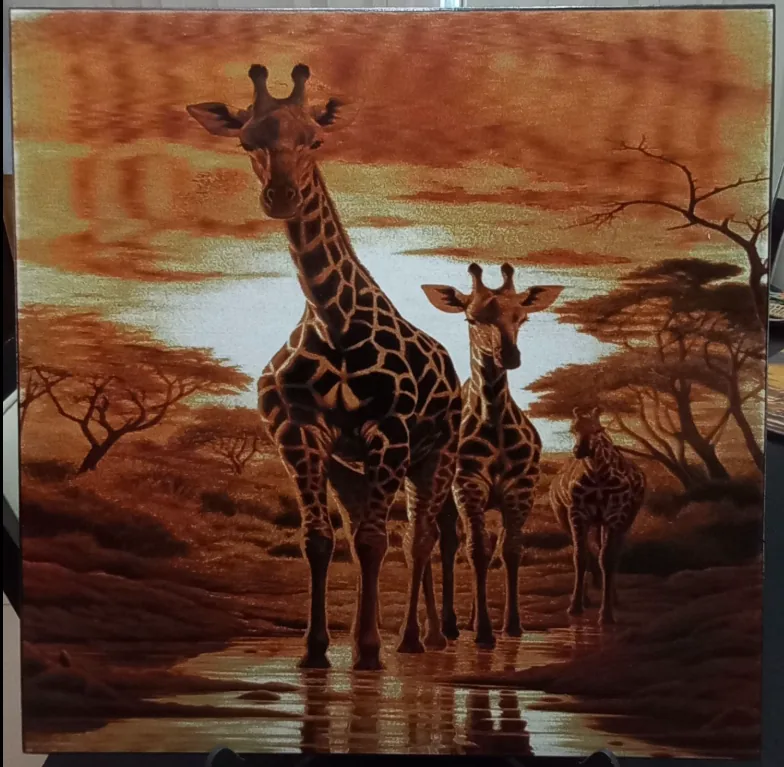
DithX (Stucki)
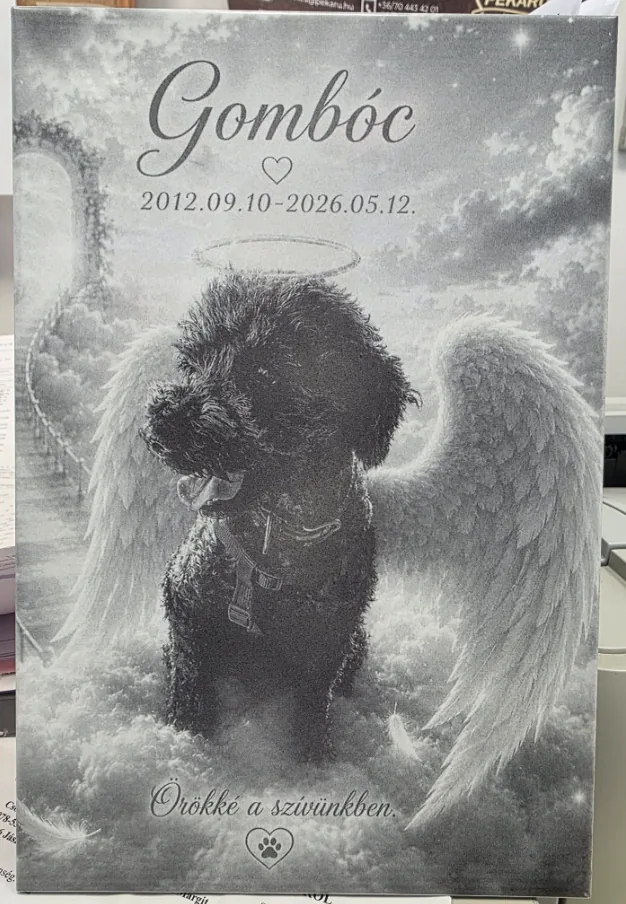
DithX (Jarvis)
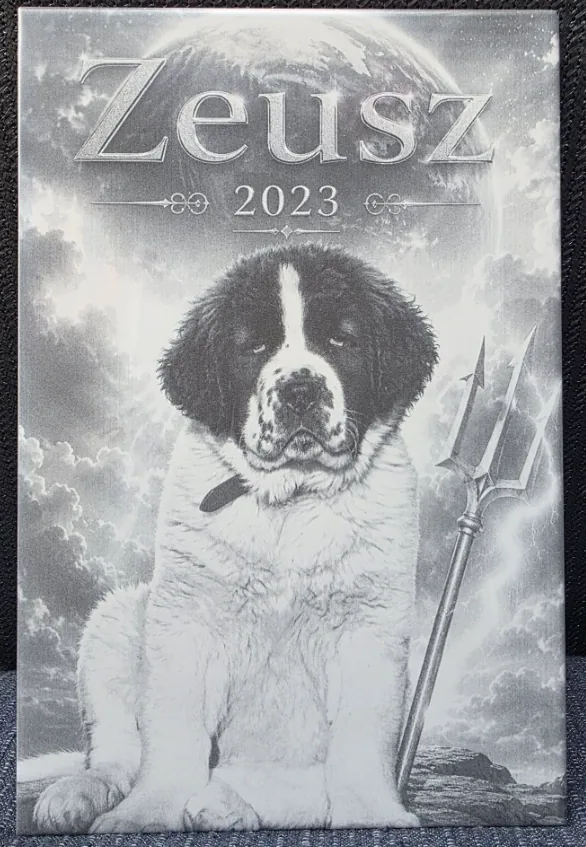
DithX (Jarvis)
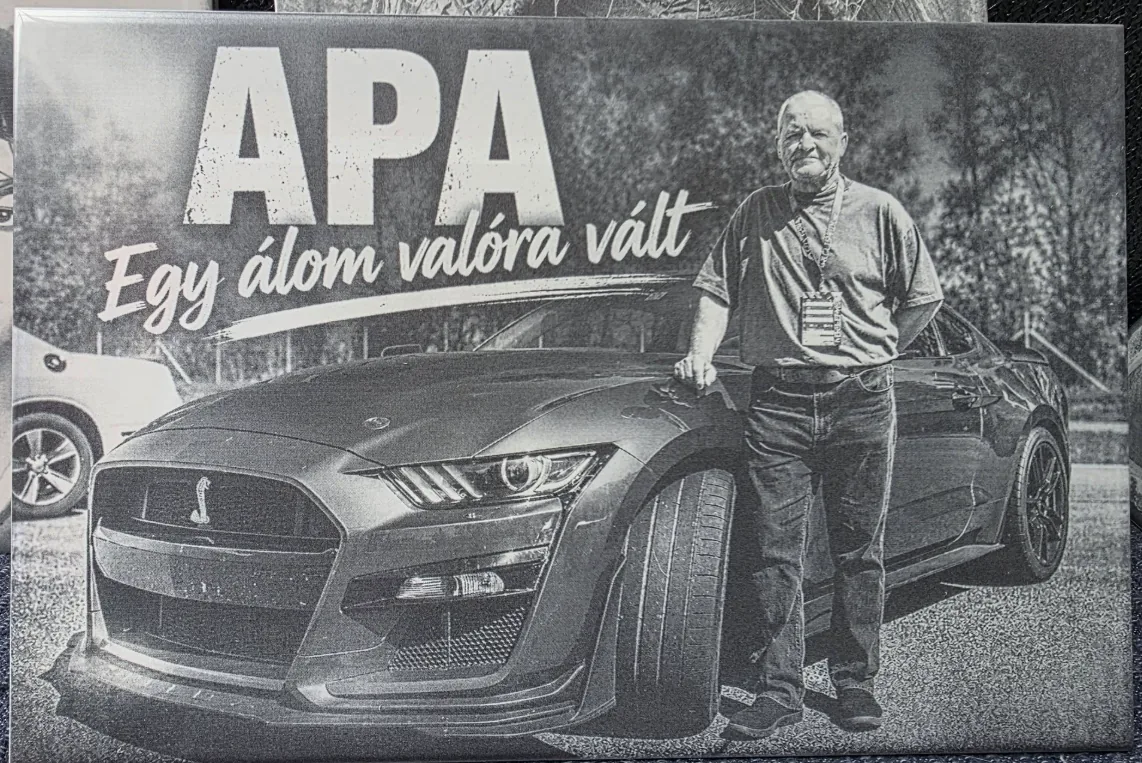
DithX (Jarvis)
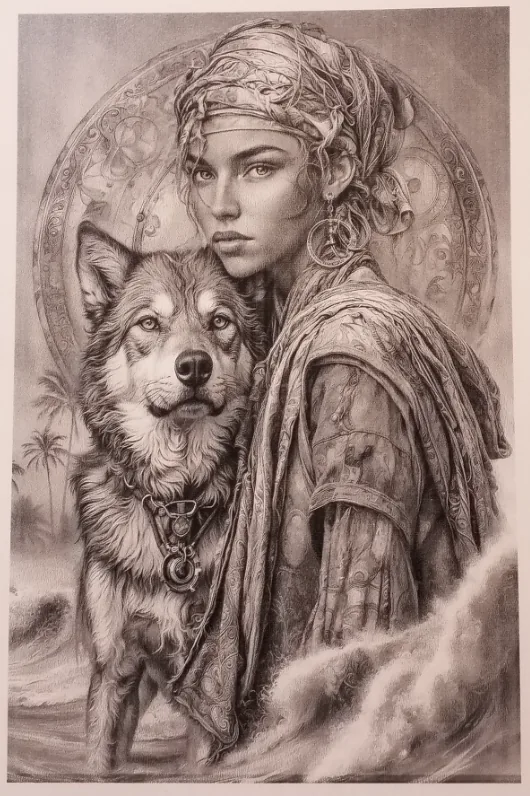
DithX (Zigzag Floyd–Steinberg)
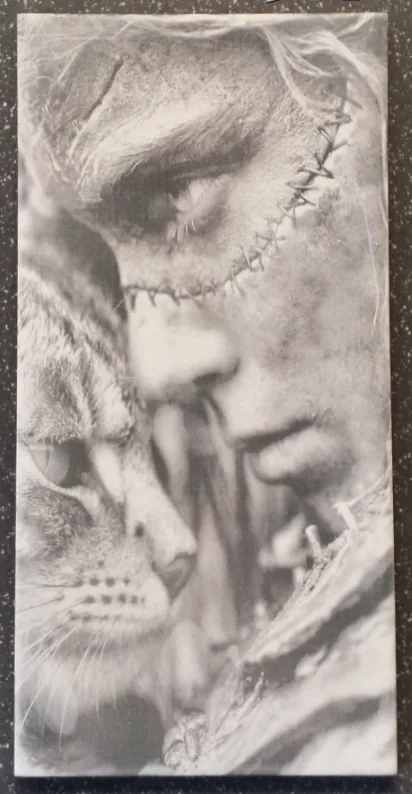
DithX (Zircon)

DithX (Atkinson)
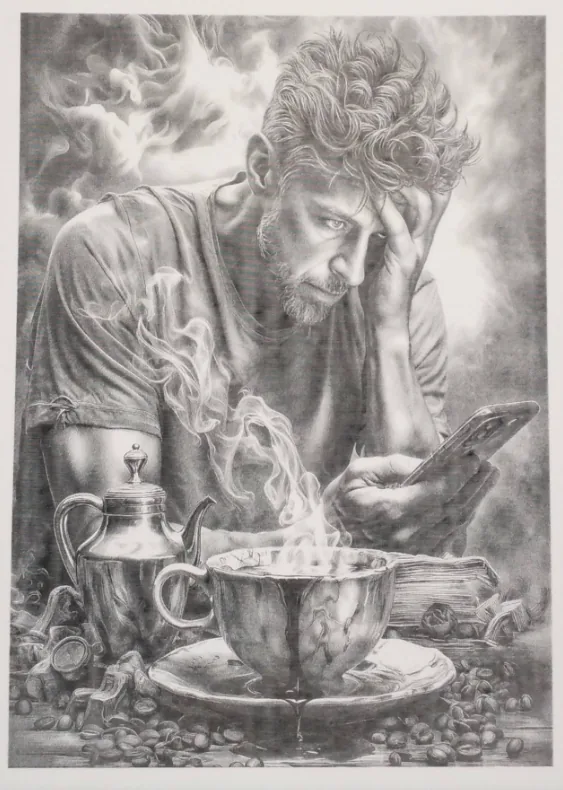
DithX (Zunderhoff)
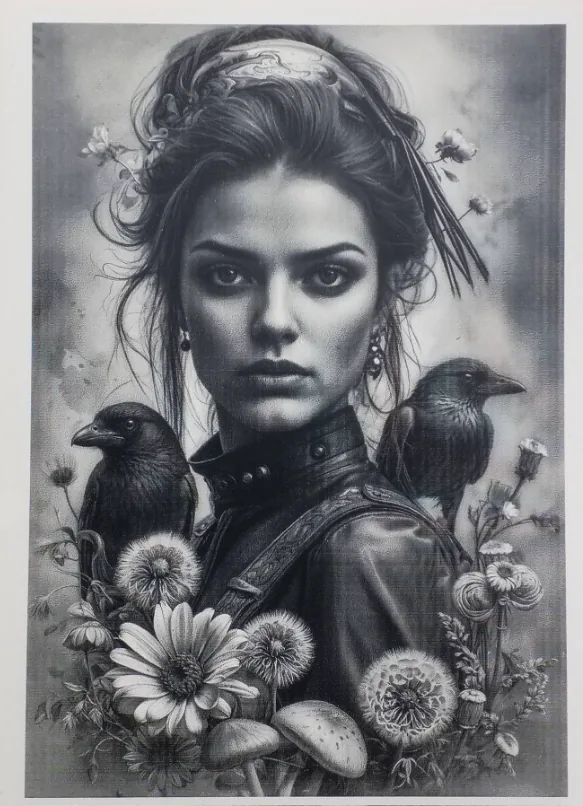
DithX (Floyd-Steinberg)
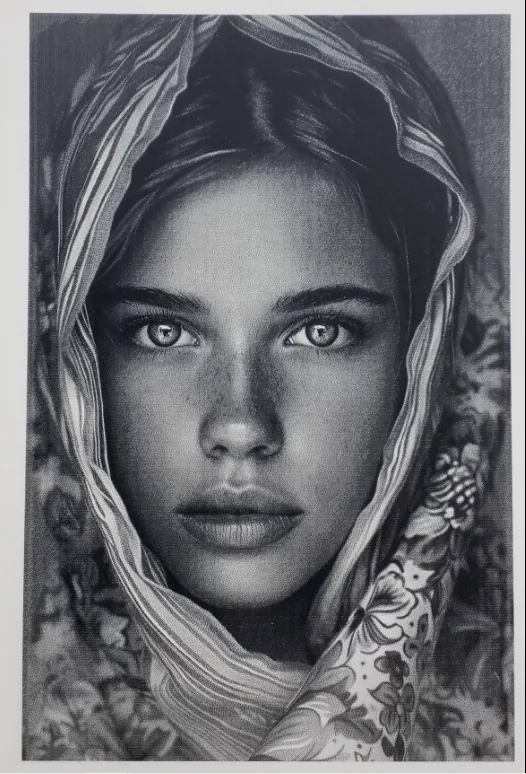
DithX (Zunderhoff)
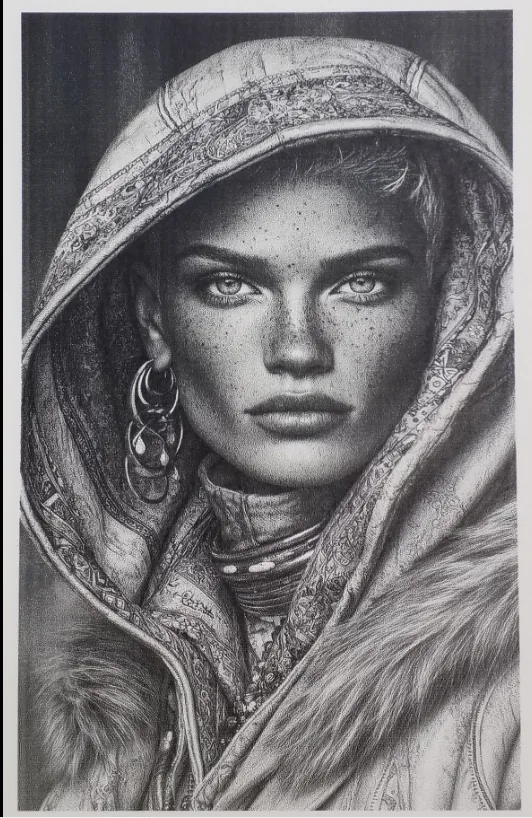
DithX (Stucki)
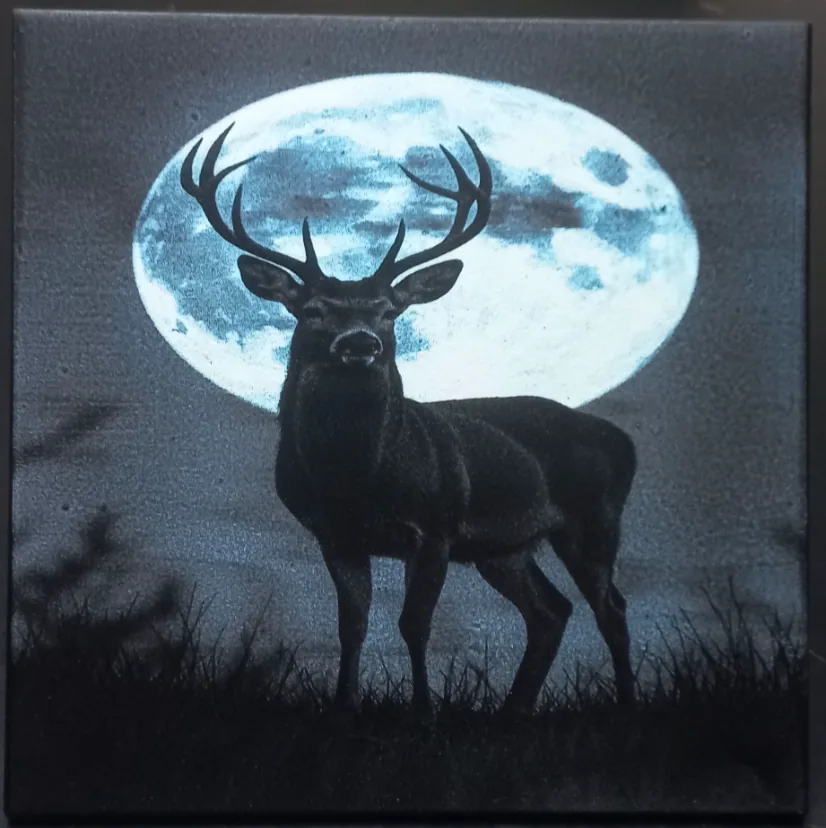
DithX (Stucki)
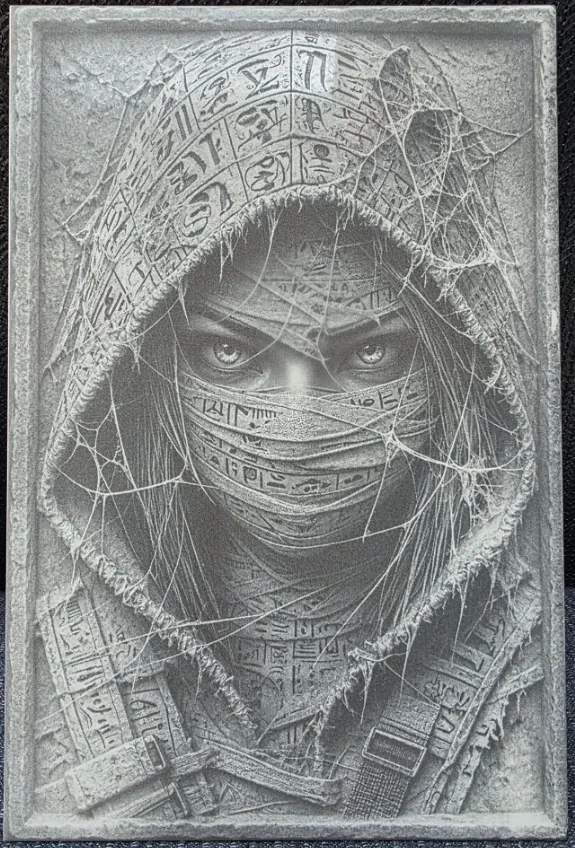
DithX (Jarvis)
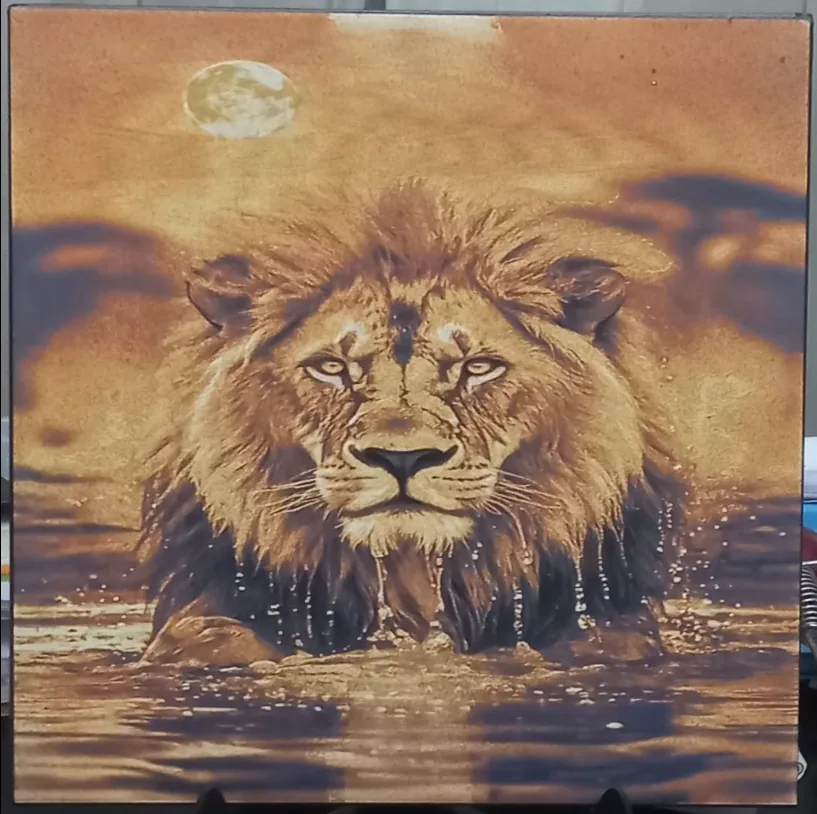
DithX (Stucki)

DithX (Sierra)
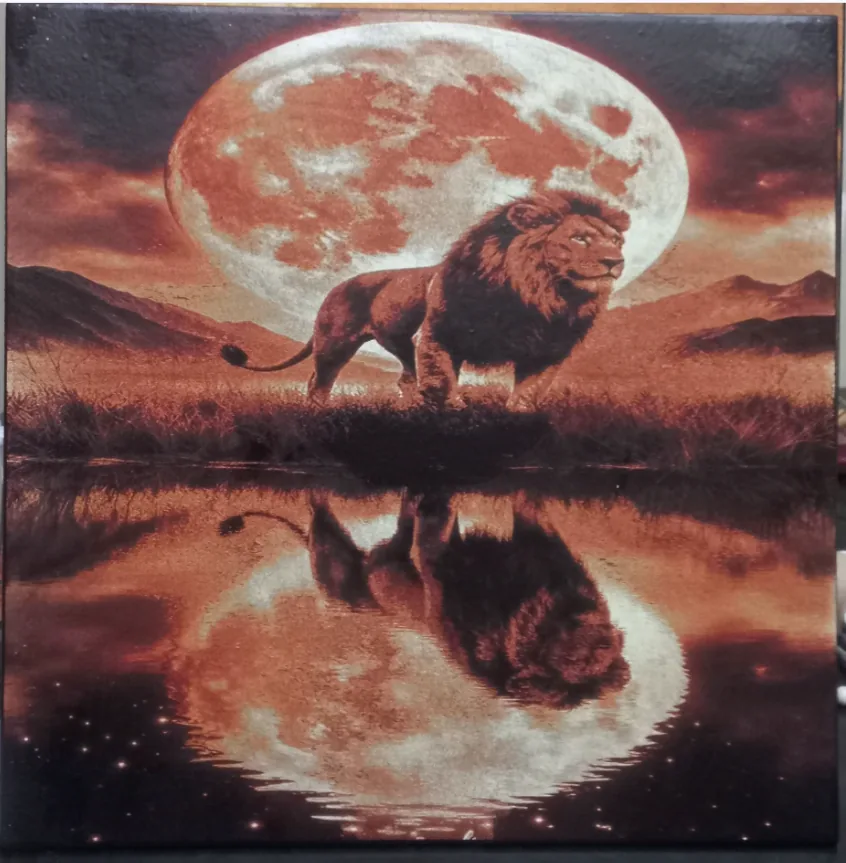
DithX (Stucki)
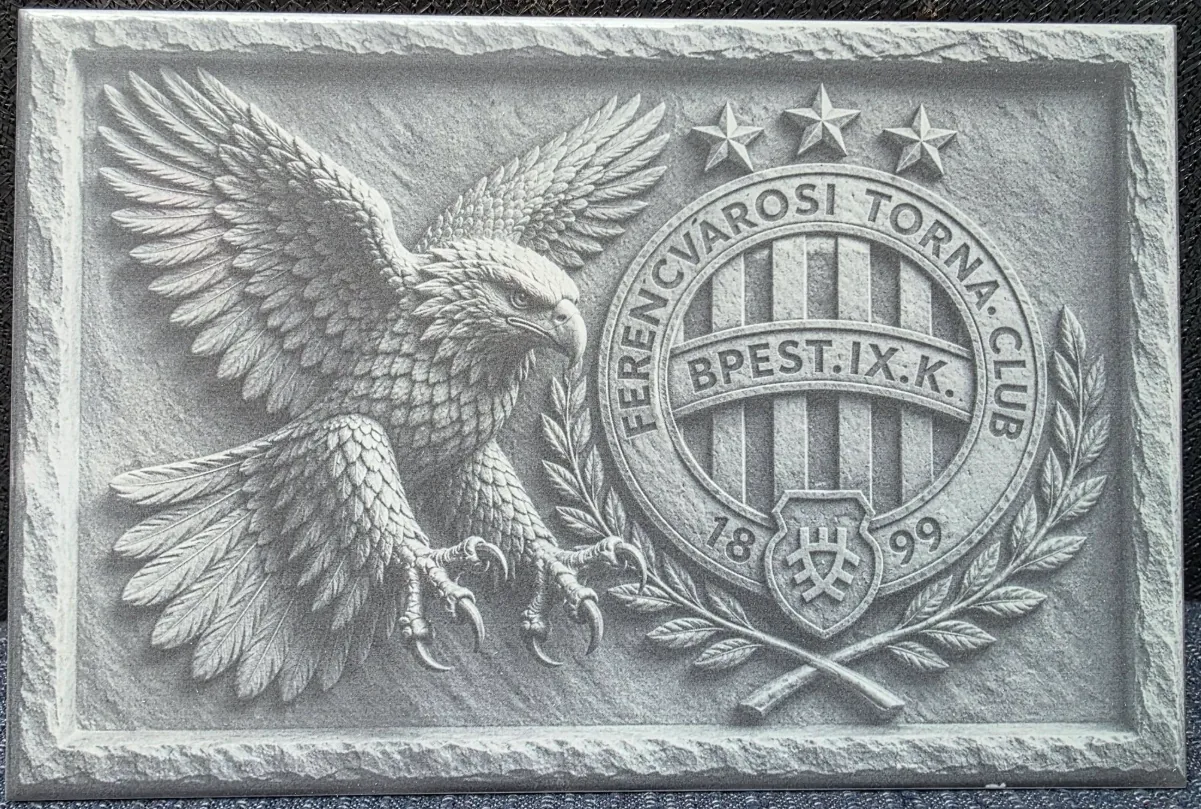
DithX (Jarvis)
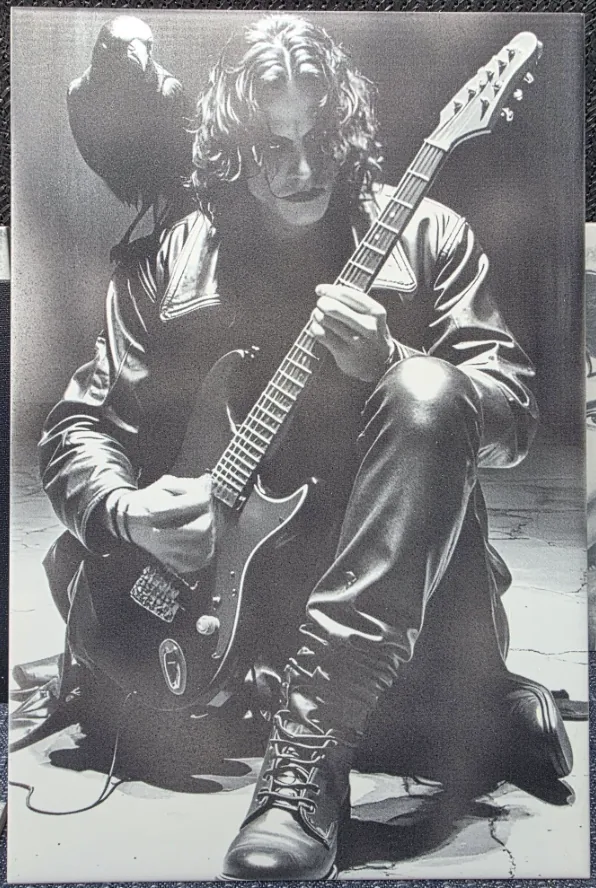
DithX (Jarvis)
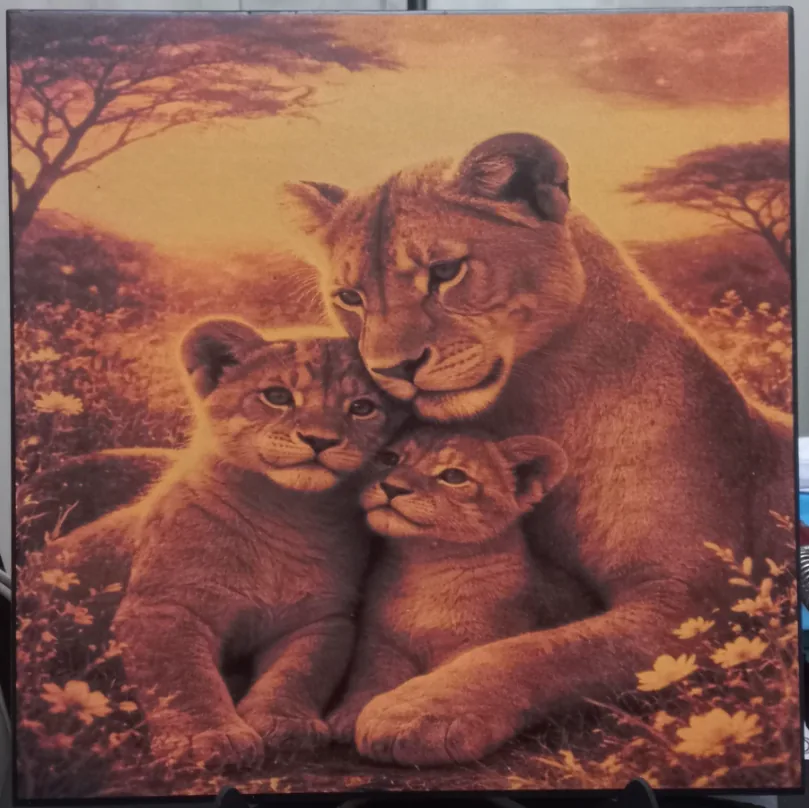
DithX (Stucki)
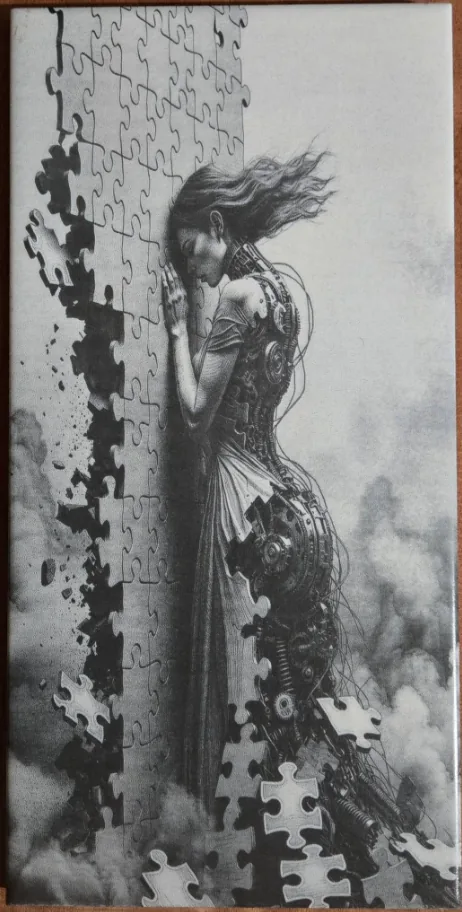
DithX (Jarvis)
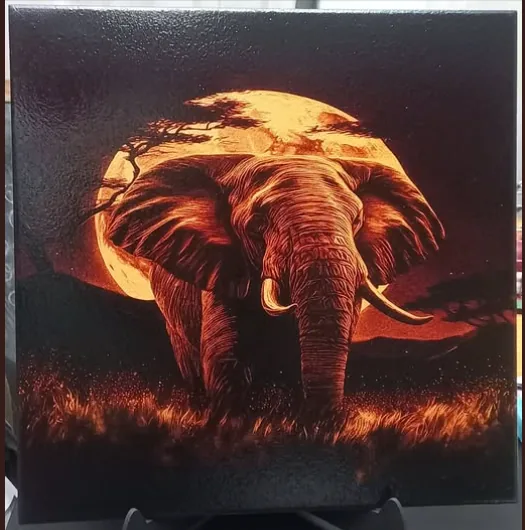
DithX (Stucki)
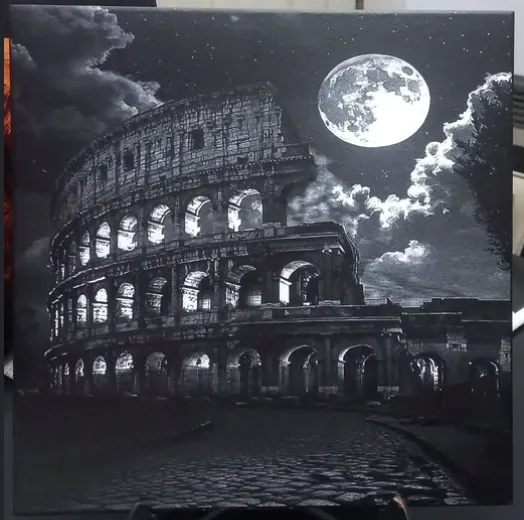
DithX (Stucki)
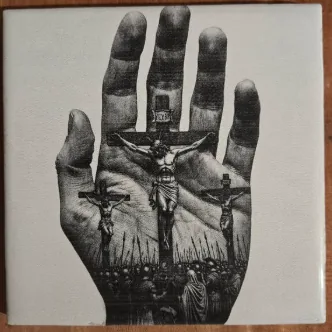
DithX (Jarvis)
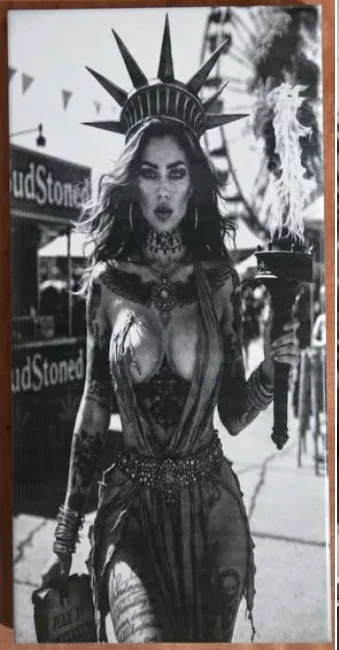
DithX (Jarvis)
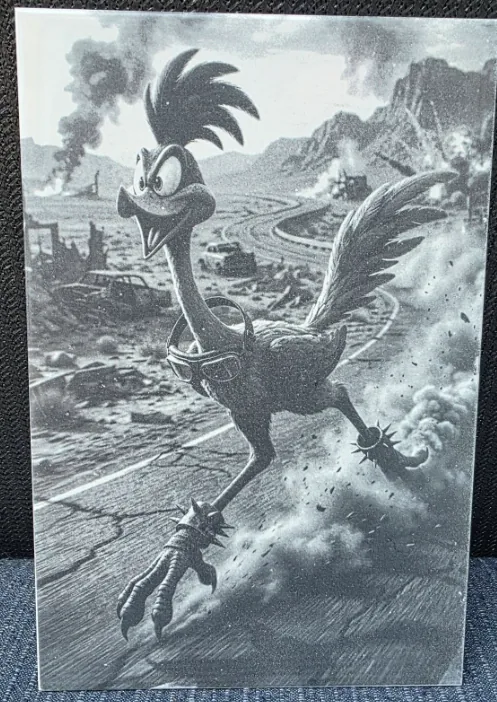
DithX (Jarvis)
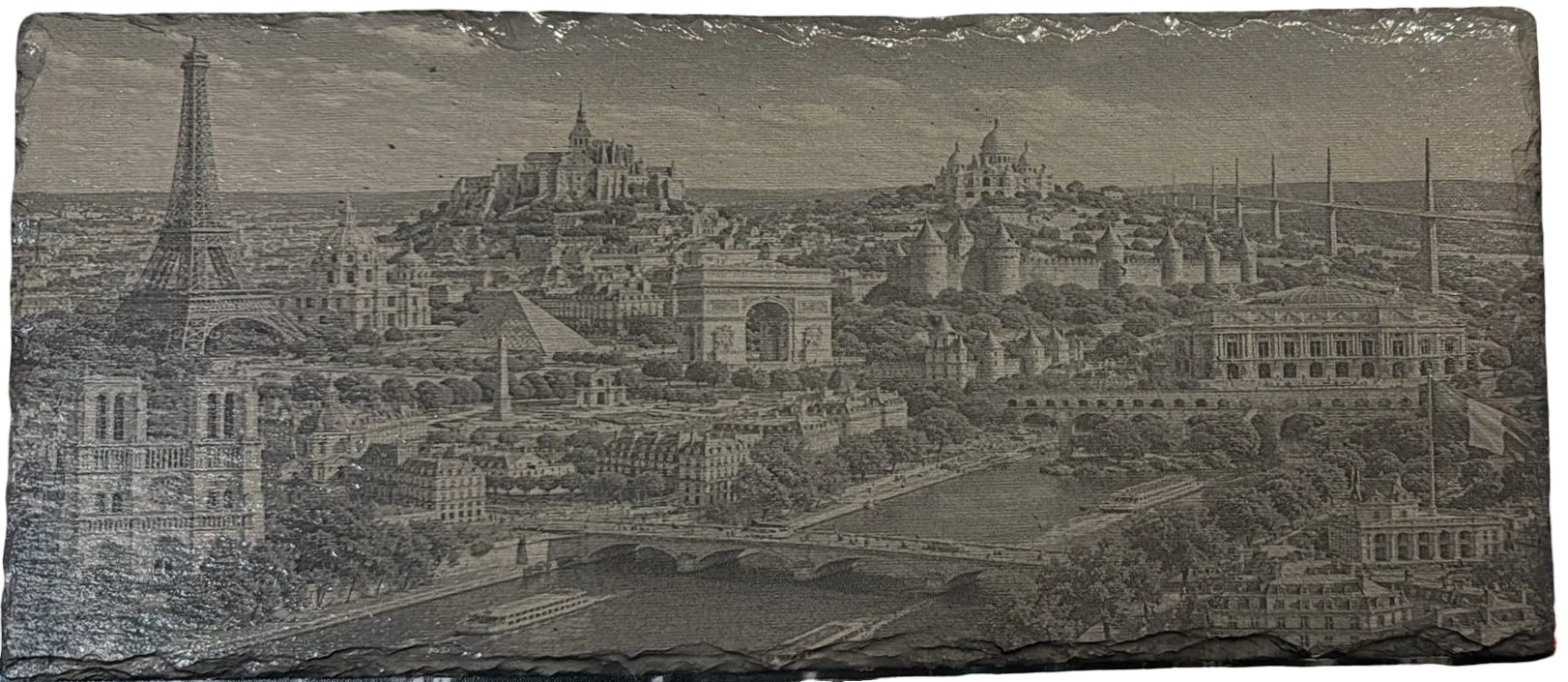
DithX (Grayscale)
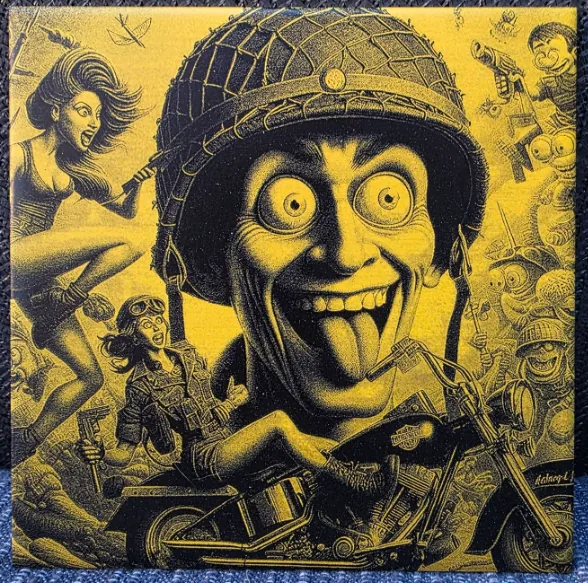
DithX (Stucki)
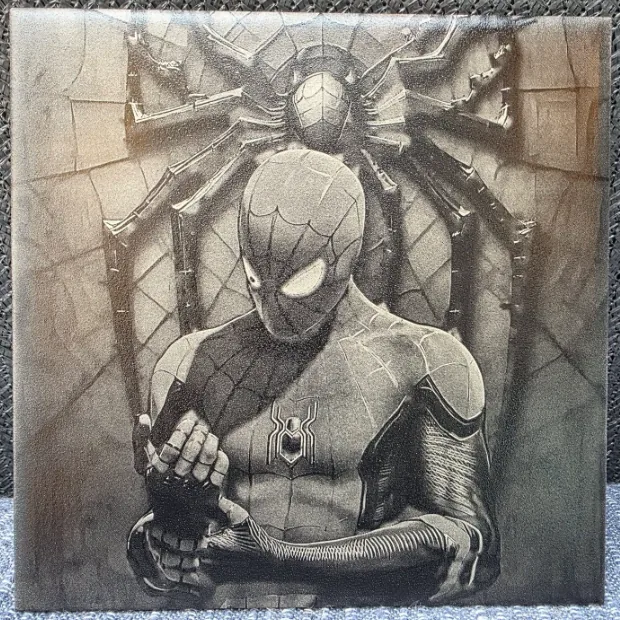
DithX (Stucki)
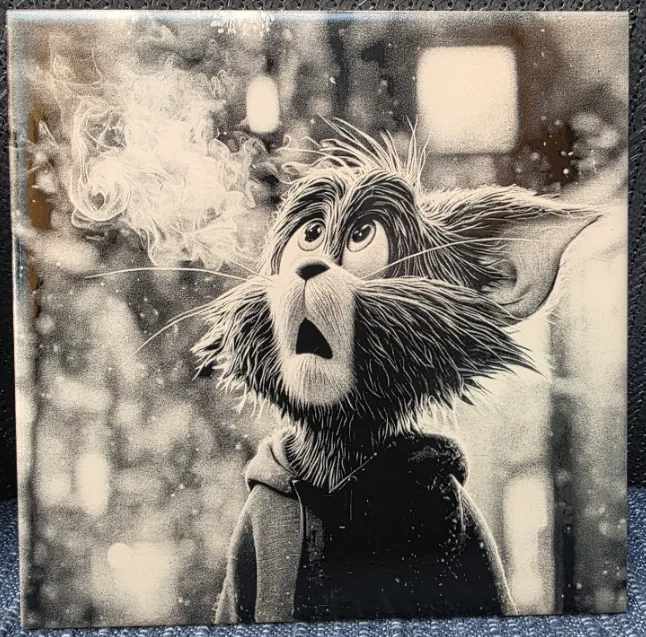
DithX (Stucki)
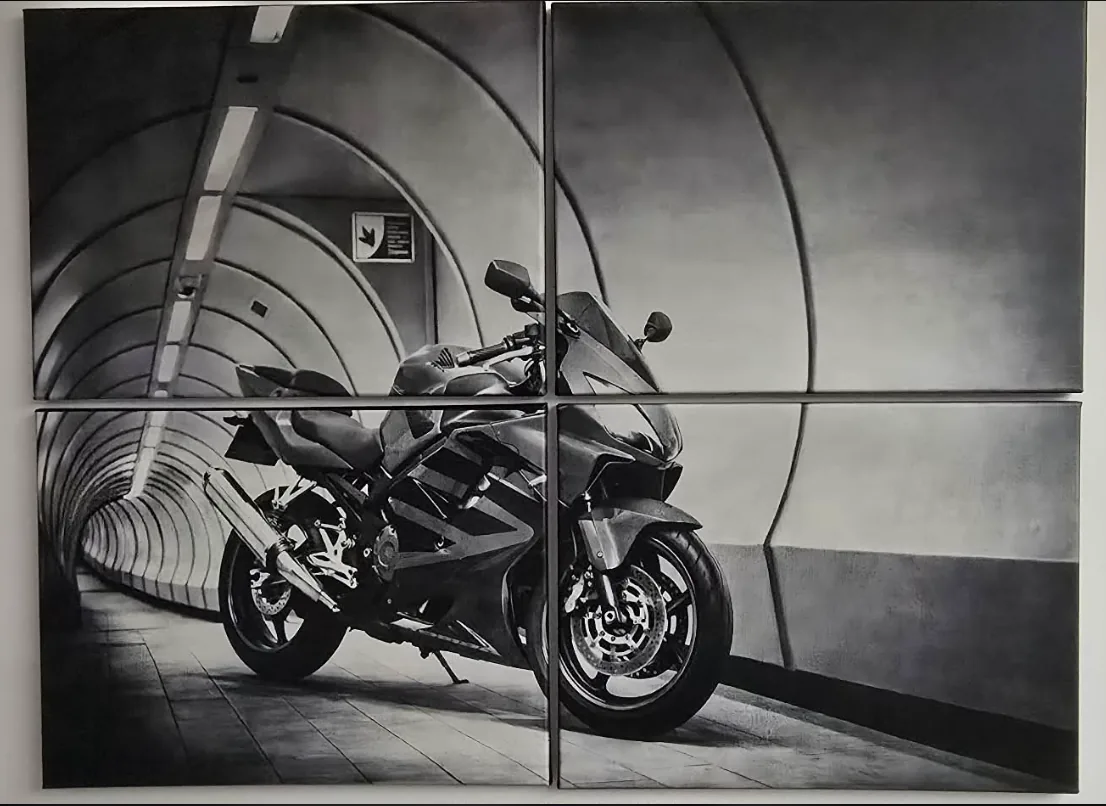
DithX (Jarvis)
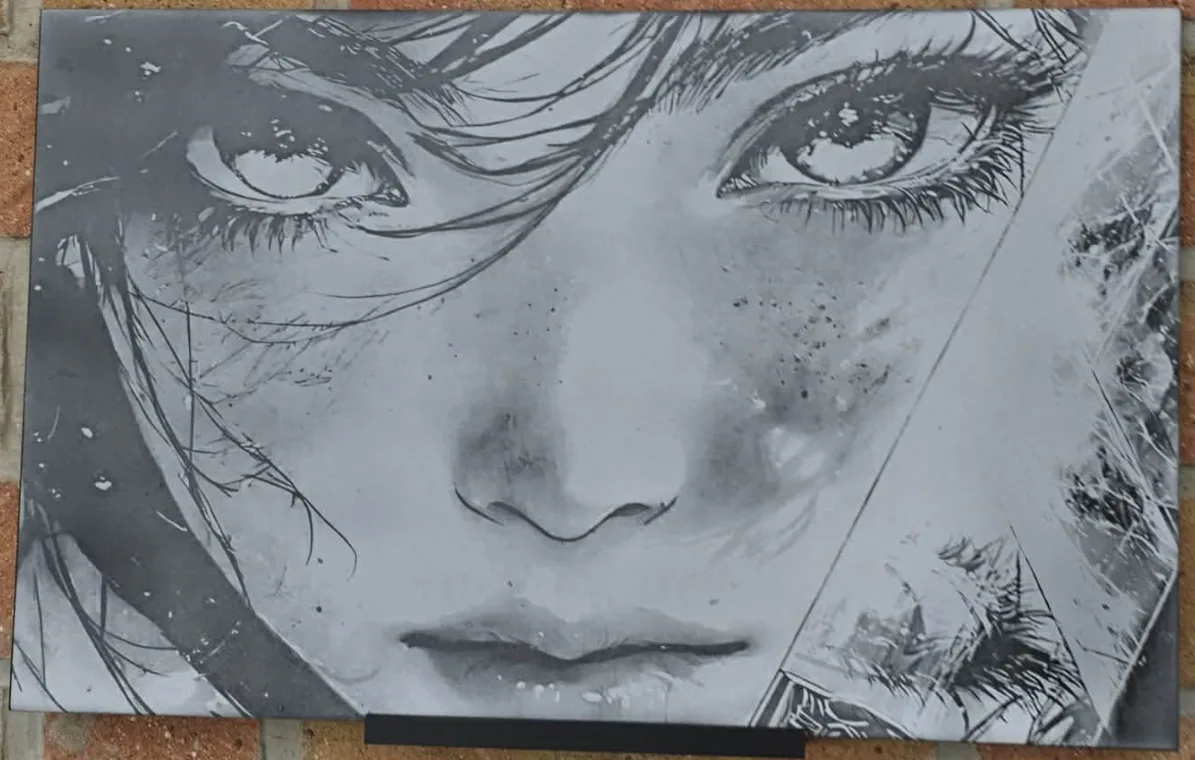
DithX (Jarvis)
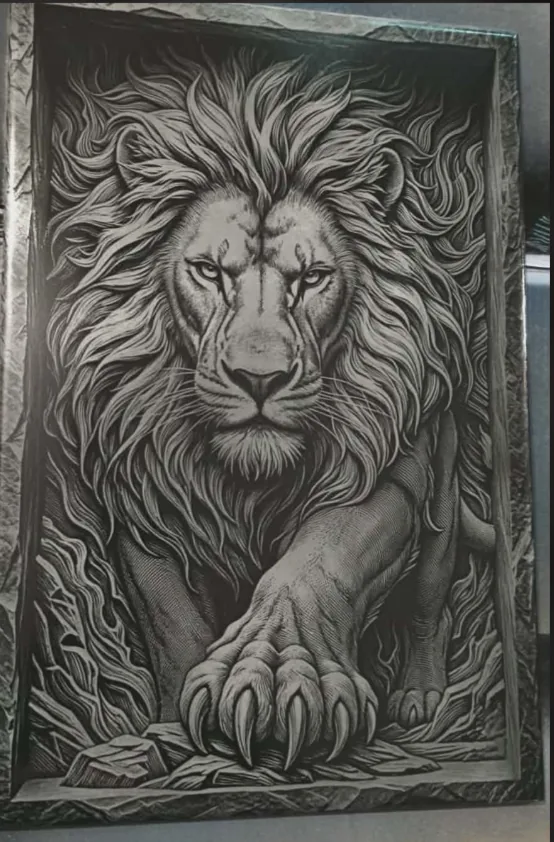
DithX (Jarvis)
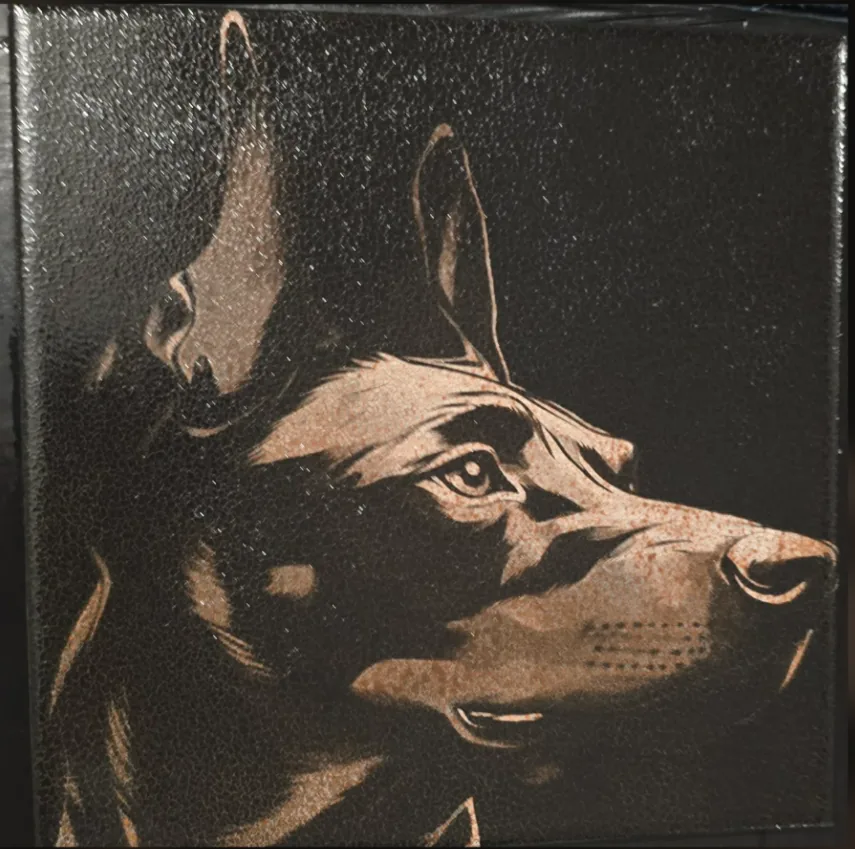
DithX (Jarvis)
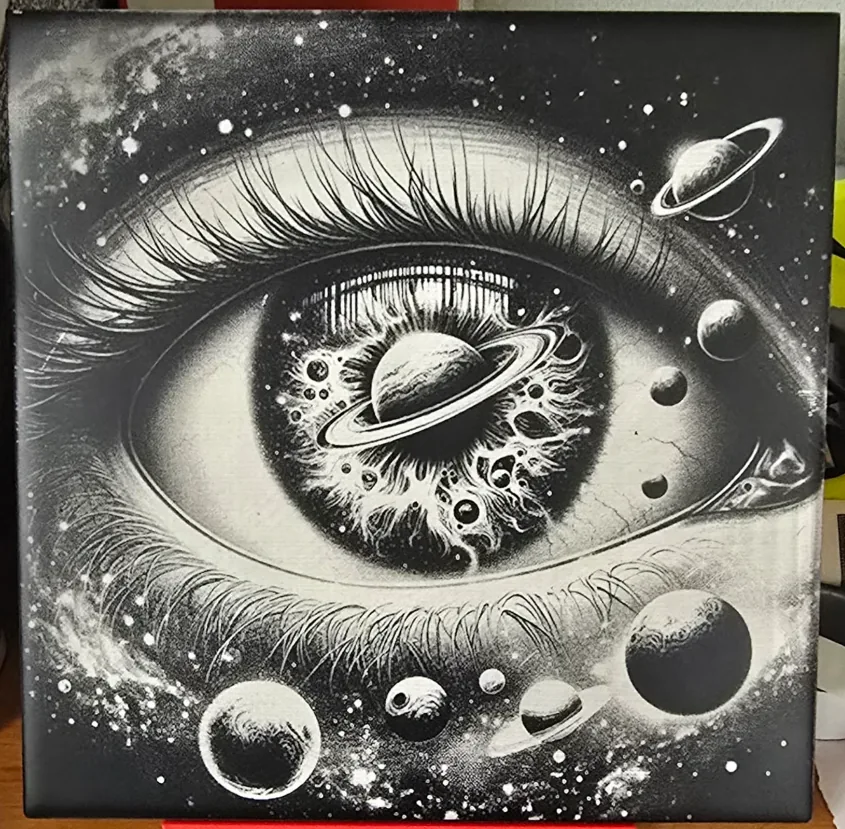
DithX (Jarvis)
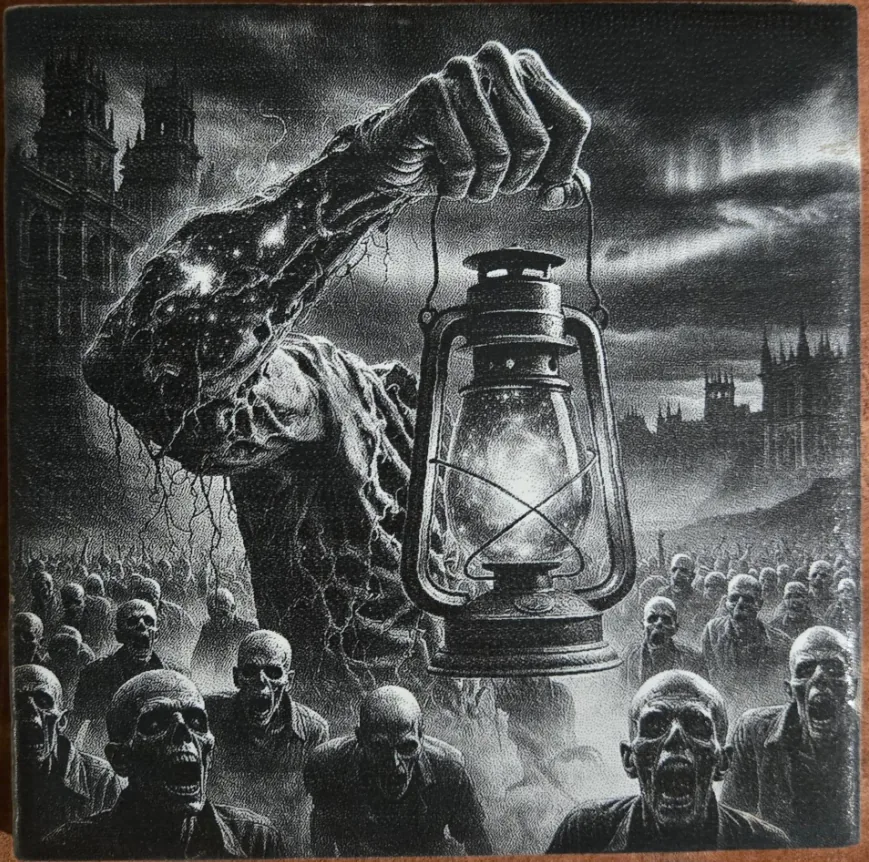
DithX (Jarvis)
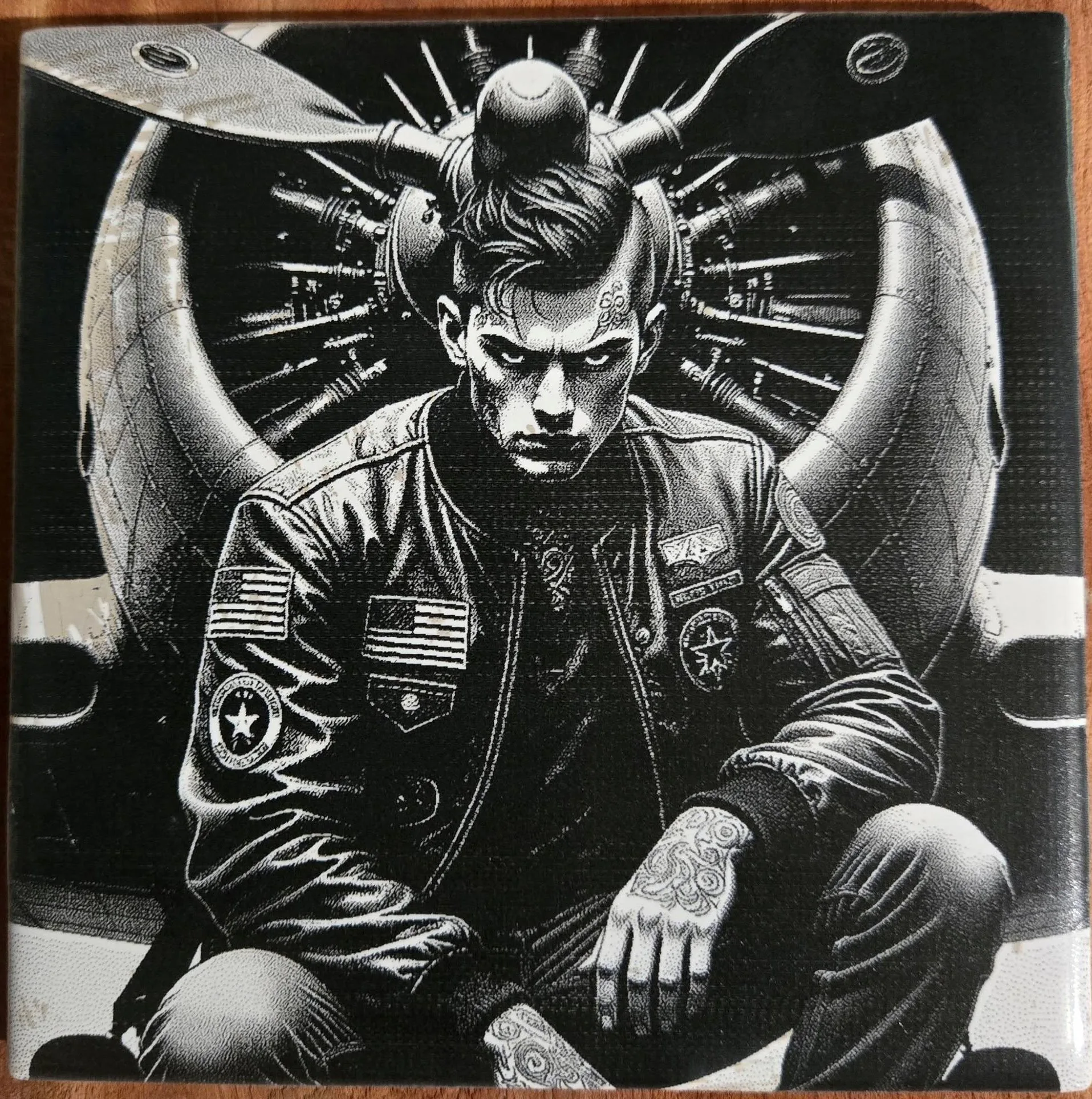
DithX (Jarvis)
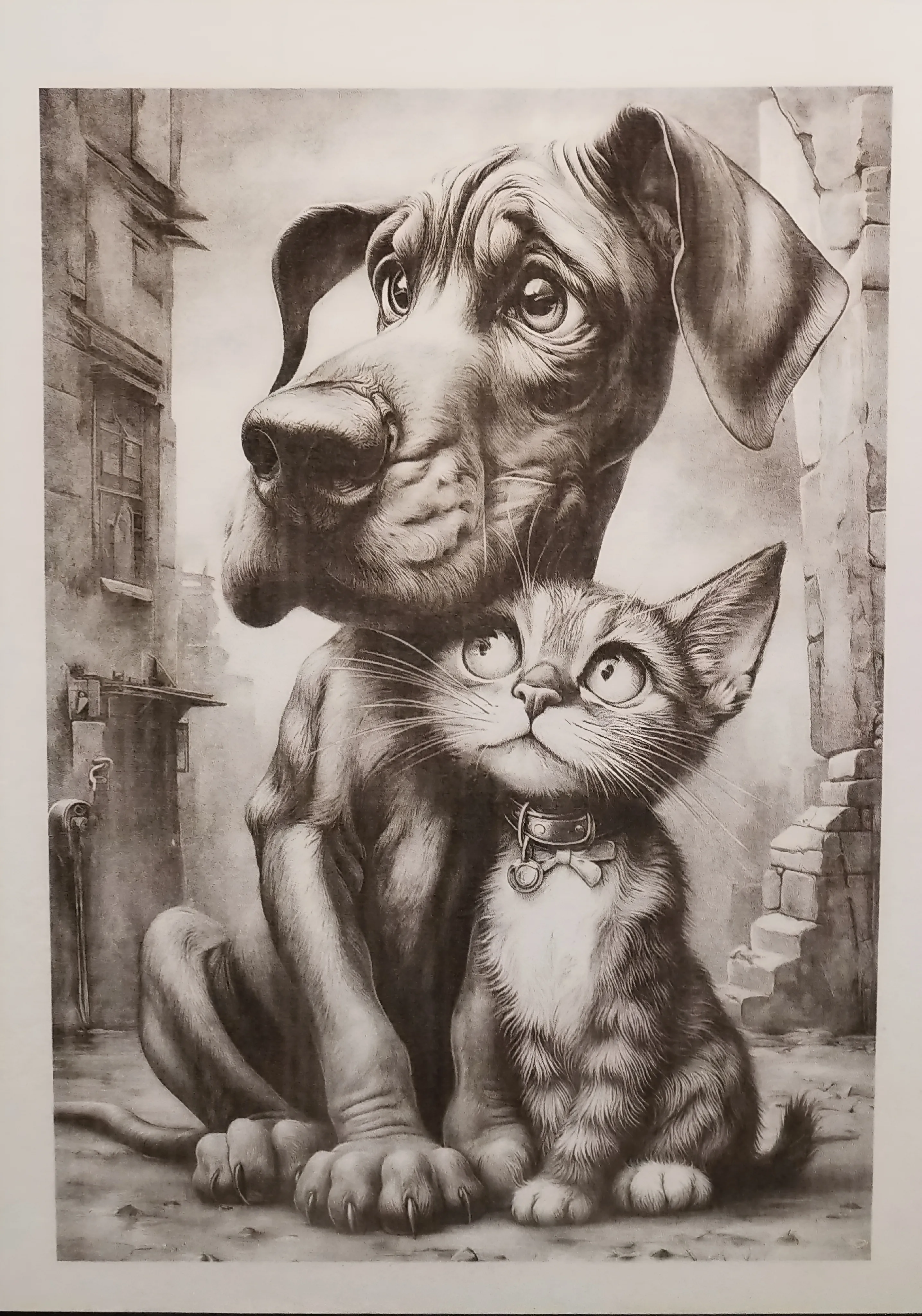
DithX (Jarvis‑Judice‑Ninke)
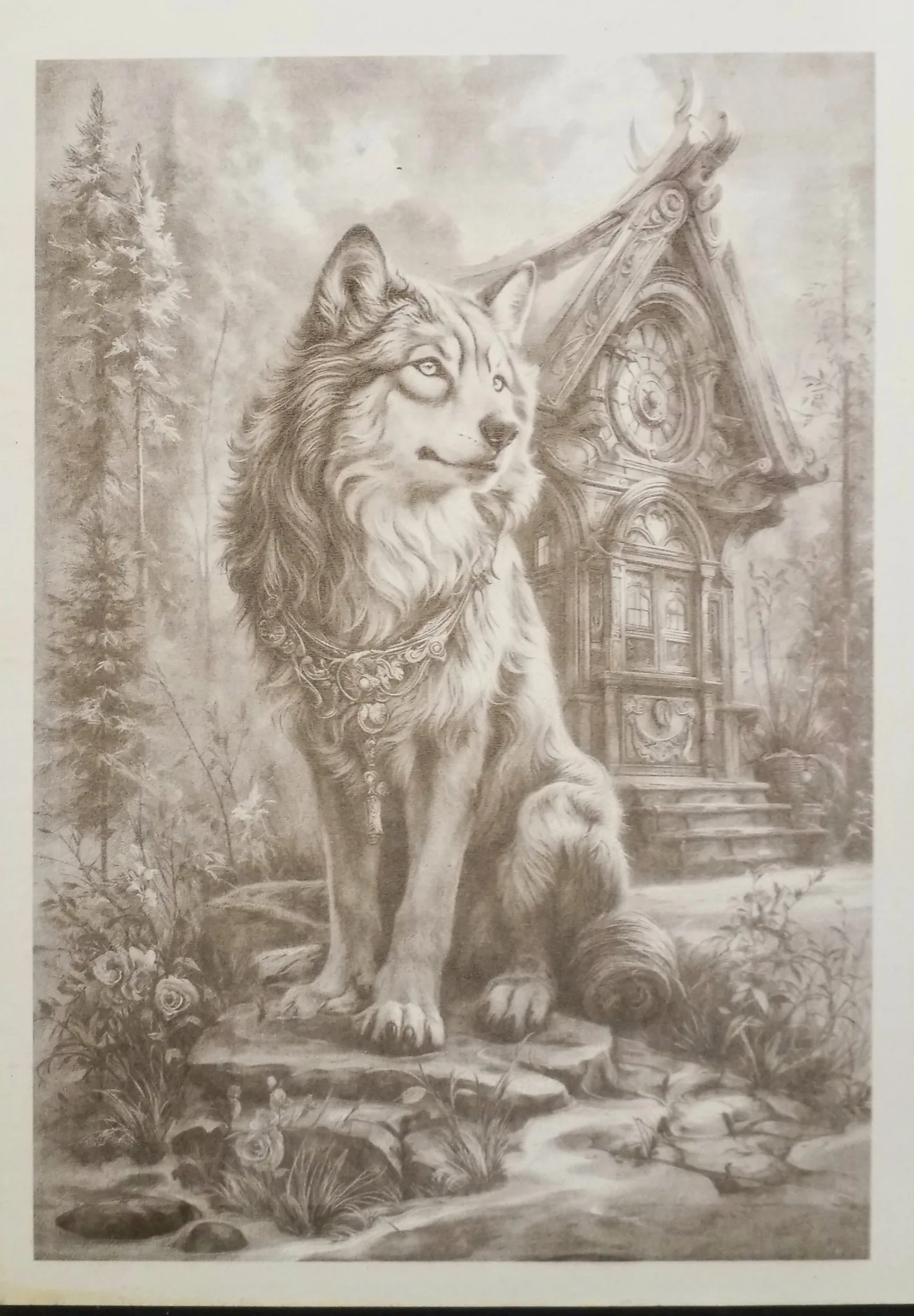
DithX (Filter Lite)
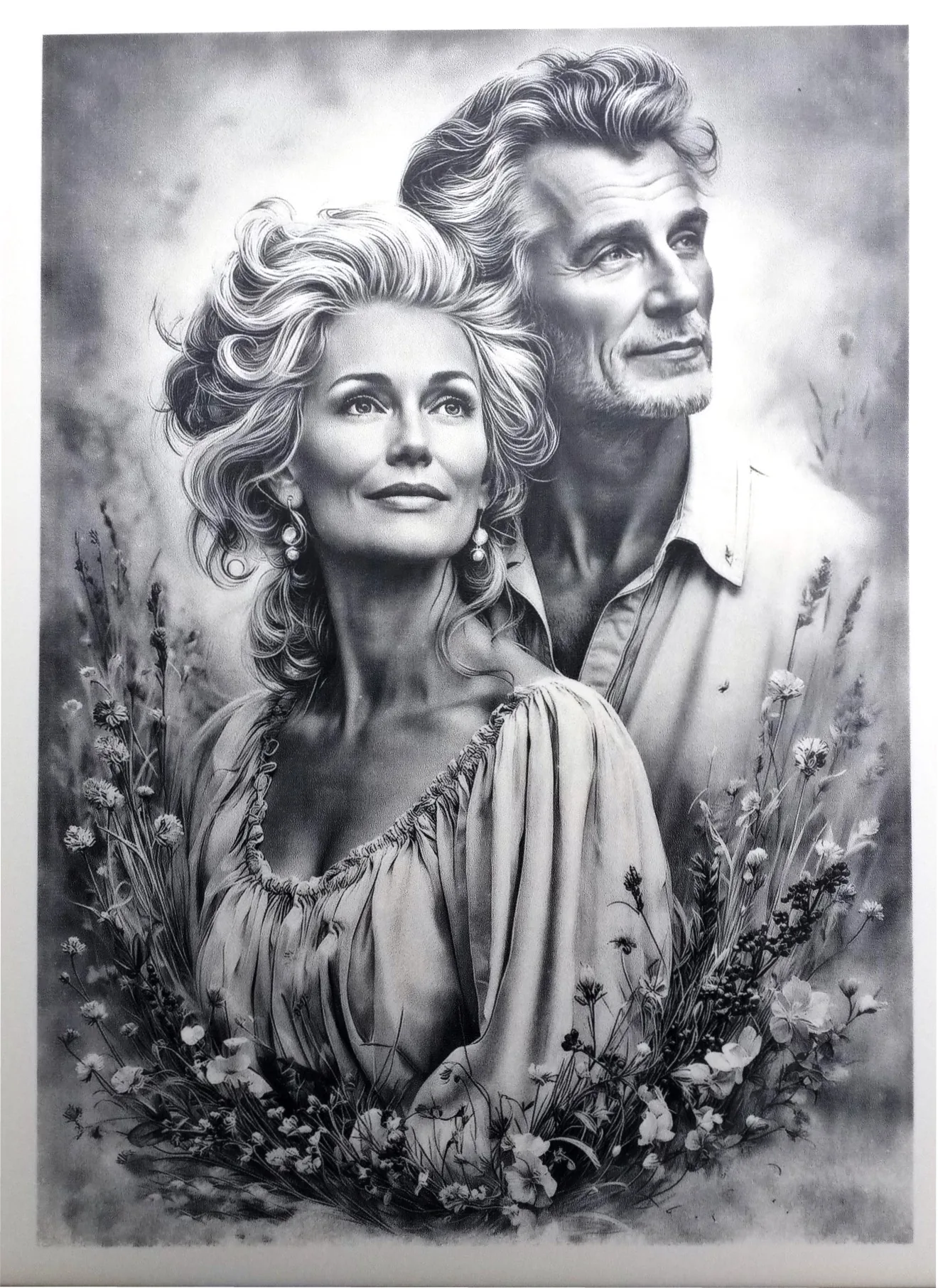
DithX (Stucki)
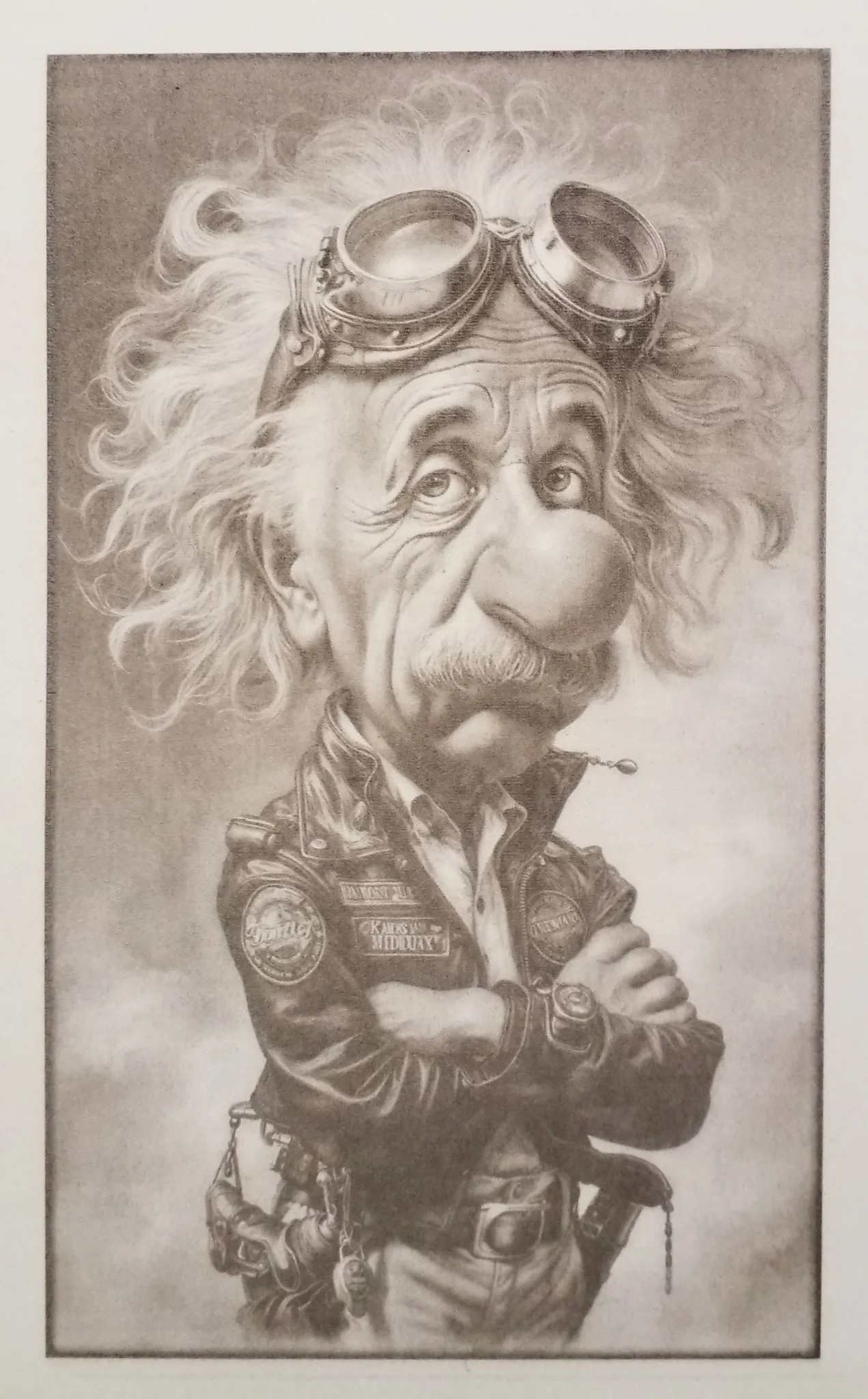
DithX (Ostromoukhov)
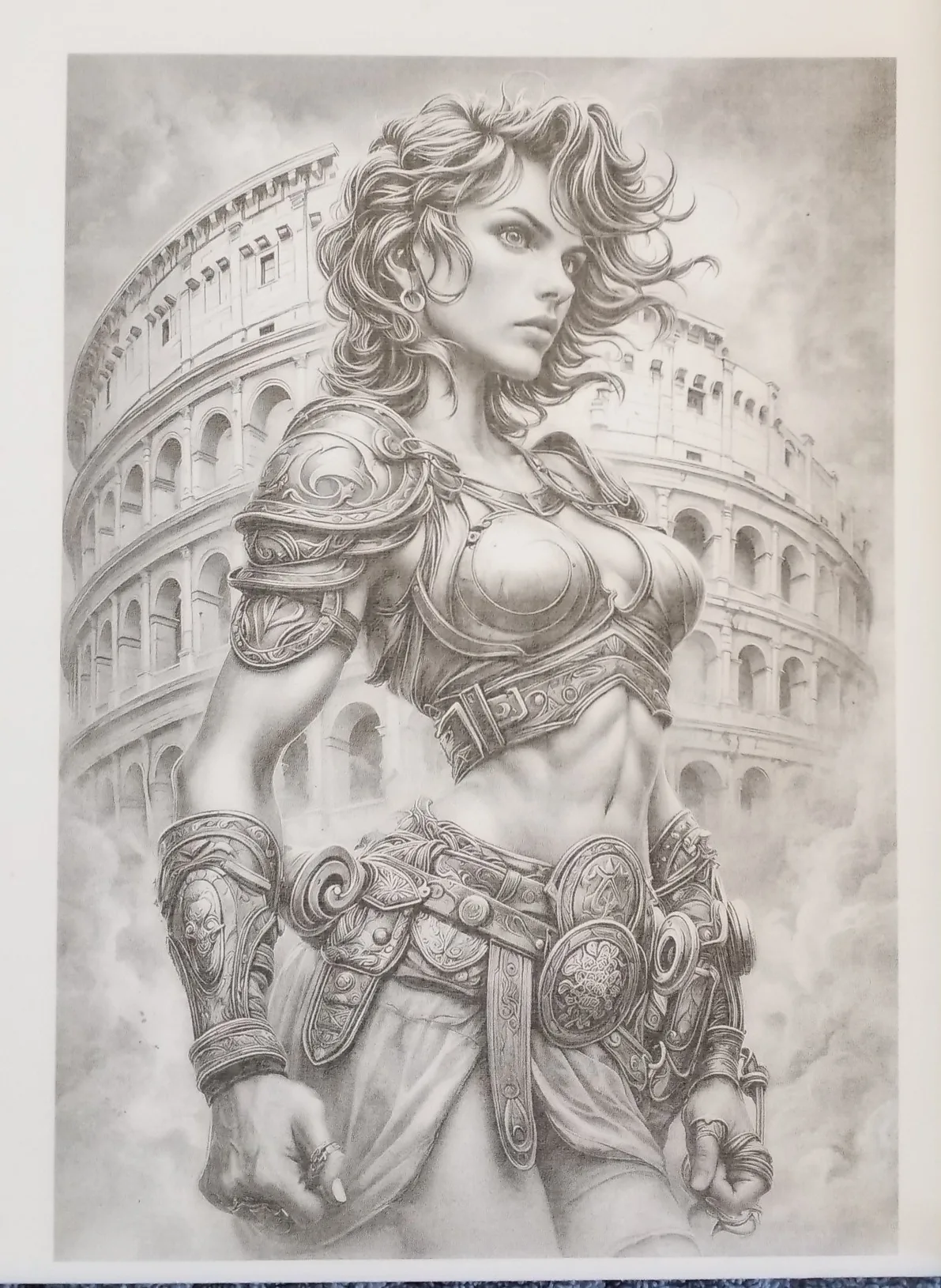
DithX (Delta Grid)
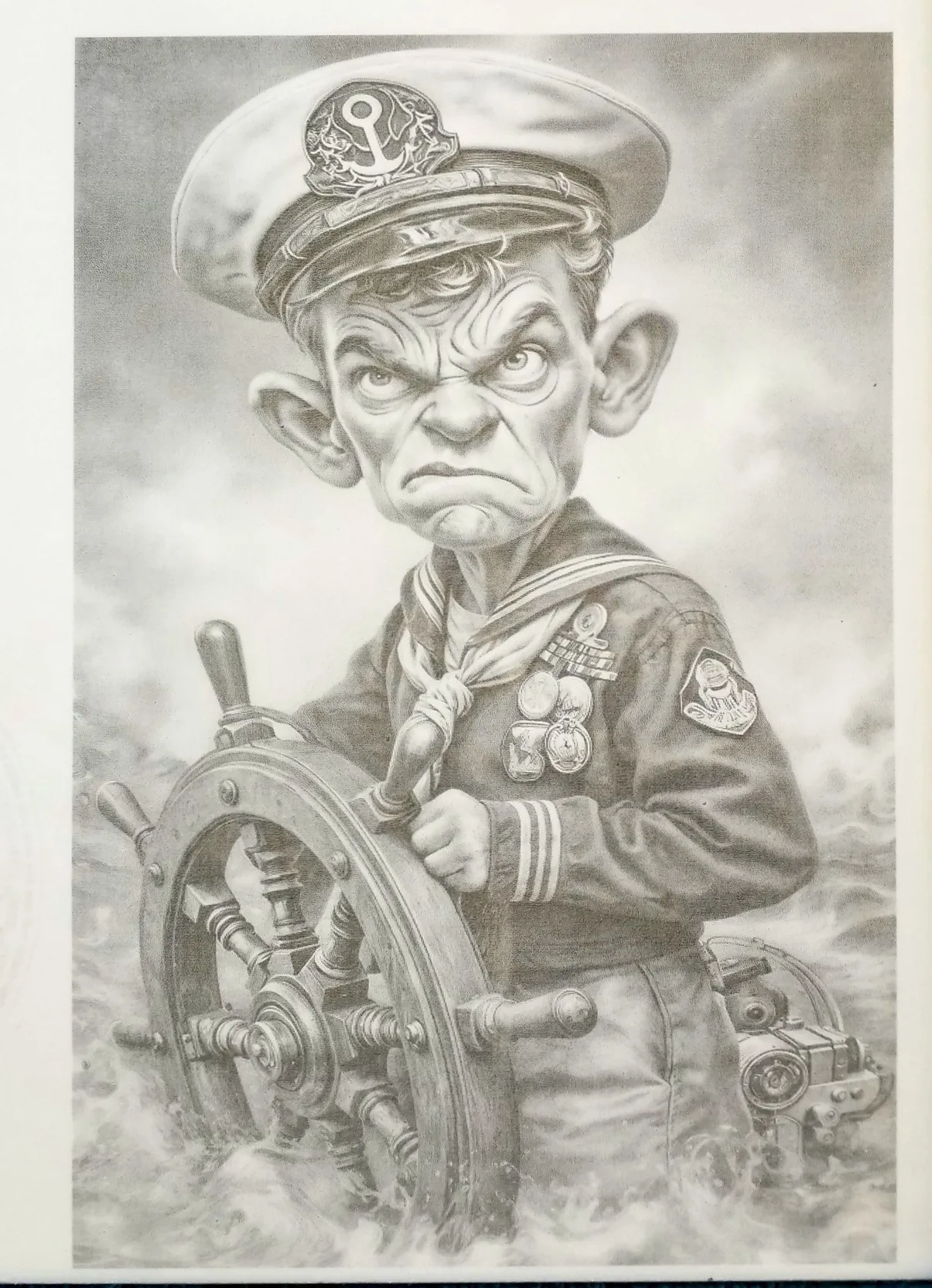
DithX (Stucki)
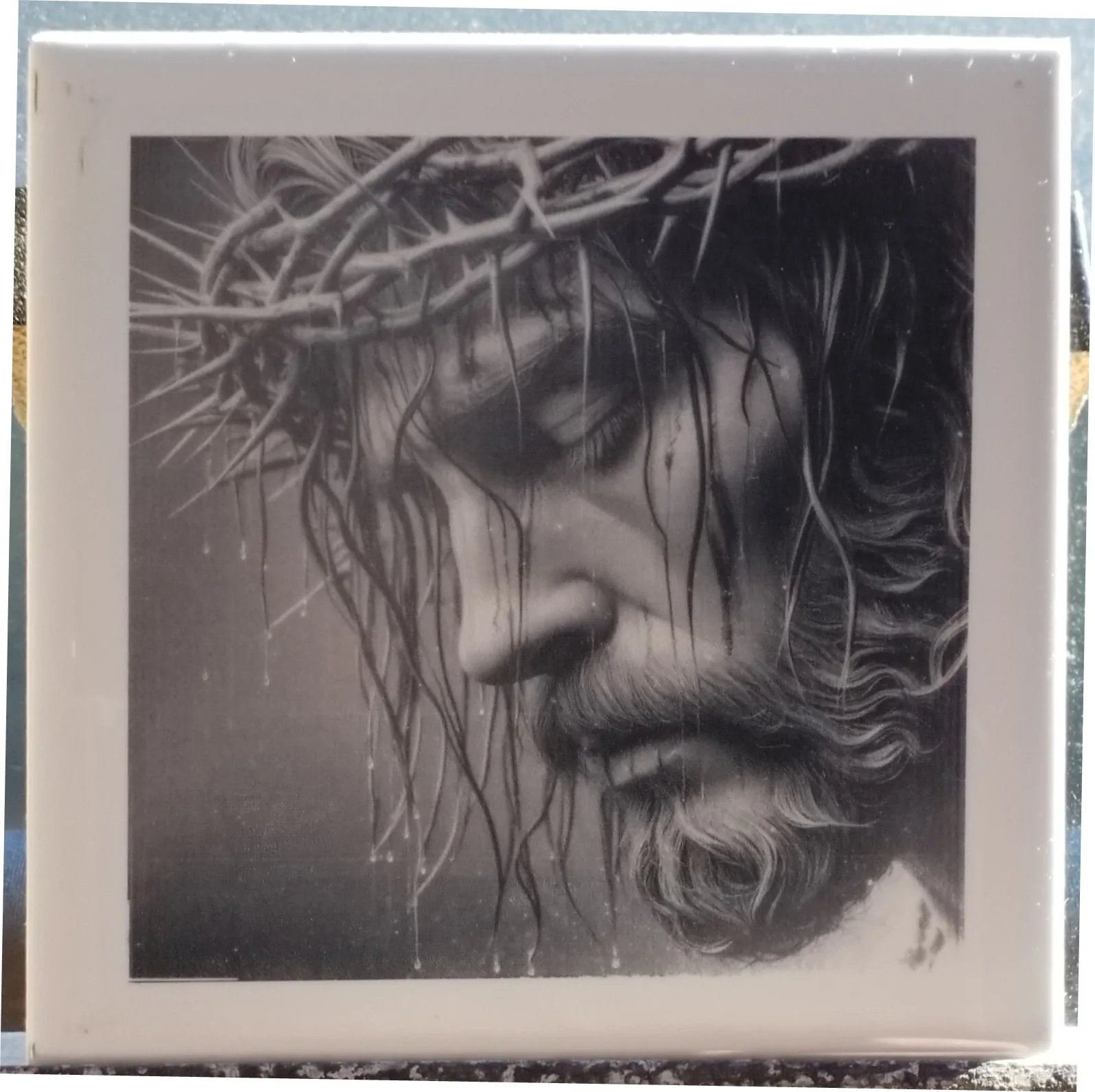
DithX (Stucki)
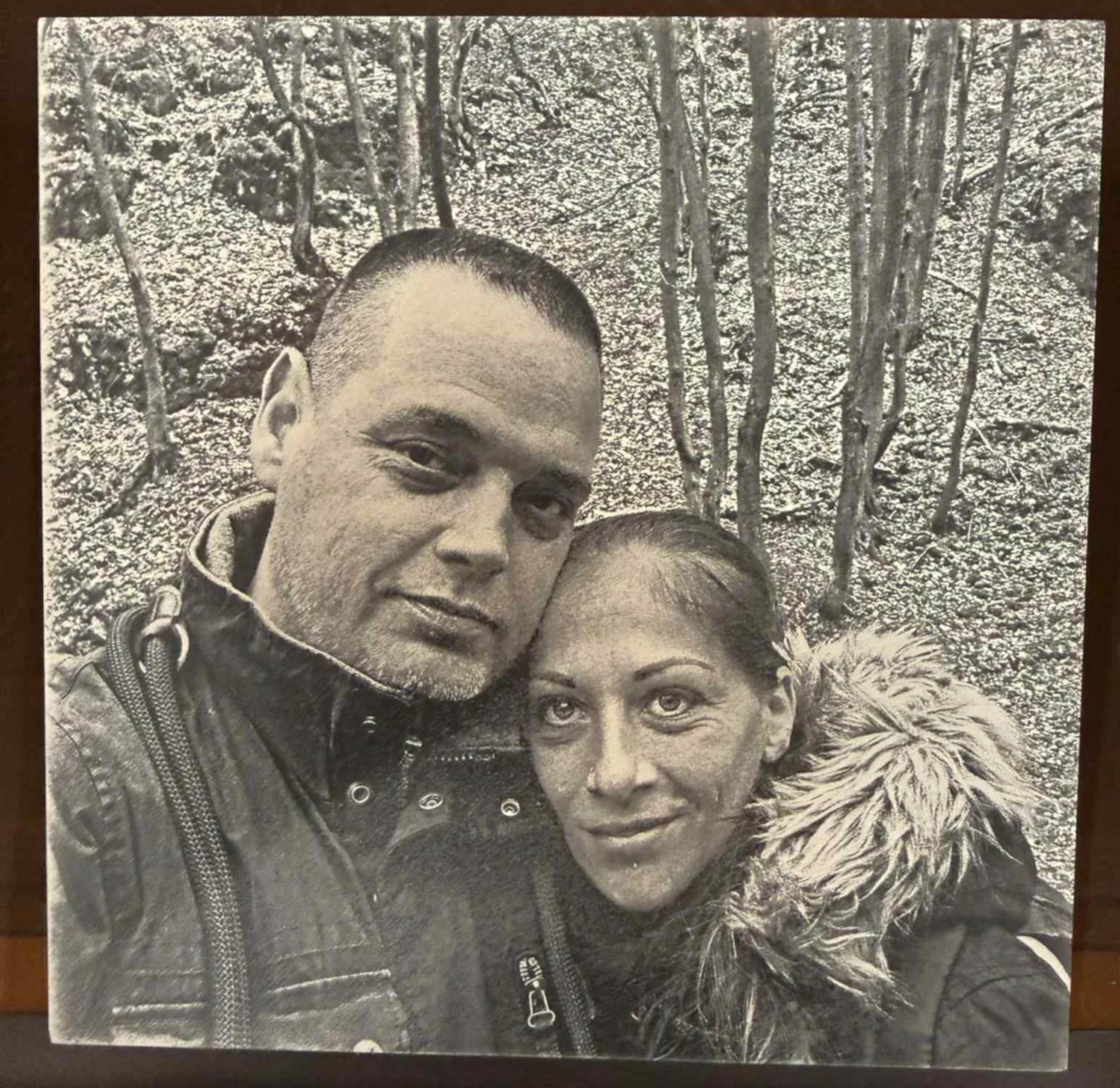
DithX (Jarvis)
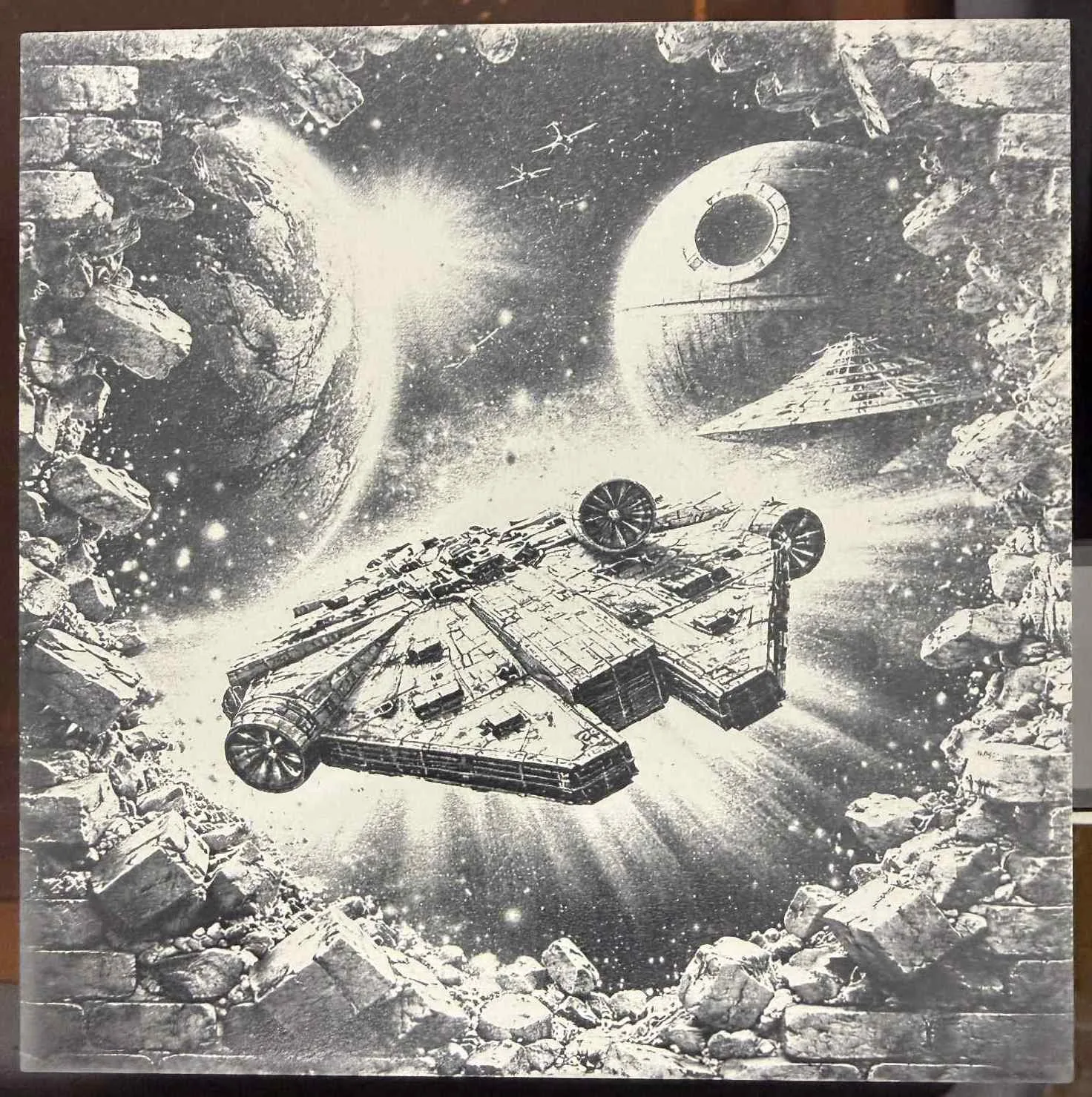
DithX (Jarvis)
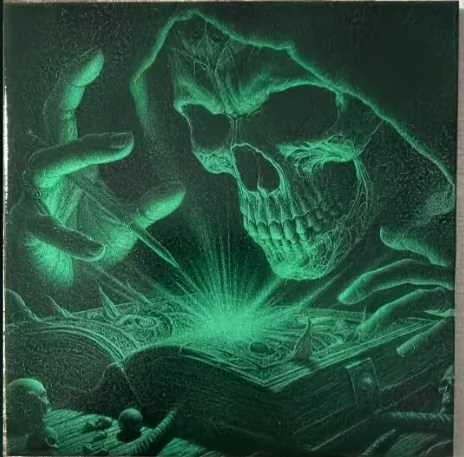
DithX (Stucki)
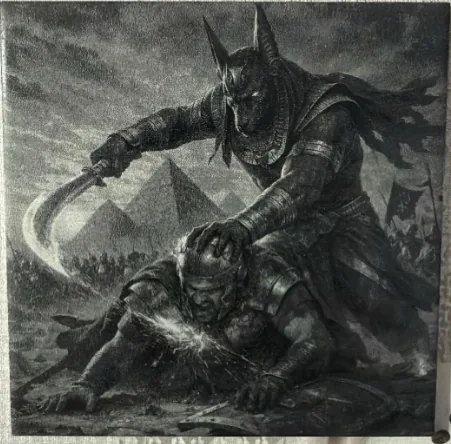
DithX (Stucki)
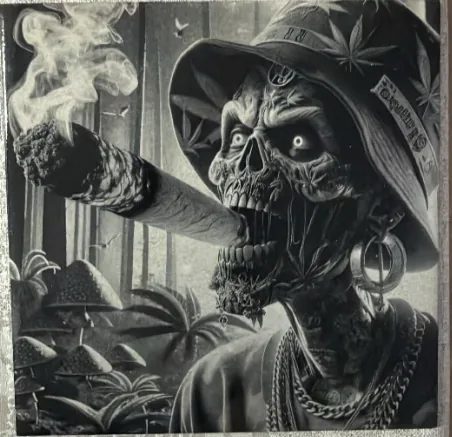
DithX (Stucki)
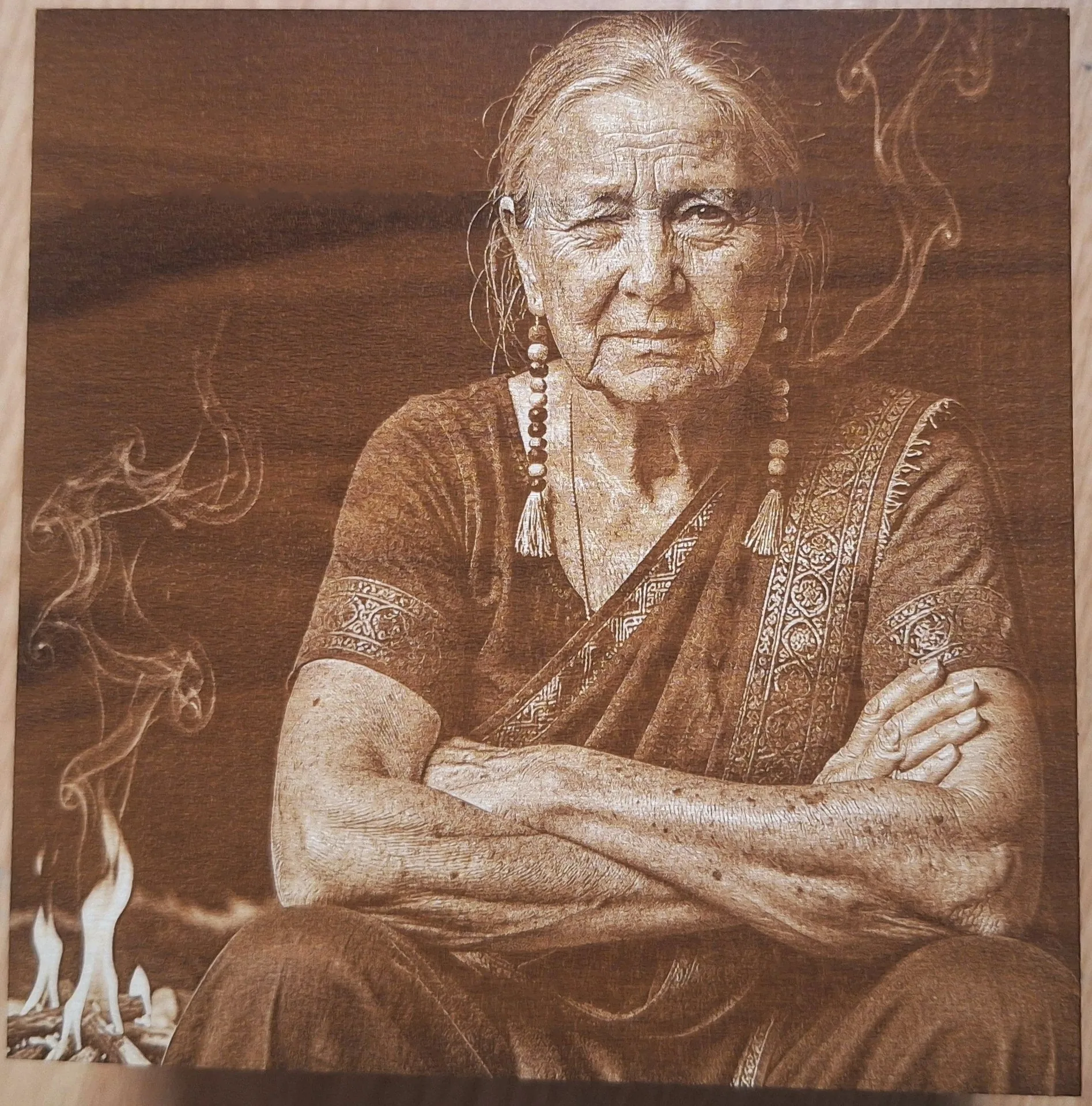
DithX (Stucki)
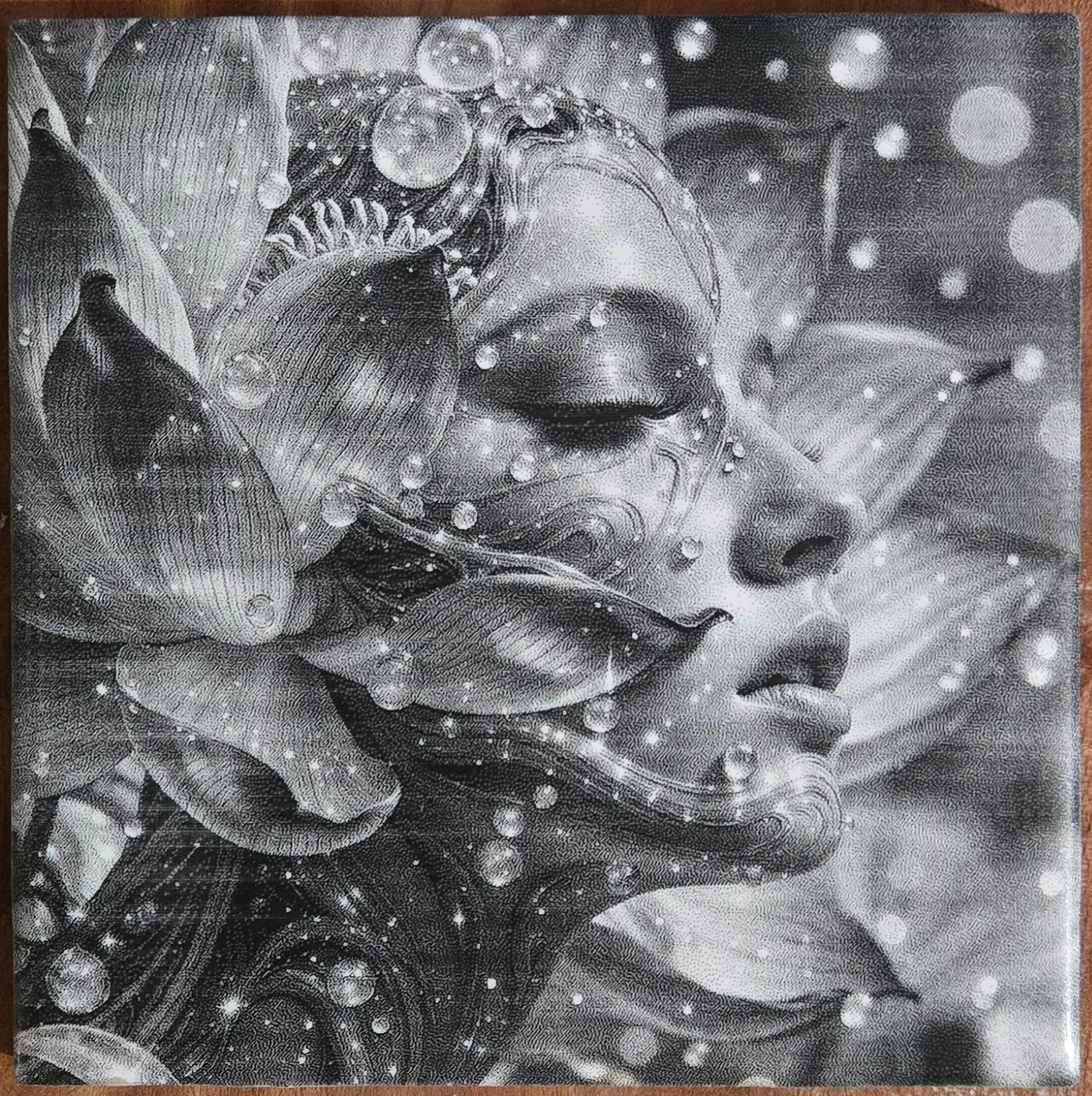
DithX (Jarvis)
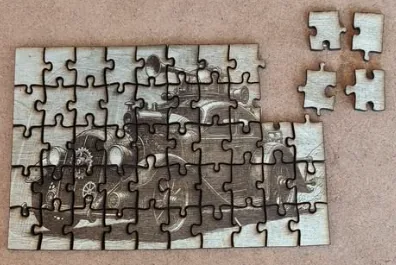
DithX (Stucki)
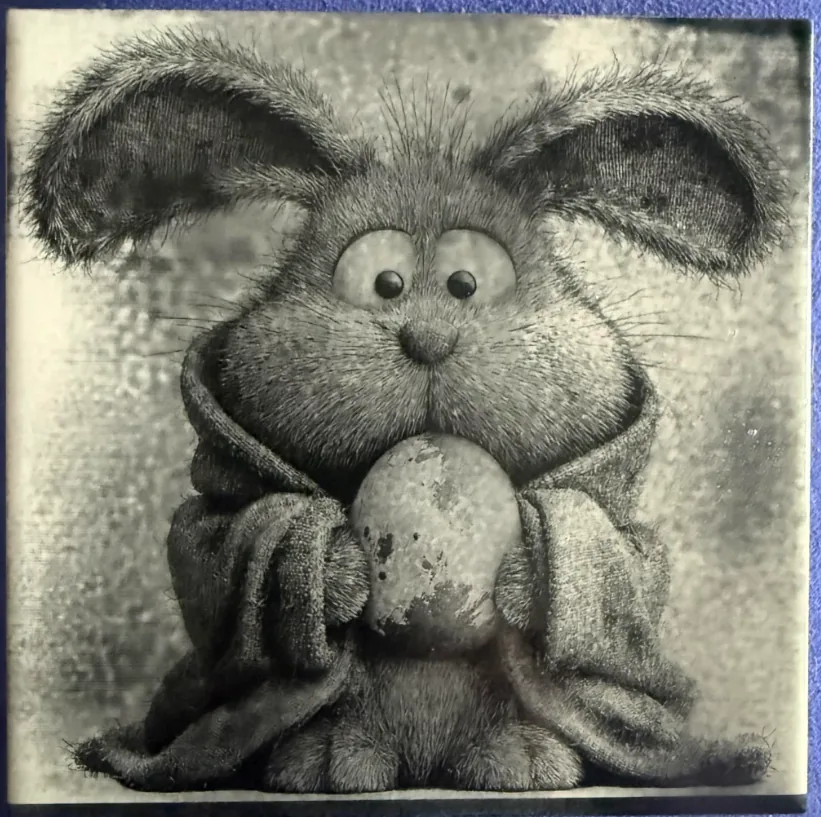
DithX (Jarvis)
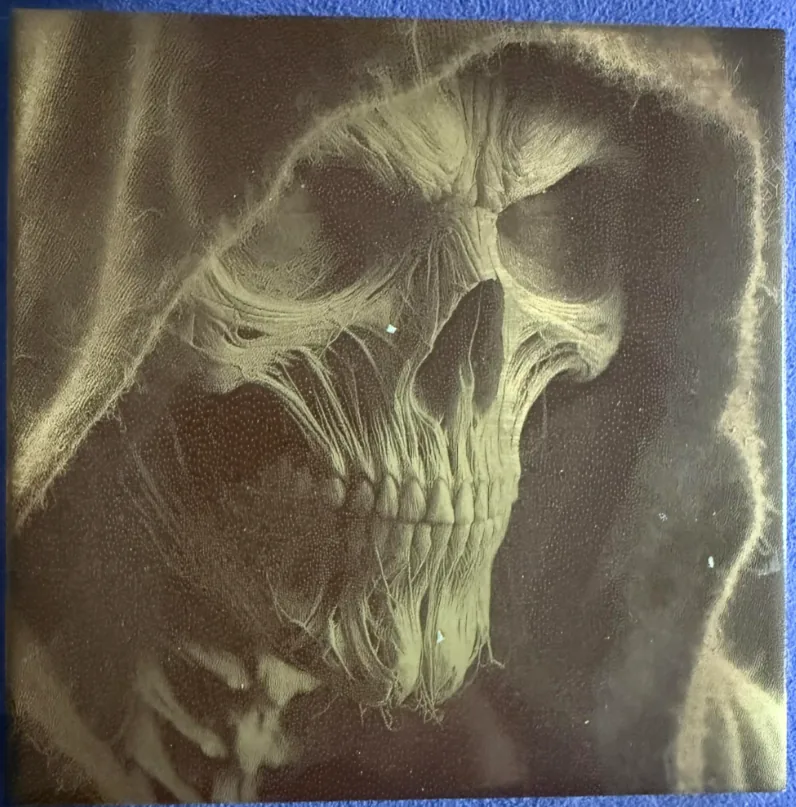
DithX (Jarvis)
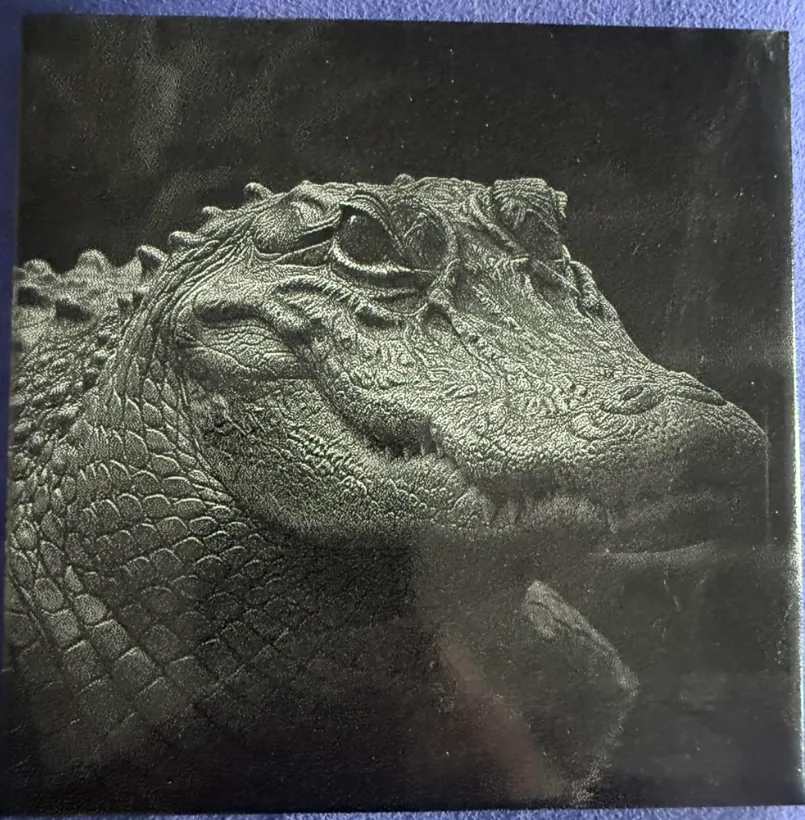
DithX (Jarvis)
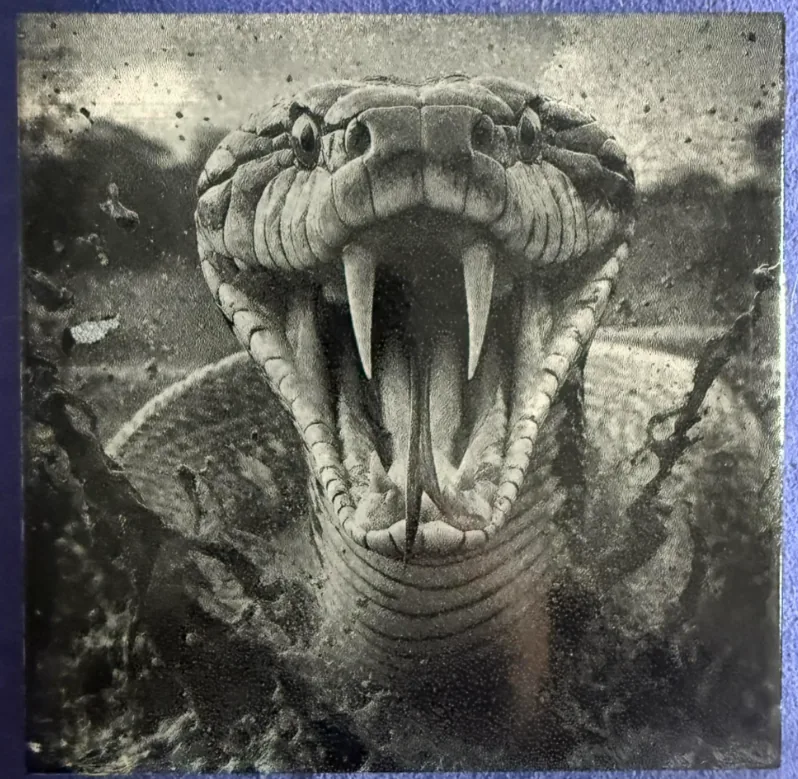
DithX (Jarvis)
About DithX
DithX is a free, privacy-focused image engine for laser engraving.
- Local Processing: WASM-powered, runs in your browser.
- Privacy: Images never leave your device.
- Free: Built for the maker community.
Designed for Fiber, CO2, Diode, and UV lasers.